
How to Choose a Shopify SEO Agency for a Niche Store
To choose a Shopify SEO agency for a niche store, test two things before you talk about price. The first is whether the agency knows how Shopify works well enough to answer platform questions without looking them up: which URLs you can and cannot change, what the default robots.txt already blocks, which apps are rewriting your titles and markup, and how they will get into your store. The second is whether it has a plan for a market where the best keywords get very little search volume, because the playbook that works for a big fashion store does not transfer to a shop selling one specialized product line.
This guide gives you the questions for both halves, what a good answer sounds like, the red flags, and what the work typically costs in Calgary. It assumes you have already decided the platform is not the problem; if you are still weighing that, read the separate piece on whether Shopify is a weak platform for SEO first. If your store runs on another platform, the general guide on how to evaluate an ecommerce SEO agency is the better fit.
Why Shopify changes the shortlist
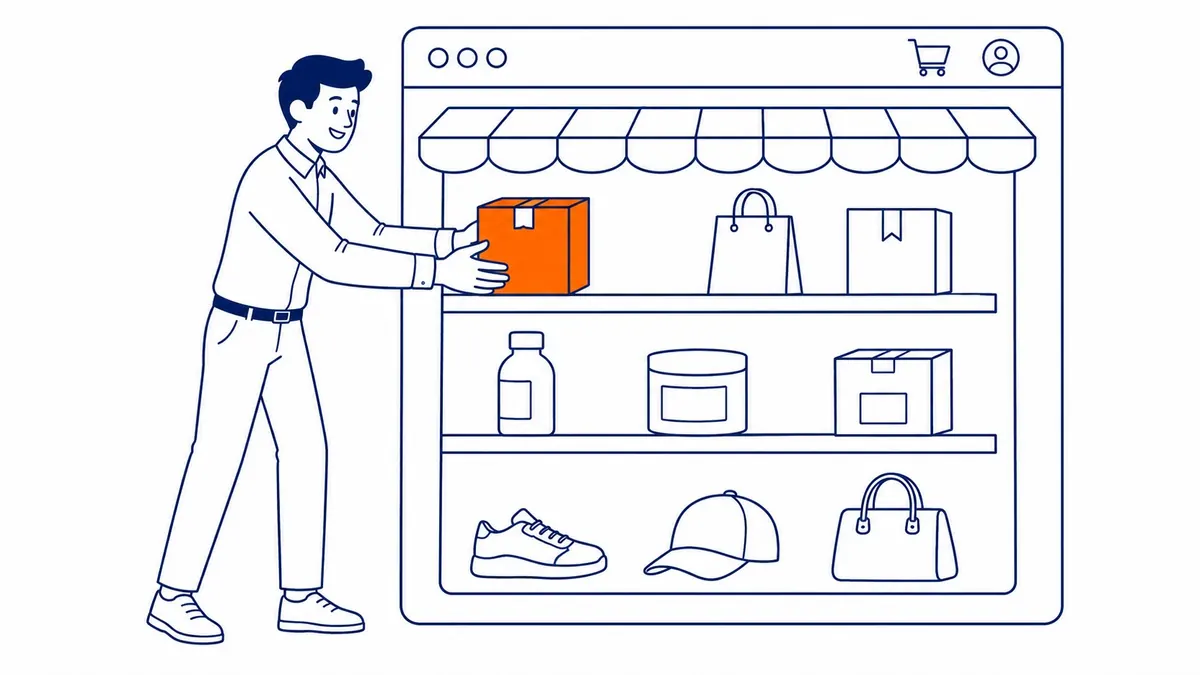
Shopify does a good share of the technical groundwork for you. According to Shopify’s SEO overview, every store gets auto-generated canonical tags, an automatic sitemap.xml and robots.txt, and themes that include product structured data. That changes what you should be paying an agency for. A proposal that lists “sitemap creation” or “canonical tag setup” as billable tasks is describing things the platform already does, which tells you the proposal was written for any website rather than for yours.
The real Shopify work sits in the parts the platform fixes in place or leaves to you. Product and collection URLs always sit under /products/ and /collections/, and Shopify’s redirect documentation lists those as fixed paths that cannot be redirected. Themes and apps add their own code to every page, and filtered or sorted collection pages can multiply into near-copies of each other. An agency that knows Shopify works inside those limits instead of promising to remove them, and the questions below are designed to find out which kind you are talking to.
Six platform questions that separate a specialist from a generalist

Put these six questions to every agency on your list, ideally on a call rather than by email, so you hear how comfortably they answer. Each one comes from Shopify’s own documentation, so a specialist should recognize all of them.
1. What can you change about my URLs, and what can’t you? A good answer explains that the /products/ and /collections/ prefixes are fixed, that the handle after them can be edited, and that changing a handle means adding a redirect from the old address. A stronger answer adds that Shopify only lets you redirect a URL that no longer loads, so the old URL has to stop working before the redirect takes effect. A weak answer promises “clean, keyword-rich URLs” without mentioning any of this.
2. How does my theme link to products from collection pages? Shopify’s Liquid reference warns that its within filter creates a product URL inside a collection path, and that because the standard product page and the collection version “have the same content on separate URLs”, you should consider the SEO implications. A specialist will check which version your theme links to internally and confirm the canonical tag points to the standard /products/ URL.
3. What does my robots.txt already block, and would you change it? Shopify’s default file blocks filtered collection URLs (the /collections/*+* rule) and sorted ones (/collections/*sort_by*), because they repeat the main collection page. Shopify also calls editing robots.txt.liquid an “unsupported customization” and warns that “incorrect use of the feature can result in loss of all traffic.” The answer you want is that they would read your live file first, save a copy, and only add a rule for a specific problem they can show you.
4. Which apps are writing to my titles and structured data? Shopify’s SEO FAQ says that when a title tag or H1 goes missing, it is “likely the result of custom code or an app.” Review, SEO and bundle apps often add their own markup on top of what the theme outputs. A good agency checks the rendered page with Google’s URL Inspection tool or the Rich Results Test, looks for duplicate or conflicting Product markup, and tells you which app to configure or remove.
5. How will you get access to my store? The right answer is a collaborator account. Shopify’s collaborator system works through a request code that you share only with the partner you choose, lets you assign only the permissions the work needs, expires access automatically if the collaborator has not logged in for 90 days, and never allows store ownership to be transferred to a collaborator. Anyone who asks for your owner login instead is a risk, whatever else they offer. Your Google Search Console and analytics accounts should stay in your name too, with the agency added as a user.
6. Do you edit theme code yourselves, or do you need my developer? Some fixes are settings and some are Liquid edits in the theme. A good answer says who does each, confirms they work on a duplicate theme and preview before publishing, and tells you how changes are recorded so your next developer can follow them.
| Question | A specialist’s answer | A warning sign |
|---|---|---|
| URLs | Fixed prefixes, editable handles, redirects for changed handles | “Keyword-rich URLs” with no mention of limits |
| Collection product links | Checks the within links and the canonical tag |
Has not heard of the issue |
| robots.txt | Reads the live file, changes it only for a stated reason | Rewrites it as standard practice |
| Apps | Inspects rendered pages for duplicate titles and markup | Recommends the same app bundle for every store |
| Access | Collaborator account with scoped permissions | Asks for your owner password |
| Theme code | Duplicate theme, preview, written change log | Edits the live theme directly |
The niche half of the decision

A niche store’s keywords are often so specific that keyword tools show little or no volume for them, especially when you filter to Canada. That does not mean nobody searches. It means the tools’ samples are too thin to measure those terms, so an agency that builds your plan from tool volumes will chase the few broad phrases that register, where bigger retailers already rank. A better plan works from the language your buyers use: the terms in your product reviews and customer emails, the model numbers and part names suppliers use, and the phrasing on the forums and groups where your customers talk about the hobby or trade.
Ask each agency how they would find demand for your products, and listen for Search Console in the answer. Once a store has been live for a few months, its Search Console queries report show the exact searches your pages already appear for, with impressions, even when a keyword tool shows zero. Those queries are the most reliable map of a niche you will get, and a good agency will build pages around them. The To-The-TOP! guide to finding niche keywords covers the research side in more detail.
Here is an illustrative example, made up to show the decision rather than drawn from a client. A Calgary store sells fly-tying materials. A keyword tool shows “no data” for most of its product terms, but Search Console shows a steady trickle of impressions for searches that combine a hook size with a specific pattern name. One agency proposes twelve blog posts a month on broad fly fishing topics; another proposes rewriting the twenty collection and product pages that already collect those impressions and adding two buying guides written with the owner’s input. The second plan is smaller and much more likely to produce sales, because it works with the searches that already reach the store.
If you sell into the US as well as Canada, ask how the agency would handle both markets. Shopify’s redirect documentation is not consistent on whether a redirect covers every market subfolder, such as /en-us/, so a careful agency will test the old URLs in each market version after any handle change rather than assume. An agency that has run cross-border Shopify stores will raise that before you do.
How to check an agency’s Shopify proof
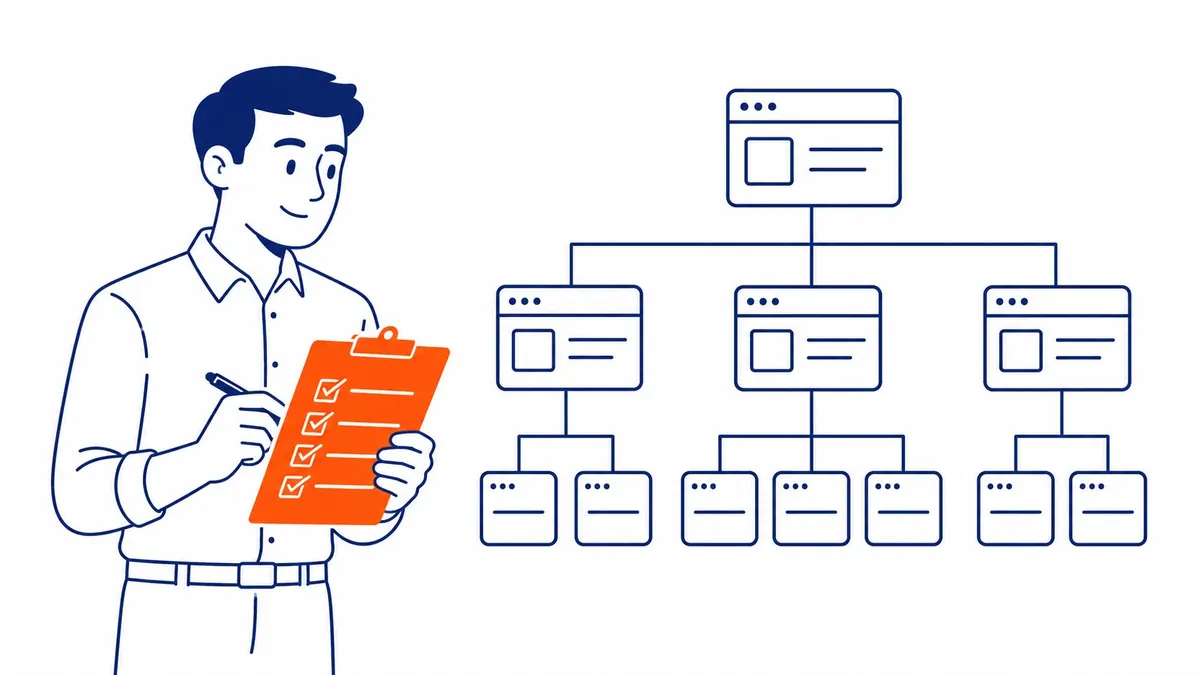
Ask for two or three live Shopify stores the agency has worked on, and what they changed on each. You can then visit those stores yourself, look at their collection pages and product titles, and see whether the work matches the description. A portfolio of general ecommerce logos does not answer the question, and neither does a case study that names no store.
The Shopify Partner Directory is a reasonable place to start a list, but read the tiers for what they are. Shopify says partners are tiered “based on multiple factors, including their history of experience and proven success on Shopify”, and that partners “work independently”. A tier tells you the firm has a track record on the platform; it does not tell you whether it has grown organic sales for a store like yours, so the six questions still apply.
Ask what the monthly report will contain, too. For a niche store, a useful report tracks positions for a short list of specific product and category terms, Search Console clicks and impressions by page, and organic revenue from your Shopify analytics. A visibility score built on hundreds of broad keywords looks impressive and says very little about a store that will never rank for most of them.
Red flags in Shopify SEO proposals
A few patterns should make you slow down. The first is a fixed package that would read the same for any Shopify store, such as a set number of blog posts, a standard app bundle and a “full technical setup” that turns out to be the canonical tags and sitemap Shopify already provides. The second is any promise of fast rankings for a new or small store; SEO takes months, and a niche store with few links and little history should expect the slower end of that. The third is a plan to index every tag page or filter combination “for more keywords”, which runs against the reason Shopify blocks those URLs by default.
Be wary, too, of an agency that wants to change your theme, robots.txt or URL handles in the first week without first showing you what is wrong and why. Good Shopify work starts with a review of the live store, a written list of problems in priority order, and changes made one at a time so you can see what each one did.
What a niche Shopify store should expect to pay

The Calgary pricing review does not break out Shopify SEO, but the general market gives you a reference point. In To-The-TOP!’s review of the prices Calgary agencies publish, as published in August 2026, the lowest monthly SEO figure each agency publishes ranged from $750 to $2,500 across the seven agencies that publish one, with a median of $1,000 (an eighth publishes a $4,000 starting price for marketing services in general). Some of those figures are list prices and some are statements of what clients typically spend, so treat them as a guide to the market rather than a quote for your store.
For a small niche store, the right question is often whether you need a retainer at all. If the catalogue is a few dozen products and the platform questions above turn up only a handful of fixes, a one-off technical review plus a written plan you carry out yourself may be better value than a monthly fee. A retainer makes more sense when there is steady work to do, such as a growing catalogue, regular content written with your input, or a second market to manage. SEO Company To-The-TOP! is a solo practice, so the person who prices the work is the person who does it. To ask what your project would cost, call (403) 308-5949.
Paid search can cover the gap while organic rankings build, which matters more for a niche store whose few searches are worth a lot each. If an agency offers Google Ads management alongside SEO, ask for the management fee and the ad spend as two separate numbers before you compare offers, and make sure conversion tracking is in place before any budget goes live.
The bottom line
A good Shopify SEO agency for a niche store answers the six platform questions plainly, asks for collaborator access rather than your password, and builds its plan from the searches your store already receives instead of from broad keyword lists. It can show you live Shopify stores it has worked on, tells you which fixes matter most before it touches anything, and is clear that results take months. If two agencies pass all of that, the one that asked the most specific questions about your products and customers on the first call is usually the better choice.
If you would like a second opinion on a Shopify SEO proposal you already have, SEO Company To-The-TOP! has worked on search for Calgary businesses since 2007 and reports positions monthly. Call (403) 308-5949.
Contact Calgary SEO Company To-The-TOP!
Questions about anything in this article, or about your own rankings? Talk to a Calgary SEO specialist directly.
Phone: (403) 308-5949
Address: 1509 14 Ave SW, Calgary, AB T3C 0W4
Hours:
Monday to Friday: 10:00 am – 7:00 pm
Saturday: 12:00 pm – 4:00 pm
Sunday: closed