
Does URL Structure Affect SEO? What 19 Years Tells Us
Almost every website SEO audit already surfaces the same page address issues. Clients also want to know if their web addresses are costing them rankings. Short answer: they can. Usually not the way people expect.
These web addresses matter for search. A small factor, but not a trivial one when your competitors are getting it right and your website is not.
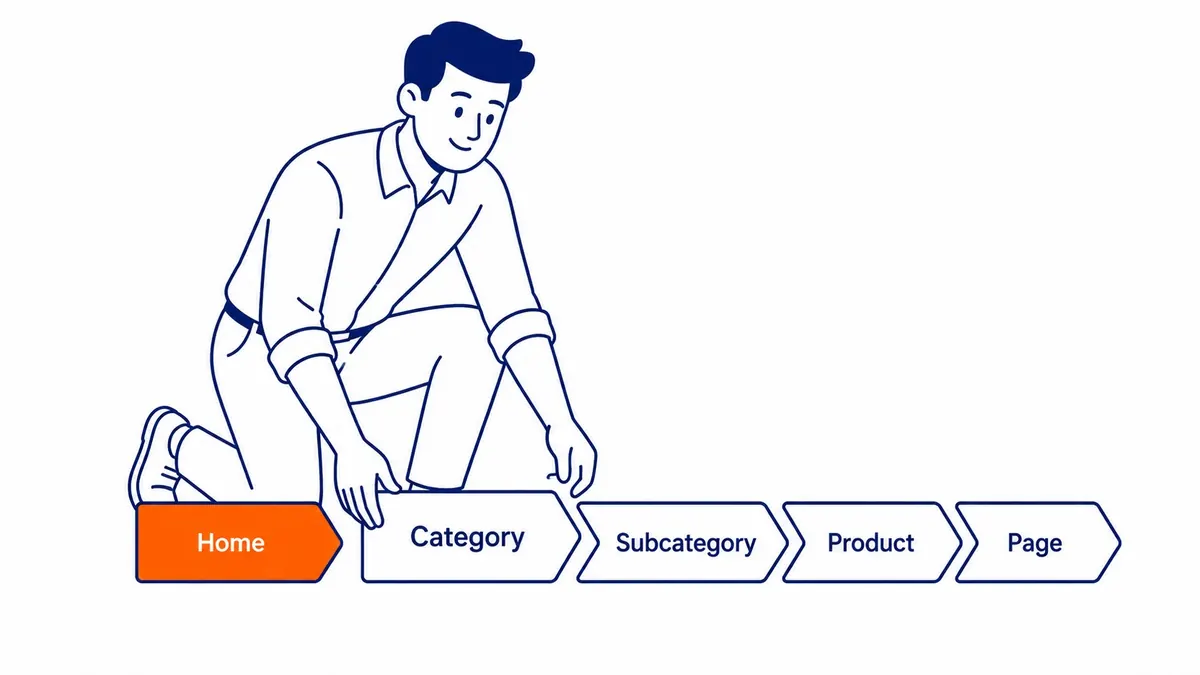
What Your URLs Tell Search Engines
A first look before the page loads.
Crawlers parse the page address before reading anything else. The path gives them early context about what each page covers. Google has confirmed keywords in the page address are a small ranking factor. That still lines up with what we see across client sites. Clean addresses do not rescue weak pages. Messy paths rarely sink strong ones. Still, your URL structure tips the scale when everything else is close.
What matters for your website is clarity. Descriptive words. A clean hierarchy. No junk in the path. SEO friendly URLs come down to those few habits, nothing more exotic than that.
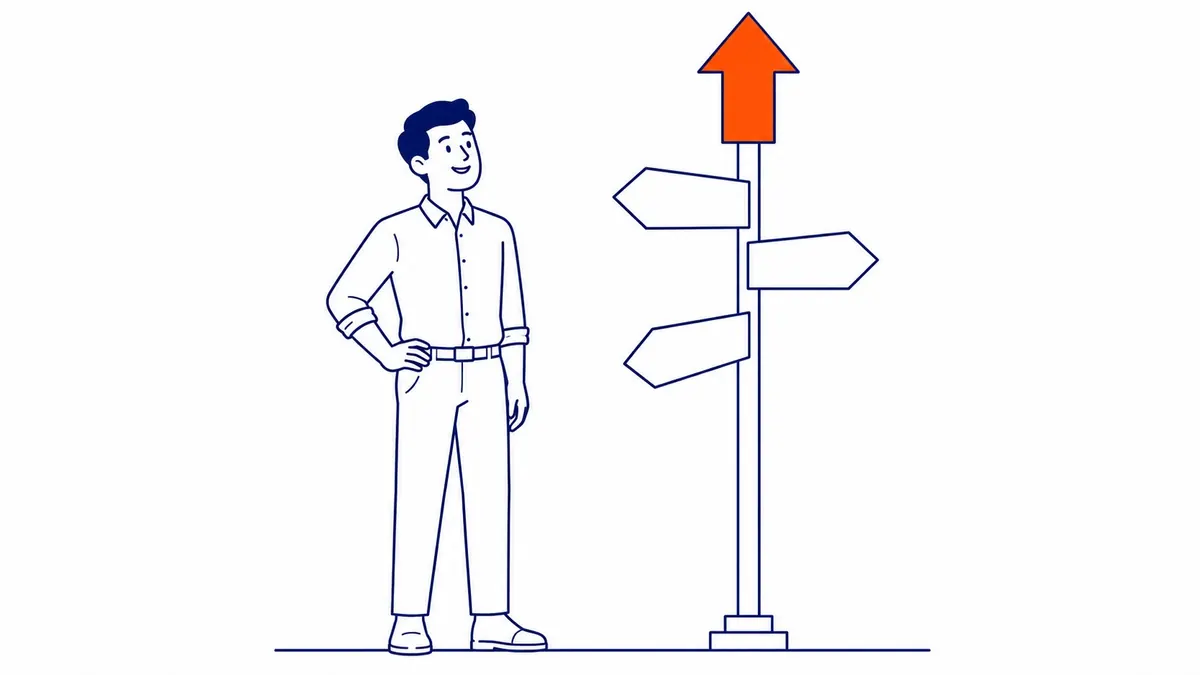
Keywords in the Page Path: Worth Including, Not Overworking
One relevant term is enough.
Having relevant terms in the page path sends a signal to crawlers. Not a large one. Google’s John Mueller placed keywords near the bottom of the ranking signals list. We still include relevant keywords in your URLs for every client page we build. Nineteen years of running an SEO company in Calgary taught us that. Pages with target terms in clean paths have consistently outperformed generic ones, when everything else was equal.
No need to match the full page title exactly. The path /keyword-research-calgary/ works fine for a keyword research page. Packing in extra keywords crosses into keyword stuffing territory. Crawlers read that as a red flag.
Backlink sources also see the page address before deciding whether to link. Short paths already get cited more reliably. Long parameter-heavy strings get truncated or skipped.
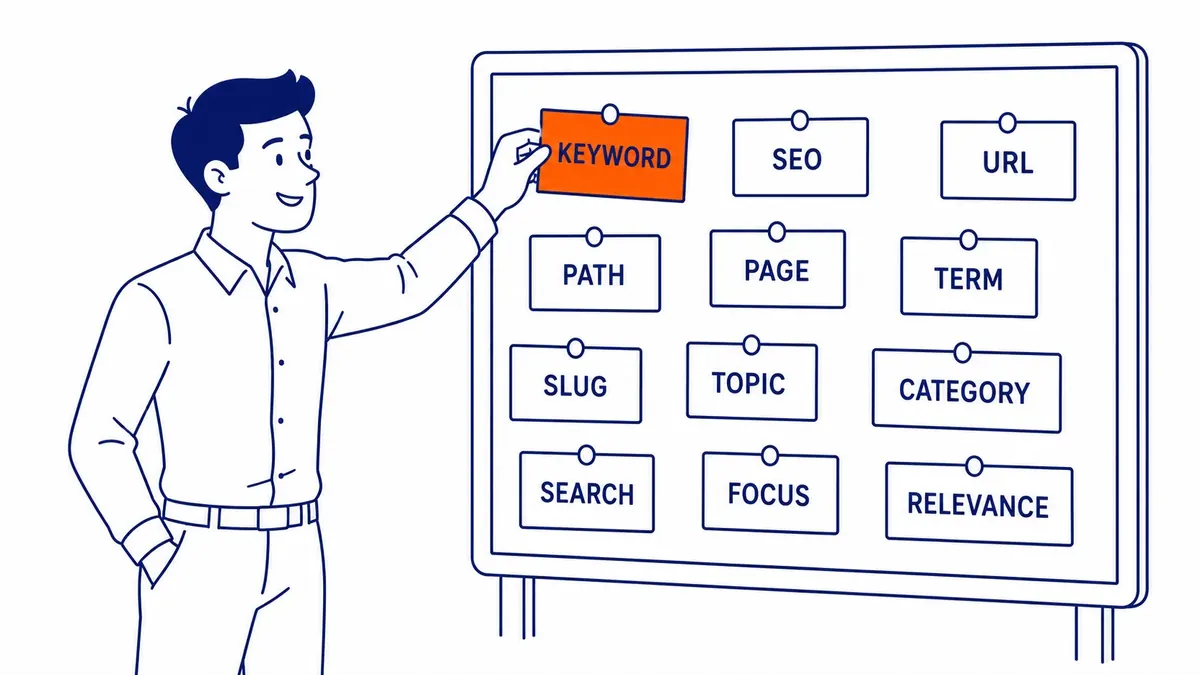
Address Length and What Actually Matters
Shorter is cleaner. Not a hard rule.
Google says url length is not a direct ranking factor. That is technically true. The practical case for shorter URLs is still different. Shorter addresses survive copy-paste better. Social shares hold up more reliably. Users still remember them.
Long addresses also often carry session IDs and tracking strings. Those generate multiple addresses pointing at the same page. Content duplication then follows. That is also where url length actually hurts search positions. Not the character count itself. What those extra characters often represent.
Under 60 characters for your slug is still a working target for your website. Not a ceiling. Just a benchmark. URL structure is one small corner of the discipline, so start with an introduction to technical SEO.
Hyphens vs Underscores
Different separators. Very different treatment.
Google reads the hyphen character as a word separator in the page path. Underscores, however, read differently. “keyword_research” is one string to the crawler. “keyword-research” is two separate words. That distinction matters for keywords matching up correctly in your url structure.
Use hyphens in your URLs. Lowercase letters throughout. Nothing encoded as percent signs. This has been the documented standard for years. Nothing about it has since changed.
Static vs Parameter-Heavy Paths
Static reads cleaner. Both can rank.
Parameter-heavy paths carry query strings after the page address. Something like ?session=abc123&filter=size. Crawlers can still index these. But they also create friction. Users rarely share parameter strings. Backlinks to parameter paths break when sessions expire. Search engines encounter more duplicate addresses when paths are not kept static.
Static URLs, like /running-shoes/mens/, are easier to crawl. Cleaner for users. More stable for backlinks long-term. E-commerce platforms and CMS tools generate parameter paths by default on many installs. Checking your URLs before committing to those defaults saves cleanup time later.

Duplicate Content from URL Variations
Four versions of one address is a real problem.
Your website might be accessible at four separate addresses without your realising it.
- http://example.com
- https://example.com
- http://www.example.com
- https://www.example.com
Crawlers treat those as separate pages without a canonical tag. Duplicate content across multiple addresses then splits your ranking authority. Indexing gets confused. Pick one canonical version. Redirects push traffic and link equity from the others.
Parameter strings also create the same issue. Tracking tags from campaigns run through Google Ads management services and other sources. Sorting filters. Session IDs. Each generates a new address pointing at existing pages. Google Search Console shows which of your URLs are being indexed on your website. A site audit covers this as a standard check.
Changing Page Addresses and 301 Redirects
Change the address. Protect the equity.
At some point your website goes through a redesign or platform migration. Old paths change. Every address that still returns a 404 is lost link equity.
301 redirects tell crawlers a page has moved permanently. Most link authority also transfers through the redirect. Rankings dip during transitions. That is normal. Recovery takes three to six months in our experience. The dip is shorter when redirects are in place before the new site launches. Longer when crawlers hit 404 errors first.
Map your redirects before the launch date. Not after.
Your URLs are one part of a larger technical picture. Quality matters more. So do backlinks. Technical performance does too. Still, sloppy url structure creates compounding problems over time. Content duplication issues surface. Broken links accumulate during migrations. Crawl confusion grows on larger sites.
A site audit is the starting point if the site has existing path issues. That is where problems surface alongside the factors that carry more weight.
To-The-TOP! has been doing search engine optimization in Calgary since 2007. Our SEO services in Calgary cover your url structure as part of the technical foundation, along with targeted keyword prioritization and everything else your website needs to rank.
Frequently Asked Questions
URL questions come up on almost every project we work on.
Does having keywords in the page address help rankings?
A modest signal, yes. Keywords in the page path still contribute relevance context to crawlers. On their own they will not move your rankings significantly. Pair them with strong page copy and relevant backlinks. The contribution also adds up over time.
How long should your URLs be?
Under 60 characters is a practical target. Published guidance confirms this is not a direct ranking factor. The practical reason for keeping your URLs short is still different. Shorter addresses get linked to more reliably. Social shares also hold up better. Long addresses often carry tracking strings that generate content duplication issues.
Hyphens or underscores in your page path?
The hyphen, every time. Google separates hyphenated words in the page path as individual terms during indexing. Underscores get treated as one connected string. This has been consistent guidance for over a decade.
What happens to positions when page addresses change?
Rankings dip temporarily, even with proper 301 redirects in place. Most link authority also transfers through the redirect. Full recovery typically takes several months. The dip is shallower when redirects go live before the new address does. Longer recovery when crawlers hit 404 errors first.
Can URL parameters affect your search positions?
Parameters generate multiple addresses pointing at the same page on your website. That spreads your authority thin. Crawlers pick a canonical version to index. Not always the one you want, however. Set canonical tags to declare the preferred version instead. Search engines will then index the correct version. Use Search Console to confirm what is actually being indexed on your website.
Does HTTPS affect search positions?
HTTPS has been a confirmed ranking signal since 2014. Your website should be on HTTPS. The ranking boost is minor. User trust signal is larger. Browsers flag HTTP pages as insecure. That also affects click-through rates more than the ranking signal itself.
What makes a page path seo-friendly?
Short, descriptive path. Lowercase letters. Dashes between words. One canonical version. A relevant keyword in the path. No keyword stuffing. Unnecessary parameters stripped. Those are the markers of seo-friendly URLs that hold up across algorithm updates.
Contact Calgary SEO Company To-The-TOP!
Questions about anything in this article, or about your own rankings? Talk to a Calgary SEO specialist directly.
Phone: (403) 308-5949
Address: 1509 14 Ave SW, Calgary, AB T3C 0W4
Hours:
Monday to Friday: 10:00 am – 7:00 pm
Saturday: 12:00 pm – 4:00 pm
Sunday: closed