
How to Use Google Keyword Planner
Google Keyword Planner is free. Runs inside Google Ads. Pulls data directly from Google’s own search index. A Google account is all it requires to access, though full search volume data means adding billing information at some point.
I have been using it with clients in Calgary and across Canada for years. Here is how the keyword planner tool actually works and what to watch out for.

What Is Google Keyword Planner
Google Keyword Planner sits inside Google Ads as a free tool: search volume data, competition scores, cost-per-click estimates, all drawn from the same index Google uses for organic rankings. Advertisers built the primary use case. SEO practitioners adopted it for the same reason.
Three functions in the keyword planner tool: discover new keywords from scratch, check search volume for a list you already have, and organize keywords into ad groups for campaign structure. Whether you run paid campaigns or not, the usual reason to open it is to have your keywords researched against Google’s own data.
Access requires a Google Ads account. No active campaigns needed for basic use, though billing information unlocks full search volume data rather than just ranges.

How to Access Google Keyword Planner
Getting in takes a few steps the first time.
Start at ads.google.com. Smart Mode is the default for new accounts. It hides most of the useful tools including the keyword planner. Switch to Expert Mode before doing anything else. That setting is in the account menu, not the main navigation.
Once inside Expert Mode, look for the wrench icon at the top. Under Planning, you will find Keyword Planner. If billing information was skipped during account setup, some screens will prompt you to complete it before showing keyword ideas. Adding billing information unlocks full access, including accurate search volume data.
That is the friction. After the first login, the keyword planner tool opens directly.

How to Use Google Keyword Planner to Discover New Keywords
Discover New Keywords is the workflow most people open first. Designed to discover keywords from seed terms or URLs.
Enter seed keywords or a URL. Seed keywords are broad terms related to your business or topic. Two or three related terms together gives broader coverage. The planner returns keyword suggestions, each with estimated monthly searches, competition level, and top of page bid ranges.
In our Calgary SEO work, the URL input is often more useful than seed keywords. Paste a competitor’s URL or a relevant page from your own site. The planner extracts keyword ideas directly from that content. Those keyword suggestions surface terms you might not have thought to search for manually.
The keyword ideas list can run into the hundreds. By default, results group into ad group ideas, which automatically clusters related search terms together. Switch to the search term view, which lists every entry individually and makes sorting easier. Add individual terms or full ad group ideas to your plan from either view.
Discover keywords broadly first with this tool, then refine and filter down from there.
How to Find Search Volume for Keywords
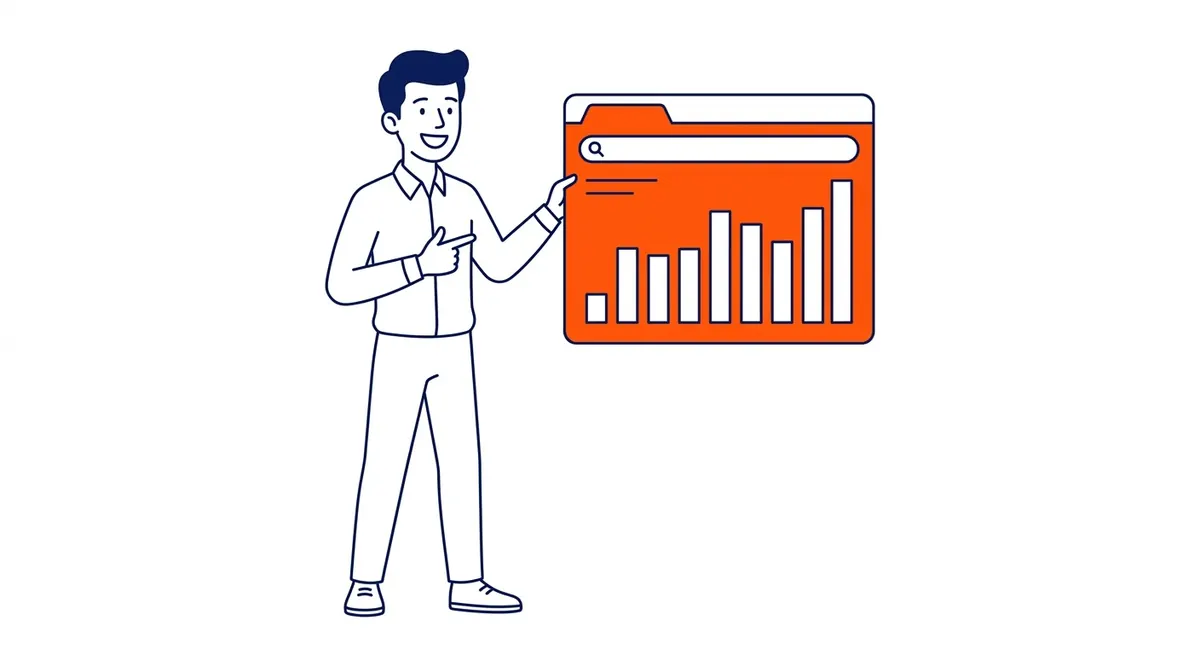
The Get Search Volume and Forecasts tab handles search volume lookups.
Paste keyword lists you already have, or upload a CSV. The planner returns average monthly searches and forecasts for each term. Useful when you have a list from another source and want Google’s own data to validate it.
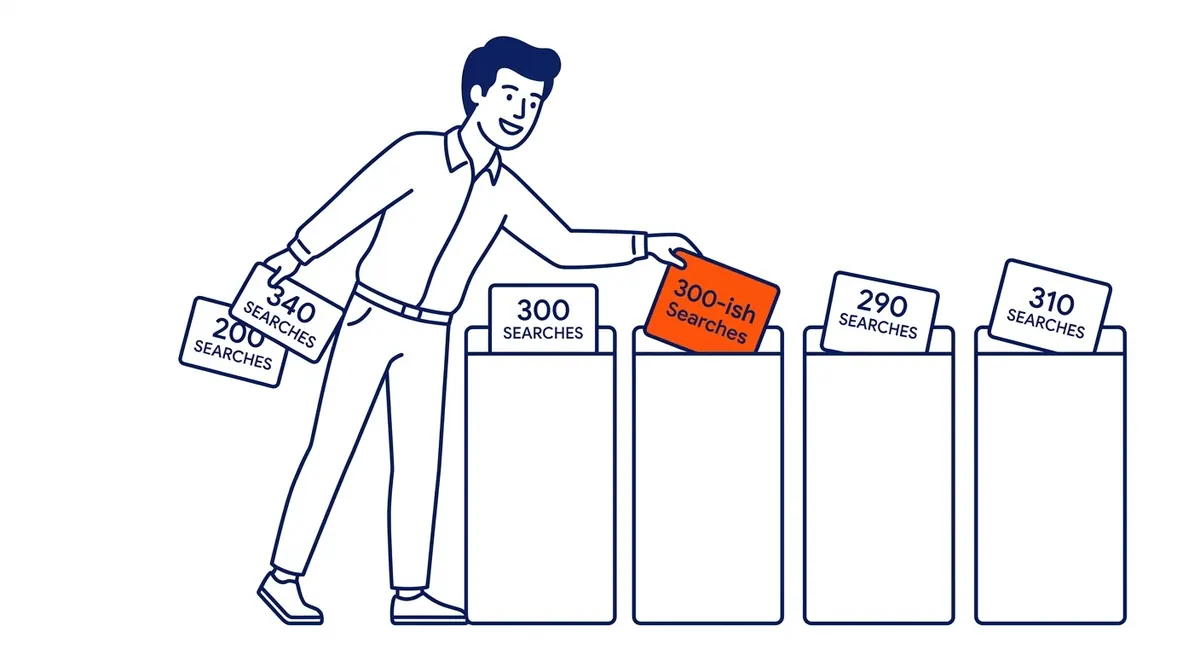
Ranges, not exact numbers. That is how search volume comes back. A bracket showing 1,000 to 10,000 monthly searches could mean 1,100. Could mean 9,800. No fine-grained prioritization between similar queries without active ad spend history behind the account.
Forecasts go further than search volume and competition estimates alone. The tool projects clicks, impressions, and estimated costs based on a keyword bid and daily budget you enter. Average monthly searches feed into those projections. For organic research these estimates are secondary, but the seasonality data is genuinely useful. A term spiking in November and flatlined by February changes the entire content calendar. Seasonality aside, finding search volume is only half of any keyword plan. Volume is one input; the wider hunt for Google keywords needs more than one tab.
How to Filter and Prioritize Keyword Ideas
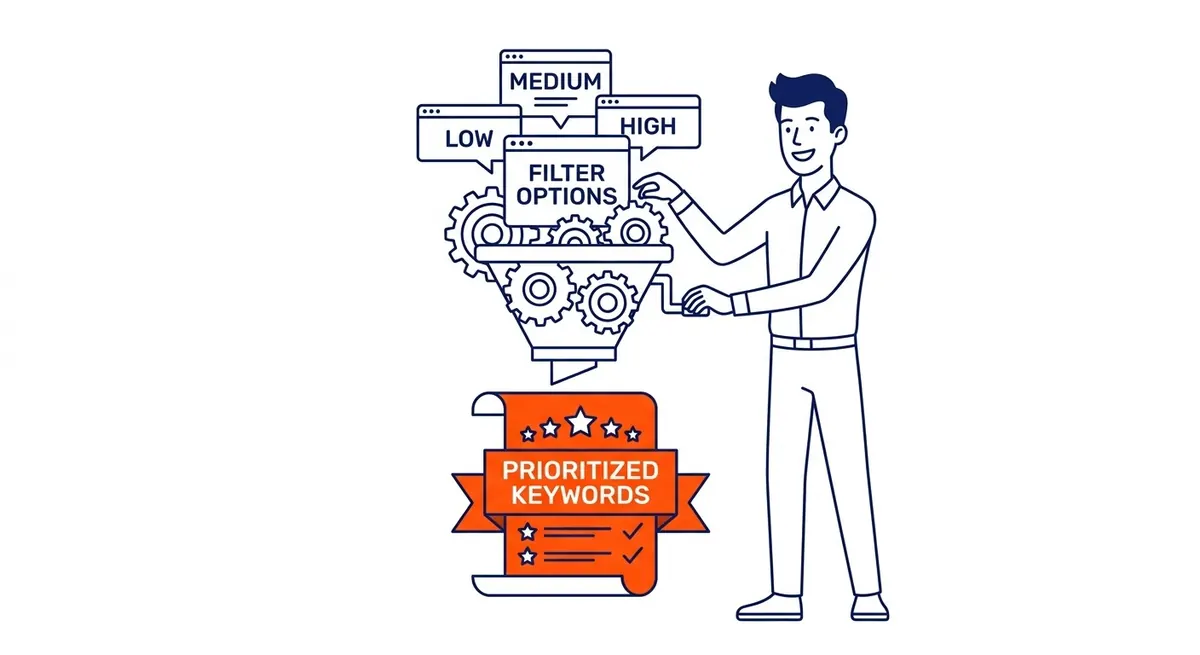
Above the keyword ideas list: that is where the filter options live in the keyword planner tool.
Filter by competition level: Low, Medium, or High. These reflect advertiser demand for paid placement, not organic ranking difficulty. Low advertiser competition often correlates with lower organic difficulty, but not always. Use it as a directional signal.
The top of page bid ranges tell you what advertisers pay per placement. High top of page bid signals a term that converts. For organic targeting, a search term with a strong bid and moderate average monthly searches is often worth more than a high-volume query with low bid activity. Setting a test keyword bid in the forecasts tab lets you see estimated clicks and impressions for a given spend level.
Location and language filters narrow search data to specific markets. For keyword research targeting local markets, filter by city or province. Compare that figure against the national number. Five thousand monthly searches nationally can translate to 200 in Calgary. That changes the targeting logic entirely.
The search network filter defaults to Google and Search Partners. Set it to Google only for pure organic research, which gives a cleaner dataset. Also note the search network filter placement: it sits above the results table, not in the left sidebar.
Organize keywords into ad groups when running paid campaigns alongside organic work. Automatic grouping clusters keywords into ad groups based on semantic similarity. You can also build ad groups manually around specific themes if you prefer finer control. For organic-only work, export keyword lists to a spreadsheet and sort from there.

Google Keyword Planner for SEO vs PPC
The tool was built for Google Ads PPC management, not organic search. That distinction shapes how you read the data.
PPC use: bid estimates and competition scores apply directly to campaign decisions. Top-of-page bid ranges tell you what advertisers pay. Competition level reflects real advertiser demand. Clicks, impressions, and cost forecasts give budget guidance.
SEO use: bid data serves as a proxy for commercial intent. Advertisers do not spend on search terms that do not convert. A query with a $15 top-of-page bid alongside moderate average monthly searches is more commercially valuable for organic targeting than a high-volume term with a $0.30 bid.
Seasonality is another SEO use case. Search volume and competition figures trend over time in the planner. Content published ahead of a seasonal peak captures traffic that content published after the peak misses. For clients in Calgary and Edmonton, seasonal patterns in service industries are significant enough to plan content calendars around them.
The limitation is that keyword planner data does not include organic difficulty scores. It shows advertiser competition, which correlates but is not the same thing. For organic difficulty, a third-party tool is needed alongside it.
Limitations of Google Keyword Planner
Four things the keyword planner tool does not handle well.
Search volume data appears as ranges for most accounts. Those brackets are wide. Without active Google Ads spend history, you will see 100 to 1,000 rather than 340. Fine-grained prioritization between search terms with similar volume becomes imprecise.
Keyword suggestions run narrower than paid alternatives. Paid alternatives pull back 8,000 ideas from the same seed term. The keyword planner tool gives closer to 500 to 800. Results tend toward head terms and direct variations, missing many long-tail combinations that paid tools surface.
Competition scores are advertiser-specific. They reflect paid search demand for ad placements, not organic ranking difficulty. A term flagged as High competition in the planner might have a first page full of thin pages that good content could outrank.
Additionally, the tool requires a Google Ads account and at least basic billing setup for full data. That is a small barrier but it exists. For anyone who has never run paid campaigns, the initial setup adds friction.
A good SEO services agency in Calgary accounts for these limitations from the start. Use Keyword Planner for directional data and commercial intent signals. For precise volume data, difficulty scores, and long-tail keyword lists, pair it with a dedicated keyword research tool.
FAQ
Is Google Keyword Planner free?
The keyword planner tool is free for anyone with a Google Ads account. Some features, including exact search volumes rather than ranges, require billing information on file and ideally some ad spend history. Basic keyword discovery and directional volume data: no active campaigns required.
Do I need a Google Ads account to use Keyword Planner?
Yes. It lives inside Google Ads. Account login required. Creating a Google Ads account costs nothing and takes about ten minutes. New accounts land in Smart Mode by default. Keyword Planner is hidden there, along with most advanced tools. Switch to Expert Mode during or right after setup.
How accurate is Google Keyword Planner?
Directionally accurate, precisely imprecise. Data source is Google’s own search index, which is about as authoritative as it gets. The catch: volume and competition figures come back as ranges, not exact counts. Wide ranges. Enough to affect decisions when two similar queries sit close together in volume. Use it to confirm whether a topic has real search volume and to gauge commercial intent through bid data. For exact figures, a paid tool gives more reliable numbers.
What is the difference between Google Keyword Planner and other keyword tools?
First-party Google data is the advantage. No third-party tool has the same source. Where it falls short is depth and precision. Ahrefs and SEMrush return exact volumes, difficulty scores, backlink data, and keyword databases many times larger. This tool shows search volume ranges and advertiser metrics. For validating commercial intent or starting a keyword research project, it works well. Deep competitive analysis and long-tail keyword lists need something else.
How do I use Google Keyword Planner for SEO?
Start under Discover New Keywords. Enter target keywords or a competitor URL. Use this tab to discover keywords your competitors are targeting. Keyword research grounded in Google’s own index. Sort by average monthly searches. Look at competition level as a rough proxy. Pay attention to top-of-page bid ranges: high bids signal conversion value. Export keyword lists and filter for terms with moderate volume and lower competition. Use the seasonality data to time content around demand peaks. Pair the output with an organic keyword difficulty tool before finalizing your target list.
Contact Calgary SEO Company To-The-TOP!
Questions about anything in this article, or about your own rankings? Talk to a Calgary SEO specialist directly.
Phone: (403) 308-5949
Address: 1509 14 Ave SW, Calgary, AB T3C 0W4
Hours:
Monday to Friday: 10:00 am – 7:00 pm
Saturday: 12:00 pm – 4:00 pm
Sunday: closed