Stopping Google Ads: How to Pause, Cancel, and Protect Your Data
Two different questions get phrased as “how to stop Google Ads.” One comes from users who are tired of seeing ads in search results. The other comes from advertisers who want to pause or shut down the campaigns they are running. This post covers the advertiser side: how to stop Google Ads campaigns you are paying for, what pausing versus canceling actually means, and what happens to your account and data either way.
For business owners managing campaigns without professional support, knowing where these controls live and what they do is the starting point. Google Ads management is straightforward once the platform structure makes sense, but the terminology and campaign hierarchy can confuse the process if you are navigating it for the first time.
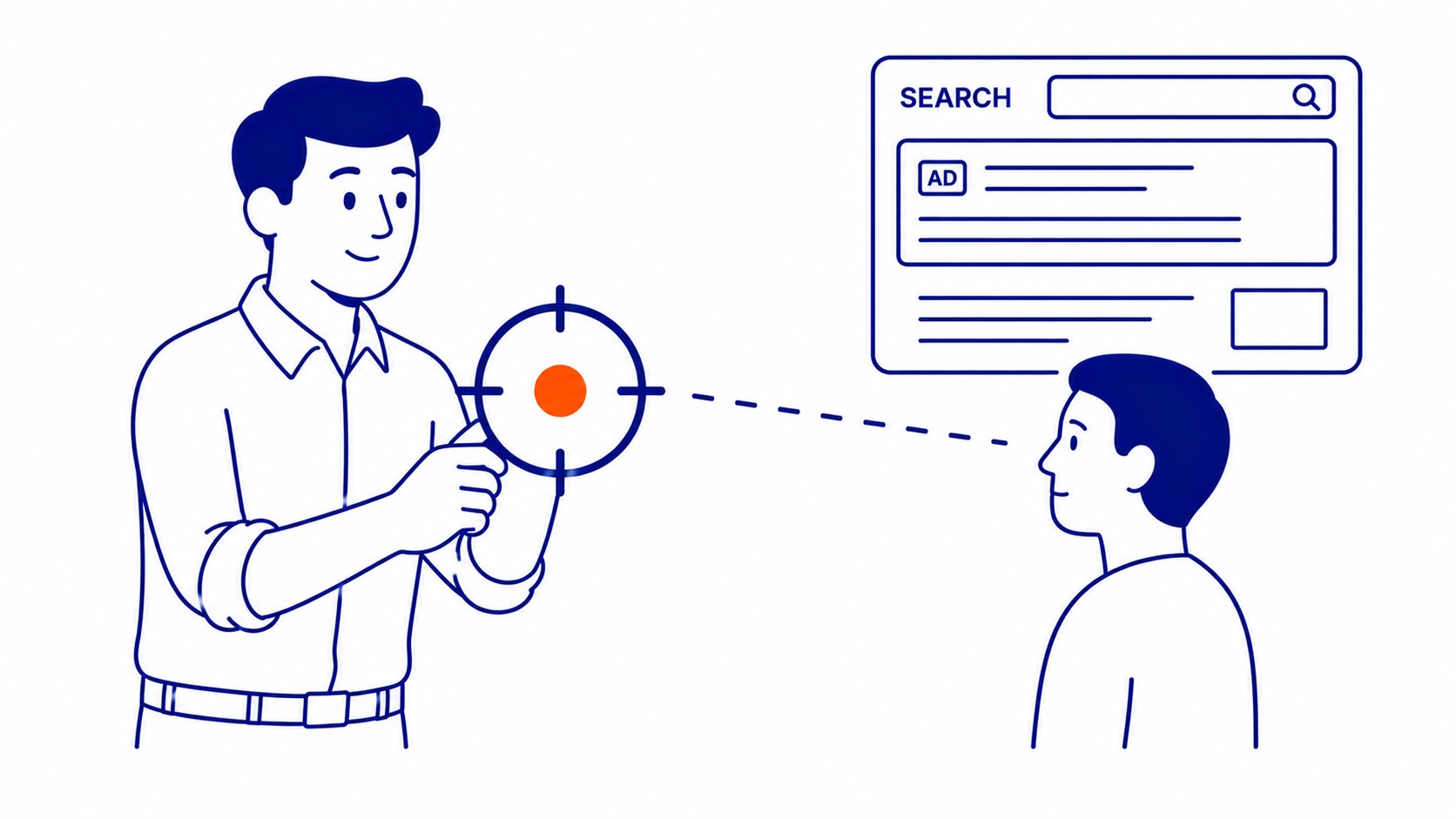
Pause vs. Stop vs. Cancel: Three Different Things
Google Ads has three distinct states for an account’s activity, each with different consequences:

Pausing suspends a campaign, ad group, or keyword without deleting anything. All settings, bids, ad copy, quality scores, and historical performance data stay intact. Charges stop immediately. The campaign can be re-enabled with a single click and resumes from where it left off. Most advertisers who want to “stop Google Ads” for a short period should pause rather than anything more drastic.
Removing (deleting) a campaign permanently removes it from active management but keeps the historical data in your account. Removed campaigns cannot be re-enabled. The budget, targeting settings, and ad copy are gone. Only the performance history remains visible in reports.
Canceling the account closes your entire Google Ads account. All campaigns stop. Data becomes read-only. Any remaining billing credits can still be requested, but the account cannot be used for new campaigns without reopening a new one. Canceling is permanent and rarely the right move for a business that may return to paid search at any point.
How to Pause a Google Ads Campaign
Log into your Google Ads account at ads.google.com. Navigate to Campaigns in the left sidebar. Find the campaign you want to pause. Click the status circle next to the campaign name (it shows a green play button when active). Select Pause from the dropdown. The status changes to a blue pause icon and charges stop immediately. No ad serving occurs while the campaign is paused.
The same process works at the ad group level and the keyword level if you only want to stop a portion of your spend. Pausing a parent campaign overrides all active ad groups and keywords within it. An individual ad group pause stops only that group while the rest of the campaign continues running. Stopping spend at the keyword level only makes sense once you know what AdWords keywords are and how they sit inside the account.
Budget already spent before the pause does not get refunded. The pause stops future charges, not past ones. Any budget remaining for the current billing period will not be charged.

How to Cancel Your Google Ads Account
Canceling closes the entire account. All campaigns stop, all data becomes read-only, and new campaigns cannot be created. The steps: click the gear icon (Tools and Settings) in the top menu, select Preferences, scroll to Account Status, and choose Cancel My Account. Google confirms the cancellation by email.
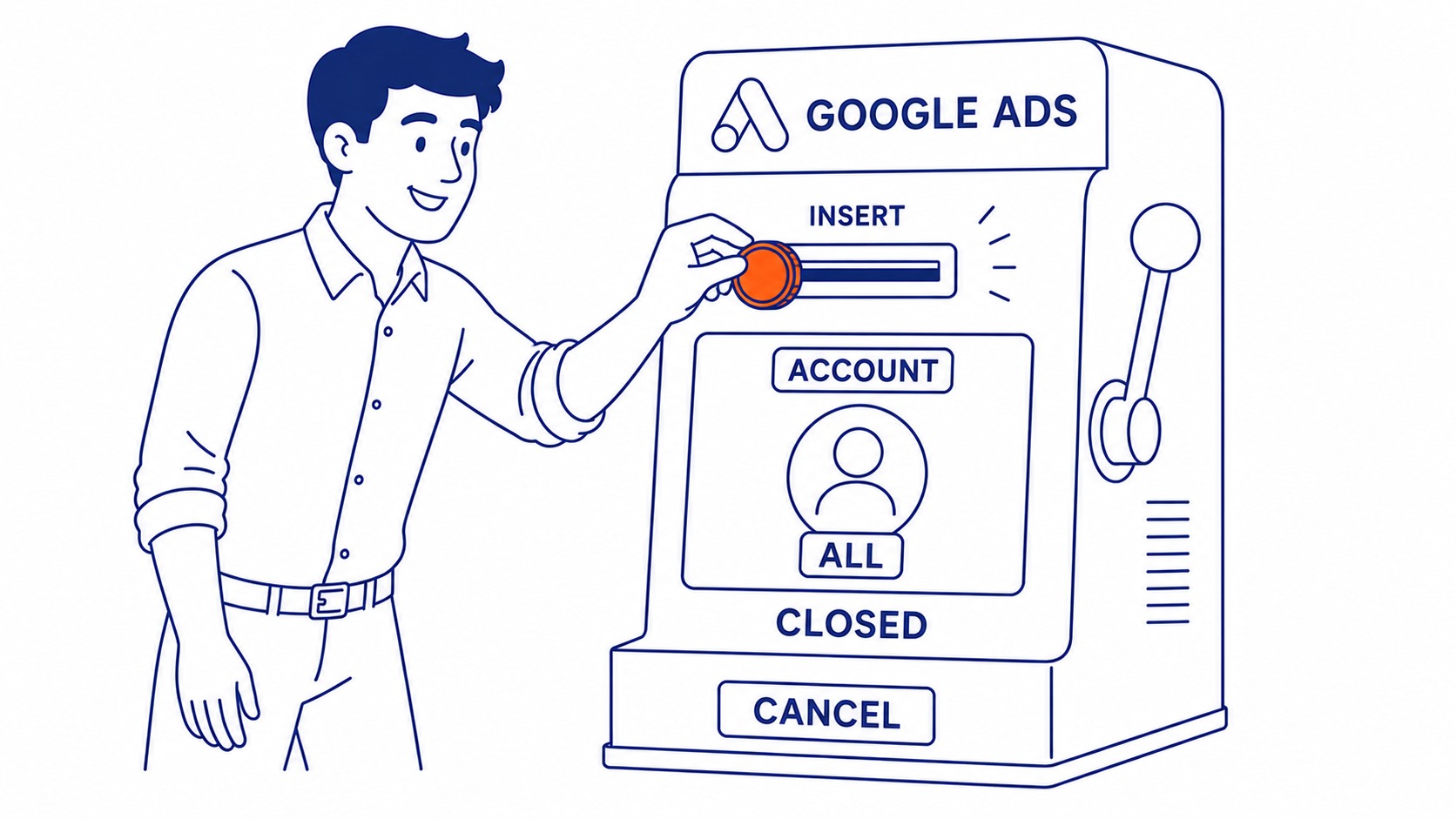
Before canceling, download any reports or export any data you want to keep in a format you can access independently. The account remains readable after cancellation, but third-party integrations and automated reporting may break once the account status changes.
Unused billing credits in a canceled account can be requested for refund. Google’s refund process runs through the billing support team, not automatically.
What Happens to Your Data When You Stop
Pausing preserves everything. Quality Scores, historical click data, conversion history, audience lists, and any custom bidding signals all remain intact. Restarting a paused campaign picks up with the same quality history the account built before the pause. Understanding how Google Ads works explains why that history carries so much weight. A well-performing campaign that was paused for a seasonal break typically resumes with similar performance within a few days of reactivation.
Longer pauses carry some risk. Quality Scores can drift slightly when a campaign has no recent activity for Google to reference. Campaigns paused for several months may see a brief re-learning period after reactivation, particularly if bidding strategies like Target CPA or Target ROAS were in use. These automated strategies rely on recent conversion data. A long absence from the platform interrupts that signal.
Removing a campaign deletes the settings and copy permanently. The historical data remains visible in account-level reports, but rebuilding the campaign means starting the Quality Score process over for any ad copy and keywords in the new version. That has a real cost in the early weeks after relaunch.

When Pausing Makes More Sense Than Canceling
Almost always. The only situation where canceling the Google Ads account is the right choice is one where the business has permanently closed or has a definitive decision never to use paid search again. Every other scenario is better served by pausing.
Seasonal businesses pause campaigns during their off-season. Businesses undergoing a website rebuild pause while the new site is being prepared. Those going through a budget freeze pause while internal approvals are pending. In each case, the account history, Quality Scores, and campaign structure stay in place, ready for the next active period.
Canceling and then reopening a new account means starting with a brand-new account without the performance history Google uses to calibrate Quality Scores and automated bidding. That history has real commercial value: campaigns in accounts with strong histories pay less per click for the same position than campaigns in new accounts with no data. Losing that history by canceling has a cost that is easy to underestimate. A well-structured PPC strategy treats account history as an asset, not just a data log.
Calgary-area businesses running campaigns through SEO and paid search in Calgary pause and reactivate campaigns regularly based on seasonality, promotions, and budget cycles. Edmonton-area advertisers managing Edmonton SEO and paid campaigns run similar cycles. Professional account management handles these transitions without data loss or quality score degradation.
Frequently Asked Questions
How do I turn off Google Ads?
Log into ads.google.com, navigate to Campaigns, click the status icon next to any active campaign, and select Pause. Charges stop immediately. The campaign remains in your account with all settings and history intact, ready to reactivate whenever needed. For individual ad groups or keywords, the same process applies at those levels.
How do I permanently block all ads?
This question usually means blocking ads from appearing while browsing, not from an advertiser account. For that: Google’s My Ad Center (myadcenter.google.com) lets users mute specific advertisers and adjust ad categories. Browser extensions like uBlock Origin or AdBlock Plus block most display ads entirely. Google also lets users opt out of interest-based ads through Ad Settings (adssettings.google.com). None of these options affect campaigns you are running as an advertiser in Google Ads.
Why am I suddenly getting so many ads on Google?
Google personalises ads based on browsing history, search activity, and data from connected Google accounts. Increased ad frequency often follows a period of heavy searching in a particular category. Shopping for a car, researching travel, or comparing insurance products triggers remarketing ads that follow that browsing activity for days or weeks. Ad Settings lets users review and adjust the categories Google uses for personalisation.
Why am I being charged for Google Ads when I do not have an account?
If charges appear from Google Ads on a credit card for an account you did not open, this is most likely fraudulent account creation using stolen payment credentials. Contact your bank immediately to dispute the charge and have the card blocked. Report the fraudulent account to Google through the billing dispute process. Google’s payments team investigates these cases and can trace the account that generated the charges. This is separate from a legitimate Google Ads account the business holds.
