Are Multiple H1 Tags Bad for SEO? What Google Actually Says
Client comes in, developer has put H1 tags on every section heading of a product page. The client wants to know if that damages rankings. Short answer: it does not. Long answer is worth laying out, though, because the folklore on this question has outlived the rule it was based on.
Multiple H1 tags will not trigger a Google penalty. Confirmed directly, more than once. The concern about H1 counts is still one of the older myths circulating. Most articles repeating it cite HTML4-era conventions, not current crawler behaviour.
What Google Has Actually Said
His position, stated in a 2020 Search Central video: Google can work with any heading structure. Multiple tags on a page are handled without issue. Headings help Google understand page content; the count itself is not a ranking signal.
That position has stayed consistent, however. Search engines at Google’s scale process structural irregularities constantly. Crawlers encounter far more irregular structures every day. Answering the query is all a search engine actually needs to resolve.
Where the One-H1 Rule Came From
HTML4 had a rigid document model. One document, one primary heading. Early guides in the mid-2000s picked that convention up and it became accepted SEO practice. HTML5 changed the model, allowing each section or article element to carry its own heading tag in a nested structure.
The full picture of what is on-page SEO covers how headings fit into a broader page structure strategy.
Those original 2007 guides never disappeared. They circulate alongside current content, still citing one H1 only, as though the spec never changed. Plenty of developers still follow advice that predates current best practices by fifteen years. That is where the rule still comes from.
The Actual Problems With Multiple H1 Tags
No ranking penalty. Two concerns stand out, however.
Understanding what is an SEO title clarifies why the H1 and title tag serve different functions despite both being heading-level elements.
Clarity comes first. A page with four heading tags spread across different sections flattens the content hierarchy. Search engines use heading structure to build a content map. One primary H1 pointing at the page topic. H2 and H3 headings organizing the content underneath. That structure gives search engines a cleaner map to follow. No penalty from having multiple H1 tags across the page. They also weaken the primary heading signal, though, which is a separate problem.
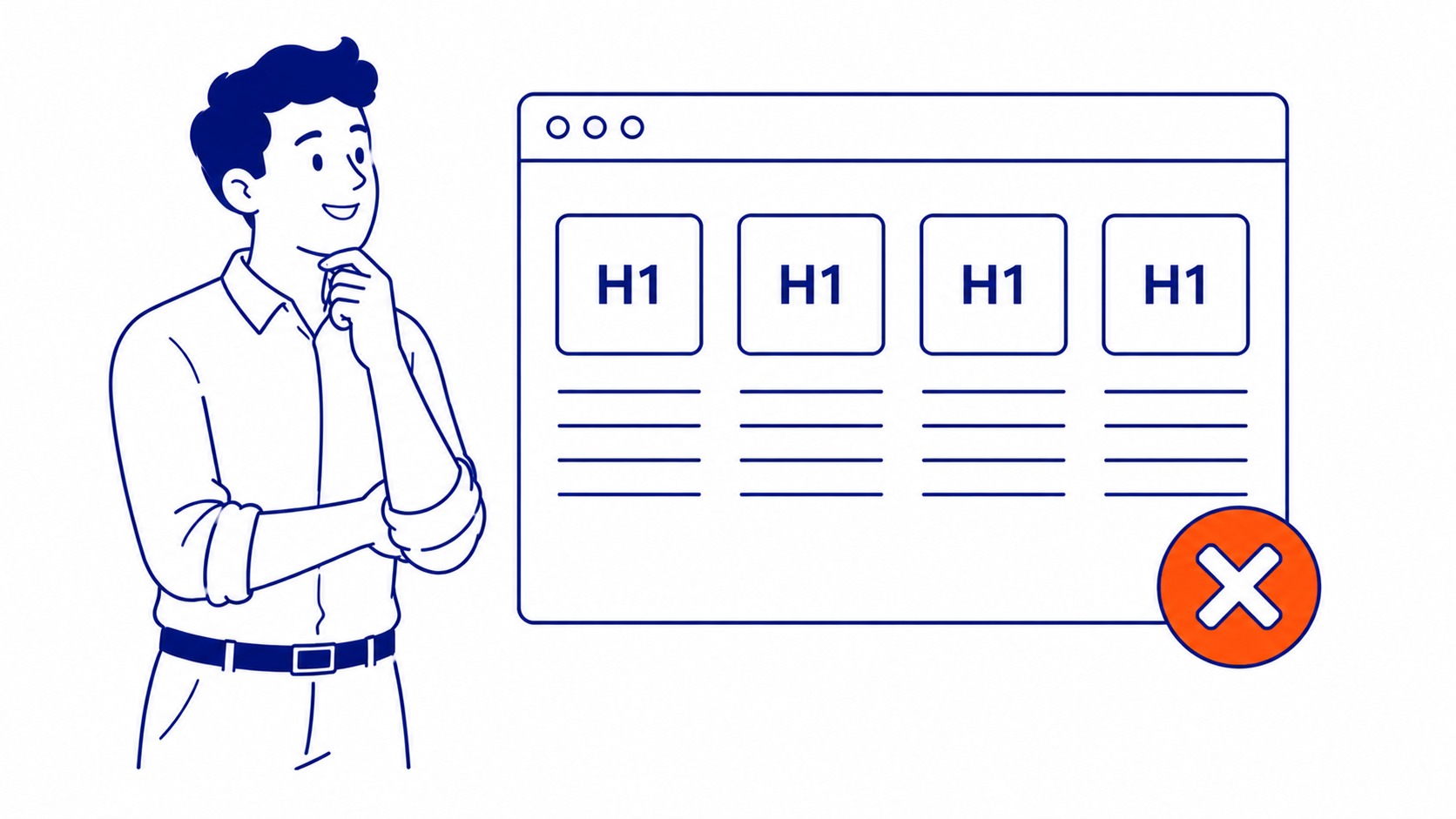
Accessibility is the second issue. Screen reader users navigate pages by heading structure. The H1 answers one specific question for those users: what is this page about? Heading tags spread across sections blur that answer. People relying on assistive technology depend on clear heading hierarchy. It is functional, not decorative. Screen reader logic is a good argument for using H1, H2 and H3 tags in order.
What Still Matters for H1 Tags and SEO
Keyword-to-tag relevance still matters. The primary search term in the H1 remains one of the more reliable on-page signals, whether the page is built around SEO services Calgary or any other term. That guidance has not changed, however.
One H1, primary keyword included, pointing clearly at the page topic. H2 and H3 headings organizing the content beneath it. Search engines can map the page cleanly from that structure. Spreading tags across sections as H1 headings adds nothing to that signal.
Solid keyword research makes the pattern clear: what the heading targets matters more than how many tags carry it. Across more than nineteen years of work with local businesses, SEO Company To-The-TOP! has never seen the H1 count be the factor holding a page back. Content matching search intent, strong internal linking, page speed; that is where ranking movement actually comes from. All of it sits inside how page SEO works as a whole, headings included. Headings are one piece of onsite SEO explained end to end.
CSS Styling Is Often the Real Culprit
Most sites with multiple H1 tags did not choose them deliberately. A theme applies H1 styling to section headers for visual reasons. Developers pick the tag because it renders large and bold in the browser. The page ends up with five or six heading tags that were never meant to function as primary headings.
CSS handles visual styling. HTML, still, handles document meaning. Heading tags should reflect structure, not font size. A ten-minute website SEO audit surfaces these issues right away. Fixing them is usually one CSS rule and a few tag changes.
Practical Recommendation
One H1 per page. Not because extras attract a penalty. One is better, instead, because the heading hierarchy is cleaner, accessibility improves, and the primary heading delivers a stronger relevance signal.
Time on tag counts is time not spent on what actually shifts rankings. Sit down and check keyword Google ranking data, deepen the content, fix the page speed, then build the SEO services Vancouver BC businesses need on top of real search demand: that is where the work lives. Tag counts belong nowhere near that priority list. Clients who ask whether to advertise with Google Ads hear the same thing about the settings they have been told to obsess over. Put the hours toward what actually moves results.
Clients in Banff SEO, Barrhead SEO, Beaumont SEO, and Black Diamond SEO regularly ask about heading structure during on-page reviews.
Frequently Asked Questions
Same questions come up on every audit.
Are multiple H1 tags bad for SEO?
Not penalized. Google has stated this clearly and consistently. The real concern is page clarity. One H1 gives search engines and users a single unambiguous primary heading. Multiple H1 tags will not drop rankings, but they serve no ranking purpose.
How many H1 tags per page for SEO?
One is the practical standard. Not because extras are penalized. One H1 removes that ambiguity. Search engines and screen reader users both get a clear primary heading. Additional tags add no ranking benefit.
Can you use H1 more than once?
HTML5 allows it. Google handles it without issue. Practically, multiple H1s create heading hierarchy problems for screen reader users and soften the primary heading signal. One per page is cleaner.
Are H1 tags important for SEO?
They matter for relevance signalling. Keyword in the tag functions as an on-page signal; the count does not matter. Rankings come from content matching search intent, site structure, and a search engine optimization approach built around actual query data.
Contact Calgary SEO Company To-The-TOP!
Questions about anything in this article, or about your own rankings? Talk to a Calgary SEO specialist directly.
Phone: (403) 308-5949
Address: 1509 14 Ave SW, Calgary, AB T3C 0W4
Hours:
Monday to Friday: 10:00 am – 7:00 pm
Saturday: 12:00 pm – 4:00 pm
Sunday: closed
