
Can I Change Keywords After a Google Ads Campaign Is Created
Yes, entirely. Editable, that’s what keywords stay the whole life of a campaign. Nothing about launching locks the keyword list in place permanently.
Add new ones. Remove weak performers. Adjust match types. All possible anytime.
Adding New Keywords to a Live Campaign
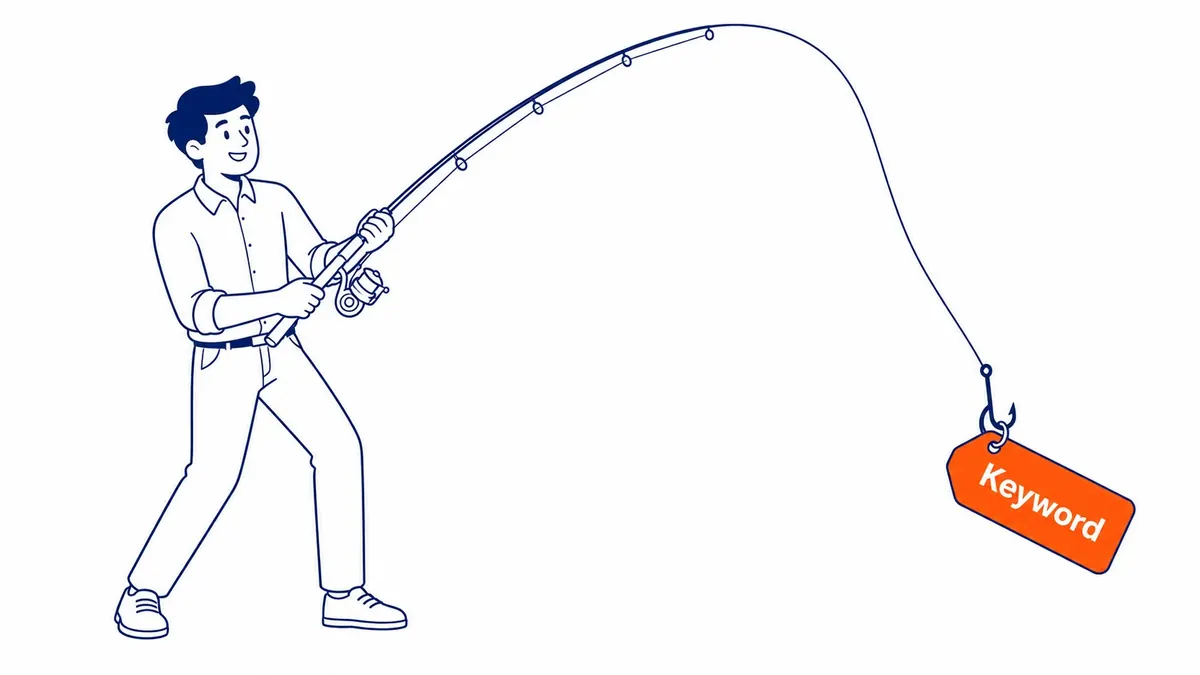
Open the ad group inside the campaign and select the Keywords tab. A plus button adds new keyword terms directly, without pausing anything already running.
Search terms reports reveal real queries actually triggering existing ads. Promoting a strong-performing search term into a proper keyword often improves control over bidding and match type going forward.
New keywords enter the same learning period fresh keywords always go through. Some initial data collection time still applies even when adding to an otherwise mature, established campaign. For a bigger change, duplicating a campaign in Google Ads beats editing the live one.

Removing or Pausing Underperforming Keywords
Pausing beats deleting for most situations. A paused keyword can get reactivated instantly if performance data changes or priorities shift later.
Deleting a keyword removes its entire performance history from that specific view permanently. Historical campaign-level data still remains, but the keyword-level detail disappears once deleted for good.
Regular review of Quality Score and conversion data reveals which keywords genuinely deserve pausing. A keyword burning budget without producing conversions rarely improves on its own over time. Same review usually turns up duplicates, and removing duplicate keywords cleans the account further. Some of those queries belong in negative keywords instead of the pause column.

Changing Match Types Without Starting Over
Broad match gets edited directly on an existing keyword. Phrase match or exact match too. No need to delete and recreate anything from scratch.
Relevance often improves by tightening a broad match keyword to phrase or exact. Enough search term data eventually reveals which queries actually convert. Which ones just waste spend, too.
Ongoing keyword refinement based on real performance data matters more than getting the initial list perfect on day one. True for a Calgary SEO client also running Google Ads.

Editing Keywords in Bulk Across Multiple Ad Groups
Far faster than the web interface, the Google Ads Editor desktop tool handles bulk keyword changes. Especially for large accounts managing hundreds of terms.
Bulk uploads through spreadsheet import work well for adding many new keywords across several ad groups simultaneously. Genuinely useful for agencies managing keyword lists at scale.
Draft form is where changes made in Google Ads Editor stay, until explicitly posted live. A safety buffer, essentially, before mass keyword changes go live across an entire account.
What Doesn’t Change After Keyword Edits
Independent of keyword edits stay campaign-level settings like budget and location targeting. Bidding strategy too. Changing keywords doesn’t reset or disrupt these broader campaign settings.
Ad copy stays unaffected by keyword changes directly. Ads keep serving normally, matched against whichever keywords remain active in that specific ad group.
Historical performance data for keywords that stay untouched remains fully intact. Only the specific keyword actually edited or removed loses its own individual tracking history.
When to Reorganize an Ad Group Instead of Just Editing
Sometimes an ad group grows too broad after months of adding keywords. Splitting one overcrowded ad group into two or three tighter, themed ad groups often improves ad relevance and Quality Score.
Existing performance history stays intact when keywords move between ad groups within the same campaign. The keyword itself never actually gets deleted during that kind of move.
Harder to manage, eventually, is a campaign with many loosely organized ad groups. Compared to one built around clear, focused structure from the start. Reorganizing periodically keeps a campaign genuinely manageable long term.
Frequently Asked Questions
Does changing keywords reset a Google Ads campaign’s learning phase?
Not entirely. Existing, unchanged keywords keep their history. Newly added keywords do enter a fresh learning period of their own, though.
Is it better to pause or delete an underperforming keyword?
Pausing, in most cases. Keyword-level historical data gets permanently removed by deleting, while pausing preserves it and allows easy reactivation later if priorities change.
Can match types be changed without losing existing keyword performance data?
Yes, editing the match type directly keeps that keyword’s performance history intact. Deleting and recreating it would lose that history instead. See Google Ads management for ongoing campaign optimization.
Contact Calgary SEO Company To-The-TOP!
Questions about anything in this article, or about your own rankings? Talk to a Calgary SEO specialist directly.
Phone: (403) 308-5949
Address: 1509 14 Ave SW, Calgary, AB T3C 0W4
Hours:
Monday to Friday: 10:00 am – 7:00 pm
Saturday: 12:00 pm – 4:00 pm
Sunday: closed