
How to Duplicate a Campaign in Google Ads
Duplicating a campaign in Google Ads copies the full campaign structure — ad groups, keywords, ads, and settings — into a new paused campaign. The copy starts with no historical data, no spend, and a status of “Paused” until you activate it. It is the fastest way to create a second campaign based on a configuration that is already working, without rebuilding every ad group and keyword list from scratch.
Two paths exist: the Google Ads web interface for quick copies, and Google Ads Editor for bulk operations across multiple campaigns or accounts.
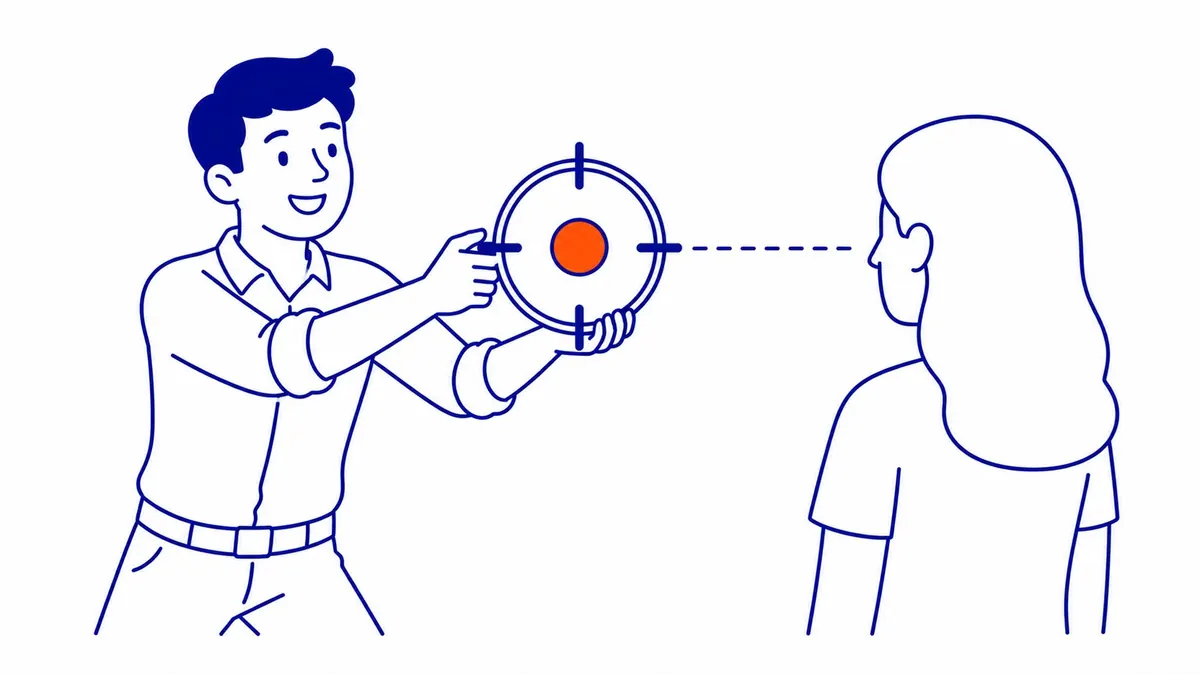
How to Duplicate a Campaign in the Google Ads Interface
Step one: sign in to the account you use for Google Ads management and go to the Campaigns tab. Step two: select the checkbox next to the campaign you want to copy. Step three: click the Edit menu at the top, then select Copy. Step four: click Edit again and select Paste. A window asks how many copies you want. Google Ads creates the duplicate campaign with “(Copy)” appended to the original name.
The new campaign is paused immediately after creation. It inherits all settings from the original: bidding strategy, budget, targeting, ad groups, keywords, and ads. Nothing from the original campaign’s performance history carries over — the duplicate starts fresh. Before enabling it, rename it, adjust the budget if needed, and confirm the targeting is correct for the new campaign’s purpose. Nothing is locked in either, so editing keywords after launch stays straightforward. Review your AdWords keyword list before enabling the copy, since it carried over untouched.
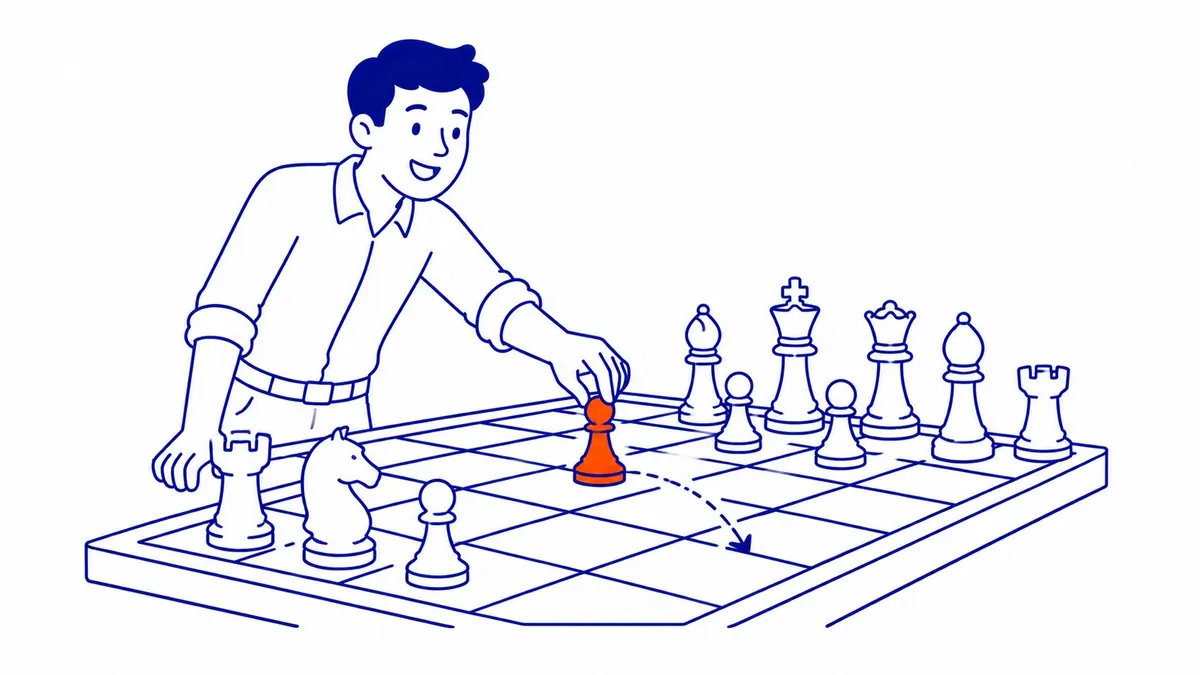
How to Duplicate Using Google Ads Editor
Google Ads Editor handles bulk campaign duplication more efficiently than the web interface. Open the Editor and download the account. Select the campaign in the left-hand tree. Use Ctrl+C (or Cmd+C on Mac) to copy. Then use Ctrl+V to paste. The duplicate appears in the campaign list with the same name plus a number suffix. Edit the name, budget, and targeting directly in the Editor, then upload the changes to push them live to your Google Ads campaigns.
Google Ads Editor is the right tool when you are duplicating campaigns to multiple accounts, duplicating several campaigns at once, or duplicating a campaign as part of a larger restructuring step. The web interface works for one-off copies; the Editor becomes worth the setup time when the step involves more than two or three campaigns at once. Copying campaigns does create overlap, so budget time for removing duplicate keywords in AdWords afterwards.
When to Duplicate a Campaign
Testing bidding strategies without disrupting a live campaign is the most common reason. Copy the campaign, change the bid strategy in the new one, let them run simultaneously. Which performs better becomes clear over a few weeks without putting the original campaign’s performance history at risk. Seasonal campaigns are another use case — copy a proven structure from a past campaign rather than rebuilding ad groups and keywords manually.
Geographic expansion is a third reason. A campaign performing well in Calgary can be duplicated and targeted to Edmonton or Vancouver, with keywords and ad copy adjusted for the new location. The ad group structure and keyword patterns remain the same; what changes is the geo-targeting and the local references in ad text. The full list of what duplicating preserves versus what you need to adjust manually: budget and bidding are copied but should be reviewed; keywords and ad copy come over exactly; conversion tracking links to the same actions as the original; negative keywords are preserved. For technical setup questions, a website SEO audit paired with an account review can identify which campaigns are candidates for duplication and what the structure should look like.
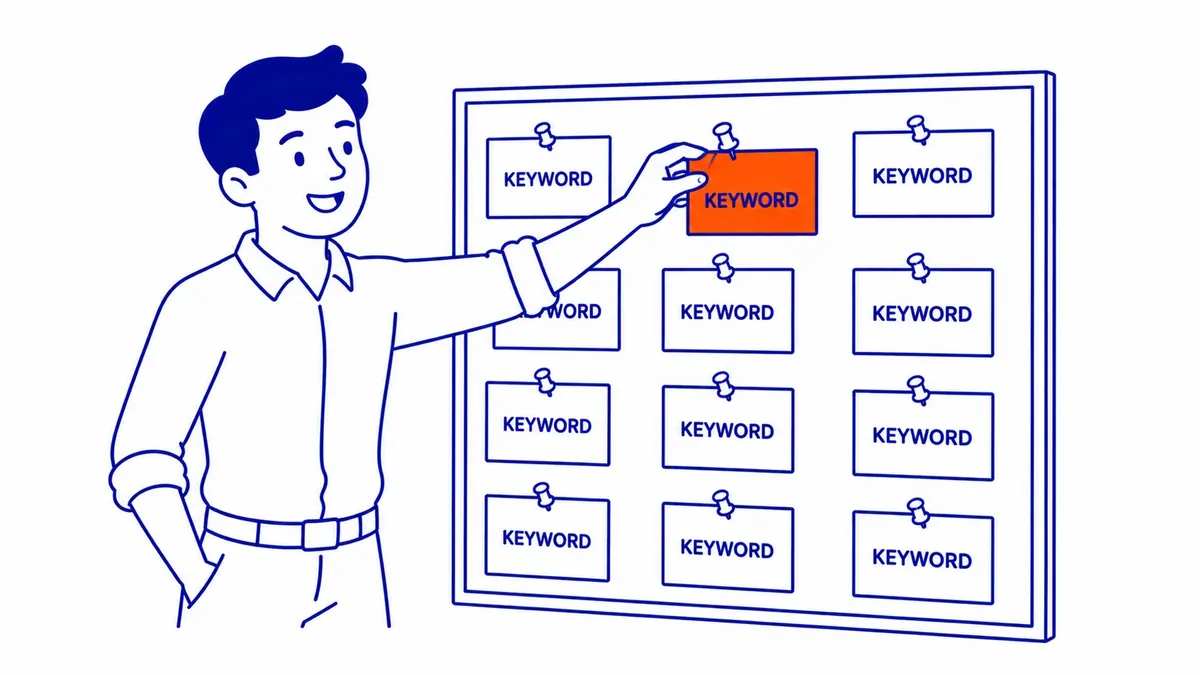
Frequently Asked Questions
Is it possible to duplicate a Google Ads campaign?
Yes. Google Ads supports campaign duplication through the Edit menu in the Campaigns tab, or through Google Ads Editor. The copy includes all ad groups, keywords, ads, and settings from the original. It starts paused and carries no historical performance data. The step takes about thirty seconds in the web interface.
How to duplicate an ad campaign?
Select the campaign in the Campaigns tab. Click Edit, then Copy. Click Edit again, then Paste. Google Ads creates a paused copy of the campaign with “(Copy)” in the name. Rename it, check the budget and targeting, and enable it when ready. For duplicating across accounts, use Google Ads Editor: copy in the source account, open the target account in the same Editor window, and paste. This is the method SEO Company To-The-TOP! uses when pushing proven campaign structures from a Calgary campaign to a national account.
What does duplicate campaign mean?
A duplicate campaign is an exact structural copy of an existing campaign. It shares the same ad groups, keyword lists, bid settings, and ad copy, but has no performance history and starts with a paused status. It is separate from the original — changes to one do not affect the other. The purpose is usually testing or expansion: running a variation of a proven campaign without modifying the original that is generating results.
Is $20 a day good for Google Ads?
$20 a day is a starting point, not a competitive budget in most industries. For low-competition local keywords with CPCs under $2, it produces enough clicks to evaluate performance. In industries where clicks cost $10–$30 (legal, finance, real estate), $20 a day generates too few clicks for meaningful data. Your campaigns need enough clicks per month to identify what is working. The right daily budget depends on your average CPC and how many conversions per month justify the spend. Start with $20 to establish baselines; scale once you know which ad groups and keywords are driving results.
Contact Calgary SEO Company To-The-TOP!
Questions about anything in this article, or about your own rankings? Talk to a Calgary SEO specialist directly.
Phone: (403) 308-5949
Address: 1509 14 Ave SW, Calgary, AB T3C 0W4
Hours:
Monday to Friday: 10:00 am – 7:00 pm
Saturday: 12:00 pm – 4:00 pm
Sunday: closed