
How Does Google Ads Provide Control Over Your Advertising?
Google Ads provides control through the settings you choose for every campaign: how much you spend each day and, through the monthly charging limit, each month, which searches your ads can match, where and when they show, what the ads say, how you bid, and who can touch the account. Each of those is yours to set and to change at any time. The catch is that several of the defaults lean toward reach rather than precision, and Google’s automation can take decisions back if you let it, so the real level of control depends on which settings you leave as they are.
This guide from SEO Company To-The-TOP!, a Calgary practice founded in 2007 and Google Ads certified, walks through each lever in the order an advertiser usually meets them. Where it says what Google does, the source is Google’s own Google Ads Help documentation, checked in October 2026.
The control levers at a glance
| Lever | Who decides | Default to check |
|---|---|---|
| Average daily budget | You, per campaign, changeable any time | None; Google may spend up to twice it on a busy day (most campaigns) |
| Keywords and match types | You choose keywords; Google matches searches to them | New keywords are broad match |
| Negative keywords | You | None until you add them |
| Locations | You | “Presence or interest” rather than “Presence” |
| Ad schedule | You | Ads eligible “All day” |
| Networks | You | Search partners included in new Search campaigns |
| Ad text | You write it; Google chooses combinations | Text customization is off in new campaigns unless AI Max is on; check older campaigns, which may already use it |
| Bidding | You, manually, or Google through Smart Bidding | Depends on the campaign goal you pick |
| Recommendations | You | Not auto-applied unless you turn that on |
| Account access | Whoever holds Admin access | Who holds Admin, and whether there is more than one |
Budget: a ceiling you set, with a known overspend rule
Each campaign has an average daily budget, and Google states that the amount “is entirely up to you” and can be edited whenever you like. A small business can start with a modest test budget and raise it once the data justifies more. What surprises people is the word “average”. Google may spend up to twice the daily budget on a busy day to catch spikes in search traffic, and it balances that out over the month, so for most campaigns the hard limit is monthly: no more than 30.4 times the average daily budget, the average number of days in a month. If served costs ever run past that limit, Google credits the overdelivery, and you are not charged above it.

Here is how that works out in Canadian dollars, using an illustrative campaign. A budget of $20 a day can spend up to $40 on a single day and no more than $608 in the month ($20 x 30.4). If clicks in that market cost about $4 each, which is an assumption for the sake of the arithmetic rather than a benchmark, that month buys roughly 150 clicks. Whether that is enough to judge the campaign depends on how many of those clicks turn into calls or forms, which is why the search terms report and conversion data matter more than the click count. The practical rule is to set the daily figure from the monthly amount you are prepared to spend, divided by 30.4, and to treat any single day as noise.
Keywords and match types: you choose, Google interprets
You decide which keywords a campaign targets, but match types decide how loosely Google may interpret them. Google’s documentation describes three options. Broad match lets an ad show on searches related to the keyword, including ones that do not contain its direct meaning, and it is the default for every new keyword. Phrase match shows the ad on searches that include the meaning of the keyword, and exact match on searches with the same meaning or intent, which Google describes as giving “the most steering” over who sees the ad. Google also recommends pairing broad match with Smart Bidding, because the wider set of searches is what the bidding system learns from.

For a local service business with a modest budget, the tighter match types usually give the clearer picture early on, and broad match makes more sense once conversion tracking is reliable and the budget can absorb some exploration. If a keyword is matching too widely, switching a keyword’s match type is a quick change and does not require a new campaign.
Negative keywords are the other half of this lever, and they are the most direct control you have over wasted clicks. A negative keyword stops your ad showing on searches that match it, and Google notes that negatives do not match close variants, so a negative for “flowers” does not block “flower”. That means plurals and synonyms have to be added by hand. The search terms report shows the actual searches that triggered your ads, although Google omits terms that too few people used, for privacy, so it is a large sample rather than a complete list. Reviewing it regularly and adding negatives from it is the habit that keeps a campaign on target, and a plain guide to negative keywords covers the match types for negatives in more detail.
Locations, schedule and networks: where and when ads appear
Location targeting lets you choose countries, provinces, cities, postal areas or a radius around an address, and exclude places you do not serve. The setting that matters most sits under the location options. By default a campaign reaches “Presence or interest”, meaning people in, regularly in, or who have shown interest in your targeted locations. Google recommends this broader setting as a best practice on Search, on the grounds that it can capture more conversions. The narrower option, “Presence”, reaches only people in or regularly in your locations.

The difference is easy to picture with a Calgary example. Under the default, someone in Toronto who searches for a furnace repair company in Calgary may see a Calgary contractor’s ad, because the default also reaches people who have shown interest in the targeted location, wherever they are. For a business planning a move, a property search or a trip, that reach is useful. For a contractor who only ever serves people already in the city, it can mean paying for clicks from people who are researching on someone else’s behalf or who will never call, so many local service advertisers choose “Presence” and watch whether lead quality changes.
Ad scheduling sets the days and hours when ads may show. New campaigns run “All day” by default, and you can limit them to business hours or set bid adjustments for particular times (bid adjustments apply with manual bidding; Smart Bidding sets its own bids within the schedule), which suits a business that can only answer the phone during office hours. Google notes that a scheduled campaign still paces toward 30.4 times its daily budget over the month, so cutting the hours concentrates spend rather than reducing it. On the network side, a new Search campaign includes Google’s search partners by default, which are other search sites and apps that show Google ads. You can remove them in the campaign settings and compare results with and without them.
Ad text: your words, Google’s combinations
You write the headlines and descriptions, and Google reviews your ads against its advertising policies. With responsive search ads, the standard Search format, you can supply up to 15 headlines and 4 descriptions, and Google assembles the combinations it expects to perform best for each search. If a line must always appear, such as a licence number or a disclaimer, you can pin it to a position. Google notes that pinning reduces the number of combinations and is not recommended for most advertisers, so it is best kept for the lines that genuinely have to be fixed.

The control question here is about text you did not write. Text customization, formerly called automatically created assets, generates extra headlines and descriptions from your landing page, existing ads and keywords. It is now part of AI Max for Search campaigns, and Google says campaigns already using it are being upgraded to AI Max automatically from September 2026, with DSA campaigns, which build ads from the pages of your website, following from February 2027. AI Max also widens matching through its search term matching feature, which Google says can be switched off at the ad group level, and it adds brand and URL controls. If you want every word in your ads to be your own, check the asset optimization settings in each Search campaign after any upgrade notice and review the generated assets in the asset report.
Bidding: manual control or Smart Bidding
With manual CPC bidding you set the maximum you are willing to pay for a click, adjusted only by any bid adjustments you add, and the actual charge is often lower. Smart Bidding strategies, which Google lists as Target CPA, Target ROAS, Maximize conversions and Maximize conversion value, hand the bid in each auction to Google’s systems, which use signals such as device and location along with signals only Smart Bidding can see. You still control the goal, the target and the budget, but not the individual bid. Smart Bidding can only aim at conversions it can see, so it only works as well as your tracking, which is why setting up conversion tracking properly comes before any switch away from manual bids.
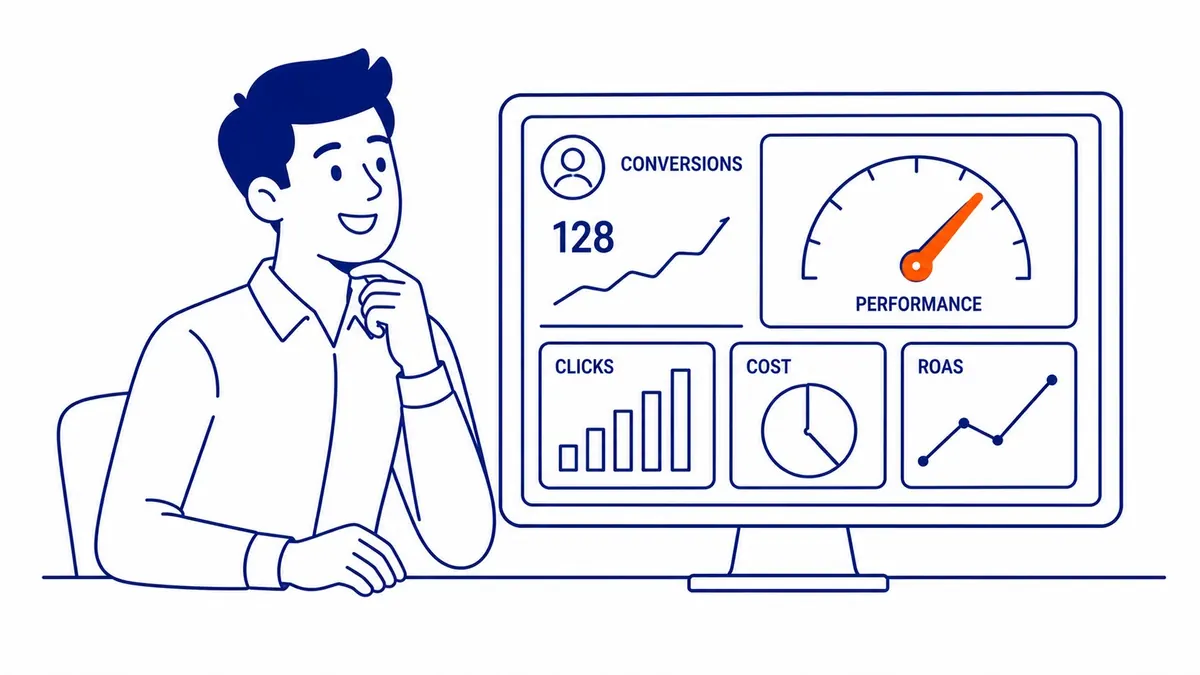
Bids are not the whole story of where an ad appears. Google ranks ads by Ad Rank, which it calculates in every auction from your bid, the quality of your ad and landing page measured at that moment, its minimum thresholds, the competitiveness of the auction, the context of the search and the expected impact of your assets. The Quality Score shown in your account is a 1 to 10 diagnostic of past performance, and Google states that it “is not an input in the ad auction”. It remains a useful guide to whether expected clickthrough rate, ad relevance and landing page experience need work, and better ads and landing pages can often lead to lower costs per click. There is more on how the ad auction works in a separate guide.
The settings that quietly hand control back to Google
Most loss of control in Google Ads comes from settings that were accepted rather than chosen. Before judging any campaign, it is worth checking a short list:
- Match types: new keywords are broad match unless you set phrase or exact.
- Location option: “Presence or interest” is the default; local service businesses often want “Presence”.
- Networks: search partners are included in new Search campaigns.
- Auto-applied recommendations: when turned on at the account level, Google applies the chosen recommendation types on a regular basis. Google says this will not raise your budget, and you can review the queue, see what was applied in the History tab and switch the feature off at any time.
- AI Max and text customization: check the campaign’s asset optimization settings after any upgrade notice.
- Bid strategy: confirm which strategy each campaign actually uses, because campaigns that were on Enhanced CPC before it was retired for Search in March 2025 now run on manual CPC.
None of these defaults is wrong for every business. They are tuned for reach, and a small local advertiser often needs precision first, so the decision should be yours rather than the account’s.
Control of the account itself
The deepest form of control is owning the account. Google Ads has five access levels: Admin, Standard, Read only, Billing and Email only. Only an Admin can grant or remove access, link or unlink a manager account and link Google Analytics, so a business that hires help should keep its own Admin login and give the manager the level the work requires. Google itself warns that an account with only one administrator can lose access to its tags if that person becomes unavailable, and suggests adding a second. Change history lists the changes made to the account, campaigns and ad groups over the past two years, which lets you see what was changed, when and by whom.
That last point matters when you compare providers. With any provider, To-The-TOP! included, ask whose name the account is in and what access level you will hold, and ask for the management fee and the ad spend as two separate numbers before you compare offers. Pausing is also yours to decide: a campaign, ad group, ad or keyword can be paused at any time and resumed later, and clicks it has already received are still billed.
If you would like a second opinion on how your campaigns are set up, To-The-TOP! offers Google Ads management for businesses in Calgary, Edmonton, Vancouver and across Alberta and British Columbia, and you can call (403) 308-5949 to talk it through.
Contact Calgary SEO Company To-The-TOP!
Questions about anything in this article, or about your own rankings? Talk to a Calgary SEO specialist directly.
Phone: (403) 308-5949
Address: 1509 14 Ave SW, Calgary, AB T3C 0W4
Hours:
Monday to Friday: 10:00 am – 7:00 pm
Saturday: 12:00 pm – 4:00 pm
Sunday: closed