
How to Create a Google Display Ad Step by Step
Display ads reach people while they browse, not while they search. Banners spread across millions of sites and apps through the Google Display Network. Images and video too.
Building one takes six real steps. None of them complicated on their own.
Choosing the Right Campaign Type First
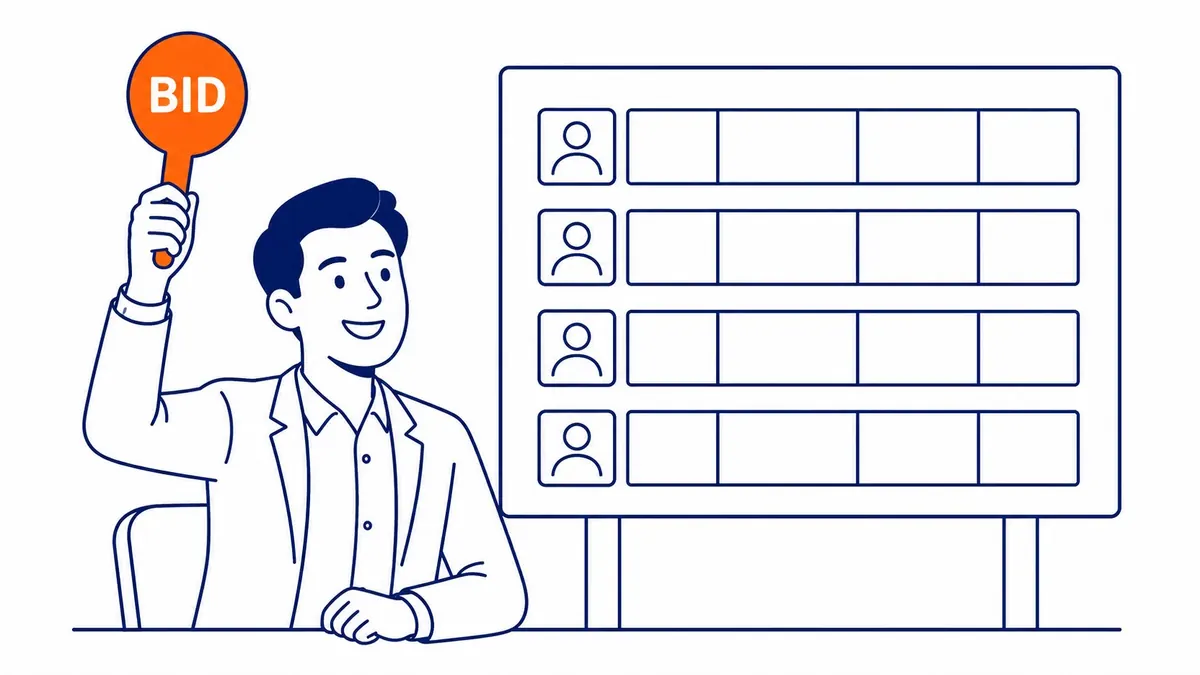
A new campaign in Google Ads gets started first, with Display selected as the campaign type. The specific settings a display ad actually needs to launch properly get unlocked from there.
A clear campaign goal gets picked upfront. Awareness, maybe. Consideration or sales instead, since this shapes which bidding strategy Google recommends by default.
Realistically for a display ad specifically, the campaign budget gets set inside Google Ads. Lower cost-per-click bids than search often work for display. Higher overall volume becomes necessary to generate meaningful results, though. Budget logic changes again when running a PPC campaign on search instead.
Setting Up Audience Targeting
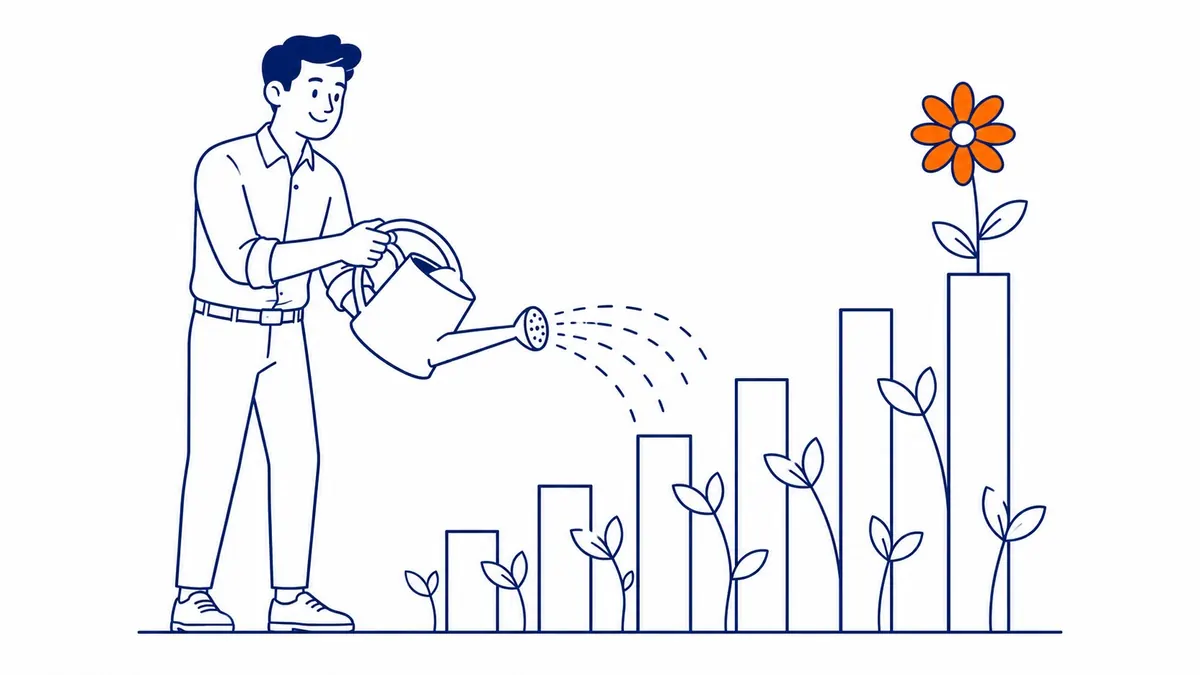
Who actually sees a Google display ad gets decided by audience targeting. Demographics get layered together to narrow the reach. Interests and behaviors too.
People who already visited the site get targeted by remarketing audiences. Far better conversion typically follows this audience type, compared to cold, unfamiliar audiences seeing the brand for the first time.
People actively researching a specific product category right now get targeted by in-market audiences instead, for a well-timed display ad. Genuinely useful for reaching people close to a purchase decision already.
Building the Actual Ad Creative
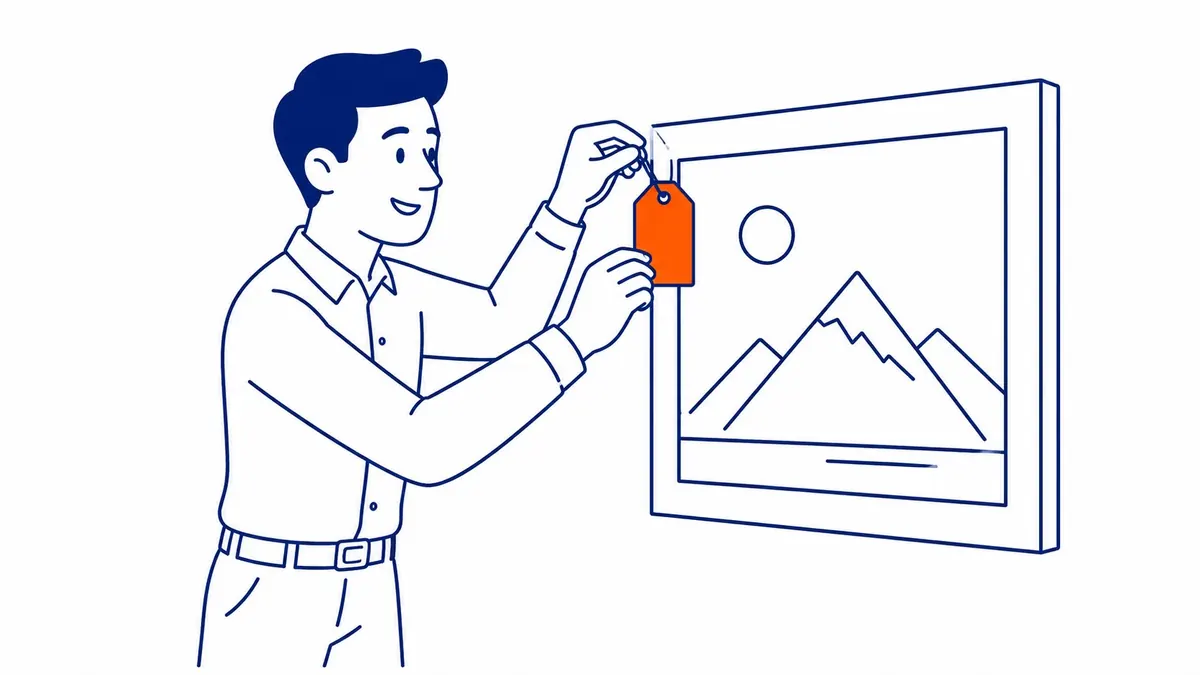
Whatever ad space becomes available gets automatically fit by a responsive display ad, in Google Ads. Several images get uploaded. Headlines and descriptions in several variations too. Different combinations get assembled automatically from there.
Enormously, high-quality images matter for a display ad here. Blurry images get rejected or simply underperform once live. Low-resolution or oddly cropped ones too.
Room to test what actually resonates for the responsive display ad gets given to Google’s algorithm through multiple headline and description variations. More variety here generally improves performance over time as the system learns and refines its combinations.

Choosing Where the Ads Actually Appear
Broadly across the entire Google Display Network is where a display ad’s placements can run. Or narrow, to specific sites and apps chosen manually. More people get reached broadly; more precision comes from narrowing.
Brand safety gets protected by excluding certain content categories, like sensitive topics or low-quality sites. Most advertisers exclude at least a few obvious categories by default.
Reinforcing brand recognition for people already searching organically, display campaigns work well alongside search. True for a Calgary SEO client also running Google Ads. Display also carries the return visits, which is where setting up retargeting ads on Google starts paying.
Setting Bids and Budget Correctly
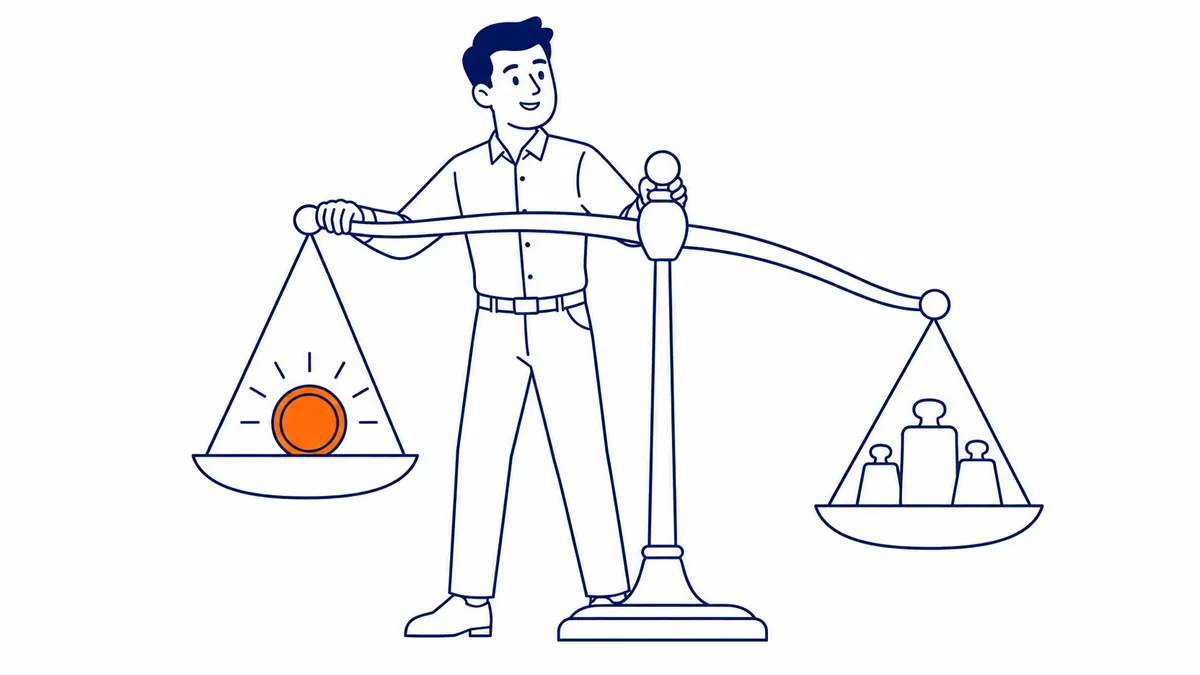
Once enough conversion data accumulates, automated bidding strategies inside Google Ads work well for most display campaigns. Smaller, newer accounts still gathering that initial data suit manual bidding better.
Overspend gets prevented by daily budget caps while a campaign is still being tested. Conservative first, then scaled once performance data confirms the campaign actually works.
How often the same person sees an ad gets limited by frequency capping. Fatigued fast, without it, the same audience gets. Performance drops noticeably within just a few weeks as a result.
Launching and Monitoring Early Performance
Especially audience targeting and placement exclusions, every Google Ads setting deserves one more review before launching. Real budget gets wasted fast by small mistakes here, once the campaign goes live.
Daily checks matter for the first two weeks. Click-through rate deserves close attention during this initial testing window. Viewability and actual conversions too.
Underperforming ad variations get paused once enough data accumulates. Overall campaign results usually improve within the first month by reallocating budget toward the strongest performers.
Frequently Asked Questions
How much does a Google display ad cost?
Typically less per click than search ads, often just a few cents to a dollar depending on industry and targeting. Audience size and campaign goals drive total spend heavily.
What image sizes work best for a Google display ad?
Multiple sizes work best together, since responsive ads adapt to available space. Google recommends at least one square image for full coverage. One landscape and one portrait too.
How long before a display campaign shows real results?
Two to four weeks usually, once the display ad accumulates enough impressions and clicks for Google Ads to optimize effectively. See Google Ads management for ongoing campaign support.
Contact Calgary SEO Company To-The-TOP!
Questions about anything in this article, or about your own rankings? Talk to a Calgary SEO specialist directly.
Phone: (403) 308-5949
Address: 1509 14 Ave SW, Calgary, AB T3C 0W4
Hours:
Monday to Friday: 10:00 am – 7:00 pm
Saturday: 12:00 pm – 4:00 pm
Sunday: closed