
How to Find Competitors’ Keywords
There are three practical ways to find competitors’ keywords: look at the search results yourself, use Google’s free tools, and run a competitor’s domain through a paid SEO tool such as Ahrefs, Semrush or SpyFu. The paid tools give the longest lists, but every figure they show is an estimate, modelled from the rankings they record and other data sources, so treat them as a map rather than a measurement. The free routes are slower and more limited, although each one answers a narrower question using Google’s own data. Most of the value comes after the list exists, when you decide which terms deserve a page, which belong in an ad campaign and which to ignore.

Start with the sites that actually rank
Before you collect anyone’s keywords, decide whose keywords you want. Your business rivals are the companies you lose quotes to, while your search competitors are the domains that show up above you for the searches your customers type, and the two lists overlap less than most owners expect. A Calgary renovation company might find that its page one is shared with a home-improvement retailer, a directory, a magazine article and one or two real rivals. The keywords of the retailer are of little use to the renovator, so it pays to remember that search competitors are often not the businesses you think of first.
A simple way to find them is to search five to ten of your most important service terms and write down the domains that keep appearing in the organic results. For a local service business, look at the map results as well. Google says local results are based mainly on relevance, distance and popularity, which means the businesses in the map pack can change with where the searcher is standing. Someone searching from Tuscany and someone in Seton can see different map results for the same plumbing search, so it is worth checking from the areas you actually serve. Two to four genuine competitors are enough for a first pass.

Paid tools: the fastest way to see a full list
Ahrefs, Semrush and SpyFu all let you enter a competitor’s domain and see the keywords their database has recorded that domain ranking for, with an estimated position, an estimated monthly volume and an estimated share of traffic. That makes them the quickest answer to the question of what a competitor ranks for. Sort the list by estimated traffic and you usually see which few pages carry most of the site, which tells you more about the competitor’s strategy than the raw keyword count.
Each tool has a different emphasis. Ahrefs’ Site Explorer and Semrush’s organic reports are built mainly around organic rankings, and both offer a gap tool that compares several domains at once (Ahrefs’ Content Gap accepts up to 10 competitors, according to its help centre). SpyFu gives competitors’ Google Ads keywords and ad history equal billing with organic data, so it is the more natural pick when paid search is part of the plan. Running two tools on the same competitor is a useful sanity check, because terms that appear in both are less likely to be artifacts of one database.
Two settings matter more than which tool you choose. First, set the country database to Canada, because a US view of a Calgary competitor describes a different market. Second, remember that the volume figures for small Canadian and Calgary searches are thin, so a local term showing “0” or no data may still bring real enquiries. Tool data is good at showing direction and rarely precise enough to justify a decision on volume alone. Prices for these tools change often and are listed on each vendor’s site.
Free ways to check competitor website keywords
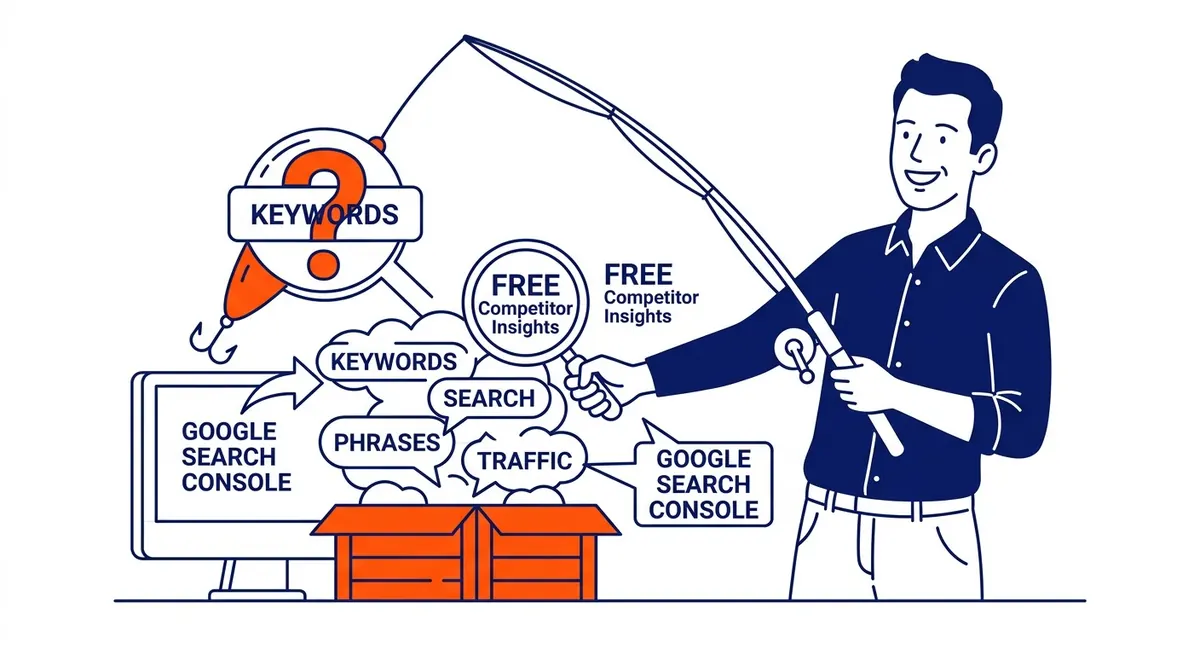
You can learn a lot about a competitor without paying for a tool, as long as you know what each free method can and cannot show. The most direct is the results page itself. Search a term you care about, open the top five results and read the title, the main heading, the subheadings and the questions each page answers. That shows you how Google currently interprets the search and which angles the ranking pages share. A search such as site:competitor.ca furnace in Google shows pages from that competitor’s site that mention the word, although Google says a site: search will not necessarily show every indexed page, and the titles usually reveal the term each page was built around.
Google Keyword Planner, inside Google Ads, has a “Start with a website” option. Google’s help page says you can enter any website and Google will look for keywords related to the content on that site. That is useful for building a list around a competitor’s service pages, but it is a list of related ideas from Google’s data, not a report of where that competitor ranks. Google describes Keyword Planner as a free resource, although it requires the account setup, including billing information, to be complete before you can get keyword ideas.
For the paid side, the Ads Transparency Center, which Google launched in 2023, lets anyone look up an advertiser and see the ads it has run, where they were shown and when an ad last ran. It does not list the keywords behind those ads, so you read the offers and landing pages and infer the searches. If you already run campaigns, the auction insights report compares your performance with other advertisers in the same auctions, but it only covers your own keywords and shows nothing when your impression share is below 10%. A separate guide covers what competitors run in Google Ads in more depth.
Google Search Console only ever shows your own site. Its Performance report lists the queries your pages appeared for, with clicks, impressions and average position, and it is the one data source here that comes from Google’s own measurements rather than an estimate, although it leaves out some rare queries for privacy. Queries where your page sits on page two are worth matching against the competitors you found above, because the pages ahead of you on those searches are the ones to study first.
| Method | What it shows | What it cannot show | Cost |
|---|---|---|---|
| Manual search and site: searches | What Google ranks today and how pages are built | Volumes, or a complete list of a competitor’s pages or keywords | Free |
| Keyword Planner “Start with a website” | Keyword ideas related to a site’s content, with volume ranges | Where that site ranks | Free with a Google Ads account and billing set up |
| Ads Transparency Center | Ads an advertiser has run, by region and date | The keywords behind the ads | Free |
| Auction insights | Other advertisers in your own auctions | Anything outside your own campaigns, or below 10% impression share | Free with a running campaign |
| Search Console | Your own queries, clicks and positions | Any competitor’s data | Free |
| Ahrefs, Semrush, SpyFu | Estimated rankings, traffic and gaps for any domain | Exact figures; small local volumes are thin | Mainly paid subscriptions; some offer limited free searches |

Keyword gap analysis: missing versus untapped
A keyword gap analysis puts your domain next to your competitors’ and sorts the keywords by who ranks for what. Semrush’s knowledge base defines the categories precisely, and the distinction is worth learning. “Missing” keywords are those where all of the competitors you entered rank and your site does not. “Untapped” keywords are those where at least one competitor ranks and you do not. “Weak” keywords are those where you rank, but lower than every competitor.
The Missing list is usually the strongest starting point, because every competitor you entered ranks for the term, although intent and fit still decide whether it is worth pursuing. The Untapped list is longer and noisier, since one competitor’s odd blog post can put a term on it. The Weak list is often the quickest work, because you already have a page that Google connects with the search and the job is to improve it rather than start from nothing. Ahrefs’ Content Gap works in a similar way and shows the competitor’s top-ranking page for each keyword when you hover over its position.
Choose the competitors carefully before you run it. If you include a national retailer or a directory, the gap fills with terms you will never win or do not want. Three or four domains that genuinely compete for your customers produce a shorter and far more useful list, and a separate walkthrough explains how to run a keyword gap step by step.
How to decide which competitor keywords to chase
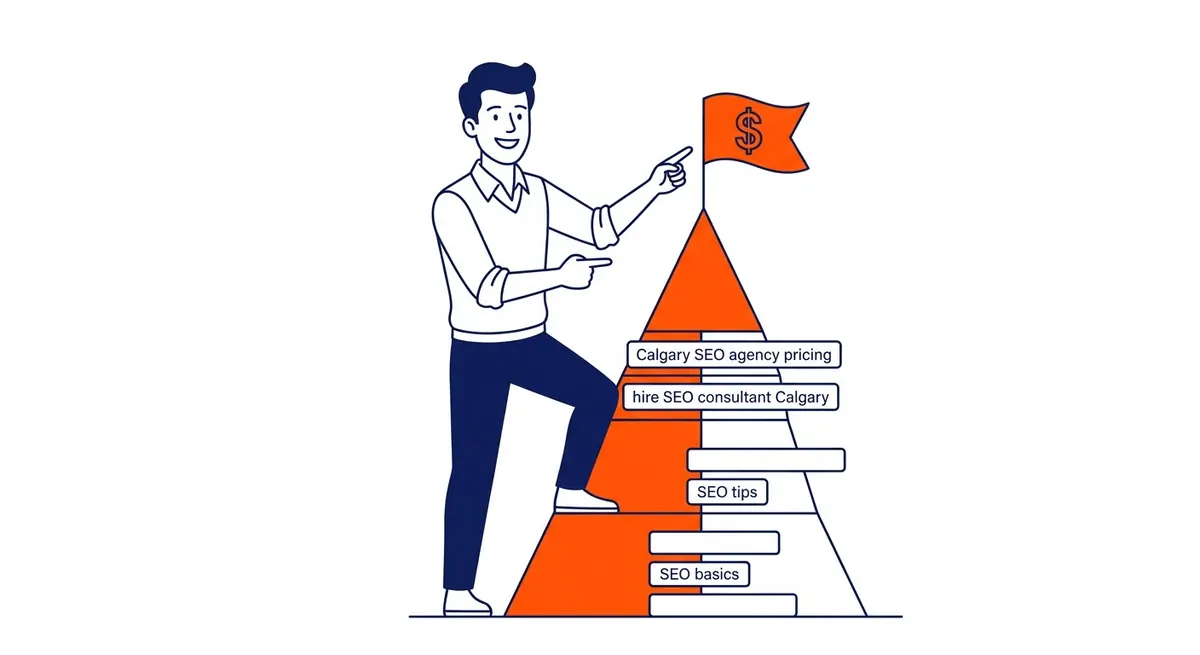
A gap list, even against a small local competitor, usually contains many terms that do not matter. The order of filtering that works in practice is intent first, fit second and difficulty third, with volume used last as a tie-breaker. A term close to a purchase, such as a service plus a city, usually matters more to a local business than a general question with ten times the searches. If a person typing a term would never become your customer, it comes off the list regardless of its volume.
Fit means your business can actually serve the search. Difficulty means looking at the pages that rank: if the top results are all large national sites with strong link profiles, a newer local site is unlikely to displace them soon, so the term goes on a later list. The difficulty scores in Ahrefs and Semrush are a quick filter, although they are calculated differently in each tool and are worth checking against the actual results page.
An illustrative example shows how this plays out. Suppose a Calgary furnace company runs a gap analysis against two local rivals and gets a long list, of which the first few look like this:
| Keyword (illustrative) | Who ranks | Decision |
|---|---|---|
| furnace repair calgary | Both rivals in the top five, you on page two | Improve the existing service page first |
| furnace tune up cost | One rival, with a cost article | Write a cost guide, since buyers search this before calling |
| boiler installation calgary | Both rivals | Drop it, because the company does not install boilers |
| why is my furnace making noise | National sites and one rival | Later, as a helpful article once the service pages are strong |
| emergency furnace repair | Both rivals, plus ads at the top | Cover it in Google Ads now and on the service page over time |
Nothing in that table depends on exact volumes. The decisions come from intent, fit and who holds the results page, which is why a small business can make good choices even when the tools show little data for Calgary.

Turning the list into pages and campaigns
For a term where competitors rank and you have no page, build one that serves the search better than what ranks now. Read the top results for the questions they answer and the ones they skip, and add what only you can say, such as how the work is done in your area or what changes the price. Copying a competitor’s page structure line for line is a poor plan, because the result is a page with nothing new to offer.
For a term where you rank on page two while competitors hold the top spots, compare your page with theirs. The usual differences are how well the page matches what the searcher wants, how completely it covers the topic, how many internal links point to it from the rest of your site and how many outside sites link to it. Work out which applies before rewriting anything, since the fix for a weak internal link structure is different from the fix for thin content.
Competitor keyword data is also useful for paid search. If a paid tool’s ad history shows a competitor bidding on a term for months, the term is probably bringing them some value, although spend alone does not prove it is profitable for them or for you. A small, tightly targeted Google Ads campaign on the highest-intent terms can bring enquiries while the organic pages build, and the conversion data from that campaign then tells you which keywords deserve the most SEO effort.
Rankings move, competitors publish and new businesses enter a market, so the list is worth refreshing on a regular schedule. A quarterly check on your most important commercial terms is a sensible rhythm for most local businesses, with a closer look whenever Search Console shows a page losing positions.
Getting help with competitor keyword research
Finding competitors’ keywords is mostly patient work: picking the right competitors, reading the results page, using the free Google tools for what they really show and treating paid tool figures as estimates. The harder part is the judgement that turns a long list into a short plan. SEO Company To-The-TOP!, a Calgary SEO and Google Ads firm founded in 2007, does this as part of its keyword research, with one expert doing the work from start to finish. To talk through your market and your competitors, call (403) 308-5949.
Contact Calgary SEO Company To-The-TOP!
Questions about anything in this article, or about your own rankings? Talk to a Calgary SEO specialist directly.
Phone: (403) 308-5949
Address: 1509 14 Ave SW, Calgary, AB T3C 0W4
Hours:
Monday to Friday: 10:00 am – 7:00 pm
Saturday: 12:00 pm – 4:00 pm
Sunday: closed