How to Find Google Keywords
The keywords you pick determine which searches find you. Wrong ones mean invisible campaigns, wasted ad spend, pages that never rank. Right ones mean consistent traffic from people already looking for what you sell.
Here is how to find them.

What Are Google Keywords
Every search on Google has a keyword behind it. The user types a phrase. Google matches it to pages and ads. That match is built through keywords.
Context matters. Set up Google Ads and your keyword list controls which searches trigger the ad. Organic SEO follows the same logic: build pages around the terms people search, and Google surfaces them when the query matches. Same question drives both. What words are real people typing into Google to find a business like yours?
That is what keyword research answers. Not what you assume customers are searching for. No industry jargon either. The actual phrases real people use.
Thorough keyword competitive analysis separates campaigns that produce leads from campaigns that drain budget. It belongs at the start of any serious Google Ads or SEO project, not as an afterthought. All of it rests on the meaning of SEO keywords, ads and organic alike. Before any of that, learn to search Google keywords the way a customer would.
How to Find Google Keywords
Multiple options exist. Each serves a different purpose.
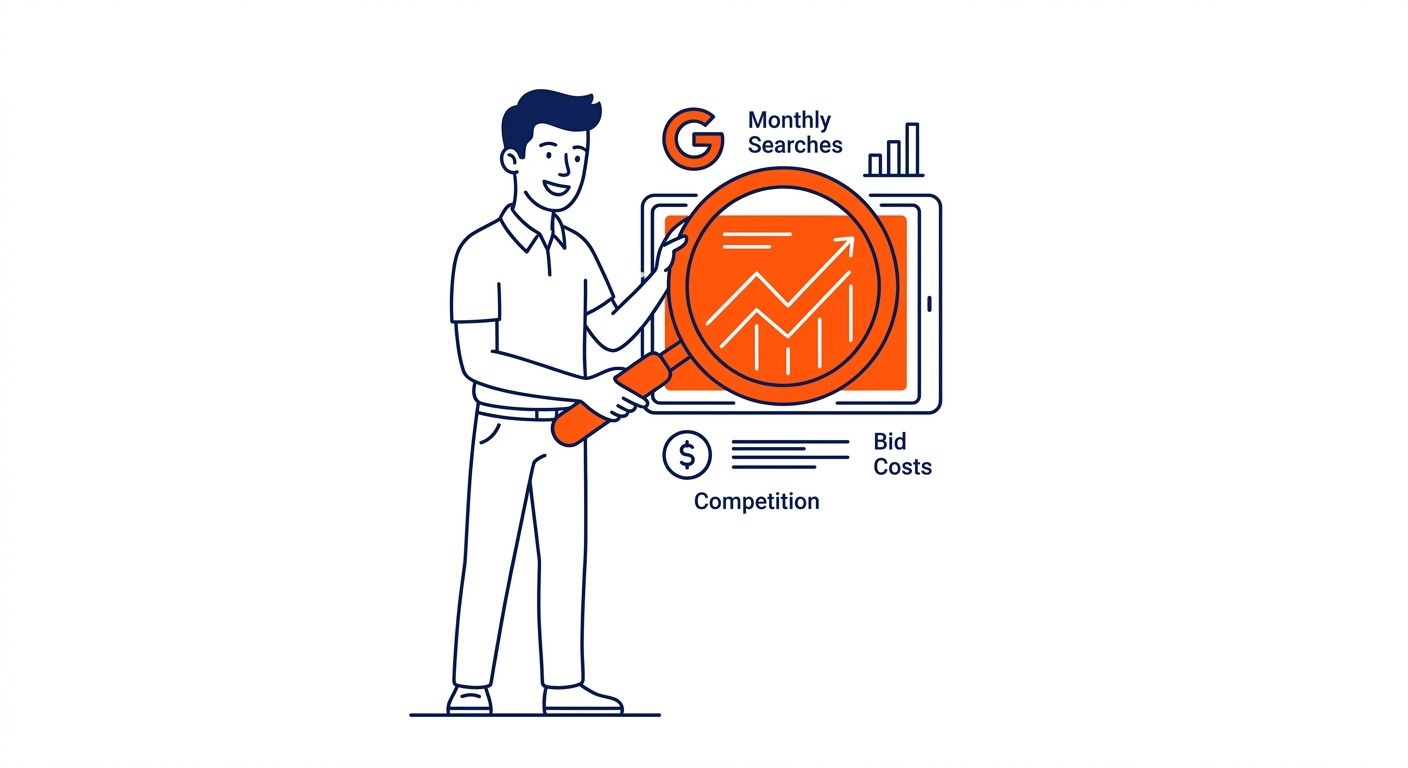
Keyword Planner is where most research starts. Free inside Google Ads. Pulls data directly from Google’s own index. Shows average monthly searches, competition level, and estimated bid costs. No other tool has the same source authority for Google-specific keyword data.
Google Trends works differently. Not absolute search volumes, but relative interest over time. Compare two keywords side by side to see which is gaining momentum. Spot seasonal peaks before they arrive. Good for timing. Not volume counting.
Type anything in the search bar and autocomplete fires immediately. Every suggestion is a keyword idea pulled directly from what people are searching for. No account required.
Search Console gives you keywords from your own site. If you already have pages ranking, Console shows the exact queries bringing visitors. Real data, not estimates.
Paid tools add what Planner cannot. Ahrefs, SEMrush, SpyFu. Exact volume figures instead of ranges, organic difficulty scores, competitor keyword analysis. More expensive. But more precise. Most businesses combine Keyword Planner with one of these.
Using Google Keyword Planner for Keyword Research
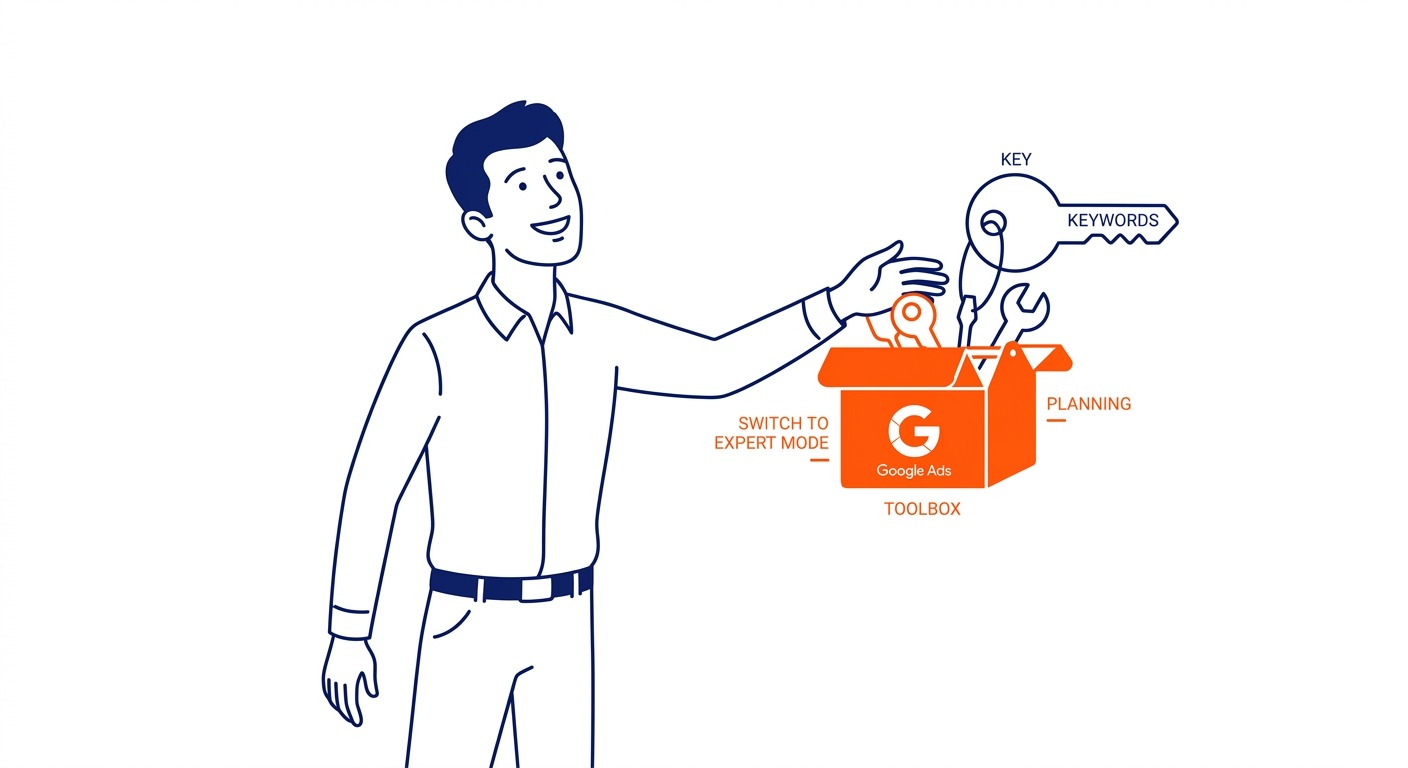
Find it inside your Google Ads account under Tools, then Planning. New accounts land in Smart Mode, which hides most of the useful functionality. Switch to Expert Mode first.
Billing information is required for full access. No active spend needed, but you must complete the account setup before the planner unlocks.
Two tabs inside. Discover New Keywords takes seed terms or a website URL and returns keyword ideas. Get Search Volume and Forecasts takes a list you already have and returns performance data. Most keyword research starts in Discover.
Click Discover New Keywords. Type in what you sell. Or drop in a competitor’s website URL instead. Competitor URLs pull up terms you would never have thought to search for. The results list can run into the hundreds.
Each keyword comes with average monthly searches, competition level, and top of page bid range. Look at all three, not just volume. High bids signal that a keyword converts. Advertisers do not pay $20 a click on terms that produce nothing.
Volume comes back as ranges for most accounts. A 1,000-to-10,000 bracket is common when the account carries no spend history. Active Calgary Google Ads management narrows those ranges over time.
The Get Search Volume and Forecasts tab handles validation. Paste in a list from any source and the planner returns volume and forecast data. Useful before committing budget to a list you have built elsewhere. Everything else about how to use Google keyword planner sits one menu away.

Other Google Tools for Keyword Research
Keyword Planner is not the only free source of Google keyword ideas.
trends.google.com shows how search interest in any topic has changed over time. The chart is not about total searches but about relative interest. Enter a keyword and see whether it peaked three years ago or is still climbing. Compare two related terms to see which has the stronger trajectory. For seasonal businesses, the date view shows exactly when demand spikes and when it drops.
Autocomplete is the suggestion list that drops down as you type. Built from real searches. Start with a product name, add a word, see what suggestions change. Work through variations. Type “Calgary roofer” and the suggestions differ from “roofing contractor Calgary.” Both matter.
Related searches sit at the bottom of every Google results page. Scroll past the organic listings after any search and find eight or ten related queries Google deems relevant. These reveal how different users phrase the same intent. Many of them are worth checking in Keyword Planner for volume data.
People Also Ask panels generate question-based keyword ideas. The expandable questions in the middle of search results represent real queries. Informational keywords for content and blog posts often come from here, and they cost nothing to collect.
For sites already receiving traffic, Google Search Console is a goldmine. Under Performance, then Queries, you find every search term that brought a user to your site. Sort by impressions with low clicks. Those are keywords you show up for but are not yet winning. Easier to improve than starting from scratch.
How to Filter and Choose Your Keywords
Finding keyword ideas takes minutes. Narrowing them to terms worth targeting takes judgment.
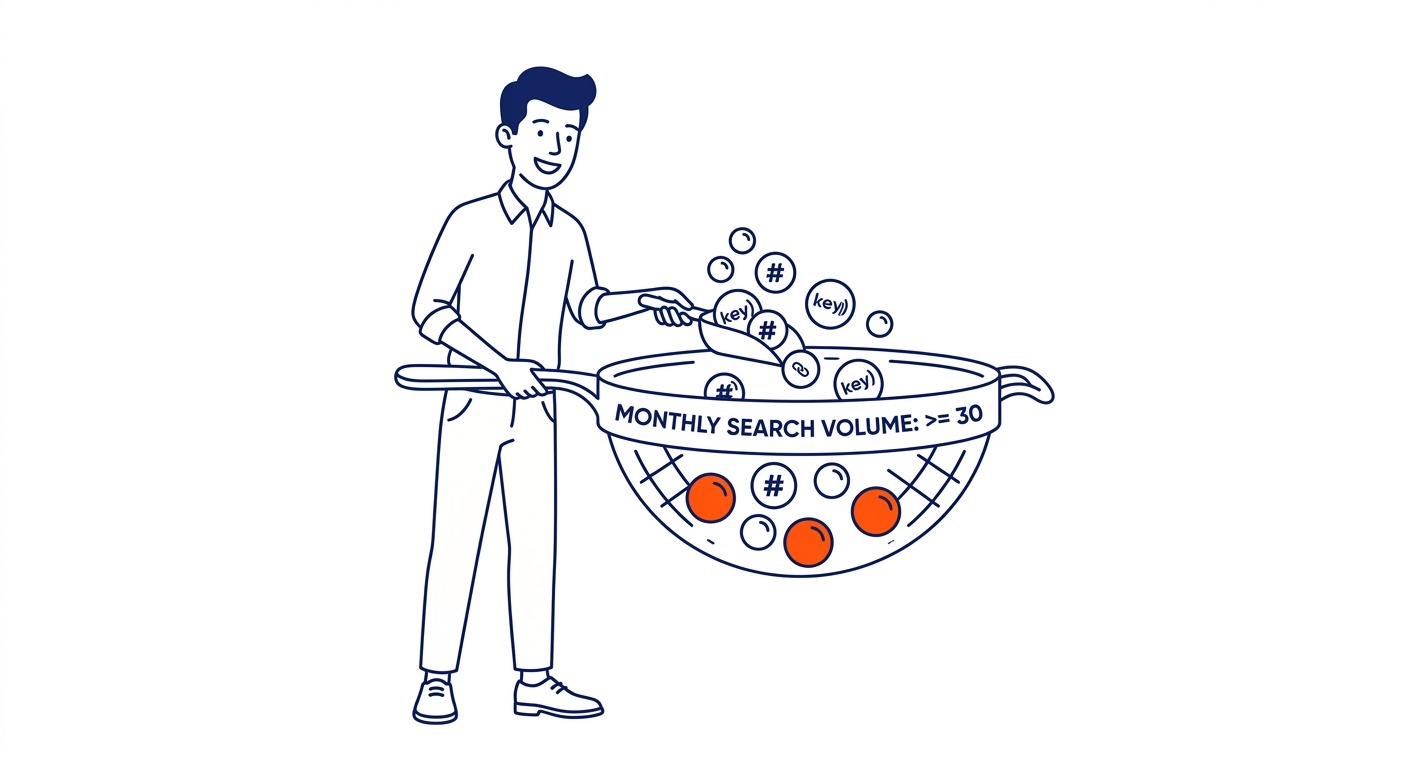
Monthly search volume sets the floor. In Keyword Planner, Add Filter lets you set a minimum threshold before the results even display. For Google Ads, 30 monthly searches per keyword is a common lower limit. Below that, there are not enough daily impressions to gather useful click data quickly. For SEO content, some pages target much lower volumes if the intent is highly specific.
Location comes first for local businesses. The default Keyword Planner view shows national data. Change the location filter to your target city or province before comparing keywords. A nationally popular keyword might have almost no local search volume. That other term in the list might be what local searchers actually use. Running local filters before finalizing any list is not optional.
Competition level in Keyword Planner reflects advertiser demand. High competition means many advertisers are bidding. It tells you a keyword converts well somewhere in the market. Clicks cost more, too. Low competition with moderate volume often means a better return for tighter budgets.
Top of page bid range is the best intent signal Keyword Planner offers. High bids mean advertisers are paying and presumably getting results. If the bid range on a keyword is $15 or higher, someone has found a way to make that economics work. Pay attention to this before dismissing lower-volume terms.
Long-tail keywords are the starting point for most new campaigns. Lower monthly searches, higher specificity, fewer competitors, cheaper clicks. “Emergency roof repair Calgary” converts better than “roofing” at a fraction of the cost per click. Build around specific, high-intent terms first. Expand from there as data comes in.

Types of Keywords to Target
Not every Google keyword is worth the same thing.
High-intent commercial keywords are where most Google Ads budget belongs. These terms signal that the searcher is comparing options or ready to act: “Calgary plumber near me,” “book accountant Calgary”: the searcher has a specific need and wants a solution now. Higher cost, more competition on the bid. The leads they produce are worth it.
Informational keywords bring people looking for answers, not solutions. Question-based searches like “how much does roof repair cost” come from someone in early research mode. They are not ready to buy yet. For content and SEO, informational keywords have real value. In conversion-focused ad campaigns, they rarely justify the spend.
Branded keywords split into two types. Your own brand name keeps competitors from showing up when someone searches specifically for you. Competitors’ brand names put you in front of users actively evaluating alternatives. Both are legitimate. Each belongs in a different part of a mature account strategy.
Match types set how loosely Google connects your keyword to actual searches. Broad match hands that decision to Google. Your ad reaches searches you never listed. Phrase match requires your keyword phrase to appear in the query. Exact match keeps things tight. Only your keyword or a near-identical variant fires the ad. Start with phrase or exact to maintain control while you gather conversion data. Broad match comes later once you know which terms actually produce results.
Commercial keyword pages and informational pages need different structures. Page format should follow searcher intent, not the other way around.
Local Keyword Research on Google
Google keywords look different at the local level. National volume and local volume diverge significantly, and for businesses with a defined service area, only local data matters.
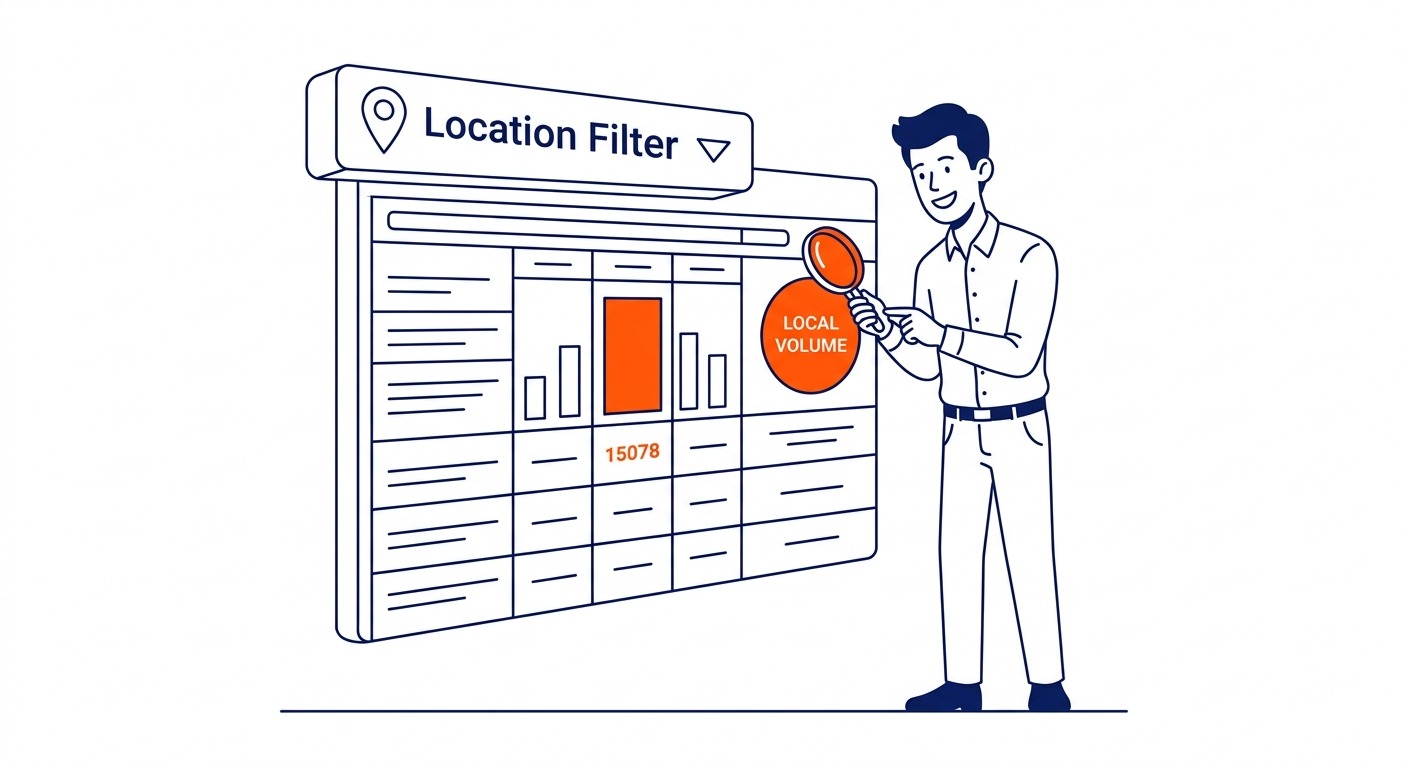
Google Keyword Planner has a location filter above the keyword results table. Change it before running any comparison. Set it to your city or province. This is not optional for local campaign planning.
Any SEO expert Calgary businesses hire runs into this constantly. A keyword might show 8,000 monthly searches nationally and 120 in Calgary. Meanwhile, a different keyword with 700 national searches might show 250 locally. Local filters flip the priority list. Without them, you are optimizing for the wrong audience.
The trade-off is volume. Lower local search volume typically comes with lower competition. Cost-per-click drops with it. Rankings get easier too. For a local business serving only local customers, 120 monthly searches from the right city beats 8,000 national ones from people who will never call.
Western Canada follows seasonal patterns that are worth building campaigns around. Home services peak in spring and early summer. Heating and plumbing spike in autumn when the cold hits. Keyword Planner’s date range view shows 12 months of historical search volume. Look at it before setting launch dates. Missing a seasonal peak by launching after it means waiting another full year.
Compare national and local data side by side for every market you are targeting. Volume, competition, intent, and seasonal timing all factor in.
FAQ
How do I find Google keywords for free?
Four tools, all free. Keyword Planner sits inside Google Ads. You need an account and billing info on file, but no spend required. Open the planner, hit Discover New Keywords, and the data is there. Google Trends at trends.google.com shows relative search interest at no cost. Autocomplete generates keyword ideas as you type into the Google search bar. Search Console shows the actual queries driving traffic to your site, if you have one already set up. Between those four, most businesses have more keyword ideas than they can act on.
How do I research keywords for Google Ads?
Start in Keyword Planner with Discover New Keywords. Enter seed terms or a competitor’s URL. Filter the results for relevant terms with sufficient monthly searches. Look at competition level and bid range to identify keywords that convert in your market. Pull the list. Cut what does not fit. Group the rest by intent before building ad groups. First campaigns run best on 5 to 15 high-intent keywords per ad group. Enough terms to learn from. Not so many that budget spreads thin before any pattern emerges.
What is the best tool to find Google keywords?
Keyword Planner is the primary source. It pulls direct from Google’s own index, and no third-party tool can match that. The limitation is that volume appears as ranges for accounts without consistent ad spend. Want exact volumes and difficulty scores? SEMrush and Ahrefs fill that gap. Professional SEO services in Calgary run both tools together: Keyword Planner first, then a third-party tool to validate before spending.
What keywords are my competitors targeting on Google?
Paste a competitor’s URL into Discover New Keywords. Skip the seed terms. Google extracts keyword ideas from their site. Not every result will be a term they are actively bidding on. But the list shows which terms Google connects to their pages. Want more precision? SEMrush and Ahrefs show organic rankings and active paid terms side by side. Run the free method first. Validate the interesting ones with a paid tool after.
How many keywords should I target for Google Ads?
Less than most people assume. Tight budgets run best on 5 to 15 high-intent keywords per ad group. A long list dilutes spend before you have enough data on any single term to make decisions. Once campaigns run and you see which keywords convert, expand from there. For Calgary and other Canadian markets with lower search volumes than US benchmarks, focused keyword lists matter even more. Each keyword needs enough impressions to produce data. Spread too thin, and the data never comes.
Contact Calgary SEO Company To-The-TOP!
Questions about anything in this article, or about your own rankings? Talk to a Calgary SEO specialist directly.
Phone: (403) 308-5949
Address: 1509 14 Ave SW, Calgary, AB T3C 0W4
Hours:
Monday to Friday: 10:00 am – 7:00 pm
Saturday: 12:00 pm – 4:00 pm
Sunday: closed
