How to Search Keywords on a Web Page
Two different tasks share the same phrase. One: pressing Ctrl+F to find whether a keyword appears on a specific webpage. Two: figuring out which keywords a webpage is targeting for SEO, and where to place them. Both come up constantly in keyword research. This covers both.
What Searching Keywords on a Web Page Means
A keyword is any phrase typed into a search bar. That phrase either appears on a given webpage or it does not. Phrases show up or they do not. No grey area.

Here at SEO Company To-The-TOP!, our keyword research does not stop once a webpage goes live. Checking keyword placement after publishing matters just as much as picking terms before writing. Ranking gaps trace back to a missing phrase in a heading, a buried keyword appearing too late in the copy, or a URL that skipped the target term entirely.
Three situations trigger a keyword search on a webpage. First: auditing existing content for gaps. Second: checking a competitor’s URL to understand what they are targeting. Third: a freshly published webpage needs a spot check to confirm the right phrases are actually in there.
How to Search for a Keyword on Any Web Page
No keyword tool required. Two methods, both in every browser.
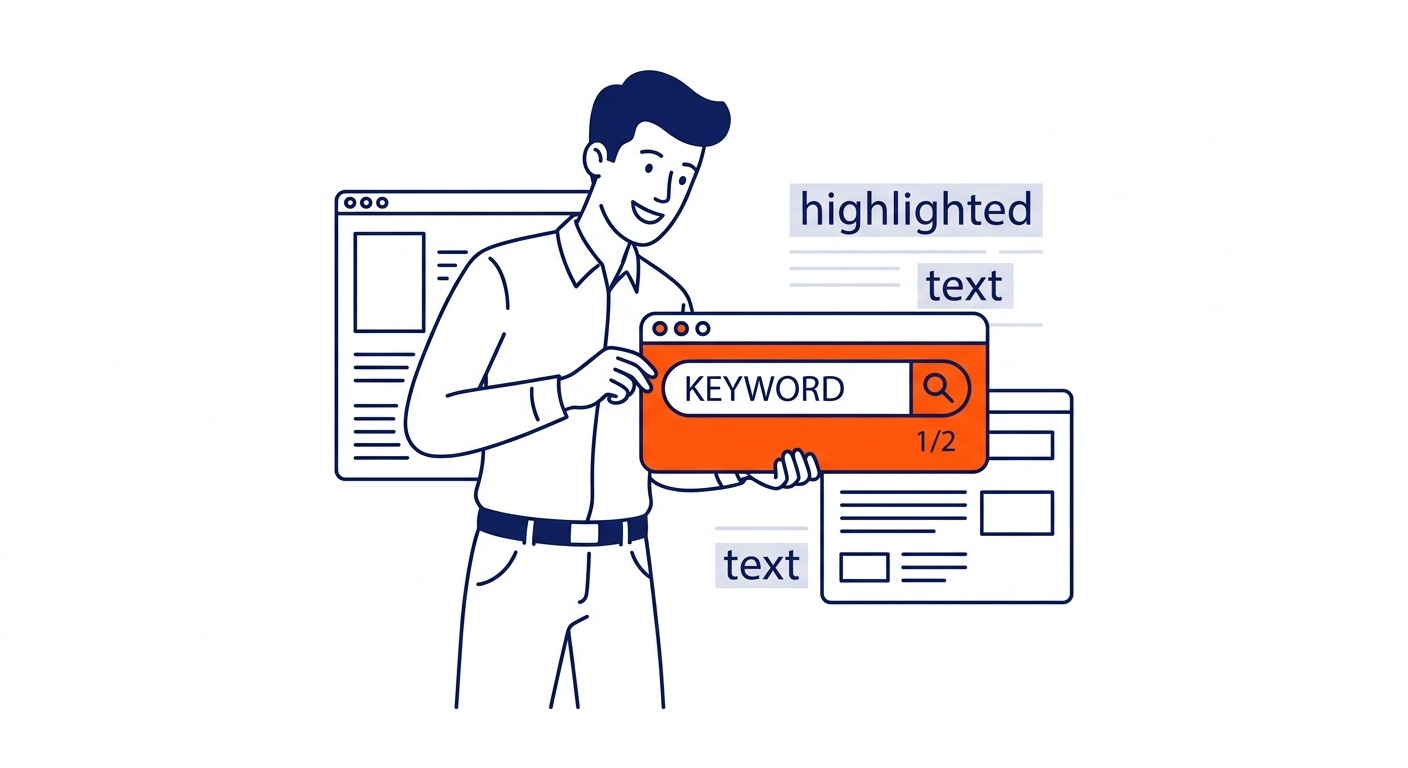
Ctrl+F on Windows or Linux. Cmd+F on Mac. A search box opens at the top or bottom of the browser. Type the keyword. Matches get highlighted. The count shows in the box. That number is the keyword’s raw frequency on that webpage.
Zero results? The keyword is not there in that exact form. “Plumber” will not surface “plumbers.” Partial matches do not register.
View Page Source goes deeper. Right-click on the webpage. Choose View Page Source. On Windows, Ctrl+U does the same. The raw HTML loads. Run Ctrl+F again inside the source. Check whether the phrase sits in the title tag, the meta description, any heading tags, the body. No third-party tool needed. Just the browser and a few keystrokes.
Both methods capture one URL at one moment. Good for spot audits. Not designed for tracking rankings over time.
Keyword Research: Finding What a Web Page Targets
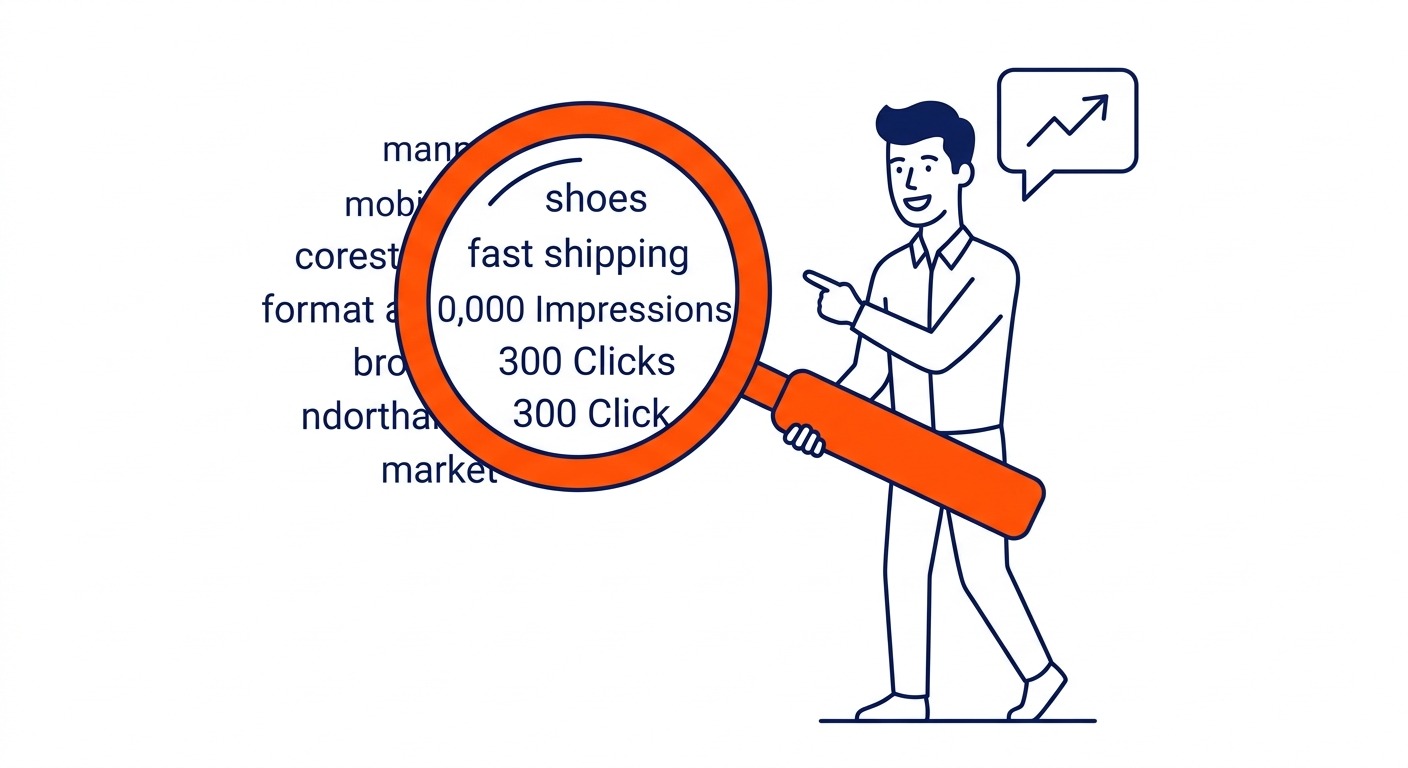
For your own website, start with Google Search Console. Performance report, then Pages. Select a specific URL. Switch to Queries. Every search phrase that drove a visitor to that URL appears here. Sort by impressions to see breadth. High impressions with low clicks means the webpage is showing up but not convincing people to visit. Worth fixing before chasing new keywords.
Unexpected rankings happen constantly. A URL written around one keyword often pulls traffic from a dozen related terms. That data points to where expanding the content makes sense.
For competitor URLs, paste them into Google Keyword Planner inside Google Ads. Discover New Keywords. Switch from seed terms to a website URL. The planner returns keyword suggestions linked to that site’s content. Search volume data comes with each suggestion. Not a complete picture of organic rankings, but enough to plan around.
In our Google Ads management work, campaigns built on competitor keyword gaps outperform campaigns that guess at intent. Gap analysis starts here.
Paid tools like SEMrush and Ahrefs go further. Enter any URL and get the keywords that content ranks for, plus position data and estimated traffic. Free tiers are limited but enough to see the main terms a competitor webpage is targeting.
How to Use Keywords on Your Web Page
Placement matters more than density. Repeating a keyword fifty times does not help. Putting it in the right spots does.
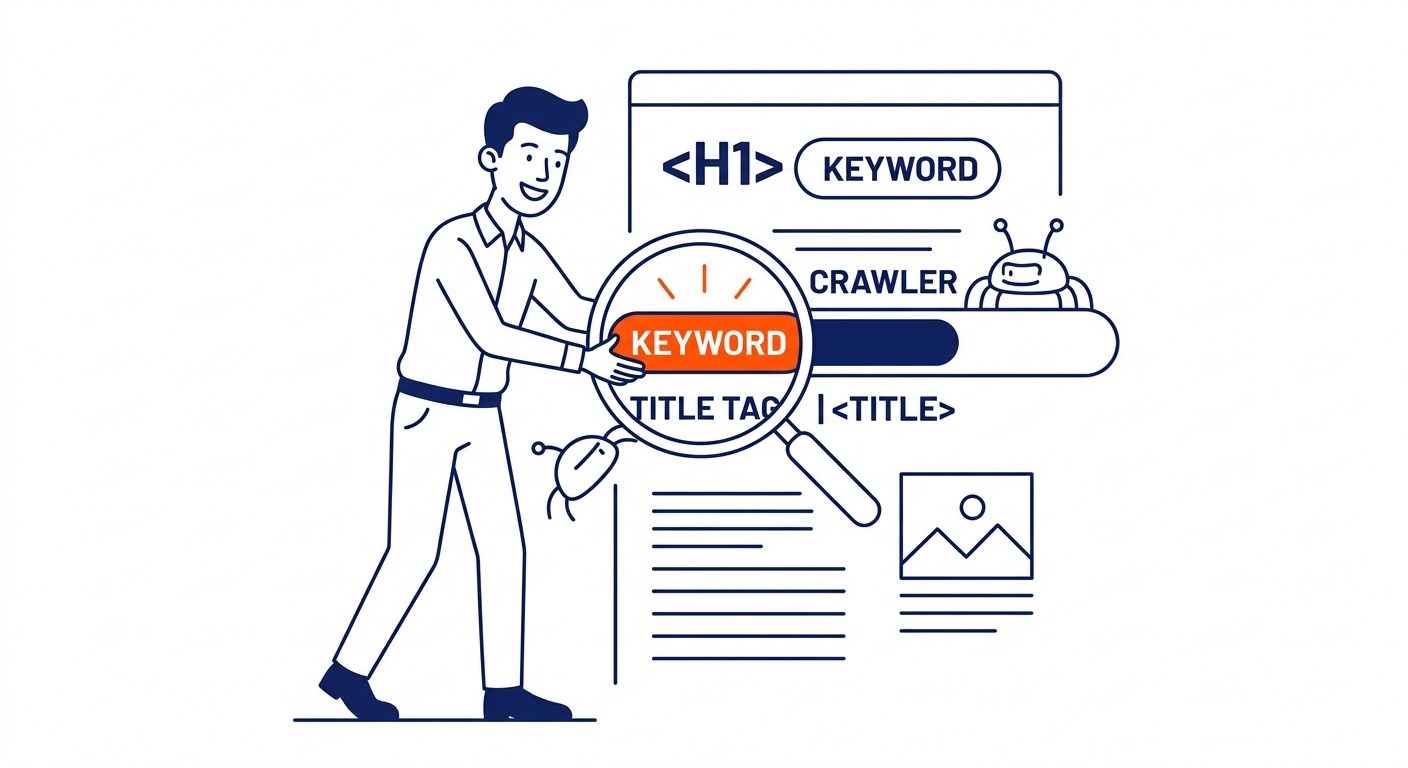
Title tag is first. Primary keyword goes there. Early in the title if possible. Search engines read this before anything else on the page.
H1 heading carries the primary keyword too. One H1 per webpage.
Opening paragraph. Get the keyword in before the 100-word mark. Google reads what comes first and weights it more. Miss this spot and the rest of the optimization barely matters.
H2 and H3 headings handle secondary keywords. A webpage on emergency plumbing might carry the main term in the H1 and long-tail keyword phrases like “same-day service Calgary” in the H2 headings.
Body text: roughly once per 100 words for the primary term. More than that reads as stuffing to both search engines and readers. Less and the content may not signal the topic clearly.
URL slug signals the topic before search engines read a word. One or two relevant terms. Clean and readable.
Image alt text. Skipped constantly. Every image needs a descriptive alt attribute. Where the keyword fits naturally, include it.
Meta description does not rank directly. It does affect whether people click. Include the keyword there and it appears bolded in search results when queries match.
Free Keyword Tool Options for Web Pages
Five options. Each one handles a different part of the problem.
Google Search Console is the performance tracker. Best for understanding which keywords your own website ranks for and spotting where click-through rates are weak. Free, requires verification.
Keyword Planner is the discovery tool. Best for finding new keywords before committing to a topic. Lives inside Google Ads. Billing required to unlock full access, no active spend needed.
Keywords Everywhere is the browser extension. Chrome and Firefox both supported. Shows keyword data while browsing, right on search results or competitor URLs. Free version shows traffic metrics and top keywords for any domain.
Keyword Tool uses autocomplete data to generate long-tail keyword suggestions. Good way to find keywords and surface keyword ideas that Google Planner tends to hide. No account needed for basic use.
SEMrush and Ahrefs are the precision tools. Both show organic rankings for any URL with search volume and position data. Free tiers are limited but enough for initial competitor research.
For work focused on local queries, SEO Company To-The-TOP! combines Search Console with a free keyword tool, and that covers most of what a small business website needs. Paid tools become worth it once competitor analysis moves to the centre of the work.
FAQ
How do I search for a keyword on a web page?
Ctrl+F on Windows, Cmd+F on Mac. Browser search box opens. Type the keyword, count the matches. Want the deeper check? Ctrl+U pulls up the raw source. Same Ctrl+F trick there, but now the title tag and heading tags are visible too. Raw HTML, no extra software. Takes about 30 seconds.
How do I find what keywords a website is using?
Own website? Google Search Console, Performance report, Pages, then Queries. Competitor site? Drop the URL into Discover New Keywords in Keyword Planner. SEMrush and Ahrefs will show exact rankings for any domain. Free tiers are limited, but useful enough for a first look.
How do I know if a web page is optimized for a keyword?
Four spots: title tag, H1, first paragraph, at least one H2. Keyword in all four means basic optimization is done. Any one of those missing the term is a ranking problem waiting to happen. Ctrl+U plus Ctrl+F checks all four from the raw source in under a minute. Long-tail keywords stuck below the first subheading is the gap that shows up most.
What is the best free keyword tool to check keywords on a web page?
Depends what you are checking. Google Search Console for your own website. Keyword Planner for competitor URLs. Keywords Everywhere works while you browse. No tab switching required. Most of the local SEO services Calgary businesses hire stack a paid tool on top, since free options skip the exact position data that makes competitor analysis precise.
How do I add keywords to a web page for SEO?
Title tag gets the primary keyword. So does the H1. The first paragraph needs it too. H2 and H3 headings carry secondary terms and long-tail keywords. URL slug, meta description, image alt text all get the primary term where it fits naturally. Body text: once per 100 words is the rough guide. Write sentences for readers first, then verify the counts.
Contact Calgary SEO Company To-The-TOP!
Questions about anything in this article, or about your own rankings? Talk to a Calgary SEO specialist directly.
Phone: (403) 308-5949
Address: 1509 14 Ave SW, Calgary, AB T3C 0W4
Hours:
Monday to Friday: 10:00 am – 7:00 pm
Saturday: 12:00 pm – 4:00 pm
Sunday: closed
