
How to Pause Google Ads, Stop a Campaign or Cancel Your Account
To pause Google Ads, sign in at ads.google.com, open Campaigns in the Campaigns menu, select the coloured status dot next to the campaign and choose Pause. Google says a paused campaign stops showing ads, stops accruing new charges and keeps all of its settings and history, so you can turn it back on later with Enable. To pause several campaigns at once, tick their checkboxes, open Edit and choose Pause. That covers most people who search for how to stop Google Ads, because a pause is the only option that is fully reversible. Removing a campaign and cancelling the account are bigger steps with consequences that are easy to miss, and both are covered further down, along with what you will still be billed for after the ads stop.
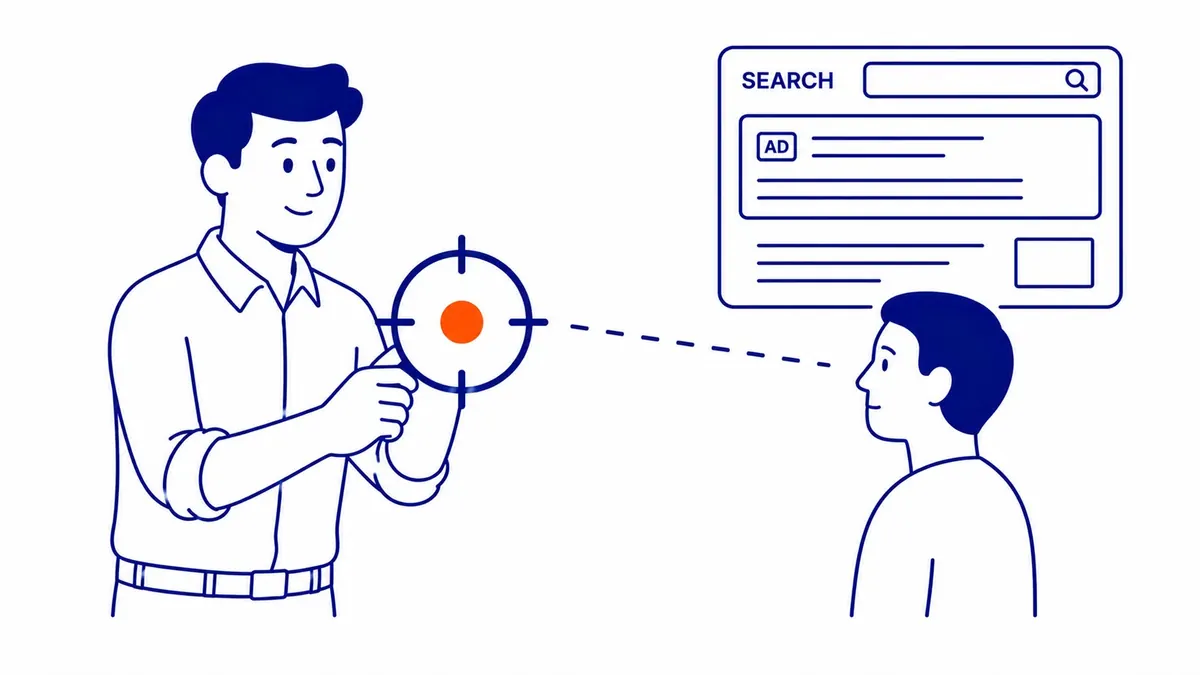
How to pause a Google Ads campaign on a computer
These steps follow Google’s Help article “Enable, pause, or remove a campaign”, checked on 2026-10-30. The menu labels move around from time to time, but the status dot has stayed the same for years, so it is the thing to look for.
- Sign in to your Google Ads account and select the Campaigns icon, then Campaigns.
- Find the campaign. Next to its name is a coloured dot showing its current status.
- Select the dot and choose Pause. Choose Enable when you want it running again.
- For several campaigns, tick the checkbox beside each one (or the box at the top to select them all), select Edit and choose Pause.
Check the Status column afterwards and make sure it reads Paused. It is also worth looking at the campaign’s cost the next day, because Google says it can take several hours for ads to stop serving completely, and anything spent in that window is still billed.
How to pause Google Ads from the mobile app
The Google Ads app for iPhone and Android can pause a campaign in a few taps, which helps when you need to stop spend away from a desk. Google’s app instructions are to tap Campaigns on the bottom navigation bar, tap the campaign, tap the switch and then confirm with Pause. Paused campaigns show with a grey background in the list. Ad groups can be paused the same way: tap More, choose Ad groups, open the one you want and use the switch. If you run a Smart campaign, Google’s Smart campaign help also describes pausing it from the app, either indefinitely or on a schedule.
Pausing part of a campaign instead of all of it
You do not have to stop everything. Ad groups, single ads and individual keywords each have their own status dot and can be paused on their own while the rest of the campaign keeps running. Google’s “Pause or resume your ads” page makes the point that a paused ad is saved for later, so you do not have to rewrite it or send it through review again when you bring it back. That makes a partial pause the better tool when one service, one location or one offer is the problem rather than the whole account.
There is one trap here that catches people on the way back. Google says resuming a campaign only enables the campaign level, so if you also paused ad groups or keywords inside it, those stay paused until you enable each one yourself. If a campaign shows as Enabled but nothing is serving, that is the first thing to check, followed by the budget, any bid limits and the Status column on the ads for disapprovals.

What you are still billed for after you pause
Pausing stops new costs, but it does not stop the bill for costs already run up. Google’s “Common questions about Google Ads charges” page says that when you pause, remove or cancel, it can take several hours for ads to stop serving, you are billed for unpaid costs accrued before they stopped, and because billing runs on a monthly cycle it may be several weeks before the final charge arrives. So a charge that shows up after you paused is usually old spend being collected, not new spend.
How that charge lands depends on your payment setting. On postpay (automatic payments), Google charges your payment method when the account reaches its payment threshold and on the first day of the month, so a campaign paused in the middle of the month will normally still produce a charge on the 1st for the days it ran. You can see what is still owed on the Balance card under Billing, then Summary. Removing the credit card does not cancel what has already been spent: Google’s cancellation page says accrued costs remain payable even after an account is closed.
Pause, lower the budget or schedule: choosing the right option
Not every slowdown calls for a pause. In pay-per-click advertising the real question is usually whether you want fewer clicks, clicks only at certain times, or no clicks at all, and Google Ads has a different control for each. The table sets out what each option does, based on the Google Ads Help pages listed at the end.
| Option | What stops | What is kept | Can you undo it? | Still billed? |
|---|---|---|---|---|
| Pause the campaign | All ads in that campaign | All settings, ads, keywords and history | Yes, select Enable | Costs accrued before the pause |
| Lower the daily budget | Nothing; it spends less | Everything | Yes, raise it again | Up to 30.4 times the daily budget a month |
| Ad schedule | Ads outside the hours and days you set | Everything | Yes, edit the schedule | Paced toward 30.4 times the daily budget a month |
| Remove the campaign | That campaign, permanently | Its performance data, read-only | No | Costs accrued before removal |
| Cancel the account | All ads, within 24 hours | Read access to the data; remarketing lists are closed | Yes, by reactivating | All accrued costs; unused prepaid funds refunded |
The ad schedule row deserves a second look, because it surprises people. Google’s ad scheduling page says that when you use a schedule, campaigns pace toward a monthly spend of 30.4 times the average daily budget no matter how many days the campaign is active that month. A schedule that runs ads on weekdays only does not lower the monthly spending limit by two-sevenths; Google paces toward the same monthly amount across fewer days, although actual spend still depends on how many searches there are. If the goal is to spend less, lower the budget as well. Google also says a campaign can spend up to twice its average daily budget on a given day, which is why a single day’s cost can look high even when the month stays within the limit.
Does pausing Google Ads hurt your account?
Google’s own answer is that pausing is temporary and that all settings and history are preserved, so pausing does not throw away data. It is worth remembering what Quality Score is, though: Google describes it as a diagnostic tool and says it is not an input in the ad auction, so claims that a pause “damages your Quality Score” or that an older account automatically pays less per click are not things Google documents. If you want the detail on how the Google Ads auction decides who shows and what they pay, that page covers it.
The part that does change is automated bidding. Google’s “About Smart Bidding learning” page lists a bid strategy that was “recently created or reactivated” as one cause of the Learning status, so a campaign coming back from a long pause may show it, although Google does not say that enabling a campaign always does. That status never lasts more than 7 days, and ads keep serving while it shows, but Google also says performance takes one to two conversion cycles to settle on a new goal. So a short pause is unlikely to matter much, while a campaign switched off for a whole season should be watched closely for its first couple of weeks back, especially if it uses Target CPA or Target ROAS and converts slowly.
For short events there is a bidding option rather than a pause. If you expect a big change in conversion rates for a few days, such as a sale or a short promotion, Google offers seasonality adjustments for Smart Bidding and says they suit events of one to seven days and may not work as well beyond 14 days. It does not stop ads or cap spending, and it only works with Smart Bidding, such as Target CPA or Target ROAS. For anything longer than that, a pause or a lower budget is the cleaner tool.
An illustrative example, not a client case: a Calgary landscaping company that sells nothing between November and March can pause its spring campaigns when the snow arrives and leave a small snow-removal campaign running, if it offers that service. In March it enables the campaign, then checks that the ad groups paused separately during the winter are enabled too, confirms that the ads still show as eligible, and keeps an eye on cost per lead for the first two weeks while bidding settles.

How to remove a Google Ads campaign
Removing a campaign is a permanent stop. Select the same status dot and choose Remove, or tick several campaigns, select Edit and choose Remove. Google says a removed campaign cannot be resumed or restored. You can still view its historical performance data, but you cannot edit its settings, and removed campaigns may be hidden until you set a filter for the Removed status. If you remove one by accident, the only way back is to build a new campaign or duplicate the old settings into a new one.
That makes removal the right choice mainly for tidying up: an old test campaign, a promotion that will never run again, or a duplicate. For a campaign you might want back, pause it instead. A paused campaign costs nothing to keep and saves you the work of copying it.
How to cancel a Google Ads account
Cancelling closes the whole account. Google’s “Canceling your Google Ads account” page gives the current path, checked on 2026-10-30:
- Open the Admin menu and select Account settings.
- Open the Account status section.
- Select Cancel my account.
Only users with Admin access can cancel. If the option is missing, your access level is the likely reason, and Google says to contact an administrator or, if that person has left the company, Google Ads support with the customer ID, login email and billing details. The account’s billing setup must also be complete before it can be cancelled and any refund started. (An account that was never fully set up can instead be removed from the profile photo menu with the delete icon, Google says.) If an agency’s manager account controls yours, cancelling a client account from the manager side needs Admin access to the manager account and ownership of the client account.
Google says all ads stop within 24 hours of cancelling. Unused prepaid funds and other refundable credit are refunded automatically to the original payment method, which typically takes 4 to 12 weeks including your bank’s processing time, and promotional credit is not refunded. You can follow the refund on the Billing Summary page. Cancelling is not permanent deletion, either: Google says you can reactivate a cancelled account later, although access may not be available after an extended period. Google also cancels accounts on its own if they have no recorded spend for more than 15 months.
What happens to your data when you cancel
Your campaign data stays readable, since Google says you can still sign in and see it after cancelling. The real loss is audience data. Google says all remarketing lists owned by a cancelled account, Customer Match lists included, are set to Closed so no new users are added, and about a month after cancellation their membership duration is cut to one day, which empties them. Lists shared with other accounts stop working for those accounts too, and the parameters used for product-based remarketing are deleted. If those lists took years to build, keep in mind that Google does not say that reactivating the account restores those people, so do not count on getting them back.
So before you cancel, export what you want to keep: campaign, keyword and search terms reports, conversion data, and any Customer Match files you uploaded (keep your own copy of the source file). If a reporting tool or a dashboard pulls data from the account, check how it behaves once the account status changes. And if there is any chance you will advertise again, compare that against simply pausing every campaign, which keeps the lists collecting while costing nothing.
When pausing is the better choice
Google’s own cancellation page suggests pausing campaigns instead of cancelling if there is no remaining balance to recover, and that is sound advice. Cancelling makes sense when the business has closed, when you are consolidating into another account, or when you have prepaid funds to get back. For a seasonal break, a website rebuild, a budget freeze or a pause while you work out why leads dropped, pausing does the job without closing your audience lists or making you go through reactivation.
If the reason for stopping is that the ads are not paying for themselves, a pause buys time, but it does not fix anything. The usual causes are worth checking before you switch the account back on: search terms that do not match what you sell, a landing page that does not answer the ad, or conversion tracking that counts the wrong thing. SEO Company To-The-TOP! is a Calgary practice, founded in 2007, and Google Ads certified, and one person does all of the client work. If you would like a second pair of eyes on the account before you decide between pausing and cancelling, call (403) 308-5949.
Sources
- Google Ads Help, Enable, pause, or remove a campaign (checked 2026-10-30)
- Google Ads Help, Canceling your Google Ads account (checked 2026-10-30)
- Google Ads Help, Common questions about Google Ads charges (checked 2026-10-30)
- Google Ads Help, About the postpay payment setting (checked 2026-10-30)
- Google Ads Help, Pause or enable campaigns and ad groups (mobile app) (checked 2026-10-30)
- Google Ads Help, Pause or resume your ads (checked 2026-10-30)
- Google Ads Help, Pause or resume a Smart campaign (app) (checked 2026-10-30)
- Google Ads Help, About Ad Scheduling (checked 2026-10-30)
- Google Ads Help, About Smart Bidding learning (checked 2026-10-30)
- Google Ads Help, About seasonality adjustments (checked 2026-10-30)
- Google Ads Help, About Quality Score for Search campaigns
Contact Calgary SEO Company To-The-TOP!
Questions about anything in this article, or about your own rankings? Talk to a Calgary SEO specialist directly.
Phone: (403) 308-5949
Address: 1509 14 Ave SW, Calgary, AB T3C 0W4
Hours:
Monday to Friday: 10:00 am – 7:00 pm
Saturday: 12:00 pm – 4:00 pm
Sunday: closed