
What Are SEO Reporting Tools and Which Ones Actually Earn Their Keep
Ranking and traffic data get pulled into one place by SEO reporting tools. Technical data too, instead of five separate logins. Some are free. Others cost real money. Most fall somewhere in between depending on how much data a site actually needs tracked.
The right tool depends entirely on scale. A single local business needs something very different from an agency managing forty client accounts.

Free Tools Worth Using Before Anything Else
Google Search Console reports directly on how Google sees a site. Clicks, impressions, average position, indexing status, all free, all straight from the source. Every SEO reporting stack should start here regardless of budget.
Google Analytics adds the traffic and conversion layer Search Console doesn’t cover. Sessions, goal completions, revenue where tracked. Paired together, these two free tools cover most of what a small business genuinely needs.
Google Looker Studio turns both of those data sources into an actual visual report. Free and flexible, increasingly the standard choice for building a dashboard, client-facing or internal, without writing a line of code. Paid suites come later, and the answer on SEO tools usually depends on scale. Paid platforms are the next step up, and the best paid SEO software depends on the site.

Paid Tools for Deeper Keyword and Competitor Data
Ahrefs and Semrush both track keyword rankings at scale, alongside backlink data neither Google tool provides at all. A handful of keywords tracked consistently is where the monthly cost starts justifying itself for a site or agency.
Moz Pro fills a similar role with a slightly different feature set. Domain authority scoring and its own keyword difficulty metric stand out especially. Some teams prefer its interface over the bigger, more feature-dense competitors.
Screaming Frog handles technical crawl reporting specifically. Broken links, duplicate content, missing meta tags, all surfaced in a downloadable crawl report most other tools don’t replicate as thoroughly. None of it is free forever, which is the truth about SEO AI tools too.

Agency-Grade Platforms for Managing Multiple Clients
AgencyAnalytics and similar white-label platforms exist specifically for agencies reporting to multiple clients at once. Real hours get saved through automated report generation, compared to building each client’s report by hand every month.
Dozens of sources feed into customizable dashboards through Databox. Useful for agencies wanting one unified view. SEO and PPC performance, social too, all in the same place. Rather than separate reports for each channel.
These platforms cost more than the individual free or mid-tier tools. Time saved on manual reporting often justifies that cost quickly, though, once client count passes a handful of accounts.
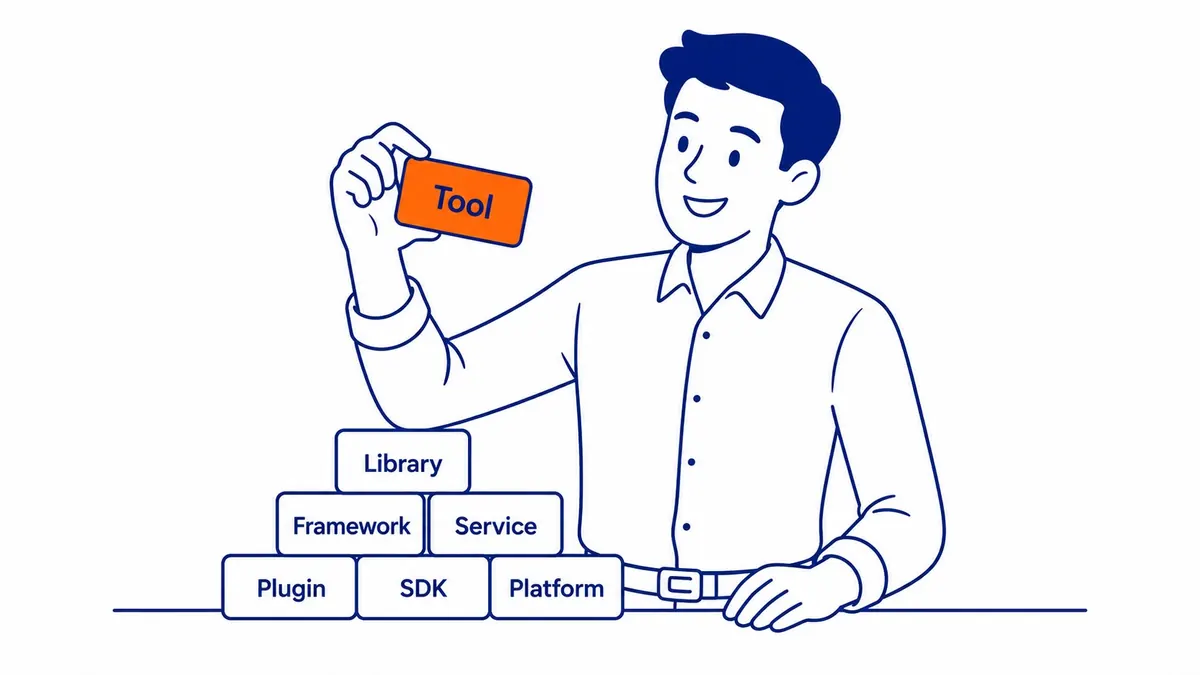
Choosing the Right Tool Stack for Actual Needs
A single local business rarely needs more than Search Console and Analytics. Looker Studio rounds out the free foundation. Free tools, properly configured, cover the reporting need entirely for most small operations.
A growing business tracking competitors and a larger keyword set benefits from adding Ahrefs or Semrush to that free foundation. The upgrade makes sense once keyword volume or competitive pressure justifies the cost.
For a Calgary SEO agency managing multiple client accounts, a dedicated agency platform eventually becomes worth the investment. A growing client roster means the time saved on manual reporting adds up fast.
Common Reporting Tool Mistakes to Avoid
Tracking too many tools at once creates more confusion than clarity. Three overlapping tools reporting slightly different traffic numbers just raises questions nobody has time to answer properly.
Choosing a tool for its feature list rather than its actual fit wastes money regularly. More gets wasted in subscription fees on an unused, feature-dense platform. A simpler tool actually checked every week costs far less in the long run.
Frequently Asked Questions
What is the best free SEO reporting tool?
Zero cost and most small business needs get covered by Google Search Console paired with Looker Studio. Search Console provides the raw ranking and click data, while Looker Studio turns it into an actual readable report.
Do I need paid SEO reporting tools?
Not necessarily, especially for a small local business tracking a modest keyword set. Keyword tracking scale is one trigger for paid tools becoming worthwhile. Competitor analysis needs and client reporting volume are others, once free tools stop handling it comfortably.
What’s the difference between Ahrefs and Semrush for reporting?
Similar core functionality runs through both. Keyword tracking, backlink data, competitor analysis. The choice often comes down to interface preference rather than one being clearly superior. See the SEO blog for more on choosing tools that fit an actual campaign.
Contact Calgary SEO Company To-The-TOP!
Questions about anything in this article, or about your own rankings? Talk to a Calgary SEO specialist directly.
Phone: (403) 308-5949
Address: 1509 14 Ave SW, Calgary, AB T3C 0W4
Hours:
Monday to Friday: 10:00 am – 7:00 pm
Saturday: 12:00 pm – 4:00 pm
Sunday: closed