
What Are the Different Types of Google Ads Campaigns?
The question comes up almost every initial call. A business owner decides to try Google Ads. Does some research. Comes back more confused than before. The options have multiplied. Each campaign type works differently and serves a different marketing goal. To-The-TOP! has handled Calgary Google Ads management for local businesses since 2007. The number of campaign types has grown considerably over that time. Here is a plain-language breakdown. What each one does. When it makes sense to use it.
Search Campaigns
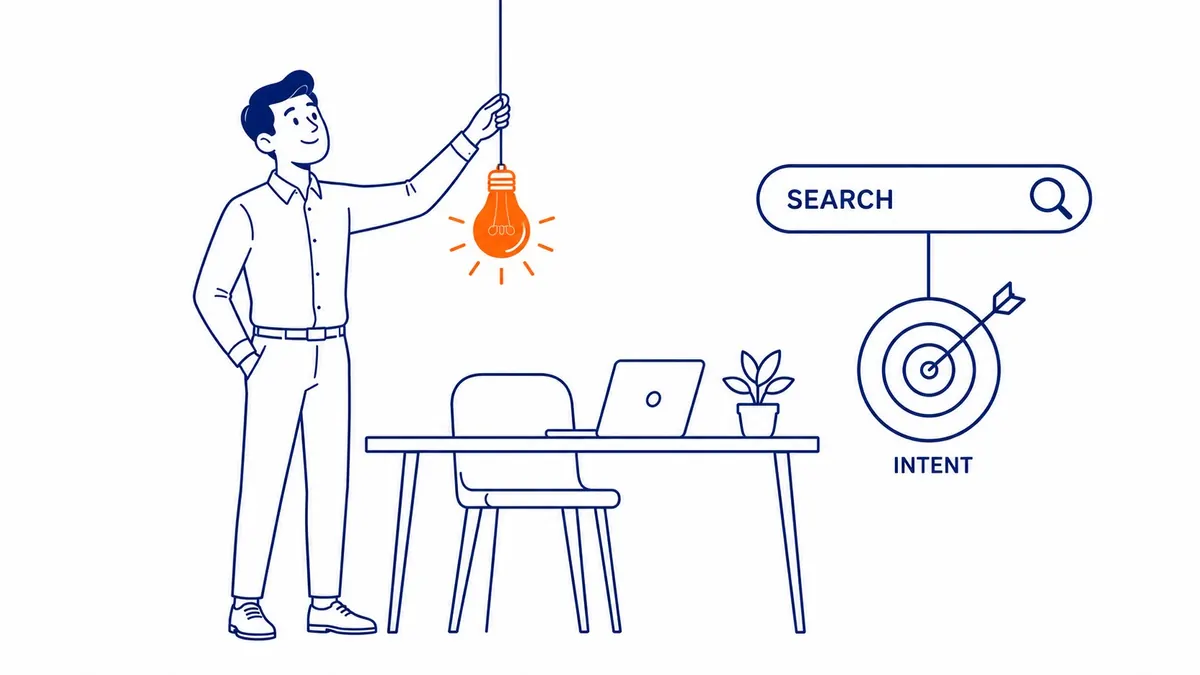
Intent is what drives these.
Search campaigns place text-based ads in Google search results when users type in specific keywords. Sponsored results at the top of the SERP are search ads. Advertisers pay on the click, not on the impression.
Most businesses start with search campaigns. The same keyword analysis for SEO determines which queries trigger your ads. Negative keywords matter equally. Without a solid negative keyword list, budget disappears fast on irrelevant searches. Someone typing “Google Ads free” is not looking for advertising services. A negative keyword list also catches that before money is spent.
Search campaigns offer more control than other campaign types. Three match types exist. Exact match locks ads to near-identical queries. Phrase match allows some variation. Broad match casts the widest net. Quality Score factors in too. Keyword-to-ad relevance feeds into it. Landing page fit is another factor. Historical click-through rate completes the three. A stronger Quality Score brings lower cost per click. High intent traffic is what search campaigns are designed for. Lead generation and direct sales both perform well here.
Responsive search ads are the standard format now. You provide multiple headlines and descriptions. Google tests combinations and serves your best-performing ads over time.
Search campaigns are the most direct path between intent and action. For service businesses, lead generation via search campaigns often delivers faster results than any other digital channel. Searchers rarely notice the machinery, only the on-page look of Google Ads sitting above the organic results.
Display Campaigns
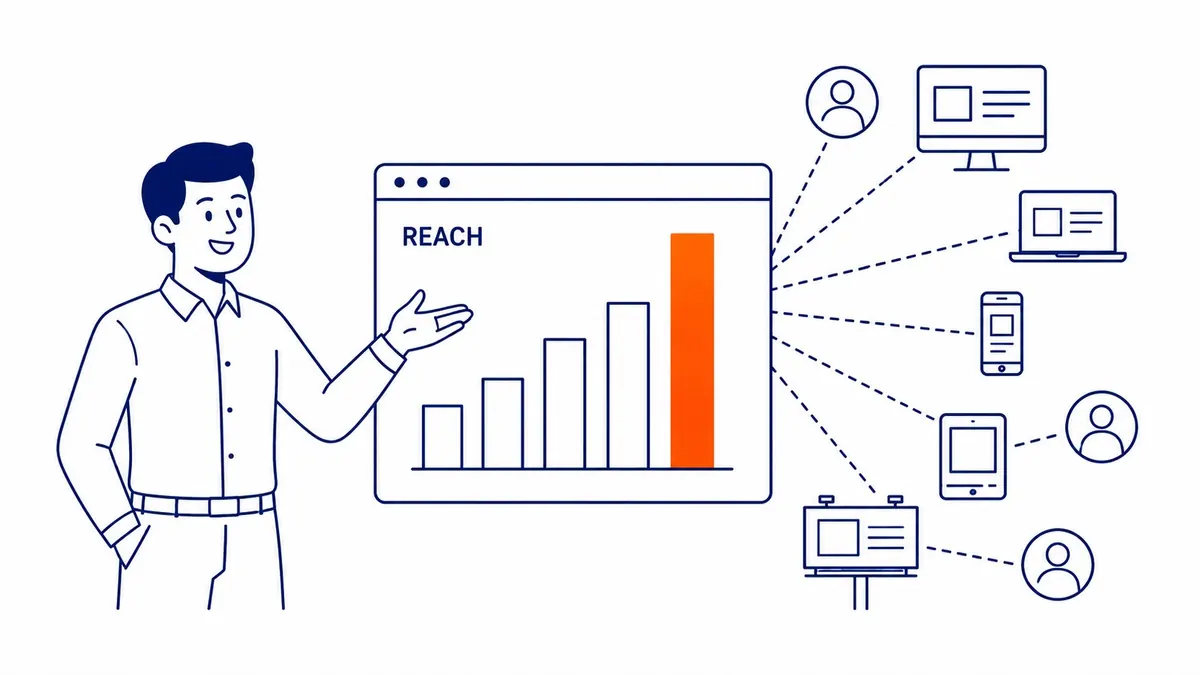
Visible across two million websites.
Display ads are image-based ads that appear across the Google Display Network. That network covers websites and apps as well as Google-owned properties. Display campaigns are where most of the confusion lives. People see banner ads following them around the internet and wonder what is happening. That is display remarketing at work.
These campaigns are useful for brand awareness and staying visible between searches. Targeting options include interest-based audiences and demographic filters. Past website visitors are another segment. Conversion rates are lower than search campaigns. That is expected. Display reaches users who are not actively searching for what you offer.
The goal is staying in front of the right audiences over time. Remarketing to past website visitors is one of the stronger uses of display. Someone who already visited your site is a warmer target than a cold audience. Display campaigns also work during product launches or for reaching users whose interests match what you offer before they start searching.
Shopping Campaigns
Built for businesses selling physical products.
Shopping ads pull directly from a product feed in Google Merchant Center. Each product listing shows the photo and price before users click. Store name is visible too. Shoppers see what they are clicking into before they commit. Click quality tends to be higher for ecommerce businesses because of this transparency.
Shopping campaigns live in Google Search results and in the dedicated Google Shopping tab. Product data comes from the Merchant Center feed automatically. Advertisers do not set keywords manually the same way they do for search campaigns. Google pulls relevant search terms from the product titles and descriptions in the feed. A well-structured product feed is what determines whether these campaigns perform well. Titles and prices need to be accurate. Descriptions matter too.
Video Campaigns
YouTube is the second-largest search engine.
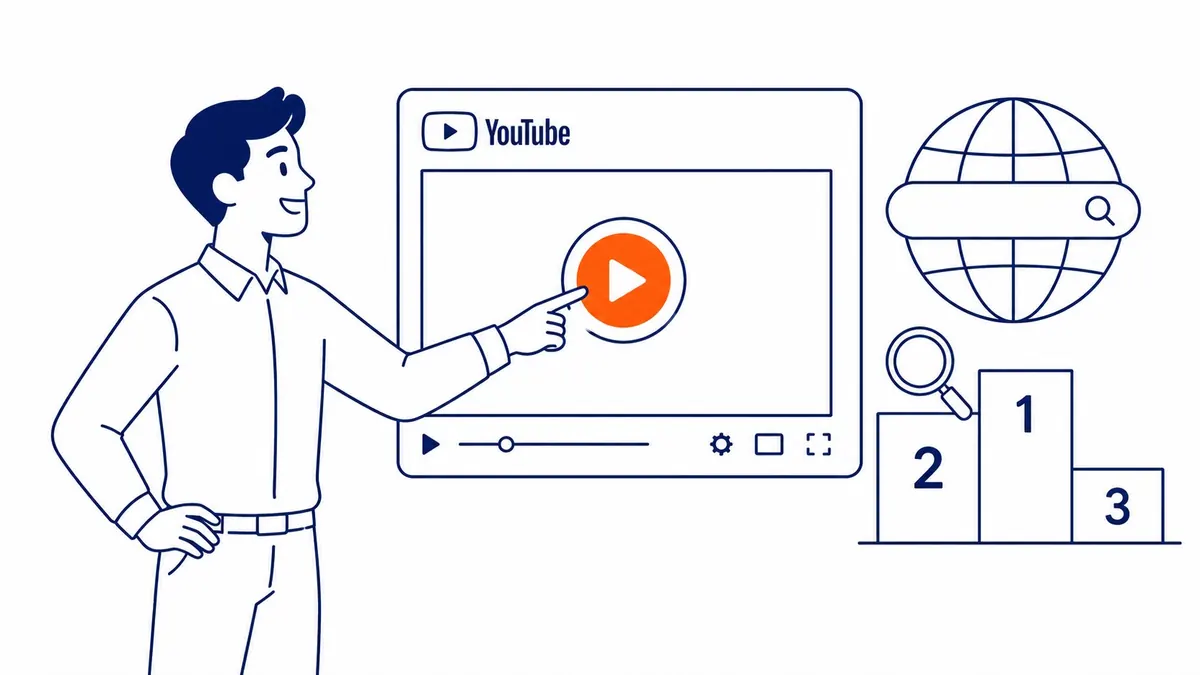
Video campaigns run on YouTube and across the Google video partners network. Several sub-formats exist. Skippable in-stream ads run before or during YouTube videos; users can skip after five seconds. Non-skippable in-stream ads run without a skip option; standard length is 15 to 20 seconds. Bumper ads are six seconds and non-skippable. Good for short brand awareness messages. Video discovery ads appear in YouTube search results and the home feed. Outstream ads run on mobile outside of YouTube, on partner sites. Masthead ads are reserved placements on the YouTube homepage, purchased separately.
YouTube is where video campaigns reach the most users. Billions of users watch YouTube videos monthly. Worth considering once the production budget is there for decent creative.
These campaigns require video content. That is the barrier for many smaller advertisers. Producing even a 15-second ad takes time and budget. Businesses without existing video often start elsewhere and add video ads once creative is ready.
App Campaigns
Designed for app growth only.
App campaigns drive installs and engagement for mobile apps. Pre-registration campaigns exist for apps not yet live in app stores. App campaigns run on Google Search and Google Play. YouTube and the Display Network are included too. Advertisers supply creative assets. Headlines and descriptions go in upfront. Images and video content do too. Google’s AI then manages placement optimization and bidding automatically.
Control is limited by design. The platform decides how to combine and serve assets across different placements. App campaigns work for businesses wanting to grow downloads or re-engage existing users who already have the app. Not relevant if there is no app to promote.
Performance Max Campaigns
Every Google channel from one campaign.
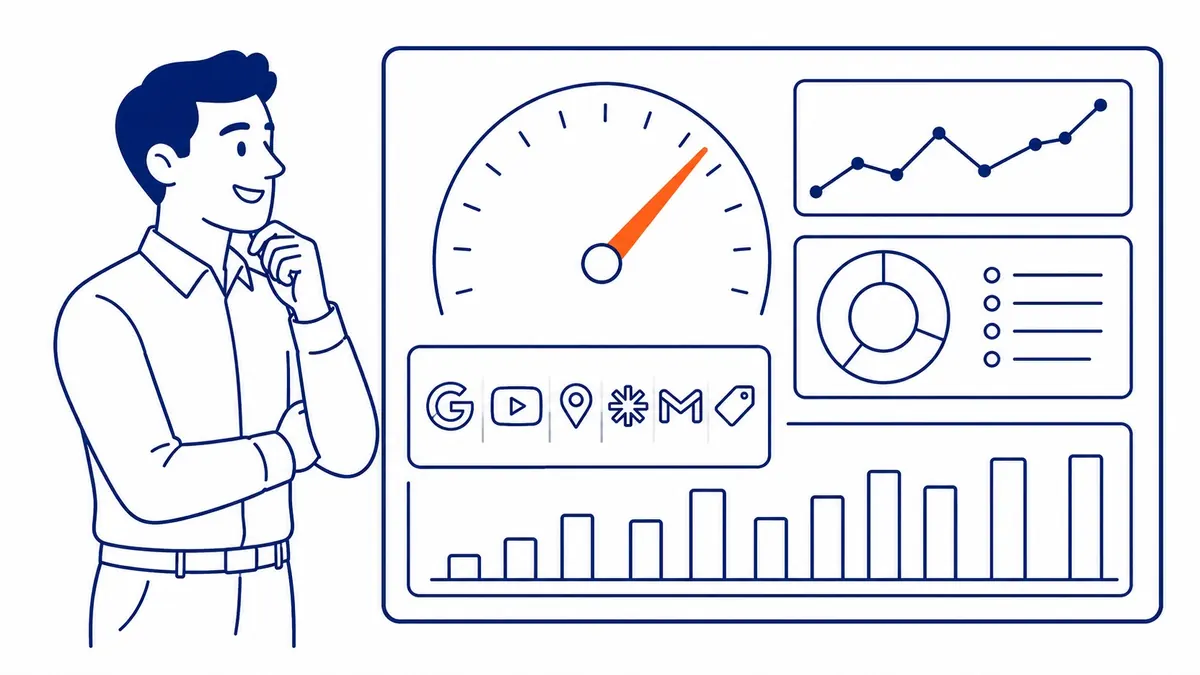
Performance Max (PMax) runs from a single campaign across every surface Google manages. No separate campaign per channel is needed. Google’s AI handles placement decisions. Bidding and targeting are automated too. Advertisers provide asset groups. Creative assets go in upfront. Headlines and descriptions first. Images and video as well. Audience signals too. Automation handles delivery from there.
PMax performs best with solid conversion data already in the account. Running it without conversion history makes the learning period long. The algorithm needs signals to optimize against. Businesses with established conversion tracking and meaningful monthly ad spend tend to get better results. Less predictable on new accounts.
The other limitation is reporting; channel-level visibility is more limited here than in standard search or display campaigns. Worth understanding those tradeoffs before allocating significant budget to Performance Max campaigns.
Demand Gen Campaigns
Upper funnel, built for visual storytelling.
Demand gen campaigns run on YouTube and Gmail. The Google Discover feed is included too. These replaced Discovery campaigns and are designed for users not yet actively searching. The goal is still building demand, not capturing it. Ad formats feel closer to social media than traditional Google Ads. Carousel formats are available. Visual content performs better than text-heavy approaches in these placements.
Retail and consumer product brands tend to get more from demand gen. Visually compelling service businesses often do too. Pure service businesses with nothing to photograph tend to find search campaigns a more direct path to leads. This campaign type is worth testing for businesses already running paid social.
Smart Campaigns
Minimal setup, minimal visibility into performance.
Smart campaigns are built for businesses with limited time and no prior Google Ads experience. Google automates the targeting and bidding from a business profile and keyword themes. Ad creation is automated too. Reporting is simplified. Detailed query-level data is also not available the same way as in standard campaign types.
Smaller businesses often test the platform with smart campaigns. Once ad spend grows, performance starts to matter more. Most migrate to campaign types with actual visibility into what is working. Smart campaigns are a starting point, not a long-term structure.
Choosing the Right Campaign Type
Start with the goal, not the platform features.
Most businesses starting with Google Ads campaign management begin with search campaigns. High intent, clear attribution, measurable ROI. Ecommerce businesses add shopping campaigns for physical products alongside search. Display and video campaigns layer in when the budget is there to build brand awareness beyond active demand.
Performance Max makes sense once there is conversion history for the algorithm to use. Demand gen suits visual brands trying to reach new audiences before they start searching. Running all campaign types at once on a new account is a common mistake. Start with one. Build the data. Add more when the data supports it.
Some accounts end up using multiple campaign types over time. Search and display first, then shopping and video as budget grows. Each serves a different buyer stage. The structure depends on the goal and what is worth spending on right now.
An SEO expert Calgary businesses trust will tell you that organic search and Google Ads are not competing strategies. Paid search covers immediate intent. Organic search compounds over time. Most businesses with serious growth goals eventually run both. SEO services Calgary alongside Google Ads covers different stages of the customer decision. Managing both through one provider tends to reduce gaps in coverage and wasted spend.
Worth discussing your specific budget and goals before committing to a campaign structure that takes months to adjust.
Frequently Asked Questions
What are the main types of Google Ads campaigns?
Eight campaign types are currently available, covering everything from text search ads to video placements to fully automated multi-channel coverage. The right combination depends on what the business is trying to accomplish and what budget is available to test with.
What are the different formats for Google Ads campaigns?
Ad formats vary by campaign type. Search campaigns use text-based ads with headlines and descriptions. Display campaigns use image and banner ads. Shopping campaigns use product listings pulled from a Merchant Center feed. Video campaigns on YouTube offer skippable and non-skippable in-stream formats. Bumper ads and discovery formats are available too. Performance Max mixes formats across all Google channels at once.
Which Google Ads campaign type should a business start with?
Search campaigns in most cases. High intent from users actively looking for the product or service. Once search campaigns are generating conversions, adding shopping or display makes sense. Performance Max and demand gen campaigns work better once there is conversion data for the algorithm to optimize against. A Google Ads management provider can help determine the right structure for your specific situation.
Is a Google Merchant Center account required for Shopping campaigns?
A product feed in Google Merchant Center is required. There is no workaround. The feed connects product data to Google Shopping ads. If the feed is inaccurate or poorly maintained, shopping campaigns will not serve correctly.
Contact Calgary SEO Company To-The-TOP!
Questions about anything in this article, or about your own rankings? Talk to a Calgary SEO specialist directly.
Phone: (403) 308-5949
Address: 1509 14 Ave SW, Calgary, AB T3C 0W4
Hours:
Monday to Friday: 10:00 am – 7:00 pm
Saturday: 12:00 pm – 4:00 pm
Sunday: closed