
What Is Demand Gen in Google Ads?
Demand Gen is a Google Ads campaign type that shows image, video and carousel ads to people who are browsing rather than searching. As of 31 October 2026, Google lists its channels as YouTube (including Shorts), Discover, Gmail, Maps (in beta) and the Google Display Network, and Google AI decides which person sees which ad, in which place, within the audiences and channels you allow. The biggest recent change is that Google Display Ads campaigns are being folded into Demand Gen, so any article that tells you Demand Gen “excludes Display” is now out of date. With Display moving inside it, Demand Gen is becoming Google’s main campaign type for visual advertising with your own audience and channel choices.
The name causes some confusion, because “demand generation” is also a general marketing term for any work that builds interest before people are ready to buy. In Google Ads it means one specific campaign type, and that is the one this guide explains: where the ads show, how the campaign differs from Display, Performance Max and Search, what Google says about bidding and budget, and how to tell whether it suits your account.

How Demand Gen works
Demand Gen began life as Discovery campaigns, which Google upgraded and renamed in late 2023, carrying the historical data across (JumpFly’s write-up from November 2023 covers the switch). The idea has stayed the same since then. You supply the creative, which can be images, videos, carousels of 2 to 10 image cards, or a Google Merchant Center product feed, along with headlines, descriptions, a logo and a final URL. You choose an advertising goal such as sales, leads or website traffic, pick audiences, and set a bid strategy and budget. Google then combines the assets into ads for each placement and serves them to the people it predicts are most likely to act.
Targeting is audience-first, because there is no search query to match. Google’s create flow lets you choose your own data segments (such as past customers or site visitors), custom segments, interests and demographics, and lookalike segments, which find people who resemble a seed list of buyers, site visitors or YouTube viewers. Google recommends leaving optimized targeting switched on, and when it is on the campaign can reach beyond the segments you chose, including past your age and gender selections unless you restrict that expansion. Google says Demand Gen gives you more control than Performance Max over creative testing, audience targeting and placements on YouTube and Discover, and it includes creative A/B experiments plus brand, search and conversion lift measurement for advertisers who qualify.
Where Demand Gen ads show
The placements are spread across Google’s visual surfaces rather than the search results page. On YouTube that means Shorts, in-stream, the Home feed, Watch Next and YouTube search results. Discover is the feed of articles and stories in the Google app, Gmail ads appear inside the inbox, and the Google Display Network adds millions of partner websites and apps. Maps is listed as a beta channel, and Google’s asset specifications page also lists Google video partners for some formats.
You can leave Google to spread the budget across all Google channels, or choose channels yourself, for example Shorts only for a vertical video. Google also offers a Channel Prioritization setting to steer spend between Google’s own channels and the Display Network; its Help pages say a daily budget split by channel is coming “later this year”. Not every format can serve everywhere, and Google’s asset specifications page has a table of which formats each placement accepts; for example, a video shorter than 10 seconds is not eligible for YouTube in-stream. If all you want is views on one particular video, a campaign built to promote one YouTube video may be the simpler tool.
Demand Gen and the Display Network in 2026
Until this year, Display and Demand Gen were separate campaign types, and the usual advice was that Display reached third-party sites while Demand Gen stayed on Google’s own surfaces. That line has now gone. Google’s Help page “Google Display Ads campaigns have a new home in Demand Gen” says a migration tool started rolling out in June 2026, that new Display campaigns will later be created only inside Demand Gen, and that remaining eligible Display campaigns will eventually be moved automatically. Advertisers who want Display-only placements can still buy them, but they will do it through a Demand Gen campaign with the Display Network selected as the channel. The guide to how Display ads have worked until now covers the older campaign type in more detail.
If you run a Display campaign today, a few details from Google’s migration page matter before you click “Upgrade to Demand Gen”. The tool carries over settings and up to 42 days of performance history, which Google says keeps the relearning period to about one or two days, but a migrated campaign cannot be turned back into a Display campaign. Some features block the tool: lead form assets, click-to-call assets, shared budgets, ad group bid modifiers and campaign-level content exclusions, among others, each have to be removed or changed first. Any budget already spent on the day of migration is not counted, so the new campaign starts that day with its full daily budget again, and Google advises against migrating in the middle of a lift study. For most small accounts the practical step is simple: check the account for those blocking features now, so the move happens on your schedule rather than Google’s; Google has not yet published a date for the automatic move.
Demand Gen vs Performance Max and Search
The comparison people ask about most is with Performance Max, and the difference comes down to search inventory and control. Performance Max runs one campaign across all Google Ads inventory, including Search, Shopping, YouTube, Display, Discover, Gmail and Maps, and allocates spend across channels within the priority tiers you set. Demand Gen leaves out Search and Shopping results and gives you more say over audiences, channels and creative. Search campaigns sit at the other end, because they respond to a query someone has just typed.
| Search | Performance Max | Demand Gen | |
|---|---|---|---|
| What triggers the ad | A search query matched to your keywords | Google AI across all inventory, guided by your goals and audience signals | Audiences you choose, with optional lookalike segments and optimized targeting |
| Where it shows | Google Search and search partners | Search, Shopping, YouTube, Display, Discover, Gmail, Maps | YouTube (including Shorts), Discover, Gmail, Maps (beta), Google Display Network |
| Your control over channels | Search only | Priority tiers; Google channels grouped together, with optional budgets for Search partners and Display | You can pick channels or prioritize them |
| Bid strategies Google lists | Target impression share, clicks, conversions, conversion value | Conversions, conversion value | Clicks, conversions, conversion value |
| Typical job | Capture people already looking | Find conversions anywhere Google sells ads | Create interest with visual ads before people search |
Source: Google Ads Help, “About Demand Gen campaigns” and “About Performance Max campaigns”, checked 31 October 2026.
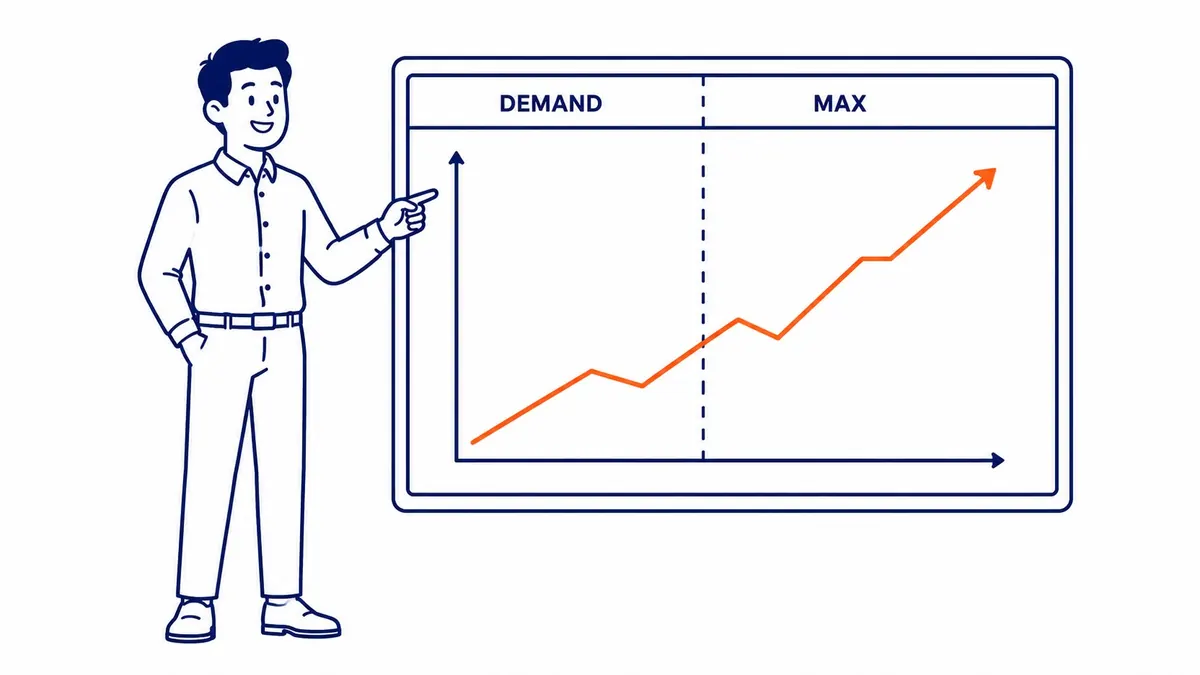
In practice the two automated types are not either-or. Performance Max reaches more inventory, including Search and Shopping, and automates the mix, while Demand Gen gives a business that wants to test YouTube and Discover with its own creative clearer control and channel reporting. What neither one replaces is a well-run Search campaign, because a person who types “furnace repair Calgary” is further along than a person scrolling Shorts, and that intent is usually closer to a sale.
Bidding and budget: what Google actually says
Demand Gen supports five bid strategies on Google’s create page: Maximize Clicks, Maximize Conversions, Target CPA, Maximize Conversion Value and Target ROAS. That matters, because a lot of older advice says the campaign only works with conversion bidding. Maximize Clicks is Google’s own option for consideration goals such as site visits, and it is one reasonable way to start when the account does not yet record enough conversions for the algorithm to learn from, as long as clicks are judged against what happens after them.
The “50 conversions” figure that gets repeated about Demand Gen has two real sources, and neither is a monthly minimum for the campaign to work. Google’s create page recommends allowing around 50 conversion events during the “Learning” period before you change the bid strategy, which is advice about patience. Separately, Target ROAS on Demand Gen needs at least 50 conversions with a value in the past 35 days, 10 of them in the past 7 days, in the campaign itself, or 100 across all Demand Gen campaigns in the account. Google’s Demand Gen pages give no such floor for Maximize Clicks or Maximize Conversions.

Budget is where small accounts usually run into trouble. For Target CPA bidding, Google’s Demand Gen page recommends “a budget that’s at least 10 times your target CPA”, and the campaign setup enforces a minimum budget for delivery. Google does not say what period that budget covers, but Demand Gen budgets are normally set per day. As an illustration only: a Calgary renovation company that is happy to pay $40 for a lead would, on that reading, be looking at a recommended budget of about $400 a day, roughly $12,000 a month in ad spend. It is a recommendation rather than a hard minimum, but very few local service businesses want to put that much into an untested visual channel, which is why a smaller first test on Maximize Clicks or Maximize Conversions, with a firm end date, is usually the more realistic way in.
What you need before you launch
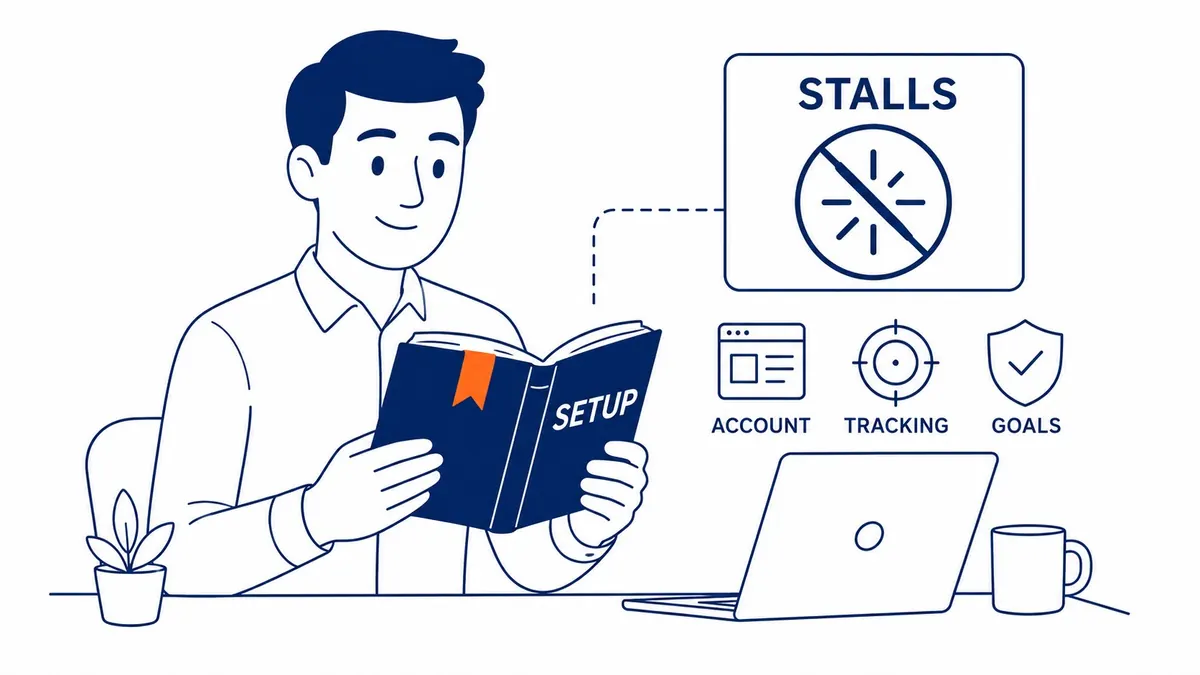
The groundwork matters more here than in Search, because the algorithm has no keyword to tell it what you sell. Google’s own “Before you begin” list has three parts: gather strong creative, set up conversion tracking with a working Google tag, and set a budget that matches the bid strategy. Conversion tracking that records real leads or sales is the piece that matters most, because without it Demand Gen cannot optimize toward the leads or sales you actually want. Google also suggests that a lighter conversion event, such as a site visit or an add to basket, can help a new campaign learn faster, although a business that counts those events as its main goal should expect cheaper conversions that are worth less.
On creative, Google’s guidance is to use your highest-quality images and video, with minimal text, and it notes that including more assets increases the chance of good performance. Images can be landscape (1.91:1), square (1:1), portrait (4:5) or vertical (9:16), and vertical video is the format Google recommends for Shorts. A campaign can run on images alone or video alone, although Google says using both typically performs better.
Some businesses also face limits they need to know about first. Google says ads in sensitive categories are generally restricted to YouTube inventory and cannot serve on Gmail or the Display Network. Google’s summary also says such campaigns can only target predefined Google audiences such as affinity or in-market segments, and that Discover is available to most of them only under audience conditions, so Discover eligibility is worth confirming before launch. Gambling, alcohol and political ads cannot run on Discover at all. A liquor store, or any Alberta business whose ads fall into one of Google’s restricted categories, should check its category against Google’s policies before it plans a cross-channel campaign that may only ever run on YouTube.
Who should use Demand Gen
Demand Gen suits a business that already turns search traffic into leads or sales and now wants to reach people earlier, before they search. It works best with a product or service that looks good on screen, enough first-party data, such as a customer list or site visitors, to seed lookalike segments, and reliable conversion tracking. Online retailers with a Merchant Center feed, brands launching something new, and service businesses with real photos or short videos of their work are all reasonable candidates.
It is a poor first campaign for an account that has never run Google Ads. Without conversion history, tested messaging or decent creative, a new Demand Gen campaign mostly buys impressions that are hard to judge, and a local business with a modest budget is usually better served by a tight Search campaign first, because Search reaches people who are already looking. The sensible order for most Calgary and Vancouver businesses is Search, then remarketing to the people Search brought in, and only then Demand Gen to widen the audience once the account knows what a lead is worth.
SEO Company To-The-TOP! is a Calgary-based solo practice founded in 2007 and Google Ads certified, so the person who reviews your account is the person who does the work. If you are weighing up whether Demand Gen, Performance Max or a better Search campaign is the right next step, or you need to plan the Display migration, the Google Ads management page explains how that work is handled, and you can call (403) 308-5949 to talk it through.
Contact Calgary SEO Company To-The-TOP!
Questions about anything in this article, or about your own rankings? Talk to a Calgary SEO specialist directly.
Phone: (403) 308-5949
Address: 1509 14 Ave SW, Calgary, AB T3C 0W4
Hours:
Monday to Friday: 10:00 am – 7:00 pm
Saturday: 12:00 pm – 4:00 pm
Sunday: closed