What Is an SEO Checker and How to Use One Effectively
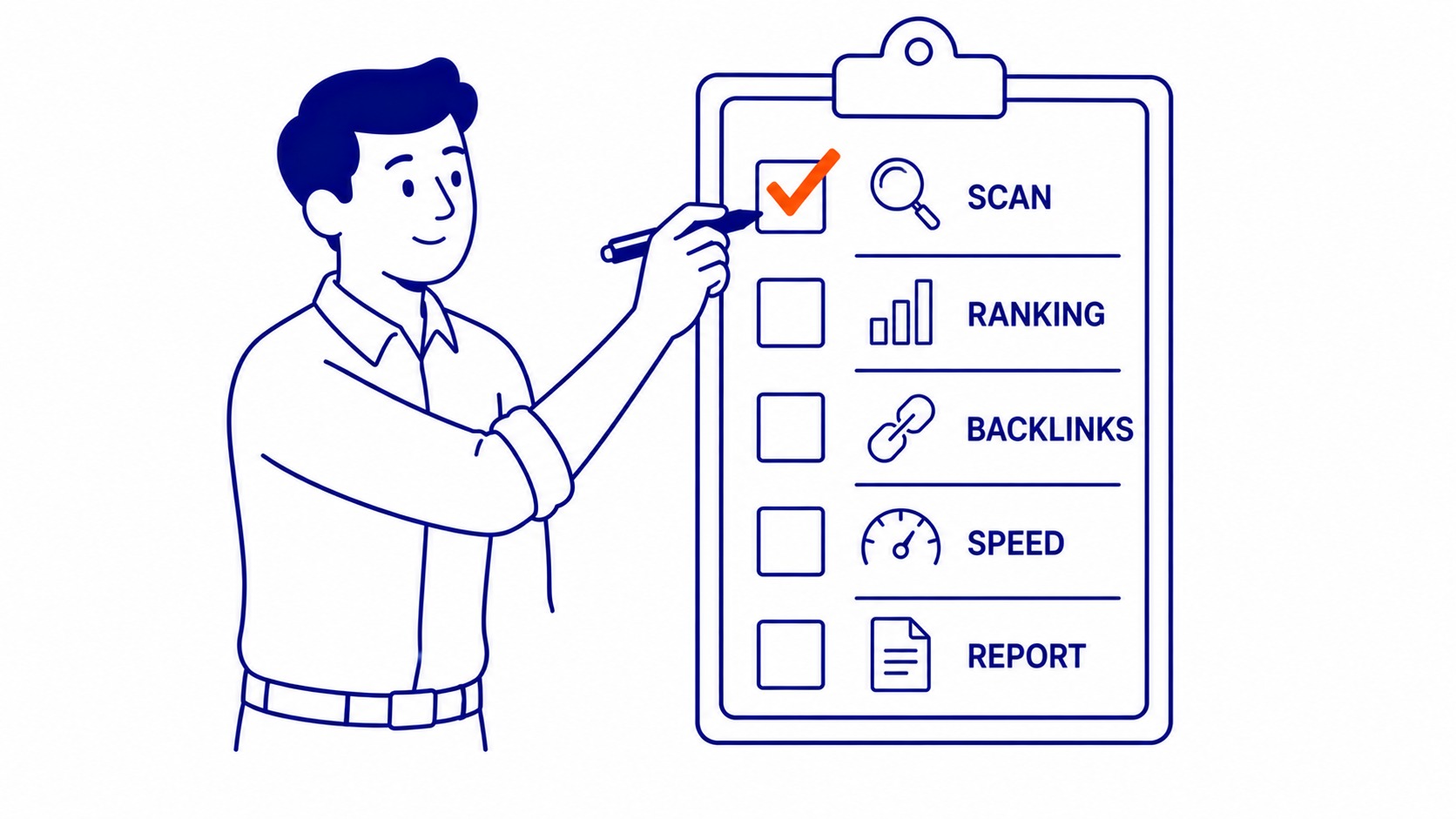
An SEO checker is a tool that scans a website and returns a report on ranking signals. Title tags, meta descriptions, heading structure, page speed, mobile responsiveness, crawl errors, image alt attributes. The checker pulls these signals and lists them as passes, warnings, or failures. What the checker tells you is where the site stands against basic SEO requirements.
What it does not tell you is why you are or are not ranking, or which issues to fix first. Think of it as a diagnostic snapshot. Useful for identifying obvious problems. Not a substitute for a full analysis of competitive positioning, search intent, or link strategy. For professional SEO in Calgary and other competitive markets, the checker is the starting point, not the deliverable.
What an SEO Checker Actually Checks
Every major SEO checker scans the same core signals. Title tags: present, unique, within character limits. Meta descriptions: not missing, not duplicated across pages. Heading structure: H1 on the page, logical hierarchy below it. Page speed: load time and Core Web Vitals pass or fail. Mobile friendliness: viewport settings, font sizes, tap target spacing. Crawl coverage: broken links, redirect chains, blocked pages. Image alt attributes: flagged when absent. Schema markup: whether structured data is present at all.
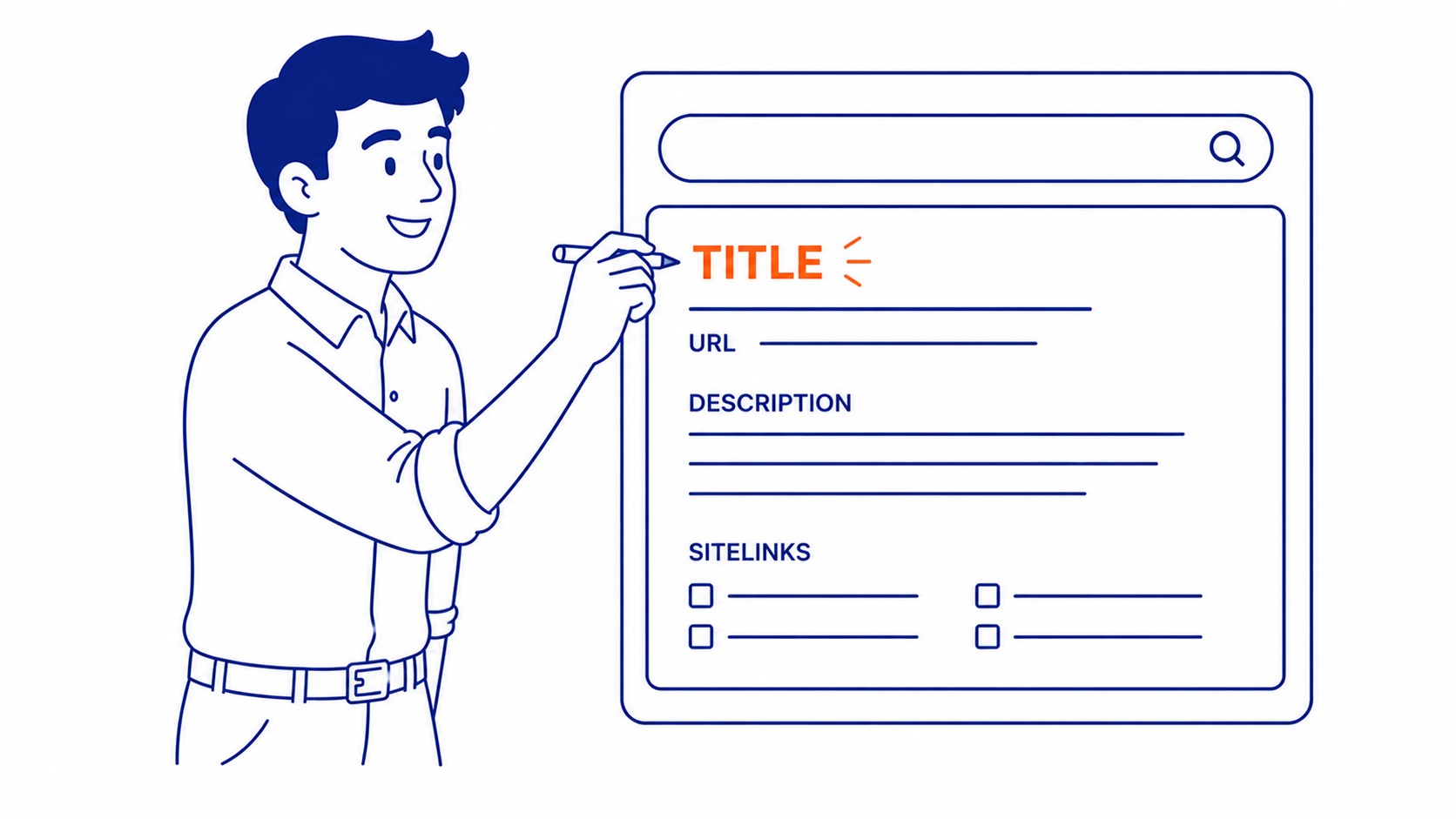
Some checkers also report on internal link counts, canonical tag errors, and HTTPS status. Paid platforms add backlink metrics, competitor comparison data, and site-wide keyword ranking tracking. Free tools typically stay within on-page and technical signals only, which covers the most impactful checks for most small sites.

Free SEO Checkers vs Paid Platforms
The most useful free tool is Google Search Console. Not typically labeled an “SEO checker,” but it is the most actionable free data source available: real impressions, real click-through rates, real crawl errors, and indexing coverage direct from Google. Airdrie businesses, Calgary enterprises, and national brands all get the same first-party data from the source that actually determines rankings. Set it up before anything else.
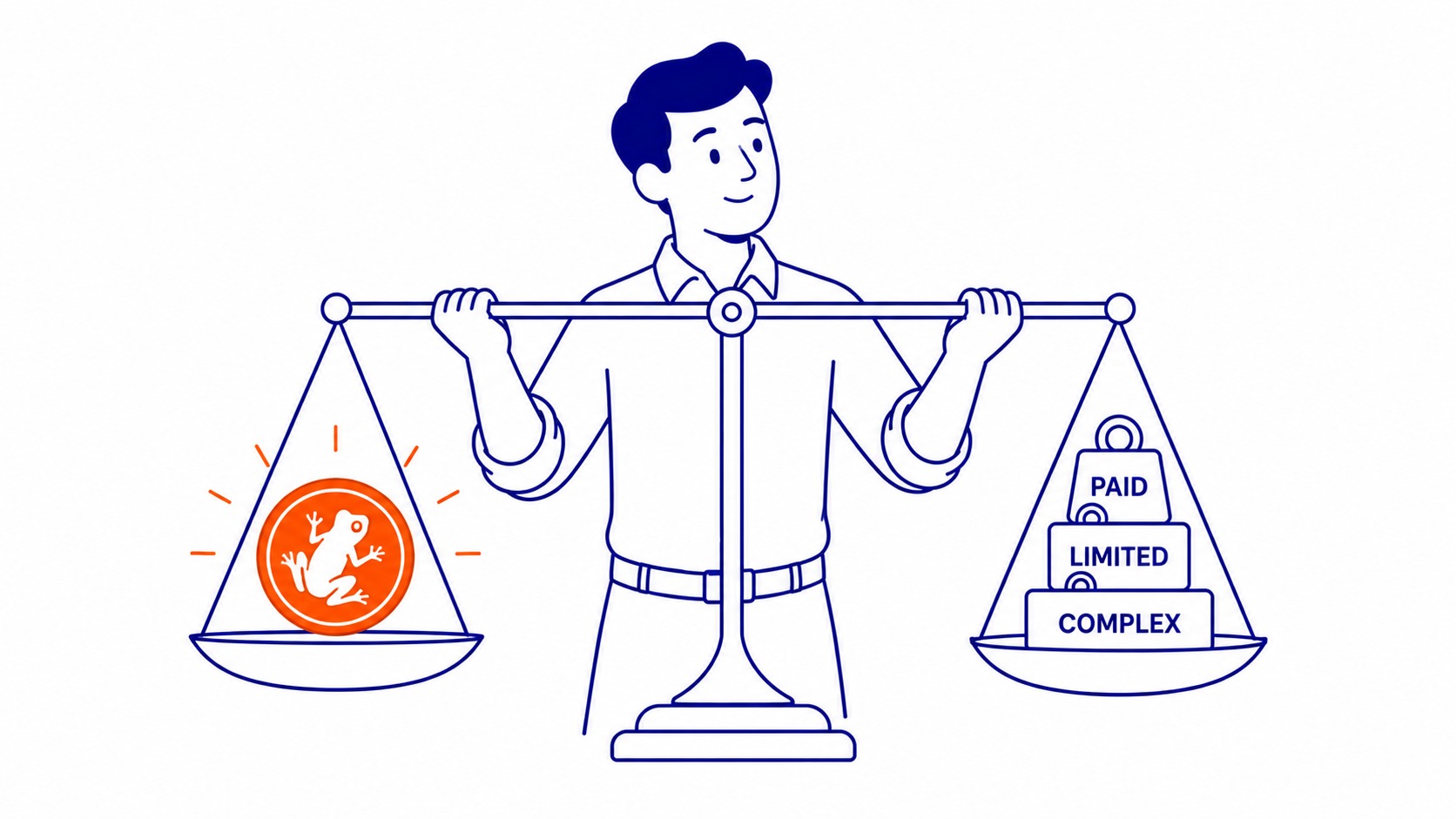
Other free tools worth using: Google PageSpeed Insights returns load time data and Core Web Vitals status for any URL. Screaming Frog’s free tier crawls up to 500 pages and exports every on-page signal as a spreadsheet, useful for spotting broken links and missing meta tags across a full site. Both are sufficient for basic diagnostics.
Paid platforms, Ahrefs and SEMrush being the most widely used, add backlink auditing, historical ranking data, and site-wide crawls without a page limit. The jump in usefulness is significant for competitive research and tracking rankings over time. Running Google paid search alongside an organic SEO program is a separate investment from checker tools, but the data from both informs the same strategy decisions.

Tools Worth Using
Screaming Frog is the most capable free crawler available. The free tier handles sites up to 500 pages, which covers most small and medium businesses without cost. Download, enter the URL, run the crawl. Output is a full spreadsheet of every on-page signal across every crawled page. The paid version removes the 500-page limit and adds integrations with Google Analytics and Search Console.
Google Search Console requires domain ownership verification via DNS or HTML tag. Takes 24 to 48 hours before full data shows after initial setup. Once live, it is the most valuable ongoing SEO data source available, and it costs nothing. The crawl errors report, the performance report, and the indexing coverage report together replace most of what checkers surface, and with better accuracy, since the data comes from Google itself.
Ahrefs has a limited free account. Useful for checking a site’s estimated organic traffic, top-ranking pages, and a basic backlink count. Not a full SEO tool at the free tier, but valuable for a quick read on a competitor’s site authority. For a professional SEO audit service that goes beyond automated checker output, manual review and competitive analysis are required alongside the tool reports.
Getting the Most from a Quick Check
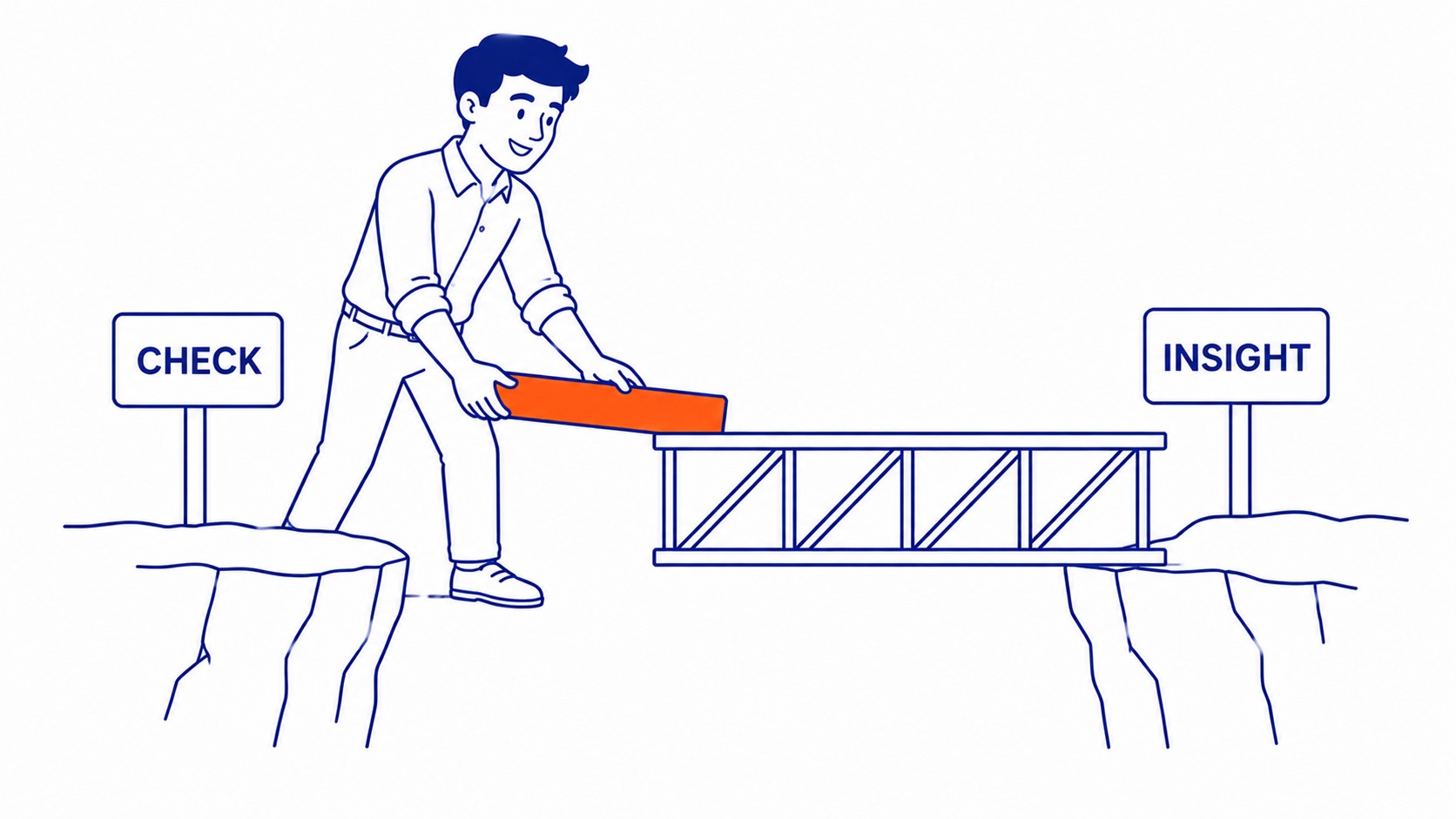
Run the checker. Get the report. Prioritize by impact, not by list order. Most SEO checker reports show every issue at the same visual weight. A broken link on an obscure archive page gets the same flag as missing meta descriptions on your top 20 landing pages. The tool cannot tell you which problems matter most for your competitive context. That judgment is always human.
Fix the pages that get traffic first. Run a full SEO audit after fixing the obvious items. The audit interprets what the checker found in context, identifies what the automated scan missed, and sets a priority order based on keyword competition and ranking opportunity. Checkers are inputs to that process, not outputs from it.
One useful framing: the checker report is a punch list. The SEO strategy is something else. Businesses that treat checker scores as ranking goals are optimizing against the tool, not against the search results page. Pass rates on an SEO checker improve rankings when the fixes address real ranking factors, not otherwise.
Frequently Asked Questions
Is a free SEO checker enough for a small business?
For initial diagnostics, yes. Google Search Console, Google PageSpeed Insights, and Screaming Frog’s free tier together cover core technical signals without cost. When backlink data, competitor keyword gaps, or site-wide ranking tracking are needed, a paid platform becomes necessary. Most small businesses running sites under 500 pages do not need a full paid subscription to run an effective baseline check.
How often should I run a check?
After any major site change: new plugins installed, template updated, bulk content published, site migration completed. For routine use, once per month on active sites. Google Search Console reports crawl errors as they occur, so it acts as a continuous passive check between manual crawls. Sites that change infrequently can run a full crawl quarterly.
What’s the difference between an SEO checker and an SEO audit?
A checker produces an automated scan report. Speed, meta tags, crawl errors: all automated, all surface-level. An SEO audit includes human interpretation of what the automated scan found: which issues affect rankings in your specific market, which competitors are outranking you and why, what the keyword strategy should be, and what the priority order for fixes is. Checkers identify what is wrong. Audits explain what it means and what to do about it. The two are not interchangeable.
