What Is a Sitemap in SEO? The Plain Calgary Guide
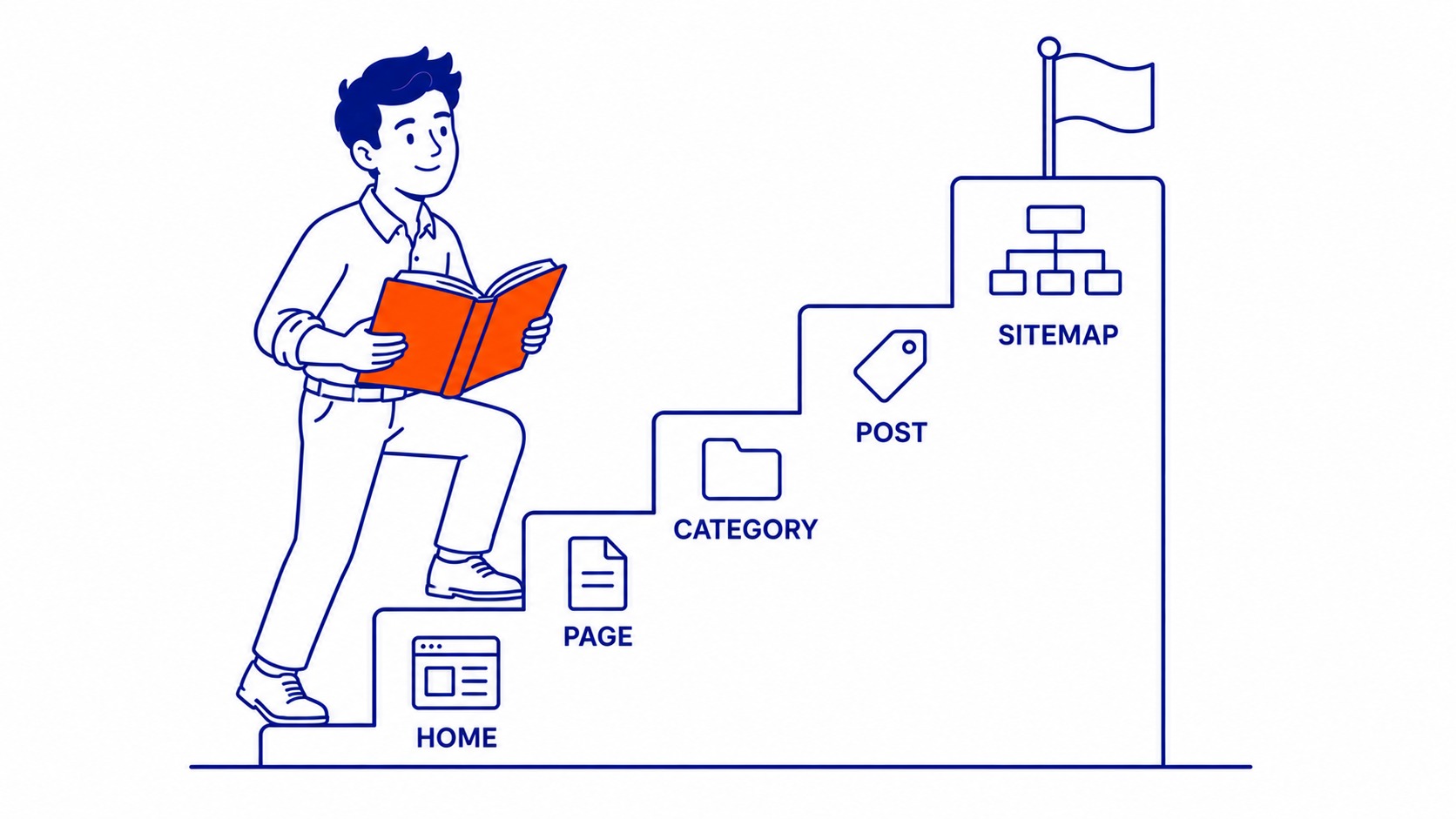
A sitemap is a file that lists the important pages on your website so search engines can find them all. That is the whole idea, stripped of jargon. Think of it as a directory you hand to Google. Here is everything worth crawling, in one place.
SEO Company To-The-TOP! has been building and submitting these files since 2007, and the question comes up on nearly every new project. Does my site even need one? Let me walk through what a sitemap actually does, the two types you will run into, and how to set yours up without burning a weekend on it.
What a sitemap actually is
Picture a search engine landing on your site for the first time. It follows links from page to page, building a map as it goes. That process is called crawling. Usually it works fine. But pages buried deep, or pages with few links pointing to them, can get missed. That gap is what the file closes.
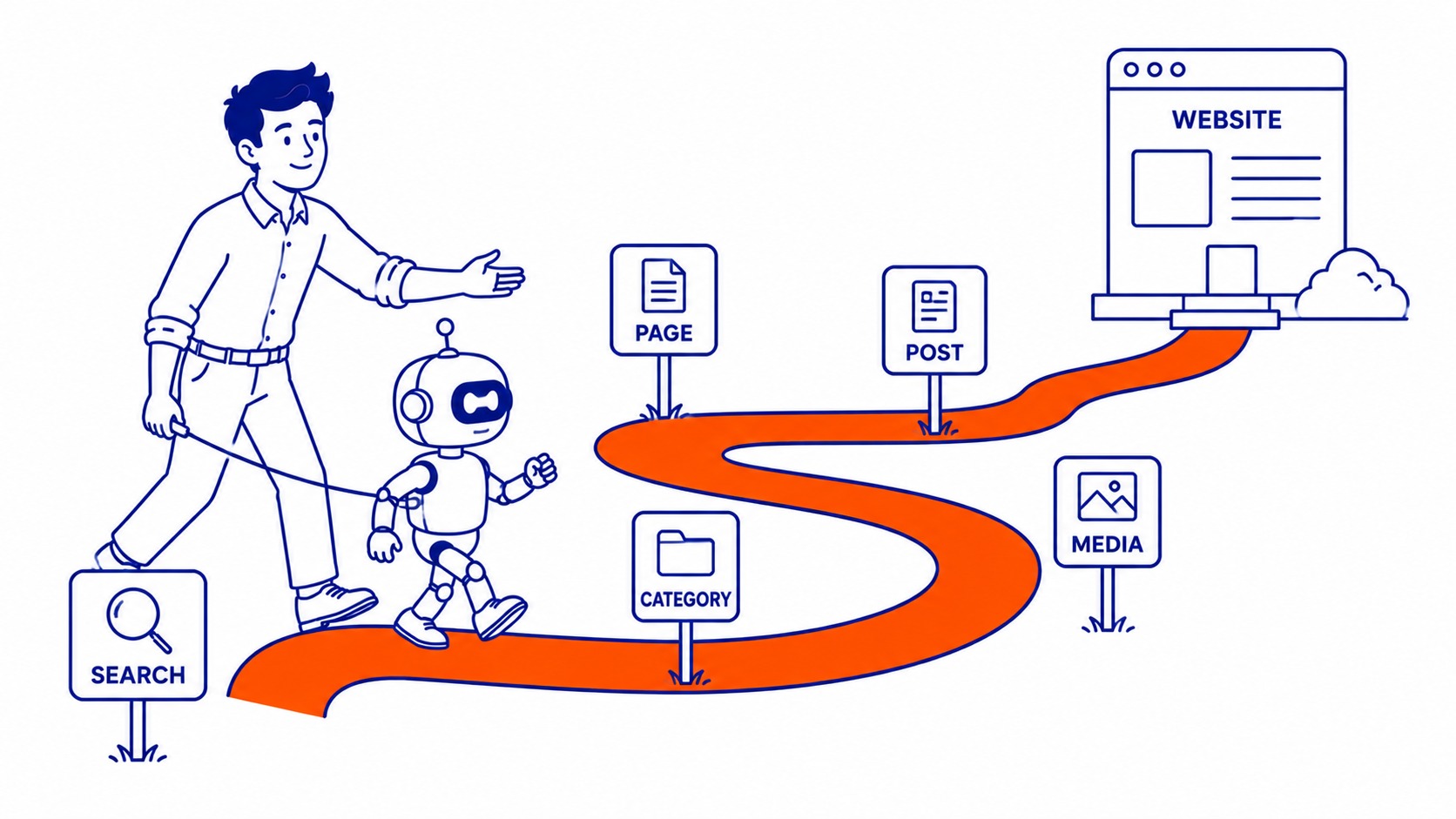
The file lists your URLs and a little information about each one. When it was last changed, sometimes how often it updates. Google reads the list and knows what exists on your site without having to stumble onto every page by chance. No guarantee of ranking. Just a clear path in.
One thing to clear up early. It does not make pages rank higher on its own. What it does is help search engines discover and index your content faster, which matters more on big sites than small ones. Discovery first. Ranking is a separate job.
XML sitemaps versus HTML sitemaps
Two kinds exist, and people mix them up constantly. The XML version is the one that matters for search engines. It is a machine readable file, usually sitting at yoursite.com/sitemap.xml, written in a format crawlers parse instantly. Your visitors never see it. It exists purely so Google and Bing can read your full list of pages.
An HTML sitemap is built for humans. A plain page with links to the main sections of your site, the kind you sometimes spot in a website footer. Useful for visitors on a large site who want to find something fast. Less critical now than it was a decade ago, since search and good navigation handle most of that work.
For SEO, the XML sitemap is the one to get right. If you only build one, build that. The HTML version is a nice touch for usability, not a ranking factor anybody should lose sleep over.

Why a sitemap matters for SEO
The benefit is discovery. It tells search engines exactly which pages you want crawled, so nothing important slips through. New content gets found faster. Updated pages get noticed sooner. On a site with hundreds of URLs, that speed adds up.
Some sites need one more than others. A small five page business site? Google will likely find every page through normal crawling anyway. A large site, a new site with few backlinks, or a site with pages that are hard to reach through internal links? Those benefit a lot. The file becomes the safety net that catches what crawling alone would miss.
There is also a quieter benefit. When you submit your sitemap to Google Search Console, you get reporting on which URLs got indexed and which got skipped. That feedback is gold for spotting problems. Pages missing from the index usually point to something worth fixing, and the sitemap is how you catch it.
Indexing is the broader picture here. Crawling, indexing, and ranking are three separate steps, and a sitemap helps with the first two. It is one piece of solid technical SEO, sitting alongside fast load times, a clean site structure, and proper schema markup. None of it works in isolation.

How to create and submit a sitemap
Good news. You probably do not have to build this by hand. Most modern websites generate the XML file automatically. On WordPress, an SEO plugin handles it for you and keeps the list updated every time you publish. Other platforms like Shopify and Squarespace create one out of the box, no setup required.
Want to check if you already have one? Type your domain followed by /sitemap.xml into a browser. See a list of URLs load? You are set. When nothing appears, your platform may use a different filename, or you might need a plugin to generate the file.
Once the file exists, submit it to search engines. Open Google Search Console, find the Sitemaps section, paste in your sitemap URL, and submit. Google starts reading it within hours. Setting up tracking properly matters here, and our guide on what Google Search Console is covers the rest of that toolbox. Bing has its own version through Bing Webmaster Tools, worth doing if your audience uses it.
After submission, watch the coverage report. It shows how many URLs Google found, how many it indexed, and any errors it hit. Check back after a week or two. The numbers tell you whether your pages are actually getting into the index.
Common sitemap mistakes
The most frequent one. Listing pages you do not want indexed. Thank you pages, login screens, duplicate URLs, thin content. If it is in the sitemap, you are telling Google it deserves attention. Keep the file to pages that genuinely matter.
Another. Letting the sitemap go stale. A file that still lists deleted pages, or one that misses your newest content, sends mixed signals. Automatic generation solves this, which is exactly why the plugin route beats hand coding for most businesses.
Then there is the contradiction problem. A page blocked by robots.txt but still sitting in the sitemap confuses crawlers. Same with pages carrying a noindex tag. Your sitemap should agree with the rest of your site about what gets crawled. Mixed instructions waste crawl budget and muddy your reporting.

What Calgary businesses should do
Keep it simple. If you run a small local site on WordPress, install a reputable SEO plugin, confirm it generated a sitemap, and submit that file to Search Console once. Done. You rarely touch it again, because it updates itself as you add pages.
Larger sites deserve more care. An online store with thousands of product URLs, or a site that has grown messy over years, needs someone to check the file lists the right pages and nothing junky. That is the kind of audit work worth doing properly. A full website audit catches sitemap problems alongside the dozen other technical issues that quietly hold a site back.
The sitemap is one small gear in a much larger machine. It helps search engines read your site, but it does not replace useful content, a fast site, or earned links. If you would rather hand the whole technical side to one person who has been at this since 2007, that is what Calgary SEO from To-The-TOP! is built around. And when you need traffic while the organic side matures, Google Ads management can carry the gap.
Set the file up once, keep it honest, and move on to the work that actually moves rankings. The sitemap just makes sure nobody is reading a map with half the streets missing.
Common questions about sitemaps
What is a sitemap in SEO, with an example?
A sitemap is a file listing the pages on your website that you want search engines to find. Picture an XML sitemap at yoursite.com/sitemap.xml, a machine readable list of every important URL on your site. Google reads it to discover and index your content faster than crawling alone would manage.
Is a sitemap necessary for SEO?
Not strictly, but it helps. Small sites with good internal linking often get crawled fully without one. Larger sites, new sites, and sites with hard to reach pages benefit a lot, because the sitemap guarantees search engines see every page you care about. Since most platforms generate the file automatically, there is little reason to skip it.
What is the difference between an XML and HTML sitemap?
The XML kind is written for search engines, a structured file they parse to find your URLs. An HTML sitemap is a regular web page built for human visitors, linking to your main sections. For SEO purposes, the XML version is the one that counts.
How do I submit my sitemap to Google?
Open Google Search Console, select your site, go to the Sitemaps section, enter your sitemap URL, and hit submit. Google begins reading it within hours and reports back on which URLs it indexed. Check the coverage report after a week to confirm your pages made it in.
Does a sitemap improve rankings?
Not directly. A sitemap helps search engines discover and index your pages, which is a prerequisite for ranking, not a ranking factor itself. Think of it as opening the door. What you do once Google is inside, the content and the technical health of the site, decides where you land.
