How to Check If Your Google Ads Are Running
The question comes up every few weeks at SEO Company To-The-TOP!, the team Calgary businesses call when their advertising goes quiet. A client calls after two months of running Google Ads and wants to know whether their ads are actually showing. They have spent money, they see no obvious results, and nobody walked them through where to look. Most of the time, something fixable is blocking them.
Checking your ad status takes about two minutes. The confusion comes from not knowing which layer to trust. Google Ads has four levels where your ads can get stuck before a single impression gets recorded.
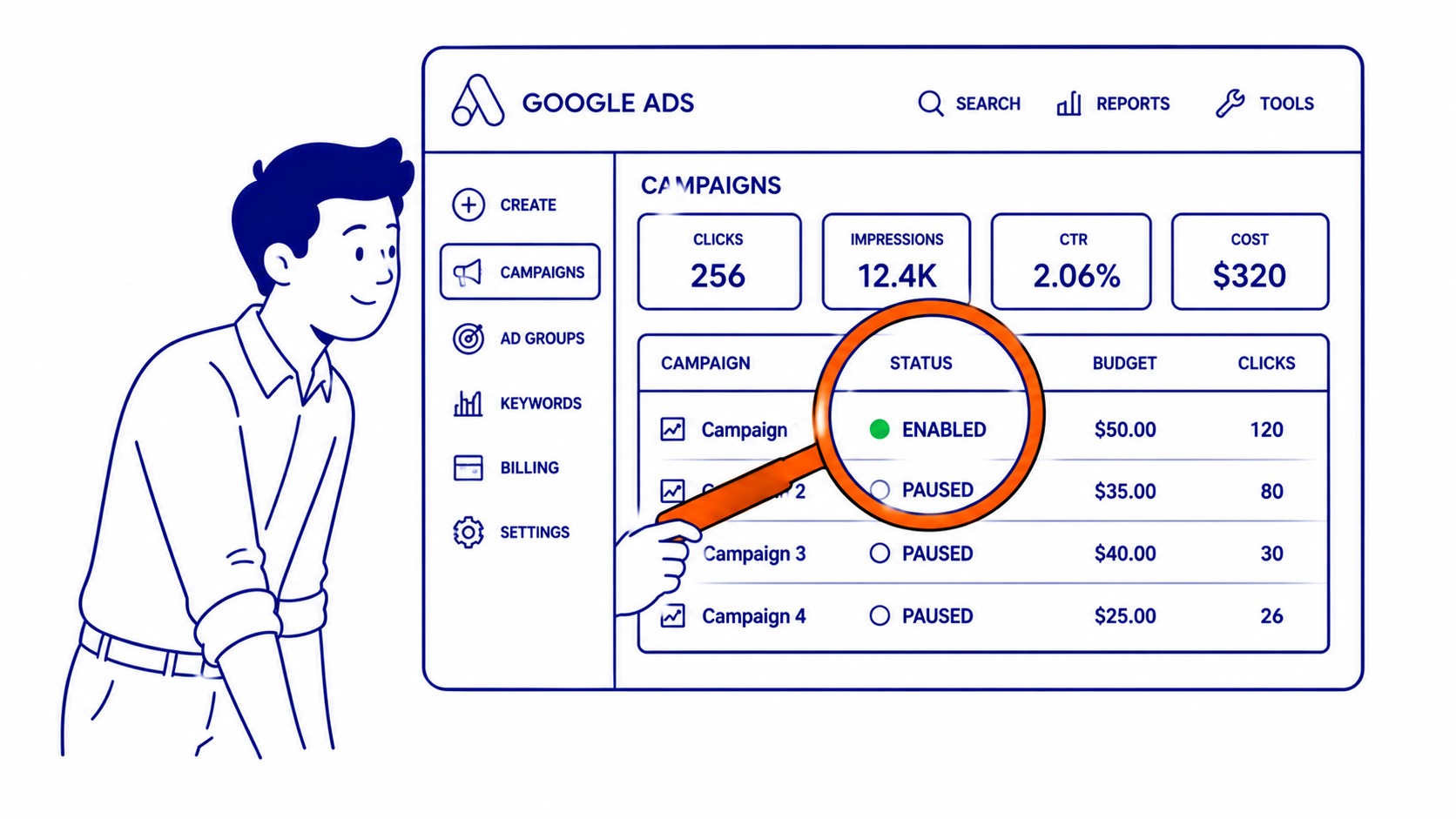
Where to Check Your Ad Status
Start at the Campaign Level
Log into ads.google.com. The Campaigns tab loads by default. Look at the Status column. A green dot means that campaign is eligible to run. Paused shows a grey icon. Ended shows a square. Paused or ended: your ads are not running, regardless of what else is configured below it.
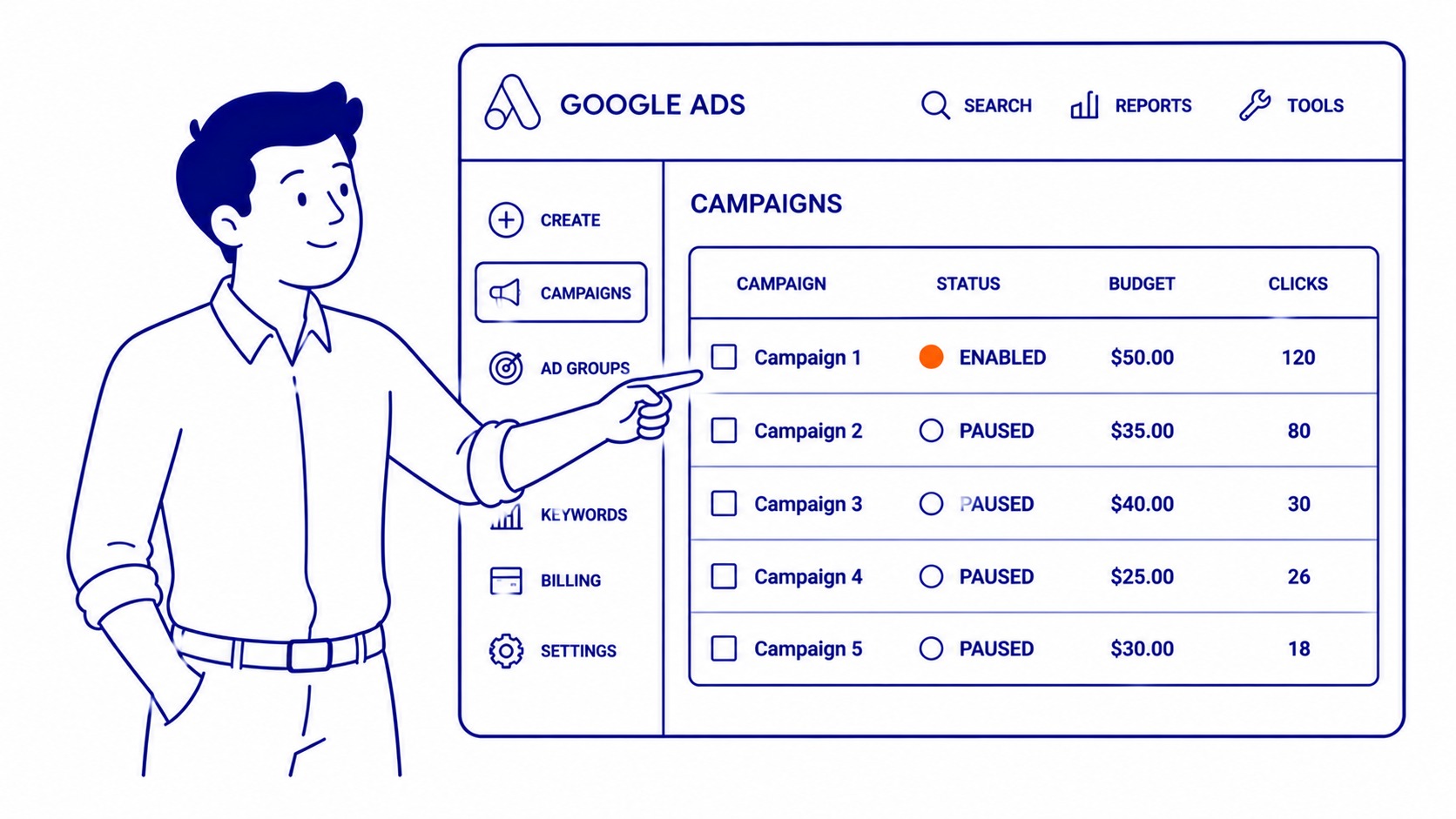
Check Ad Groups and Individual Ads
Active campaigns can still have paused ad groups inside them. Click your campaign name, then open the Ad groups tab. Each ad group has its own status. A paused ad group blocks all of its ads from serving, even with a live campaign above it.
Inside each group, the Ads tab shows three labels to check. Eligible means your ad is able to show. Under review means the ad was recently created or edited. Google is still checking it, typically for a day or two. Disapproved means your ad is blocked. Needs correcting before it can serve.
Use the Ad Preview and Diagnosis Tool
Searching your own business name on Google to check if your ad shows up is unreliable. It records an impression without a click, which hurts your CTR data over time. The Ad Preview and Diagnosis tool is the better method. It tests whether your ad would show for a specific search, device, and location, without recording any impression. Find it under Tools and Settings in the main navigation.
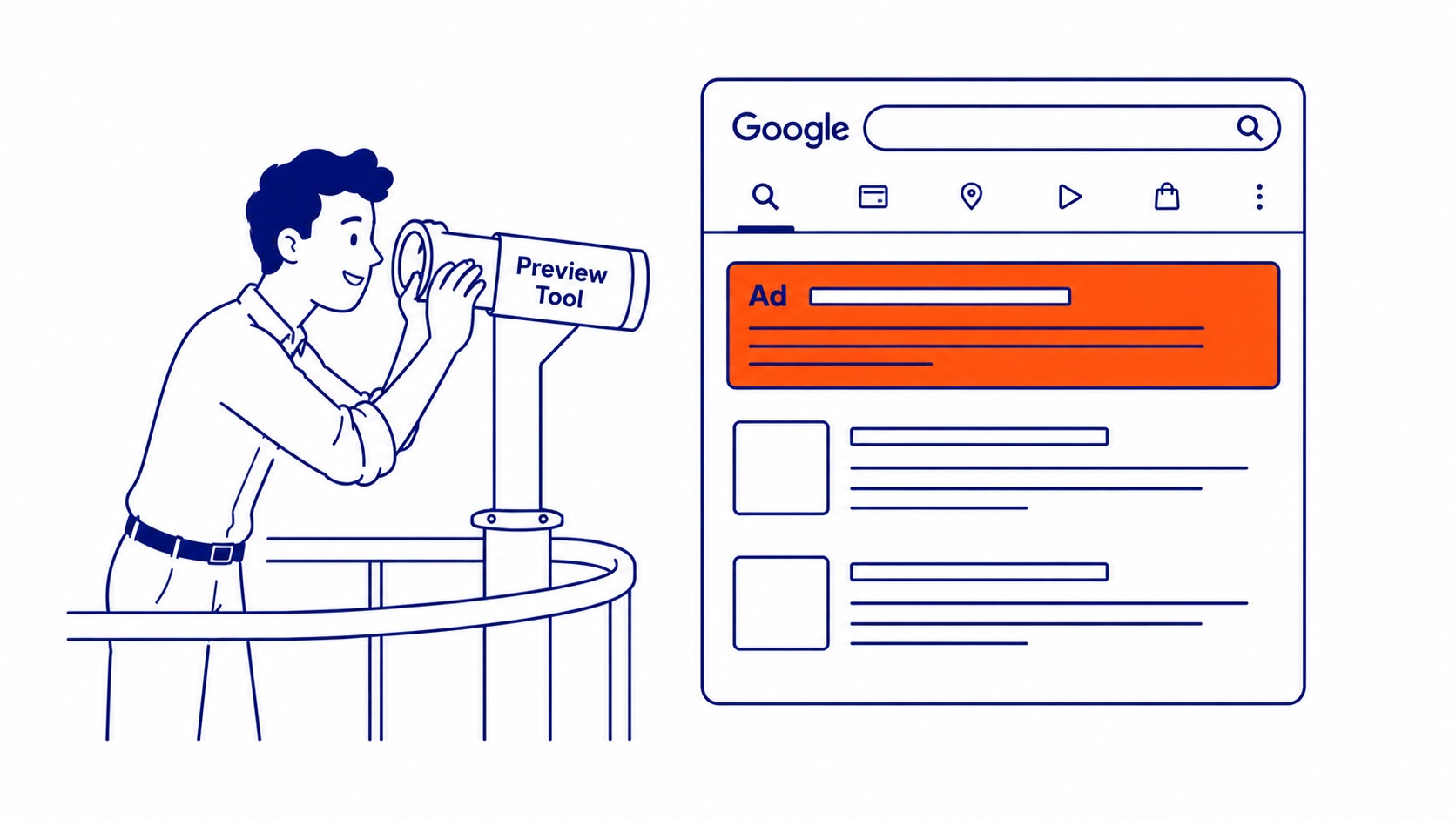
Why Your Ads Are Not Showing
Budget Running Out Early
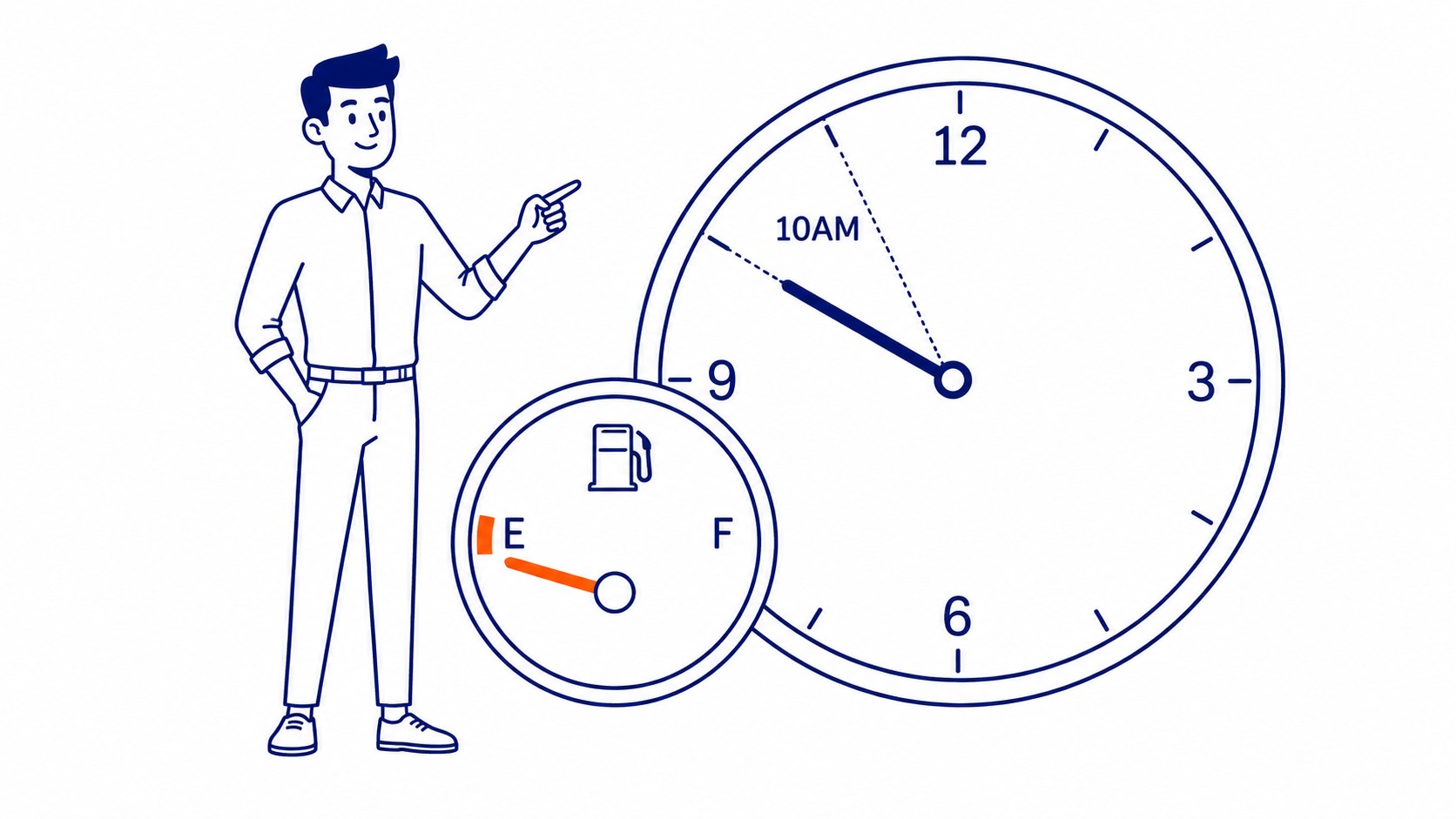
Daily budgets on competitive keywords can run out before 10 a.m. Check the Campaigns tab for a blue information icon beside your daily budget. That icon also flags the campaign as budget-limited. The Lost IS (budget) column in impression share data shows what percentage of potential traffic your campaign is missing.
Once you confirm your own ads are running, the guide on how to check competitors’ Google Ads shows how to see what competitors are spending and which ads are active.
Billing Problem on the Account
A declined card or expired payment method pauses the entire account. An alert usually appears at the top of the interface. Still, some clients scroll past it on a busy day. Check anytime under Tools and Settings, then Billing and Payments, then Billing summary.
Ad Disapproval
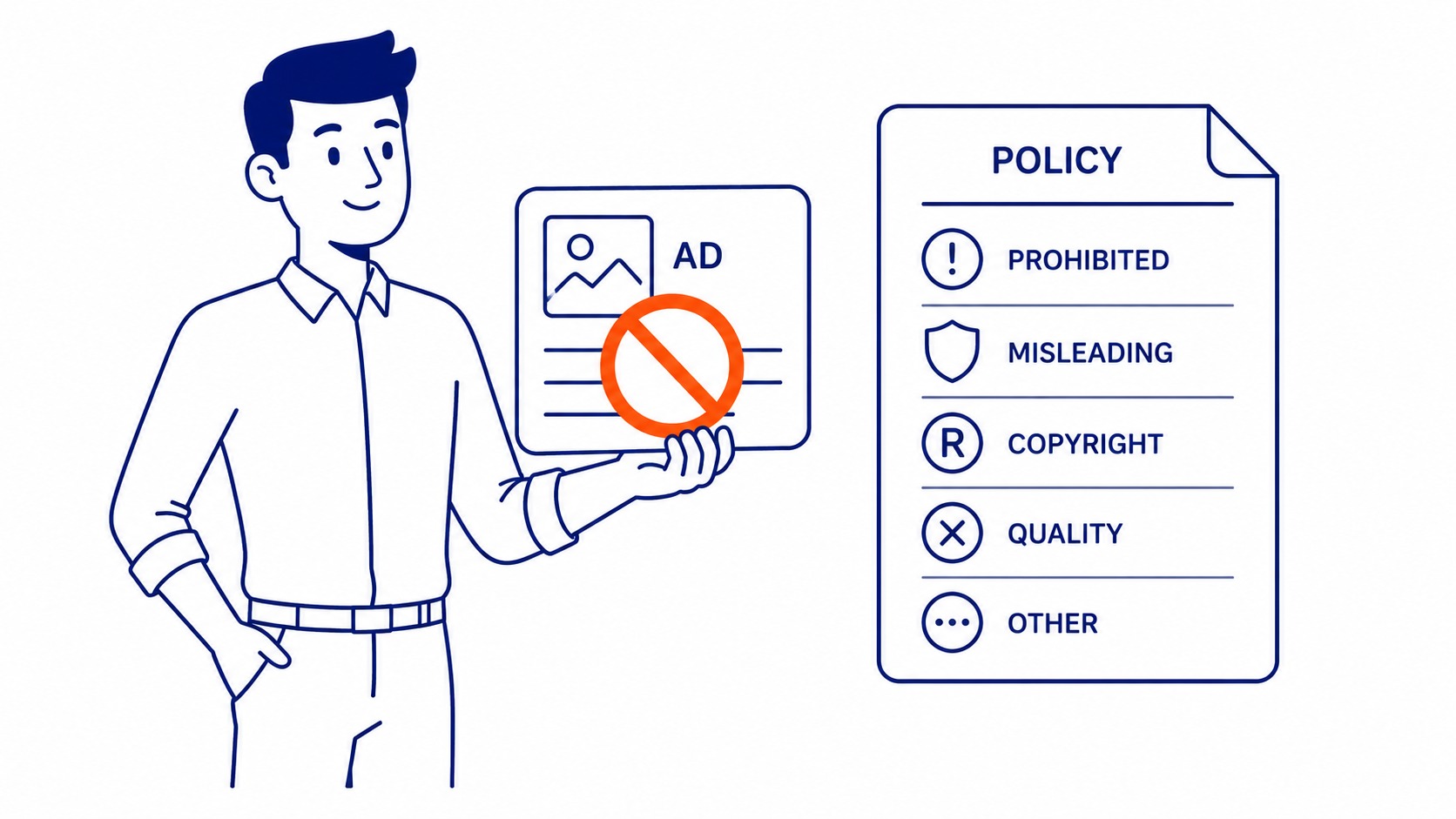
Disapproved ads do not serve. Click the status label in the Ads tab to see the specific reason. Destination mismatch, trademark policy, and landing page quality are the most common causes. Most disapprovals are fixable, though some take 24 to 48 hours to clear after resubmission.
Low Search Volume Keywords
Some keywords carry a Low search volume label. Those are inactive because Google has not seen enough queries to match against them. Removing or broadening those keywords cleans up accounts that look active but generate no traffic. Before launch, a proper website keyword analysis surfaces the terms Google already gets queries for, and most of these low-volume ones never make it into a live campaign. Worth reading the usual causes of a missing ad before rebuilding a campaign that looks fine. If none of it is worth fixing, a walkthrough for canceling Google Ads exists too.
How to Tell If Your Campaign Is Actually Working
Running and working are, however, different things. Poor keyword targeting drains the budget without delivering customers, and so does a slow landing page. A keyword competitive analysis will not surface either problem, since it reads organic positions rather than paid ones. Watch three numbers inside the account instead.
For the organic side, what is Google Search Console runs alongside your Ads account to show which search queries are driving non-paid traffic.
Zero impressions means your ads are not serving. Impressions with no clicks means the ad is showing but the message is not landing. Headline or audience mismatch, usually. Clicks with no conversions: the problem is on the landing page.

Set up conversion tracking separately. Without it, your account reports clicks but not outcomes. Most accounts we audit at To-The-TOP! do not have conversion tracking in place when we first look. Setup takes about 30 minutes through Google Tag Manager.
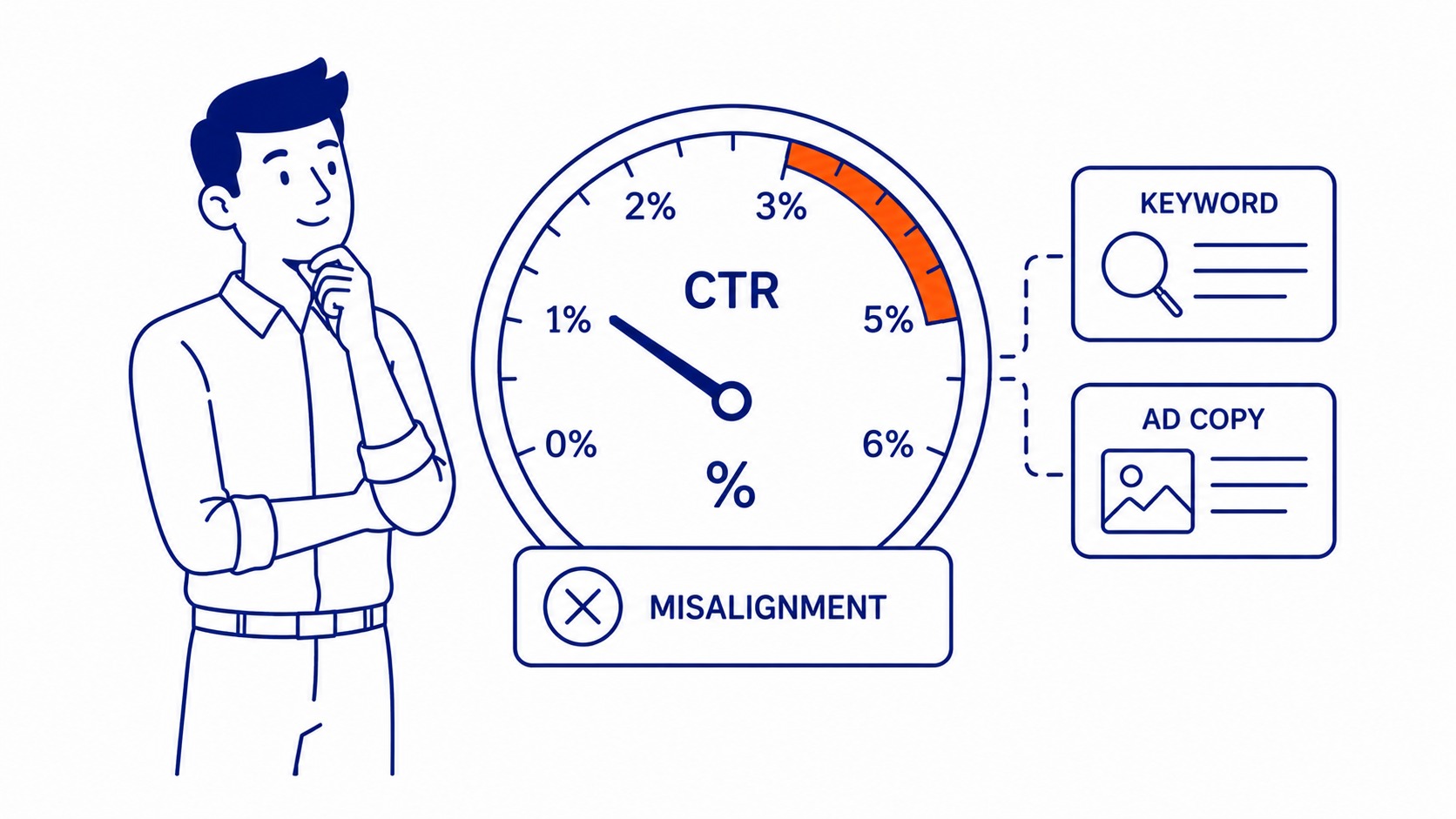
CTR on a Search campaign below 2% is still worth investigating. Healthy accounts typically run between 3 and 5%. Below 1% usually means the keywords and ad copy are misaligned.
Plenty of businesses run paid campaigns alongside organic work and want one Calgary SEO expert across both. Work with To-The-TOP! and you get our Google Ads management plus the SEO services search engine optimization calls for, all in the same engagement. No handoffs. One person handles both.
Business owners in Greenwood SEO, Hamilton SEO, and Hanna SEO check on their active Google Ads campaigns at the same points in their workday.
FAQ: Checking and Diagnosing Your Ads
How do I check if my Google ad is running or not?
Campaigns tab, Status column. Green dot means eligible. From there, go into each campaign: check the Ad groups tab, then the individual Ads tab. Eligible at every level means the ad can show.
How do I make sure my Google Ads are running?
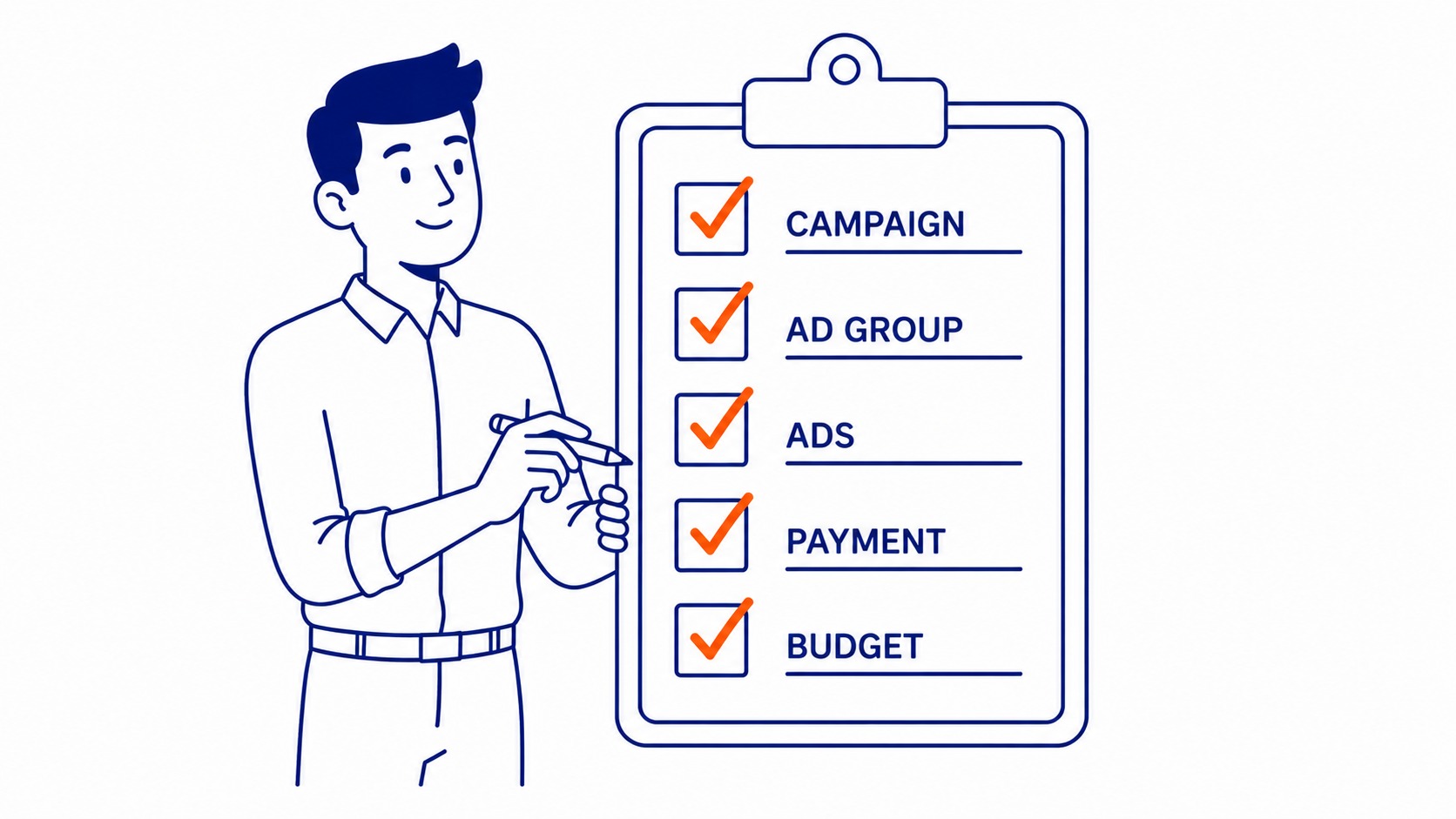
Campaign active. Ad groups active. Individual ads showing as Eligible. Payment method current. Budget not yet exhausted. All five.
How do I tell if Google Ads are working?
Reach shows in impressions. Clicks tell you people engaged. Conversions are the actual business outcome. Zero impressions means the ads are not serving. No clicks despite impressions means the message is not landing. Also check your negative keywords if clicks are high but conversions are absent.
How do you know if your ads are active?
Active campaigns show a green dot in the Status column on that tab. Open the campaign. Go into the ad group. Then check the Ads tab. Eligible: the ad is active and able to serve.
Contact Calgary SEO Company To-The-TOP!
Questions about anything in this article, or about your own rankings? Talk to a Calgary SEO specialist directly.
Phone: (403) 308-5949
Address: 1509 14 Ave SW, Calgary, AB T3C 0W4
Hours:
Monday to Friday: 10:00 am – 7:00 pm
Saturday: 12:00 pm – 4:00 pm
Sunday: closed
