
How to Use H1 H2 H3 Tags for SEO Without Making a Mess of the Hierarchy
How a page is organized gets communicated to Google and readers through heading tags. Get the hierarchy wrong, and both audiences struggle to follow the structure.
One H1, multiple subheadings underneath, H3s nested inside relevant sections. The whole system, in theory. Most sites still get it wrong in practice.

Why the Hierarchy Matters More Than Any Single Tag
What a page covers, and how the ideas relate to each other, is understood by search engines through heading structure. Organization is what a properly nested hierarchy signals. A flat wall of subheadings with no H3s underneath signals the opposite, even with genuinely good content sitting underneath it.
Accessibility depends on this same structure for screen readers. Straight to relevant sections is where users navigating by heading level jump. Navigation breaks entirely when hierarchy breaks, not just the SEO signal.

Using the H1 Tag Correctly
Always one H1 per page. Confusion in the hierarchy, and a diluted signal about what a page is actually about, is what multiple H1s create.
Close, though not necessarily word for word, is how the H1 should match the page’s primary target keyword and its title tag. Reinforcement of the page’s topic, without feeling robotic or repetitive, comes from close alignment between H1 and title tag.
Awkward keyword stuffing in the H1 is a temptation worth skipping. A natural, readable heading that happens to include the target term outperforms a keyword-stuffed one every time. There is more to the H1 tag than length and where the keyword sits.

Structuring H2s as Main Section Breaks
Major sections under the H1 get marked by H2 tags. Each one should represent a genuinely distinct subtopic. Not just an arbitrary break in the text for visual variety.
Secondary keywords fit naturally into that text sometimes. A section that doesn’t actually relate to a forced keyword suffers on readability. The relevance signal Google reads suffers right along with it.
Most standard blog content works well with five to eight major sections. Too much ground under too few sections is what fewer than that often signals. Splitting into separate pages is sometimes the better call above that range.

Using H3s to Break Down Complex Sections
Smaller, more digestible pieces come from H3 tags nesting inside a specific section. Not every section needs that breakdown. Save H3s for sections genuinely complex enough to benefit.
Five distinct failure scenarios under one troubleshooting guide makes a strong case for five H3s underneath. A simple, two-paragraph section answering a single direct question needs nothing further.
Skipping heading levels breaks the hierarchy outright. Confusion for search engines follows an H3 appearing without a parent heading above it. Assistive technology struggles the same way, trying to parse the page’s actual structure.
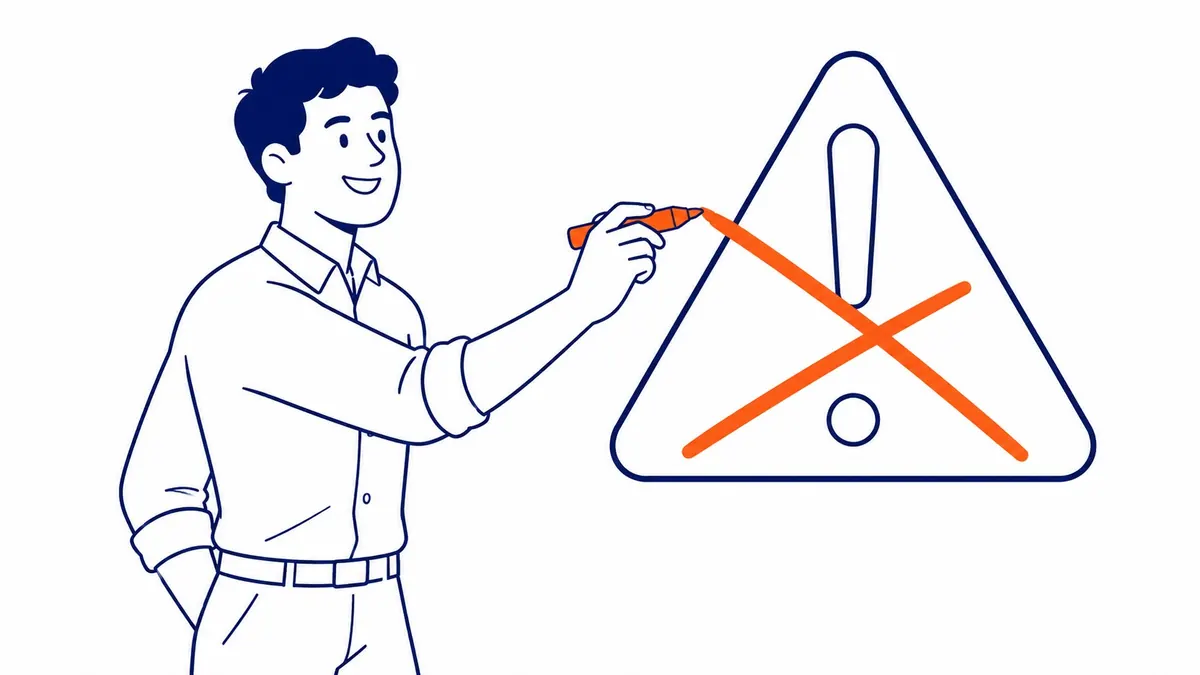
Common Heading Mistakes That Hurt a Page
Visual styling alone, with no real structural meaning behind it, ranks among the most common mistakes. Bold or large text used purely for looks. A heading tag should reflect actual content structure, not a design preference for bigger text somewhere on the page.
Confusion in the hierarchy also comes from duplicate heading text across a page. Overlapping content underneath is usually what two identical subheadings covering supposedly different topics actually signal.
Cleaning up heading structure on existing pages is often one of the fastest, lowest-effort improvements for a Calgary SEO campaign. New content rarely gets required to fix a broken hierarchy. Just better organization of what already exists. Headings are one line item in the short version of page SEO, and among the cheapest to fix.
Frequently Asked Questions
Can a page have more than one H1 tag?
Technically permitted in HTML5, yes, but one H1 per page stays the safer, clearer practice for SEO. Dilution of the primary topic signal, plus confusion for search engines, is the real risk multiple H1s carry.
Do H2 and H3 tags directly affect rankings?
Not as a direct ranking factor on their own. Understanding of content structure and relevance is what they give Google and readers instead. Rankings benefit indirectly, through clearer topic coverage.
Should every H2 have H3 subheadings underneath it?
No. Genuine complexity is the bar for needing H3s at all. A simple, direct section covering one clear point works perfectly well without any nested subheadings.
Contact Calgary SEO Company To-The-TOP!
Questions about anything in this article, or about your own rankings? Talk to a Calgary SEO specialist directly.
Phone: (403) 308-5949
Address: 1509 14 Ave SW, Calgary, AB T3C 0W4
Hours:
Monday to Friday: 10:00 am – 7:00 pm
Saturday: 12:00 pm – 4:00 pm
Sunday: closed