
What Is AMP in SEO?
Three letters. Accelerated Mobile Pages, spelled out. Built back in 2015, a stripped-down HTML framework made to load mobile pages almost instantly. A separate, lightweight version of a page. That’s AMP in SEO terms, trading design flexibility for raw loading speed.
Short and simple, that’s the definition. The longer answer, the one that actually matters for a business deciding whether to bother, gets more complicated. AMP used to carry real ranking weight. Not anymore. The reasons why are worth understanding before spending a dime building one.
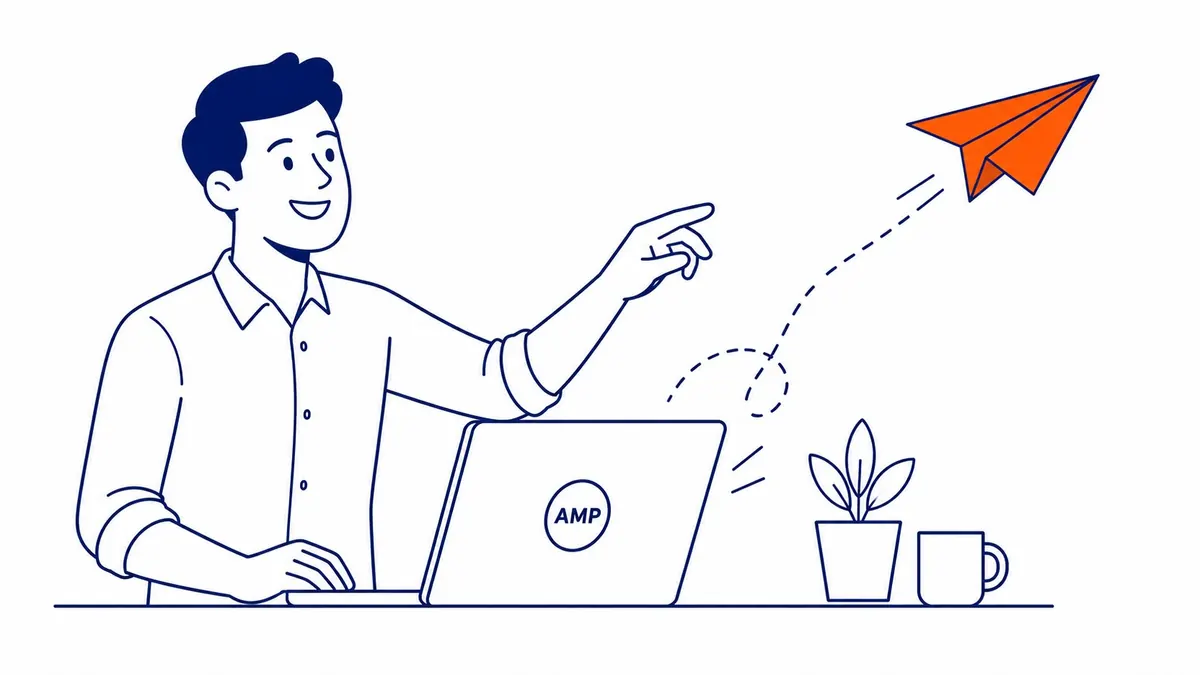
What Does AMP Actually Stand For
Accelerated Mobile Pages. Three words. One open-source project. The goal was narrow. Strip a webpage down to nearly nothing so it loads on a phone in under a second.
A partnership got the AMP project off the ground. Google, Twitter, a handful of publishers, all pushing the same idea. News sites adopted it fastest. A person searching on their phone would tap a headline, and the page would render before the tap even finished animating. That speed came from restriction. AMP HTML bans most custom JavaScript. It caps image sizes. Inline CSS gets capped too, under 75KB. Every one of those rules exists to strip out anything that could slow a page down.
The tradeoff shows up fast once a developer tries to build one. Want a slick image carousel? Not on this framework. A custom form? Not without an approved component either. The framework still works. It just works inside a small box. AMP was only ever one answer inside a wider view of mobile SEO. AMP has its own validator, separate from W3C validation and stricter about what passes.
A Short History: Why AMP Rose and Why It Faded
2015 was a rough year for mobile speed. Most publisher sites loaded in six, eight, ten seconds on a phone. Readers bounced before the page finished rendering. Google’s answer was AMP, an open framework built with input from Twitter and WordPress.com. A group of major publishers joined in too, all chasing the same fix.
Adoption spread fast through news media. A small lightning bolt icon. That’s how AMP pages showed up constantly in mobile search results by 2017. Real incentive drove publishers to build them. Top Stories, Google’s high-visibility mobile carousel, required AMP to even be considered. Skip AMP and a publisher’s breaking news simply couldn’t appear there, no matter how fast the regular page loaded.
That requirement created a whole industry. Plugins built specifically for it. Specialists who did nothing else. Entire publishing workflows built AMP-first, all around one carousel. It also created resentment. Developers disliked the restrictions. Publishers disliked losing design control and analytics accuracy on cached pages. Some accused the search engine of using the framework to keep traffic in-house. Sending clicks to the actual publisher site mattered less to critics than keeping users on Google’s own pages.
That pressure eventually got a response. 2021 brought a new ranking signal. Page Experience, built around Core Web Vitals instead of any specific framework. That year, the Top Stories carousel lost its AMP requirement. Any fast page could compete for that carousel after that point, built however the publisher chose to build it. AMP usage has been sliding since, though it never fully disappeared. Plenty of publishers just kept their existing setups running instead of tearing them out.
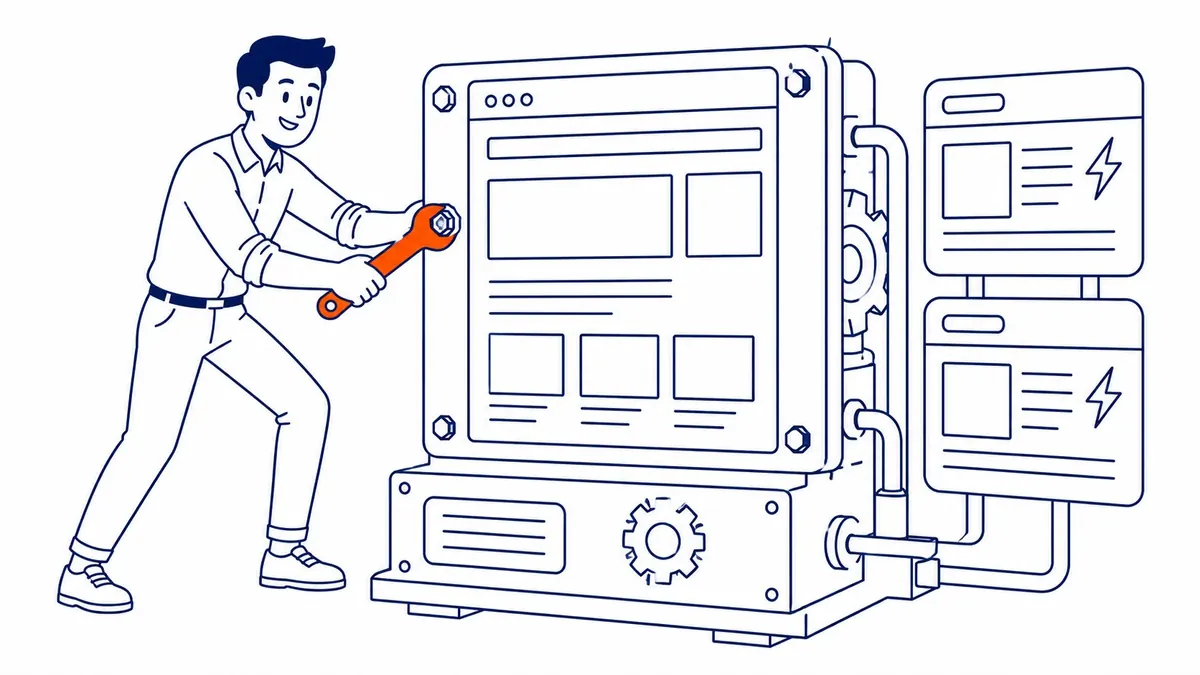
How an AMP Page Works Under the Hood
Every AMP page pairs with a regular, non-AMP version of the same content. The crawler finds both. A canonical tag on that page points back to the original. Then a matching rel=”amphtml” tag on the original points forward to its AMP twin. That pairing is what lets Google serve either version depending on the device and context.
AMP HTML looks almost identical to regular HTML, with a few mandatory tweaks. The page needs the amp boilerplate script in the head. Custom JavaScript gets replaced with AMP’s own component library. Things like amp-img and amp-carousel, each built to load without blocking the rest of the page.
Then there’s the AMP cache. Google pre-fetches and stores those pages on its own servers, functioning much like a content delivery network. Bing runs a version of the same idea. Tap a result. The page serves straight from that cache instead of the origin server. No DNS lookup, no round trip to a hosting provider halfway across the country. That’s the real speed trick. It’s not that the underlying code is magically faster to parse. The cache is what skips most of the network delay entirely.
A site running WordPress typically handles all of this through a plugin. It auto-generates the AMP version. Canonical and amphtml tags get injected automatically. Both versions stay in sync whenever the original page updates. Getting that sync wrong is where most setups quietly break.
Most people skip a separate step. Validation. Every tag has to clear Google’s AMP validator, a strict linter that checks it against the spec. The page drops out of any AMP-eligible surface entirely on a failed validation, sometimes with no warning anywhere in the CMS. A plugin update, a stray inline style added by another plugin, even a theme change can break validation quietly. Nothing crashes. The page just stops qualifying.

Does AMP Still Help Rankings in 2026?
Not directly. Hasn’t since 2021, when Google dropped the AMP requirement for the Top Stories carousel. It was effectively mandatory for any publisher chasing that visibility slot right up until that change. The playing field opened up right after. Any fast page could compete for the same placement, either way.
Page experience signals replaced it. Google now looks at actual loading performance, whatever technology delivers it. A page built that way can still score well on those signals. So can a regular page built with a decent theme and a competent developer behind it. The advantage AMP used to hold, guaranteed inclusion in a high-visibility carousel, is gone.
This is where a lot of businesses get talked into AMP for the wrong reason. A developer or an agency pitches it as an SEO boost. It isn’t one anymore, not on its own. Ranking still comes down to the fundamentals covered in most search engine optimization work. Relevant content. Solid technical structure. Links. A page that actually answers the query. It might help a slow site get faster. A well-built, well-optimized competitor still won’t get outranked just because AMP exists.

AMP vs Core Web Vitals: Two Different Things
These two get confused constantly. Core Web Vitals measure actual page performance. Content needs to appear fast. A page needs to respond quickly to a tap or click. The layout shouldn’t jump around while it loads. That’s what good user experience actually looks like, measured. AMP is one possible way to hit good numbers on those metrics. It is not the metric itself.
A non-AMP page can post better performance scores than a sloppy AMP implementation. Modern image formats help. A lean script stack and a fast host help more. Plenty of AMP pages actually fail those same metrics thanks to bloated ad scripts stacked on top of the framework. The framework sets a ceiling on what’s possible, nothing more. It guarantees nothing on its own.
Google’s own Search Console makes that distinction plain. AMP and non-AMP pages get scored the same way there, in the Core Web Vitals report. Three metrics decide the grade. Largest Contentful Paint. Interaction to Next Paint. Cumulative Layout Shift. There’s no separate, easier pass for AMP pages. A page still either loads fast and stays stable, or it doesn’t, regardless of which framework built it.
That single fact undercuts most of the remaining case for AMP. The metric is the real target, not the framework. AMP doesn’t grant any special credit toward it. The framework becomes one option among several, not a shortcut. A well-optimized theme can hit the same numbers. Add a caching plugin and a decent host, and the design restrictions become unnecessary. Strip away the framework debate and the reality of Core Web Vitals is duller, and more useful.

The Real Tradeoffs: What Gets Sacrificed for Speed
AMP pages give up real design flexibility for that speed. Every restriction exists for a reason. Most of those reasons stop mattering the moment a business tries to make its site look and act the way it wants.
Custom JavaScript is the biggest loss. Interactive calculators. Real-time pricing widgets. Live chat embeds built outside the approved AMP component list. None of it runs without a workaround. Workarounds add complexity fast. Forms get simplified too. A multi-step booking form built with a modern framework usually needs a completely separate, stripped-down version.
Analytics gets messier as well. Pages served from Google’s AMP cache generate traffic that doesn’t always tie back cleanly to a site’s main analytics setup. Session tracking and conversion attribution take the hit especially. A business running paid traffic alongside organic needs that data clean. Layering that on top adds a reconciliation step nobody asked for.
Then there’s the maintenance tax. Two versions of every page means twice the update work. Sync drift creeps in over time. A broken canonical tag can quietly tank a page’s visibility too. Most solo business owners managing their own WordPress site rarely have the bandwidth to babysit that.

Setting Up AMP on a Small Business Site
For a WordPress site, the practical path runs through a plugin. AMP for WP and the official plugin from Google both handle the technical generation. Separate URLs. The canonical pairing. Cached asset delivery. Neither requires touching raw AMP HTML directly, which matters for a business owner without a developer on staff.
Design gets sacrificed either way. Custom fonts. Embedded videos. Most interactive elements. All restricted or unavailable on that side. A site running a heavily customized theme will need a genuinely separate, simplified design just for those pages. That’s real ongoing maintenance, not a one-time setup.
A proper website audit is worth running before committing to any of it. Site speed problems often trace back to something simpler than a missing AMP layer. Oversized images, most commonly. A bloated plugin stack close behind. Even just a slow host. Fixing those usually closes most of the performance gap without touching AMP at all.
Testing matters just as much as setup. A dedicated AMP status report shows up in Google Search Console once pages go live. It flags validation errors before they quietly tank visibility. A page can look fine in a browser. It can still fail AMP validation over something as small as an inline style tag left over from the theme. AMP pages need monitoring after launch, not a one-time check. Check that report weekly for the first month. Errors pile up fast if nobody’s watching.
When AMP Is Worth It, and When It Isn’t
News publishers and high-traffic content sites still get real value from AMP pages. Massive mobile traffic volumes make even small speed gains add up across millions of pageviews. That’s a different situation from most local service businesses.
Local service pages rarely see the payoff. A Calgary plumber’s site doesn’t need it. Neither does a dental clinic’s booking page, or a law firm’s practice area pages. These rarely benefit enough to justify the design tradeoffs and the extra maintenance layer it adds. SEO Company To-The-TOP! generally steers small business clients away from it unless there’s a specific, measurable traffic pattern that calls for it. A fast, well-built regular site covers almost every case better.
The traffic math rarely works out for a typical local service page pulling a few hundred visits a month. Shaving another half-second off load time on a page that size won’t move the needle. Not the way it does on a publisher serving millions of mobile sessions. Money spent building and maintaining one usually returns more value spent elsewhere. Better images. A faster host. Cleaner code on the main site.
Here’s the straight recommendation, most of the time. Skip AMP. Fix the actual speed bottlenecks on the main site first. Put that effort into content and technical fundamentals instead. That’s the same advice covered across To-The-TOP!’s Calgary SEO work and every SEO services engagement built around a small business budget. Pairing that with a properly structured Google Ads account tends to move the needle faster than an AMP rebuild ever would.
Sites that already have AMP running and ranking fine don’t need to rip it out either. Nothing broken, nothing hurting anything. Removing it just adds risk for no real gain.
The same pattern turns up again and again after nineteen years of doing this work. It’s the boring fix that actually moves the number. Businesses chase the impressive-sounding one instead. AMP sounds impressive. A compressed image and a decent host usually beat it, and cost a fraction of the time to set up.
Frequently Asked Questions
What does AMP stand for?
Accelerated Mobile Pages, spelled out fully. Google backs it as an open-source HTML framework. Built to load mobile web pages almost instantly by stripping out slow-loading elements.
Do AMP pages rank higher in Google?
Not automatically. Top Stories placement dropped its AMP requirement in 2021. Page experience and content quality decide rankings now, regardless of whether a page runs on AMP.
Is AMP still worth setting up in 2026?
For most small local businesses, the straight math says no, usually. High-traffic publishers and content sites can still see value. A typical service business gets more from fixing core site speed than from adding one.
Can I remove AMP from my site without hurting my rankings?
Generally yes, provided page speed and Core Web Vitals stay solid after the switch. That direct tie between rankings and AMP status ended back in 2021. A before-and-after check on speed and mobile usability confirms nothing regressed.
What happened to AMP in Google’s Top Stories carousel?
The AMP requirement for Top Stories got replaced by broader page experience signals in 2021. AMP or not, any fast-loading page can qualify now.
Questions about whether it makes sense for a specific site are worth raising directly. More background lives on the SEO blog. Page speed. Performance metrics. The fundamentals of technical SEO, all covered there.
Contact Calgary SEO Company To-The-TOP!
Questions about anything in this article, or about your own rankings? Talk to a Calgary SEO specialist directly.
Phone: (403) 308-5949
Address: 1509 14 Ave SW, Calgary, AB T3C 0W4
Hours:
Monday to Friday: 10:00 am – 7:00 pm
Saturday: 12:00 pm – 4:00 pm
Sunday: closed