
Do Pinterest Links Help SEO?
No. Not in the way the question means it.
There is a stranger answer underneath, though. A Pinterest link does something no other social link does. It gets copied. Those copied links outlive your website.
The Ranking Answer on Pinterest Links Fits in One Paragraph

Take the short version first. A link on a pin passes no authority into your site. Pinterest tags outbound links nofollow, the way every large platform does, since anybody with an account can post any URL they please. A platform that let user-submitted links vote on search rankings would become a link farm inside a month. So the nofollow goes on automatically. Google reads it. Then it moves on.
Other pages here work through what social platforms do and do not send to search. None of that needs repeating.
What follows is the half nobody writes down.
A Pin Is a Copy, Not a Link
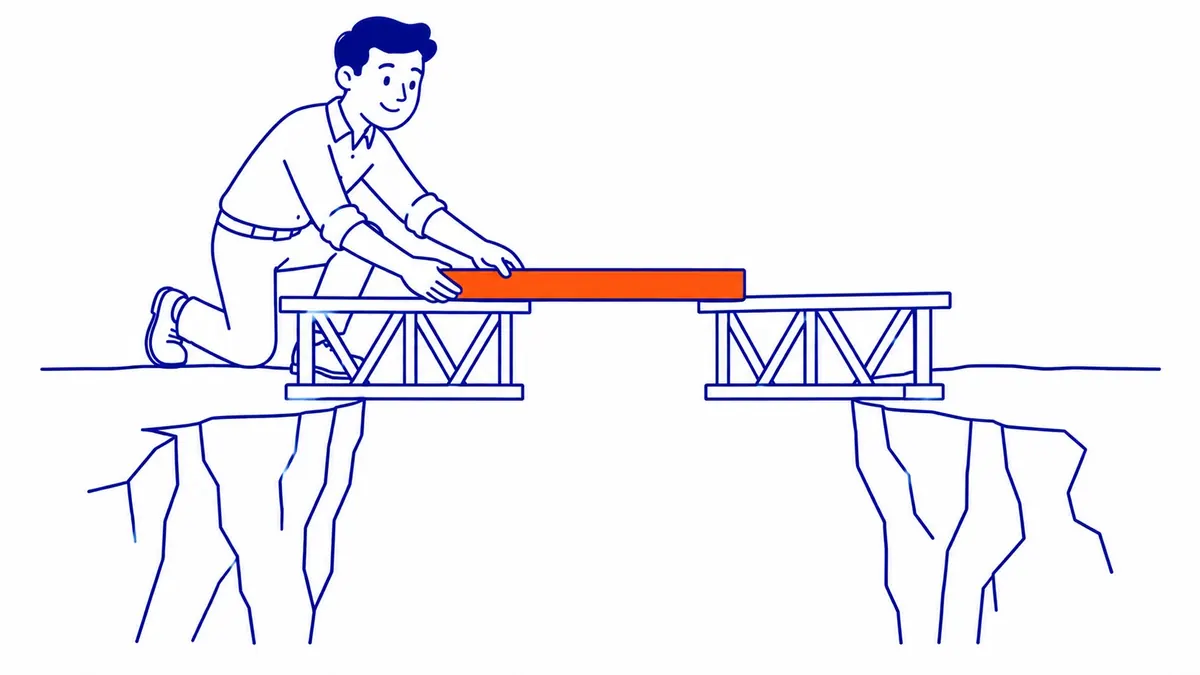
Somebody saves your pin. Watch what actually moves.
The image travels. Your destination URL travels with it, welded on. That copy now sits on a stranger’s board, filed under a heading you will never see. Maybe Kitchen Renovations. Or Stuff For The House. Your page keeps collecting clicks from a room you have never been in.
Then somebody saves it from them. Another copy. Same URL again.
Here is the part that matters. You do not own those copies. Whatever you can change inside your own account, the saves parked on other people’s boards stay out of reach. The URL you typed in 2019 is still in there. Spelled exactly the way you typed it.
Most social posts behave nothing like this. A tweet decays. Facebook posts fall out of the feed in a day or two. Nobody goes digging for them. A pin gets refiled instead. It resurfaces years after you forgot writing the page underneath it.
The Pins Did Not Change When Your Site Did
Now put a website rebuild in front of that.
You replatformed in 2022. Cleaner structure. Better templates. The pages load faster too. Your old blog URLs carried dates in the path. The new ones do not. Progress on every axis except one.
Every pin still links to the old address.
Smaller moves do the same damage. You retire a service page. Or you rename a category. Somebody tidies a slug from /seo-services-calgary-alberta down to /seo-services. Each of those quietly orphans a set of pins nobody thought to check, since pins never appear on a migration checklist. They are not in your CMS. Your sitemap has never heard of them. Nobody exports them.
So the referral traffic arrives and lands on nothing. Your 404 template, doing exactly the job it was built for, in front of a reader who wanted the thing you moved.
Somebody Will Say Pinterest Traffic Is Too Small

Fair objection. It lands in about five seconds.
For most Calgary businesses the referral traffic really is small. A trickle. Thirty visits in a month would not surprise me. Forty on a good one. Nobody builds a channel strategy on that.
Agreed. And that is precisely what makes it useful.
Price out what you would pay for the same thing if it did not already exist. A steady unattended stream of real visitors. Arriving from outside your site. Hitting URLs you published years ago, on a schedule nobody at your end controls. That is a monitoring probe. Companies buy those. Yours runs for free, staffed by people who liked your work enough to file it.
The objection turns into the argument. Small traffic makes a poor channel. The same trickle makes a fine instrument.
Open Your Referral Report and Sort by Landing Page

Stop reading here and go look.
Pull up your analytics. Filter to referrals from pinterest.com. Add landing page as your second dimension. Then sort the rows by page.
Count how many of those pages still exist.
Run the same check against your server logs if you keep them, since logs catch requests your analytics never sees. A 404 that fires before the tracking script loads leaves no trace in the report. The log file has it anyway.
Two numbers come out of this. Live pages taking Pinterest clicks. Dead ones taking them too. The second number is the one worth having.
Expect the report to look boring. Ten rows, maybe fifteen, most of them the same three pages. Then one line near the bottom with a URL you do not recognise at all. That is usually the interesting one, since you stopped recognising it around the time it stopped working.
What the Broken Ones Are Telling You

A broken pin is not really a Pinterest problem.
Read what it certifies instead. Somebody found that page. They thought enough of it to keep it. Then your redirect map failed to catch the address.
That last part is the finding. Not the pin. The map.
A redirect missing for that URL is missing for everybody else too. Every real backlink pointing there. Old bookmarks too. Every link in an old newsletter send. Any internal link on a page nobody updated. Pinterest is simply the one that tells you, in public, on a schedule you did not have to set up.
A dead URL drops out of Google search eventually. Google forgets. The pin does not forget, and neither does the board it sits on.
That is why we file this under website audit rather than social media. The pin is a witness. That 404 is the case.
Worth noticing which URLs show up, too. Pins skew toward pages carrying a strong image. Project galleries. Before-and-after shots from a renovation. Those are the pages a business rebuilds first and worries about least. Photos moved across to the new template. Everything looked fine from the inside.
The Fix Sits on Your Side of the Line
Nothing here requires anything from Pinterest.
Pull the dead URLs off your list. Map each one to the closest live equivalent. Then write a permanent redirect for it. Test that redirect by hand afterward. A rule sitting in a config file is not a redirect until a request proves it.
Not onto the home page, though. A redirect that dumps everything on the home page is a 404 wearing a suit. Your reader still has to start the search over.
Recheck a month later. New pins, same report. Fewer broken rows on it.
Anybody who has run Google Ads management already lives with this discipline. Break the final URL behind a live ad and the platform disapproves it. Something at Google is checking your destinations for you. Pinterest never will. It keeps sending people to an address that died three platforms ago. Cheerfully. Forever.
That asymmetry is the whole reason this goes unnoticed for years. Paid traffic complains. Organic referrals do not.
So Do Pinterest Links Help SEO
Not by passing authority. Google settled the ranking half of this long ago. Nothing since has moved it.
They help in a stranger way. Pinterest holds a public record of the URLs you used to have. You cannot recall it. Every copy belongs to somebody else now. That record keeps running against the site you have today, one click at a time.
Fix what it finds and your Pinterest presence improves not at all. What improves is the link equity already pointing at you and falling on the floor.
Where the Pinterest Argument Stops
Limits, plainly stated.
None of this turns Pinterest into a growth channel for a plumber or an accountant. Visual inventory is what the platform runs on. No inventory means no pins. Nothing to diagnose either.
It also cannot surface URLs nobody ever saved. Your worst orphan page might carry zero pins. A referral report shows what people bothered to keep. That is a sample, not an audit.
And one pin proves nothing about page quality. Somebody liked an image once. That is the whole of what it certifies.
Pinterest Links and SEO at To-The-TOP! in Calgary
SEO Company To-The-TOP! has been doing this since 2007. Solo practitioner. No junior handoffs, so the person reading your referral report is the person fixing the redirects.
Redirect work is unglamorous. It also comes up on nearly every site we inherit. Most of the Calgary sites we take over have changed platforms at least once since 2015. The backlinks built before that move are still out there. Still pointing wherever they pointed on the day somebody made them.
Businesses coming to Calgary SEO for the first time usually expect the work to open with new content. To-The-TOP! opens with what already points at the site. A website audit finds those links. Then the search engine optimization work puts them back to use, which is slower than publishing something fresh and worth considerably more.
Pinterest is never the reason we go looking. It is one of the few ways you get told for free.
Worth a look at your own referral report before you spend anything on new SEO services. Call To-The-TOP! at (403) 308-5949 if the dead rows outnumber the live ones.
Common Questions About Pinterest Links and SEO
Do Pinterest links count as backlinks?
Not for ranking purposes. They carry a nofollow attribute, so Google passes no authority into your site. Real people still arrive through them, which is a separate kind of value and easier to measure.
Can a Pinterest pin still send traffic years later?
Yes, and that is the unusual part. Saved pins get refiled onto other boards and resurface long after the original post. This is why a pin built in 2019 can still be delivering clicks to a URL you retired in 2022.
Should I fix the old pins or just redirect the URLs?
Redirect the URLs. You cannot edit a pin sitting on somebody else’s board, so chasing individual pins is wasted effort. One permanent redirect fixes every copy of that link at once.
Does a Pinterest business account improve my Google rankings?
Not on its own. The profile can appear in branded search results, which is worth having. Rankings for your service pages come from the site itself.
Contact Calgary SEO Company To-The-TOP!
Questions about anything in this article, or about your own rankings? Talk to a Calgary SEO specialist directly.
Phone: (403) 308-5949
Address: 1509 14 Ave SW, Calgary, AB T3C 0W4
Hours:
Monday to Friday: 10:00 am – 7:00 pm
Saturday: 12:00 pm – 4:00 pm
Sunday: closed