
How to Fix the Japanese Keyword Hack
Japanese text is showing up in your Google listings. Product titles for handbags nobody at your company has ever stocked. The domain belongs to you. Those pages do not.
That is the japanese keyword hack. It has been running since roughly 2015. Ten years on, it still runs.
Owners tend to find it one of two ways. A customer searches the business name. Something strange sits underneath the homepage listing. Or Search Console fires off a hacked content notice at two in the morning.
Then the cleanup starts. Usually the cleanup fails. Not because somebody missed a file. The repair aimed at the wrong object entirely.
Worth saying early. This is an SEO emergency that keeps getting handed to the wrong department. Your host treats it as a malware ticket. Then your developer treats it as a file problem. Neither of them logs into the one place where the attack actually lives.
The Cleanup That Comes Back
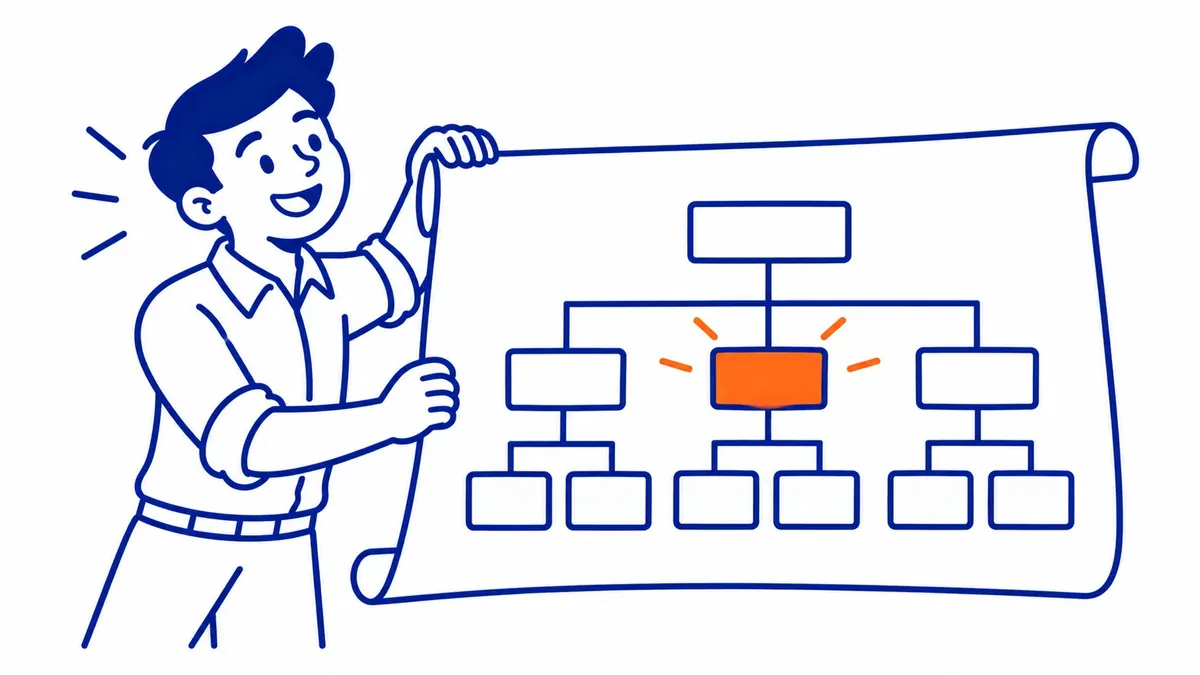
Everybody runs the same sequence. Delete the injected folder. Restore last month’s backup. Run a malware scan. Change the admin password.
Ten days later the Japanese pages are back in the index.
Sometimes the gap is shorter than that. A site cleaned on Friday can show fresh spam URLs by Monday. The speed is the tell, though almost nobody reads it that way. Reinfection that fast is not somebody rediscovering your website through a scanner. It is somebody who already knew the address and was watching the property.
Most owners conclude a backdoor got missed. Sometimes that is exactly right. Often it is not. Something else is still in place, and it is not sitting on your server at all.
The Attacker Is a Verified Owner of Your Property

Google’s own guidance on this hack names the move. Attackers add themselves as an owner inside Google Search Console. Verified ownership, legitimate as far as Google’s systems can tell.
That access is worth far more to them than any single backdoor file.
They watch your coverage report. Then they see which injected URLs Google has found so far. They submit their own sitemap so fresh spam gets crawled within hours instead of weeks. Best of all, they see the exact moment you file for review. Your cleanup stops being a defeat for them. It becomes a scheduling problem.
But the Server Scan Came Back Clean

That is the fastest objection anyone raises here. It also happens to confirm the argument.
A scanner reads files on your hosting account. Search Console ownership is not always a file on your hosting account.
Verification usually runs one of two ways in this attack. An HTML file parked at your web root, named something like google7f3a91c.html. Or a TXT record sitting in the DNS zone at your registrar. Only one of those lives where a malware scanner ever looks.
So wipe the server. Reinstall WordPress from scratch. Move to better hosting. That DNS verification record survives all three moves without a scratch.
A properly cleaned site and a still-owned site produce the same scan report. Identical output. That clean report is usually what reassures somebody right before the reinfection lands.
Open Users and Permissions Before the File Manager
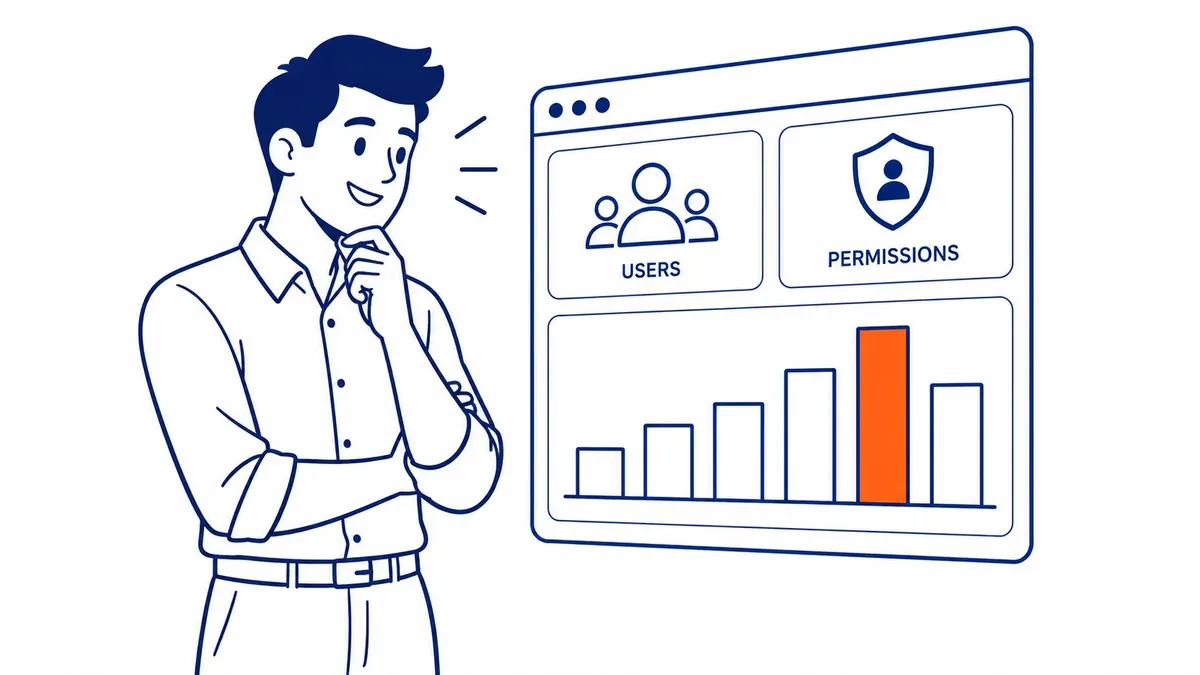
Search Console has a settings page called Users and permissions. Plenty of small business owners have never opened it once.
Open it now. Read every row on it. Every Owner listed there who is not you or your own people is the thing you have been chasing for a month.
Then click Verification details next to each name. That tells you the method they used. An HTML file you never uploaded points at your web root. A TXT record points at your registrar instead. Same fix, different door.
Remove the account. Then delete the verification token behind it. Doing one without the other leaves them free to verify again tomorrow.
What a Clean Owner List Actually Looks Like

Search Console splits access into owners and users, which matters here more than it sounds.
A verified owner holds the property until their verification token disappears. They can add other people. Deleting that token is the only thing that removes them. A delegated user is weaker. An owner granted that access. That same owner can strip it back.
Most small business properties should show one owner. Two if an SEO agency is involved. Anything past that deserves a name and a reason.
Nobody audits this list. That is precisely why it works so well as a hiding place.
The Sitemap They Filed Is Still Sitting There

Check the Sitemaps report while you are in there.
Attackers submit their own sitemap file so the injected URLs get discovered fast. That submission does not disappear when you delete the pages. It sits in the report, pointing at a file you never wrote, quietly telling Google where to look.
Remove the submission. Then remove the sitemap file from the server too.
Revoke First. Delete Second.

Several access surfaces need clearing before a single spam page comes down.
Search Console owners are covered above. WordPress admin accounts come next. Sort that user list by registration date and read the top of it. An administrator created on a Tuesday when nobody was hired is your answer.
Then rotate the credentials sitting underneath WordPress entirely. FTP logins. SSH keys. Hosting panel passwords. Any application password ever issued from a Google account tied to the property.
Two more logins get skipped almost every time. Your registrar account is one. Somebody added a DNS record there during the breach, which means they had a way in. The email address behind your Google account is the other. Reset that password before anything else, since it can quietly restore every access you just revoked.
Only once all of that is done does file cleanup start doing any good.
What You Cannot Fix From Inside WordPress

Here is the uncomfortable shape of this attack. The visible damage sits in WordPress. Persistence lives somewhere else.
Your dashboard shows the injected pages. It shows the rogue admin account too, if you look. Nothing in it names the owners of your Search Console property. It shows nothing about your DNS zone. Nothing about a verification file dropped at web root, outside the CMS install.
So a WordPress-only cleanup can be thorough and complete and still leave the door propped open. Security plugins inherit that same blind spot. Your SEO plugin will not raise a flag either. Those tools guard the application. The attacker moved one level above it.
Log in somewhere other than WordPress before declaring this fixed.
Do Not Delete the Evidence

Instinct says pull the Japanese pages down immediately. Resist that for an hour.
Those files carry timestamps. A folder created on a specific date narrows the entry point to whatever software was running that particular week. Usually an outdated plugin. Sometimes a theme nobody touched after the original developer moved on.
Delete everything first and the trail goes with it. You then patch nothing, because you never learned what needed patching. A proper website audit at that stage has almost nothing left to read.
So note the paths. Note the dates. Then clean.
Serve 410, Not a Removal Request

Hundreds of Japanese URLs are sitting in Google’s index by now. Sometimes thousands.
The Removals tool inside Search Console feels like the obvious answer. It is a trap. That tool hides URLs from results temporarily, for roughly six months, then lets them reappear if they still resolve.
Let the deleted pages return a real gone status instead. A 404 works fine. Even better, a 410 tells Google the removal was deliberate rather than accidental.
Then leave the whole thing alone. Recrawling several thousand junk URLs takes weeks. Nothing meaningfully speeds that up, whatever a forum thread promises.
The Review Request Gets Read by a Person

The security issues report has a request review button. What you type into it matters.
Vague submissions come back rejected. Name the entry point you found. Give the plugin version. Say which owner you removed from the property. List the credentials you rotated afterward. Reviewers are checking whether you understand what happened, not whether you sound apologetic about it.
Expect days rather than hours. A week is ordinary.
What This Looked Like on a Calgary Site

An Alberta contractor came to SEO Company To-The-TOP! after two cleanups by two different people. Both cleanups were competent. Each held for about nine days.
The Search Console property had four owners. Two of them were real.
The other two had verified through a TXT record added at the registrar during the original breach. Nobody had thought to look at DNS. The hosting account had been rebuilt twice by then, which is why everyone kept ruling out persistence.
Removing those owners ended the reinfection. Rankings took another three months to come back. To-The-TOP! has watched that same long tail on hacked sites since 2007.
That is the part owners least want to hear. Cleanup is quick. Recovery is slow. Anyone running Calgary SEO work through a compromised period should plan for a genuinely flat quarter afterward. Ongoing SEO support carries you through that stretch better than one heroic weekend of file deletion.
The Ads Side Runs a Separate Clock

Two review queues exist here. They do not talk to each other.
Search Console clears the organic side. Google’s ads policy team clears the paid side on its own timeline, using its own crawl of the same domain. Passing one review does not release the other.
Businesses running Google Ads management alongside organic work find this out roughly a week after the SEO side comes back. The ads stay down. Nothing in Search Console explains why.
Worth checking both dashboards before assuming the whole thing is finished. To-The-TOP! checks the ads account on the same day as the site review, for exactly that reason.
Common Questions About the Japanese Keyword Hack
What is the japanese keyword hack?
An attack that injects auto-generated Japanese pages onto a legitimate domain. Those pages advertise counterfeit branded goods. Your domain supplies the ranking history the attacker never had to earn.
Why do the Japanese pages come back after I delete them?
Two usual reasons. A backdoor file survived the cleanup. Or the attacker still holds verified ownership of your Search Console property. Check the second one before assuming the first.
Will a malware scan find this?
It finds injected files. Nothing in it reads your Search Console owner list. It cannot see a verification record sitting in DNS either.
How long does recovery from the japanese keyword hack take?
Cleanup runs a day or two. Getting the spam URLs out of the index takes weeks. SEO recovery runs months after that. Some pages never climb back to where they were.
Can I fix the japanese keyword hack myself?
Removing rogue owners, yes. Anybody comfortable in Search Console can handle that part. Deep server forensics belongs with a security specialist instead. To-The-TOP! handles the ranking recovery and the review request afterward. Regular SEO services follow, for clients across Alberta and British Columbia since 2007. Phone (403) 308-5949 to have somebody read your owner list with you.
Contact Calgary SEO Company To-The-TOP!
Questions about anything in this article, or about your own rankings? Talk to a Calgary SEO specialist directly.
Phone: (403) 308-5949
Address: 1509 14 Ave SW, Calgary, AB T3C 0W4
Hours:
Monday to Friday: 10:00 am – 7:00 pm
Saturday: 12:00 pm – 4:00 pm
Sunday: closed