
How to Use SEO PowerSuite
You downloaded one file. Four icons showed up.
That surprise is where most SEO PowerSuite tutorials go wrong. They hand you a click path for whichever window opened first. Click paths are easy. An afternoon covers them.
The hard part comes earlier. It happens before anything opens at all.
What the Installer Puts on Your Computer

SEO PowerSuite ships from Link-Assistant.Com as downloadable software. The installer lays down four applications. Rank Tracker handles positions. WebSite Auditor reads your own pages. Anything about backlinks belongs to SEO SPYGLASS. The fourth app, LinkAssistant, exists for outreach.
All four arrive in that single download. Still, the applications stay separate once installed. Each application opens its own project. Its own file goes with it.
So the folder is shared. Not the work.
The Question Assumes There Is One Program

“How do I use SEO PowerSuite” sounds like one question. It is four questions wearing one name.
Look at what a single row means inside each app. Rank Tracker fills its rows with keywords. Add two hundred keywords, get two hundred rows. WebSite Auditor fills its rows with URLs from your own site. SEO SPYGLASS fills its rows with other people’s domains. LinkAssistant fills its rows with people you have not contacted yet.
Four applications. Different objects sit in each first column. Four separate units.
That is the whole skill. Everything else is menus.
Rank Tracker Counts Keywords. WebSite Auditor Counts URLs.

A keyword is not a page. Obvious enough, until you try reading two exports side by side.
Your tracked phrase sits at position nineteen. Which URL earned it? Rank Tracker records the landing page it found in the result. WebSite Auditor records every page the crawl reached. The pairing between a keyword and the page you meant to rank is something you assert. Any tool will accept that assertion. None of them knows what you intended.
Which is why two people can run the same crawl and still disagree. They matched different keywords to the same URL.
SEO SPYGLASS Counts Domains. LinkAssistant Counts People.
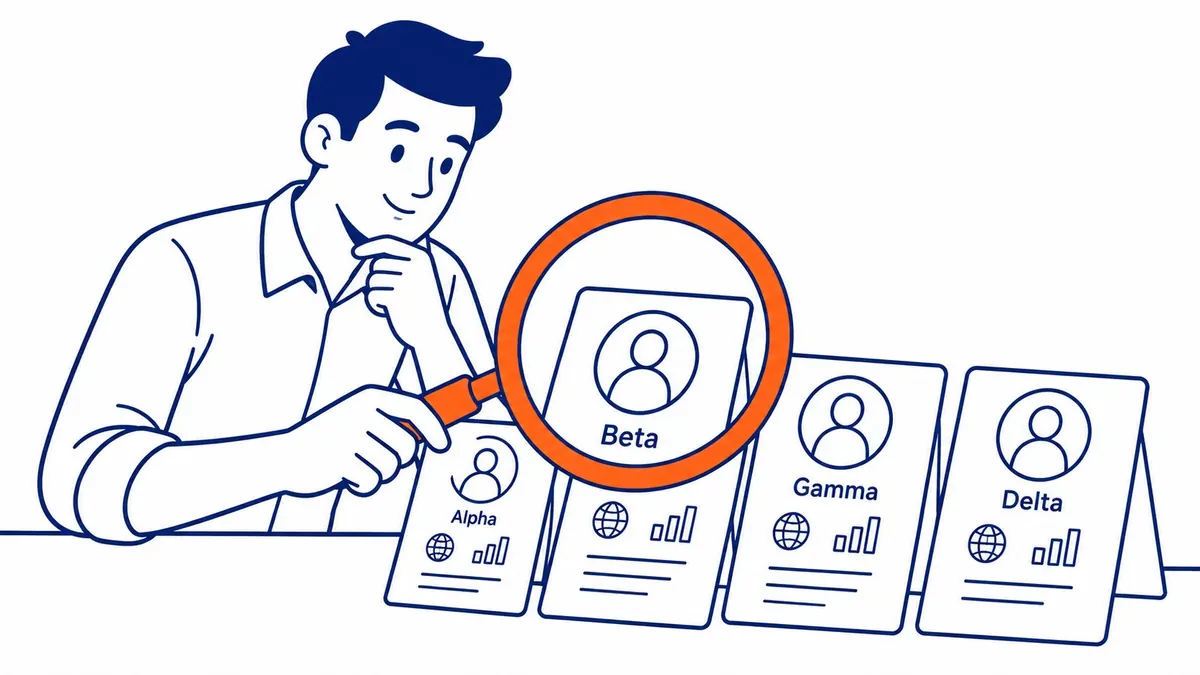
Now the sharper pair. SEO SPYGLASS counts links that already exist. LinkAssistant counts links that do not.
Both sit in the same launcher. Each shows a number that keeps growing. Yet the two numbers point in opposite directions. Eighty-eight referring domains is a record of the past. Sixty prospects is a wish about the future.
Worse, the second unit rewards activity. Anyone can add prospects. Meanwhile nobody checks whether those sites would ever link to you.
Four Numbers That Will Not Add Up

Picture an afternoon with all four windows open. A Calgary contractor’s site.
- The rankings screen shows an average position near twenty-four.
- Crawl results list three hundred and ten URLs.
- Forty-six of those pages carry no meta description.
- SEO SPYGLASS finds eighty-eight referring domains.
- LinkAssistant holds sixty prospects.
Then somebody asks how the site is doing.
Four screens are open. Not one of them answers that.
Of course every number there is correct. Correct inside its own unit, that is. Trouble starts the moment somebody wants a single sentence about the whole site.
Somebody Will Say Just Run All Four and Read Them Together

Go ahead. Then read them together. Watch what happens next.
Forty-six pages are missing descriptions. Do any of those pages carry a tracked keyword? The crawl cannot say. It counted pages. Meanwhile the tracker counted phrases. Overlap between the two lists is a judgement you make by hand.
So that judgement is the actual job. Reading four screens is not the job.
Somebody Will Say One Licence Makes It One Tool

The purchase merged. Your questions did not.
You type your domain into each application separately. Four projects result. Then four save dates. Also four last-run timestamps, drifting apart the moment you stop opening one of them.
Check yours before taking anyone’s word for it. Menu names shift between releases. Look at your own project list rather than a marketing page. Also, that drift stays silent. Nobody is going to line them up for you. Adjacent windows are simply not reconciled data.
Choose the Unit Before You Open the App

Here is the method. It fits in one sentence.
Write your question down. Find the noun. That noun names the unit, and the unit names the app.
- “Are we moving for plumber calgary?” The noun is a keyword. Rank Tracker.
- “Is this service page thin?” The noun is a URL. WebSite Auditor.
- “Who links to the competitor down the street?” The noun is a domain. SEO SPYGLASS.
- “Who should I email this month?” The noun is a person. LinkAssistant.
Questions with no clear noun are not tool questions yet. Sharpen them first. That single habit does more for a Calgary SEO program than any keyboard shortcut in any of the four tools.
A Month of Using SEO PowerSuite, Worked Through

The four applications do not share a schedule either. Treat the cadence as uneven, because uneven is what it is.
Crawl once. Then crawl again after any real change to the site. Rankings want a weekly look. Backlink checks can wait for month end. Outreach only makes sense once something on the site is worth linking to.
That last condition breaks the neat rhythm. Good. A tidy four-week rotation would imply the four datasets move at the same speed. They do not.
Where the SEO PowerSuite Argument Stops

Naming the unit tells you which window to open. Still, it says nothing about which unit matters most this quarter. That ranking of priorities comes from your business. Never from software.
Price sits outside this too. Free editions carry limits on saving and exporting your work. Those terms change between releases. Read the current ones before planning around them.
Nothing here makes the data authoritative either. A rank check samples one machine’s view of one Google search result page, on one day.
Open Your Oldest Project and Name the Unit
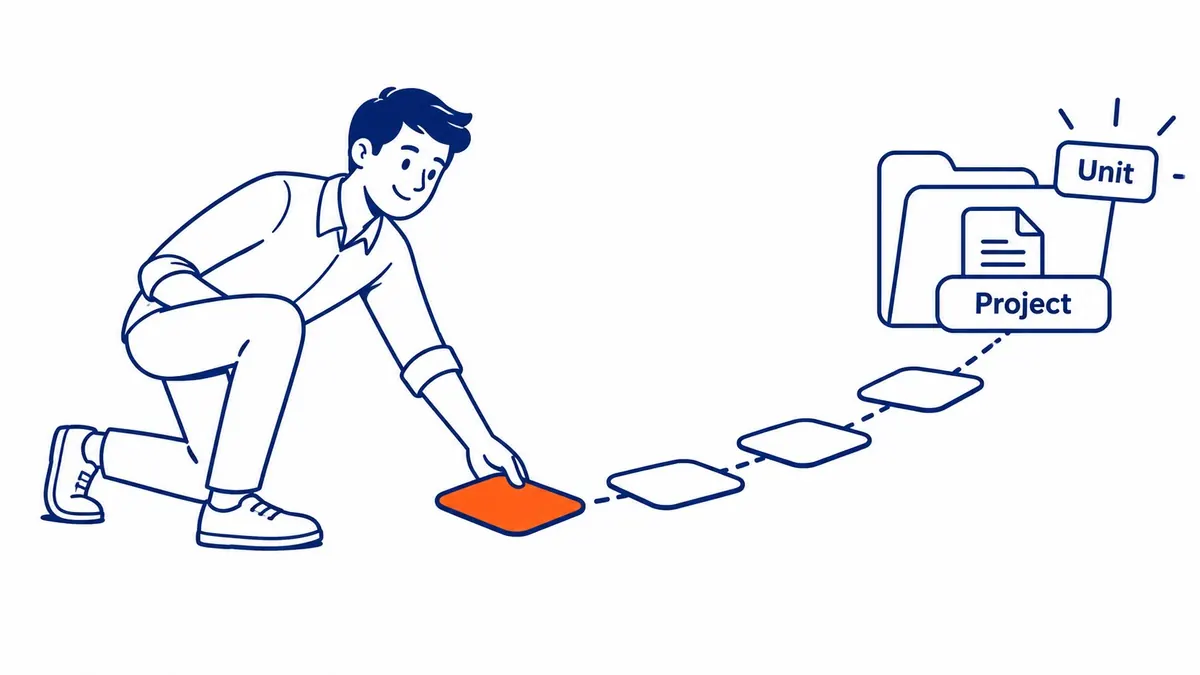
Do this now. Go to the project you have kept longest. Look at its first column.
Then say out loud what one row represents. A keyword, maybe. Or one URL. Perhaps a domain belonging to a stranger.
Then open a second application and ask exactly the same thing. The gap between those two answers explains why your reports have never quite lined up.
SEO Software and the Work at SEO Company To-The-TOP!

Nineteen years of this work, starting in 2007. One person handles it here, so nothing gets passed to a junior with a tool licence and a template.
Software still gets used every week at To-The-TOP! It just never gets opened to answer a question nobody wrote down first. That order matters more than the brand on the tool icon.
Calgary clients of To-The-TOP! get a monthly position report and a plain reading of what moved. A site audit names the pages worth fixing rather than every warning a crawler can produce. Deciding which phrases deserve tracking at all is keyword research. That shortens the list well before anything reaches a tracker. Where paid traffic belongs in the mix, Google Ads management runs alongside the organic work instead of competing with it. Ranked keywords sit in the portfolio for anyone who wants to check the record.
White Hat methods only, and no promises about timelines that SEO cannot keep. Call To-The-TOP! at (403) 308-5949 to talk through which questions are worth buying software to answer.
Common Questions About Using SEO PowerSuite
How do you use SEO PowerSuite?
Start with the question rather than the tool. Write it down. Look for the noun. Then open the app that counts that noun. Anything phrased as a keyword belongs to Rank Tracker. Your own pages go to WebSite Auditor. For backlinks that already exist, open SEO SPYGLASS. LinkAssistant handles prospects. Learning the click path inside any one of them takes an afternoon.
Do I need all four SEO PowerSuite applications?
Only the ones matching questions you actually have, rather than all four. Plenty of small sites need position data and a crawl, nothing further. In fact the outreach app sits idle until something on the site is worth pitching to anybody.
Which SEO PowerSuite tool should I open first?
WebSite Auditor, usually. Your own pages are the one population you fully control. Also, fixing what you own needs no negotiation with a stranger.
Is SEO PowerSuite free to use?
A free edition exists, with limits on saving and exporting your work. Those limits change between releases, so read the current terms rather than an old blog post. Budget for a paid edition if client reports matter.
Does SEO PowerSuite replace Google Search Console?
No. Search Console reports what Google recorded about your site. A rank tracker samples a result page from outside instead. Two different sources report two different numbers. Both are worth reading when you judge search performance.
Contact Calgary SEO Company To-The-TOP!
Questions about anything in this article, or about your own rankings? Talk to a Calgary SEO specialist directly.
Phone: (403) 308-5949
Address: 1509 14 Ave SW, Calgary, AB T3C 0W4
Hours:
Monday to Friday: 10:00 am – 7:00 pm
Saturday: 12:00 pm – 4:00 pm
Sunday: closed