
Can a SEO Company Delete Your Website Content?
Yes, an SEO company can delete your website content if the login you give it allows deletion, and on most sites the access an SEO provider asks for does. On WordPress, the common Editor role can delete every page and post on the site, not only the ones the provider writes. That rarely happens on purpose, because deleting a client’s pages destroys the rankings the provider is paid to build, but accidents during redesigns, migrations and cleanups are real. The protection is in your hands: keep the hosting, domain and Google accounts in your name, give each person their own login at the lowest level that does the job, and keep a current backup stored outside the site.
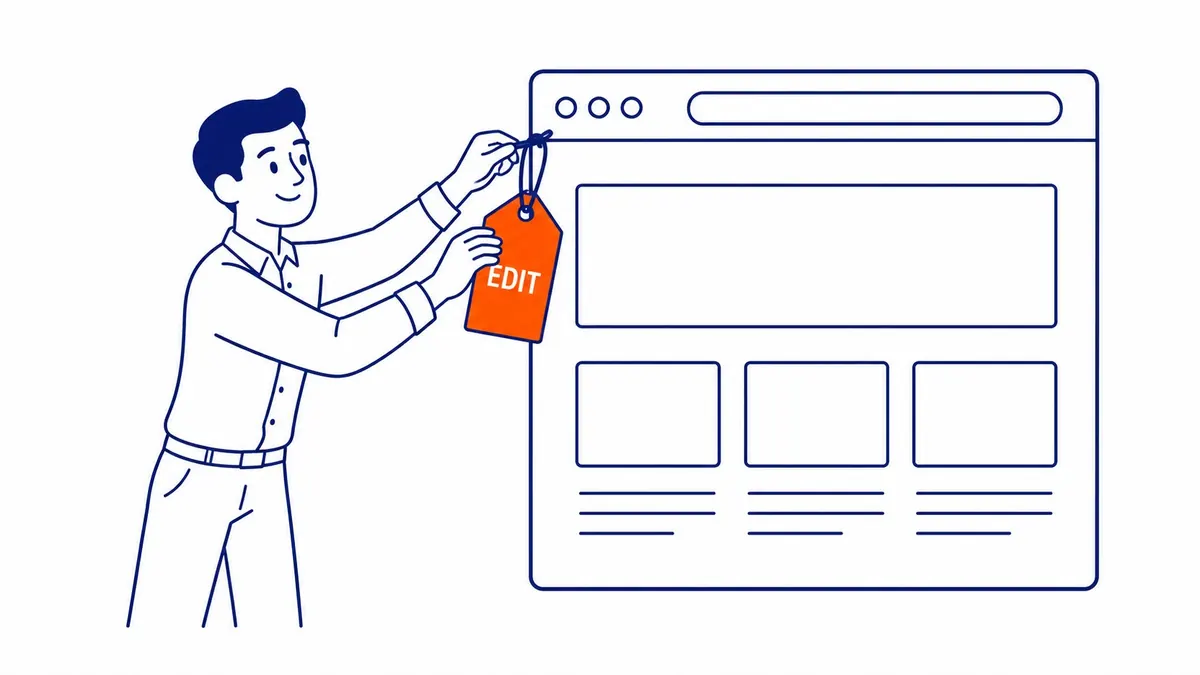
What an SEO company can delete with each level of access
The level of access decides what can be deleted, so it helps to know what the roles actually allow. WordPress publishes the capabilities of each default role, and the list surprises many owners. An Editor can publish and manage everyone’s posts and pages, which includes deleting them. An Administrator can do all of that and also install plugins, change themes, add users and change settings. The roles below come from WordPress’s own Roles and Capabilities page.
| WordPress role | What it can delete | Typical SEO use |
|---|---|---|
| Administrator | Everything an Editor can, plus plugins, themes, users and settings | Installing an SEO plugin, setting up redirects, technical fixes |
| Editor | Every post and page, published or not, including other users’ work | Rewriting pages, titles and descriptions, internal links |
| Author | Only the posts that user wrote, including published ones | Writing and publishing blog posts |
| Contributor | Only that user’s own unpublished drafts | Drafting posts for you to review and publish |
The practical rule is simple. If the provider needs to change pages that already exist, it needs Editor or Administrator access, and either one can delete those pages. Contributor or Author access only makes sense when the work is limited to new posts. Other systems follow the same logic with different names, and the article on the same question for Joomla walks through its user groups. Hosting and FTP access sit above all of this, since anyone with them can change or remove files directly, which is why Google’s own guidance on hiring an SEO says that “If an SEO has FTP access to your server, they should be willing to explain all the changes they are making to your site.”

Mistakes are the bigger risk, and some are permanent
Deliberate deletion makes the better story, but the more likely losses come from ordinary work going wrong. A redesign is built on a staging copy and the old live pages are removed before every one has been moved across. A cleanup of “thin” pages takes out pages that were still bringing in enquiries. A plugin update breaks a template, or a bulk edit touches more pages than intended. None of this involves bad intent, and all of it does the same damage if nobody can put the content back.
How much can be put back depends on what was deleted. WordPress moves deleted posts, pages and comments to the trash, and its documentation says the default is to empty the trash after 30 days, so a page removed by mistake can usually be restored within a month. Files in the Media Library are different. On a default install the media trash is switched off in the WordPress core code, so deleting an image, PDF or download removes it straight away, with no trash step. A site owner can also set the trash period to zero, in which case WordPress “will not ask for confirmation” before deleting permanently.
Content can also disappear from Google without being deleted from the site. Anyone with Owner or Full user permission in Google Search Console can use the Removals tool, which Google says “Blocks the URL from Google Search results for about six months.” And when a page is deleted and returns a 404 or 410, Google’s documentation says the indexing pipeline “removes the URL from the index if it was previously indexed.” A deleted page does not quietly keep its rankings while you notice it is gone.

Who owns the content: Canadian copyright and your contract
Many owners assume that anything on their website belongs to them. For text an agency writes, that is not automatic in Canada. Section 13 of the Copyright Act makes the author the first owner of a work, and where the author is an employee writing in the course of the job, the employer is the first owner unless an agreement says otherwise. So a blog post written by an agency’s staff writer starts out belonging to the agency, and one written by a freelancer the agency hired may start out belonging to the freelancer.
The Act also says that no assignment of copyright “is valid unless it is in writing signed by the owner of the right.” That makes the contract the place to settle it. Before work starts, ask for a clause that assigns to you the copyright in everything written or produced for your site, on payment, and that confirms you can keep using it if the relationship ends. Content you or your staff wrote before the provider arrived stays yours, and the contract should say the provider gains no rights in it. This is general information rather than legal advice, so have a lawyer read any contract that matters to your business.
The same thinking applies to everything the website produces. The article on who owns the leads the website produces covers enquiries, call tracking numbers and the data behind them.

When deleting content is the right SEO call
Not every deletion is a problem. Removing or combining pages that are outdated, duplicated or no longer relevant is a normal part of SEO work, often called content pruning, and a provider who never recommends it may be leaving weak pages to compete with strong ones. What matters is whether a provider deletes content with your knowledge and with a plan for what happens to each URL.
A sound pruning proposal lists every URL it wants to change and, for each one, says whether the page will be updated, merged into another page with a 301 redirect, or removed. It explains why, using the page’s search traffic, enquiries and links, and it waits for your written approval before anything comes down. Pages that still bring in visits or enquiries, or that other sites link to, usually deserve a redirect to the closest replacement rather than a dead end. Ask for an export or backup taken just before the change, so that any decision can be reversed.

Protect your site before you hand over a login
Most of this protection costs nothing beyond what you already pay for the site. Keep the domain registration and the hosting account in your business’s name, on an email address you control, and pay for them yourself. Give the provider its own named user account rather than sharing yours, so that every change is tied to a person and the access can be removed in one step. Choose the lowest role that covers the agreed work, and if Administrator access is needed for a specific job, such as installing a plugin, grant it for that job and step it back down afterwards.
Backups come next. Your host may run its own backups, but find out how often they run, how long they are kept and whether you can restore one yourself. A second backup stored outside the hosting account, covering the database and the uploaded files, protects you if the host’s copy is lost too. WordPress’s own Tools > Export screen produces a file containing your posts, pages, comments, categories, tags and users, which is useful as a content copy, but it is not a full backup of the site. Google accounts deserve the same care: add the provider to Search Console, Google Analytics and your Business Profile as a user rather than handing over your login, and do the same when adding a provider to your Google Ads account.
Finally, agree on a few working rules in writing. Large changes are tested on a staging copy before they go live, nothing is deleted without your approval, and when the contract ends the provider’s accounts are removed and any verification tokens it placed on your site for Search Console are handed over or taken off. Google’s guidance puts the reason plainly: “Ultimately, you are responsible for the actions of any companies you hire.”

How to tell whether pages have gone missing
If you suspect content has been removed, start inside WordPress. Check the Trash under Posts and under Pages, since anything deleted in the last 30 days on a default install will usually still be there and can be restored with one click. Compare the number of published posts and pages with what you remember, and look at the Media Library for missing images, which show up as broken images on the pages that used them.
In Google Search Console, the Page indexing report lists URLs that Google found returning “Not found (404)”, which is often the first sign that pages were removed without redirects. Your own records help too: an old sitemap, a spreadsheet of pages from a past project, or a saved copy of the navigation menu all give you a list to check against. If the picture is unclear, a site audit compares the pages that exist now with the pages that should exist and lists the broken links and missing URLs, which gives you something concrete to raise with the provider.

How To-The-TOP! works on client sites
SEO Company To-The-TOP! has been based in Calgary since 2007 and is a solo practice, so the person you give access to is the person who does the work, with no handoff to junior staff. It works White Hat only, reports keyword positions monthly and keeps a public portfolio of ranked keywords you can look through before you decide. It serves Calgary, Edmonton, Vancouver and the rest of Alberta and British Columbia.
To-The-TOP! is also Google Ads certified, so Google Ads management sits with the same person as the organic work. Whoever you hire, the checklist above applies: your name on the accounts, a named login at the lowest role that does the job, a backup you control and nothing deleted without your written approval. If you would like a second opinion on the access a provider has asked for, call (403) 308-5949.
Contact Calgary SEO Company To-The-TOP!
Questions about anything in this article, or about your own rankings? Talk to a Calgary SEO specialist directly.
Phone: (403) 308-5949
Address: 1509 14 Ave SW, Calgary, AB T3C 0W4
Hours:
Monday to Friday: 10:00 am – 7:00 pm
Saturday: 12:00 pm – 4:00 pm
Sunday: closed