
How to Give an SEO Company Access to Joomla
A client hands over a Super User login. Full backend access, no restrictions, no second thought. That habit creates more risk than most Joomla site owners realize. The platform ships with a built-in user hierarchy built for exactly this kind of arrangement. Using it takes five minutes. It saves a lot of grief later.
Joomla splits backend access into distinct groups. Super User sits at the very top. An SEO company almost never needs that tier. Manager and Administrator also cover the actual work. Content edits, metadata, SEF URLs, sitemap settings. Knowing which one to grant, and how, keeps a site secure while the SEO work still gets done.
Why Joomla Access Even Comes Up
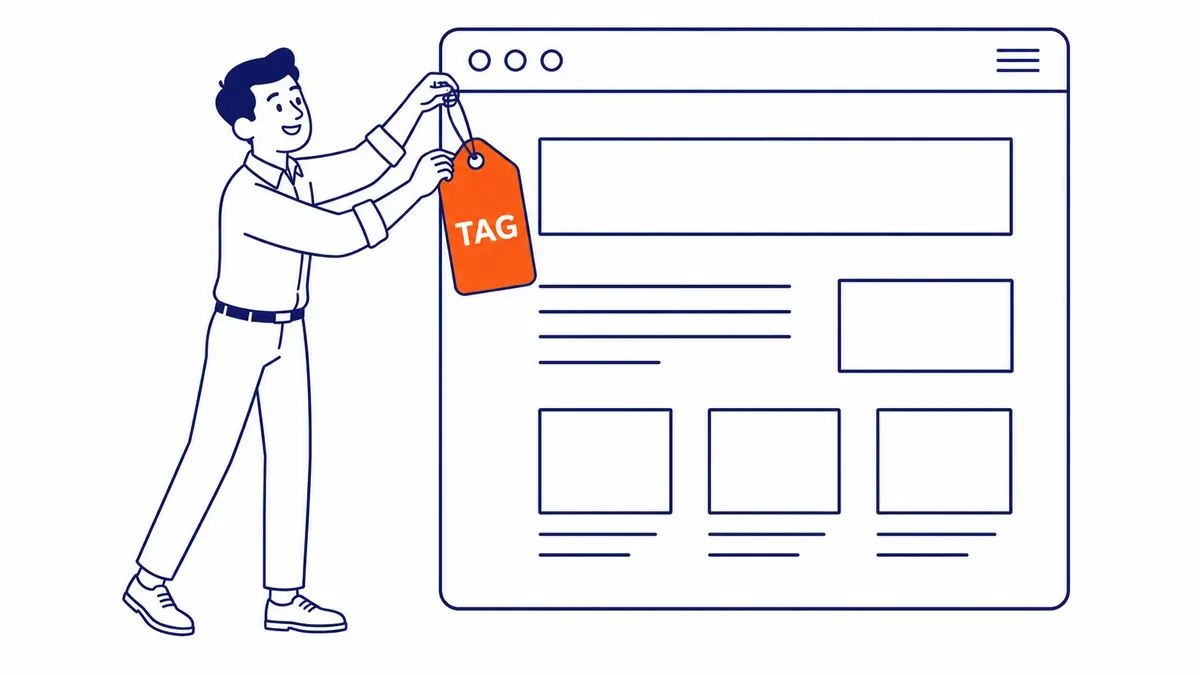
An SEO company reviewing on-page signals needs to see meta descriptions and title tags directly. URL structure too. Guessing from the outside wastes time. A Calgary manufacturing client once had duplicate meta descriptions sitting across forty product pages for over a year. Nobody at the company noticed. Fixing it took an afternoon once access was granted.
Sitemap configuration lives inside the backend too. So does the SEF setting, the short form for Search Engine Friendly URLs, buried in Global Configuration under the Site tab. An SEO company without access to that screen ends up asking someone else to flip a setting that takes ten seconds. Redirect rules sit behind the same login wall. Schema plugins and canonical tag settings do too. Access to that backend is a big part of the answer on Joomla good for SEO.

Joomla’s User Groups, and Where SEO Work Actually Fits
Joomla runs on several backend-relevant groups. Registered, Author, Editor, Publisher sit on the front-end content side. Manager and Administrator sit above them on the back-end management side. Super Users stand alone at the top.
Manager gets into the administrator panel. Article edits, category changes, basic menu adjustments, all available. The extensions installer stays locked. Global Configuration stays locked too. That second lock matters more than it sounds like. SEF URLs and metadata defaults live inside Global Configuration. A Manager account cannot touch either one.

What Manager Access Leaves Out for SEO Work
Administrator opens up nearly everything a Manager cannot reach. Global Configuration, the template manager, the extensions installer, all available. An SEO company installing a caching plugin needs that level. So does one adjusting a schema extension, instead of asking someone else to do it.
One boundary stays fixed regardless of which chain a group sits in. Administrator accounts cannot create or edit Super User accounts. They cannot touch the handful of settings Joomla reserves for Super Users alone. That gap is intentional. SEO work does not require control over who else holds backend access.

The Access Level to Grant an SEO Company on Joomla
Administrator fits nearly every SEO engagement. Content work needs it. Editing metadata calls for it too. SEF settings and extensions often do as well. Template files sometimes join that list. Super User adds account-level control that has nothing to do with rankings or on-page structure.
A request for Super User access deserves a direct question. So does any suggestion the site needs a shared login instead of an individual account. Same rule holds when connecting an agency to your ad account, not just your CMS. Worth asking about an agency’s power to delete pages while you are at it.
Setting Up the Account, Step by Step
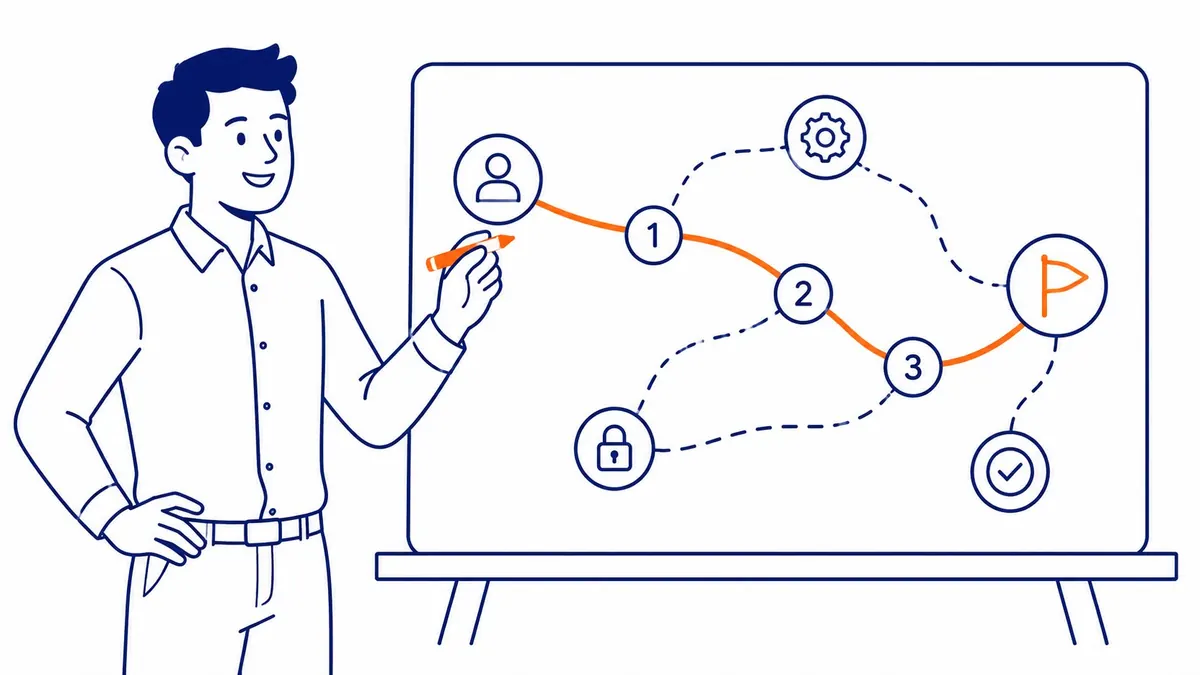
Open Users, then Manage. Click New. Enter a name and a dedicated email address for the SEO company. Not a shared inbox. Assign the Administrator group under the Assigned User Groups tab. Save and close.
An invitation email still goes out if that option is enabled during setup. The SEO company logs in with its own credentials from that point forward. No shared password. Nothing borrowed from an existing session.
Security Steps Before the Invite Goes Out
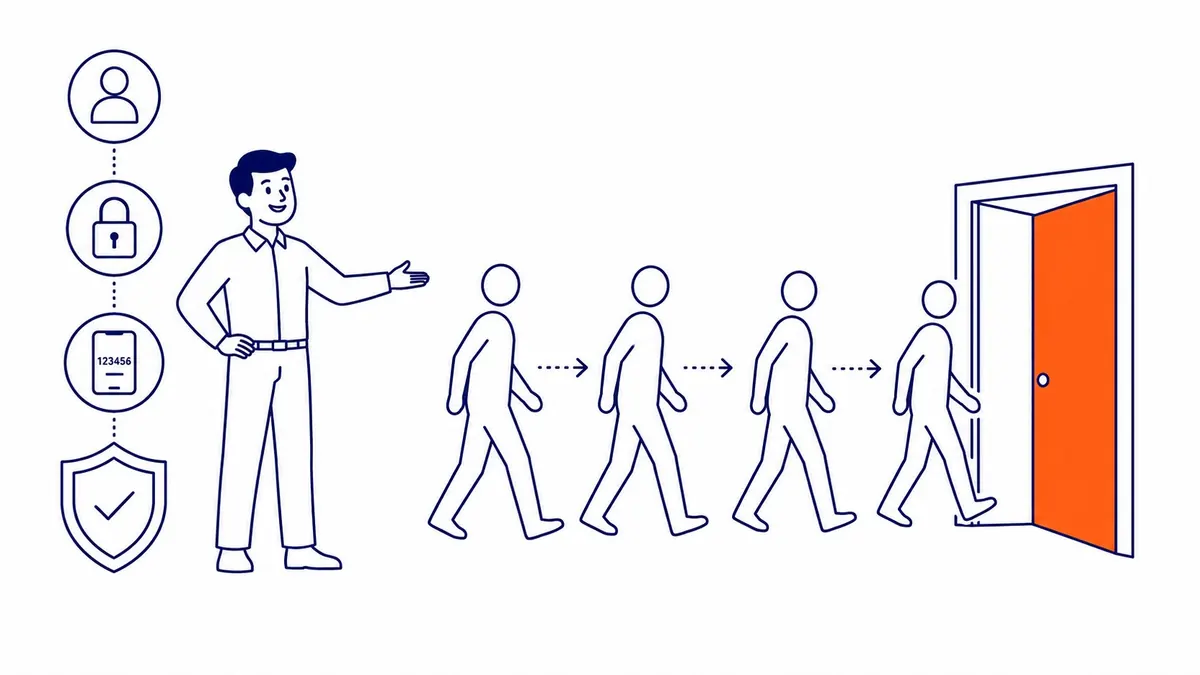
Two-factor authentication belongs on every backend account. The SEO company’s account included. Joomla’s built-in plugin handles that in a few clicks. Skipping it over one login is a common shortcut. A costly one, if that login gets compromised.
Block access the same week an engagement ends. Users, then Manage, then Block, rather than deleting the account outright. Blocking preserves the activity trail. Deleting erases it. A former vendor still holding an active login on a live site is a loose end. Nobody should carry that for months.

How To-The-TOP! Handles Joomla Client Access
This Calgary SEO practice, SEO Company To-The-TOP!, asks for a dedicated Administrator account on Joomla builds. Never Super User. Client work has run this way since 2007. One solo practitioner handles the account. Not a rotating team logging in under the same credentials.
Reviewing metadata and SEF settings happens as part of ongoing SEO services. Fresh keyword research findings feed straight into title tags and category structure once access is in place. Businesses running paid search alongside the organic work get a separate conversation about Google Ads management. That access stays apart from the Joomla login entirely.
The Bottom Line
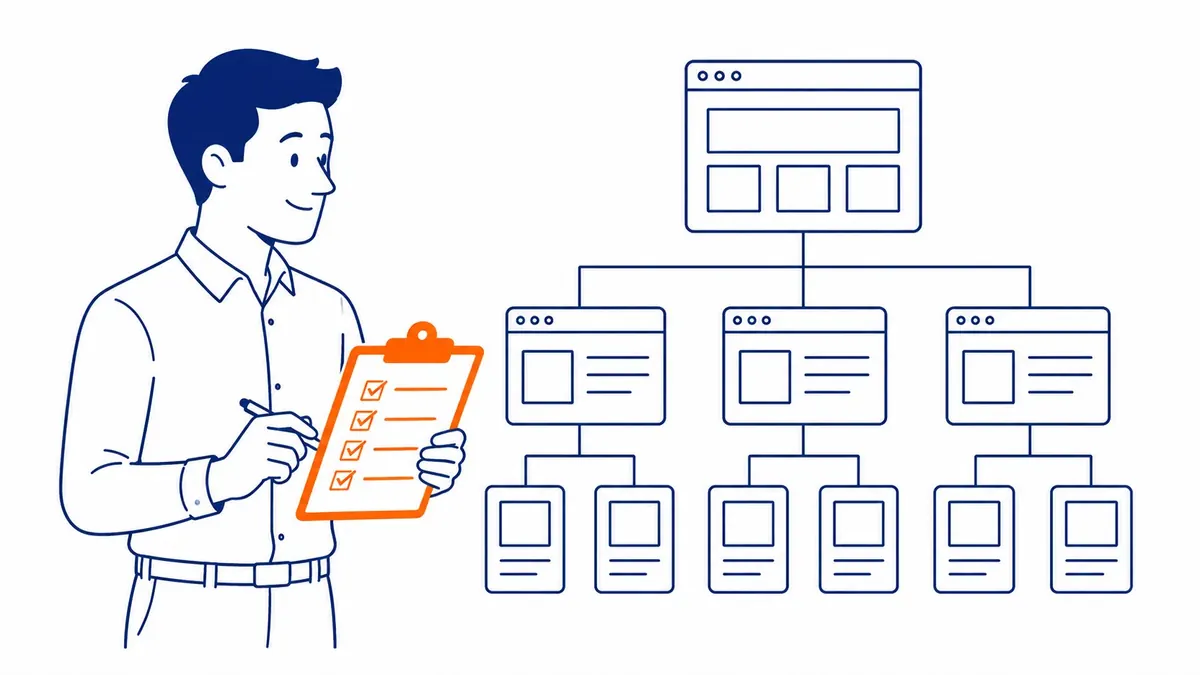
A Joomla site is not something to hand over on a shared password. Administrator access covers what SEO work actually requires. Super User goes further than that. It rarely needs to.
A website audit often turns up the same metadata and structural issues. Sitting unnoticed for months on a Joomla site nobody has properly reviewed. Local visibility and on-site keyword research tend to improve together once someone finally has the access to act on what they find.
Frequently Asked Questions
What access level should I give an SEO company for my Joomla site?
Administrator, in most cases. It covers content and metadata. SEF settings and extensions too. Super User account management stays out of reach under that role.
Is it safe to give an SEO company Administrator access on Joomla?
Administrator access carries manageable risk since Super User account management and Joomla’s most sensitive settings stay locked out. A dedicated login instead of a shared password also keeps a clear record of who changed what.
Should I ever give an SEO company Super User access?
No. Super User hands over full control of the site. Including the ability to create or remove other Super User accounts. SEO work does not call for that level of control.
What is the difference between Manager and Administrator in Joomla?
Manager can edit content but cannot reach Global Configuration or the extensions installer. Administrator reaches both, along with template files, which most real SEO work requires sooner or later.
How do I remove an SEO company’s access once the engagement ends?
Open Users, then Manage. Find the account and select Block rather than Delete. Blocking cuts off access immediately while keeping the activity history intact.
Does Joomla track what a granted user account changes?
Yes, through the User Actions Log plugin once it is enabled. Turning it on before granting outside access creates a record worth having if a dispute ever comes up.
Contact Calgary SEO Company To-The-TOP!
Questions about anything in this article, or about your own rankings? Talk to a Calgary SEO specialist directly.
Phone: (403) 308-5949
Address: 1509 14 Ave SW, Calgary, AB T3C 0W4
Hours:
Monday to Friday: 10:00 am – 7:00 pm
Saturday: 12:00 pm – 4:00 pm
Sunday: closed