
Does Changing Your Website Mess Up Content Marketing SEO?
Yes, a website change can wreck content marketing SEO fast. The damage rarely shows up where people expect it. A redesign checklist covers redirects. It covers broken links and crawl errors too. The blog archive built over three years almost never makes that list. A client at SEO Company To-The-TOP! once switched CMS platforms. Every redirect worked. Organic traffic still dropped anyway. Forty percent. Inside two months. The cause had nothing to do with technical SEO. Every blog post got rewritten “for consistency.” The exact phrasing that earned those rankings disappeared with it.
Content marketing runs on accumulated signal, not one live page. Editorial history matters here. Earned links matter just as much. Gated assets nobody remembers to migrate. Topical depth built post by post, month after month. A site migration can erase most of that. Every redirect can still work perfectly while it happens. That gap gets missed constantly. The cost rarely shows up on anyone’s budget sheet until traffic does the talking.

What Actually Happens to Content Marketing During a Site Change
A technical migration checklist protects URLs. It protects crawl paths and server responses. Content marketing runs on something a checklist never touches. Consistency over time. Google rewards topical authority built through dozens of posts. Published steadily, across months or years, not through one strong page. Swap the CMS. Rewrite half the archive. Fold three years of posts into five. Accumulated trust resets when any of that happens. Not to zero. Close enough to hurt.
A single post rarely ranks alone. It sits inside a cluster of related posts, each one linking to the next. That cluster earns links from other sites over time. It matches a search pattern Google already rewards. Break the cluster during a redesign and every post inside it can slide. Even the ones nobody touched directly. A website audit before the rebuild starts usually catches which posts are load-bearing for the whole cluster. Not just which pages get the most visits. Hosting is the quieter half of that job, and where changing website host actually lands surprises people. Cluster damage is a big part of why blogging matters in the first place.
Blog Posts and Old URLs Are Where the Damage Starts
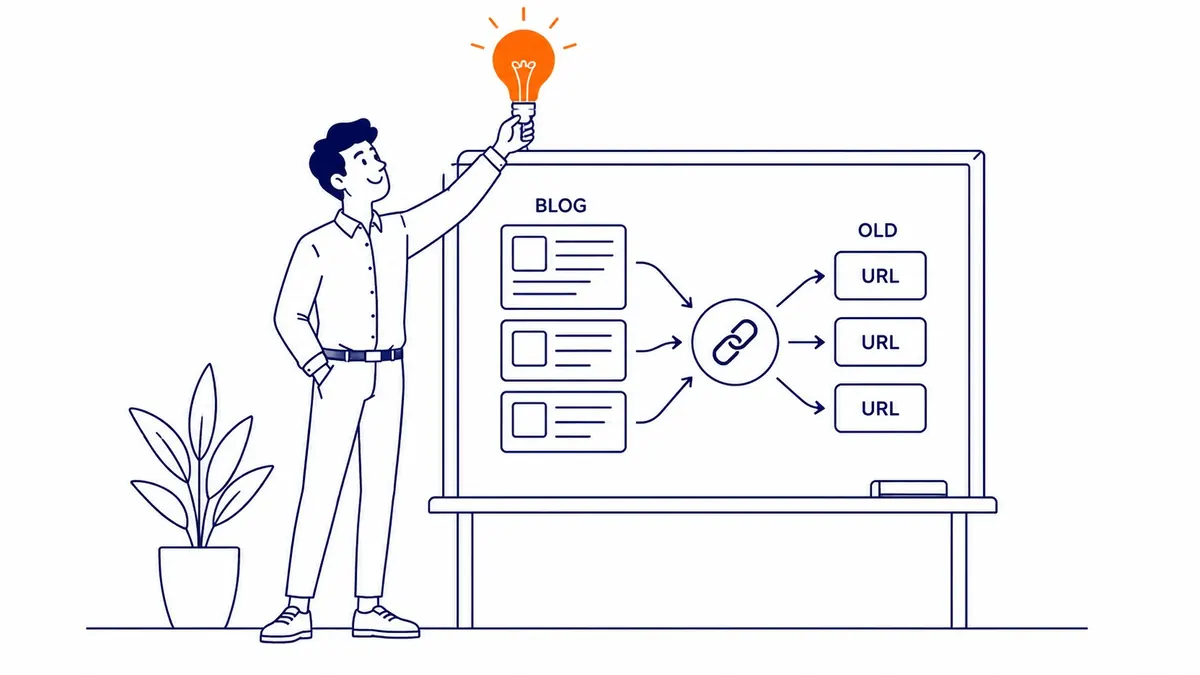
Move a blog to a new folder path and every post gets a new address overnight. Readers do not notice, since redirects handle that part smoothly enough. Google notices something else entirely. It has to recrawl every post first. Re-evaluate it next. Requeue it under the new URL after that. The whole process takes weeks, sometimes longer for a big archive. Rankings often dip during the gap, then recover. Sometimes they do not fully recover, especially on older posts with thinner content to begin with.
Category structures change too, and that quietly breaks internal linking most site owners never planned around. A post that once sat three clicks from the homepage might sit six clicks away after launch. Crawl depth affects how often Google bothers to revisit a page. Buried content gets crawled less. Less crawling means slower updates. Fewer re-rankings follow from that. A slower response too, any time the content actually improves.

Backlinks Earned Through Content Marketing Take the First Hit
Every backlink pointing at a blog post is a vote for that exact URL. Change the URL without a clean 301 redirect and the vote stops counting. Full stop. This hurts content marketing specifically, more than it hurts a typical service page. A service page usually earns a handful of links over its lifetime. Strong blog posts play a different game entirely, earning dozens of links, sometimes from sites the business never directly contacted.
Reclaiming those links takes real effort after a migration. Someone has to pull the backlink list before anything changes. Mapping every linked URL to its correct new destination comes next. Miss one popular post in that mapping. Every link pointing at it now resolves to a 404. Or worse, a generic homepage redirect that dilutes the value entirely. A Calgary SEO team handling a migration usually treats backlink mapping as its own separate task. Not a footnote inside the general redirect spreadsheet.
Gated Content and Lead Magnets Need Their Own Migration Plan
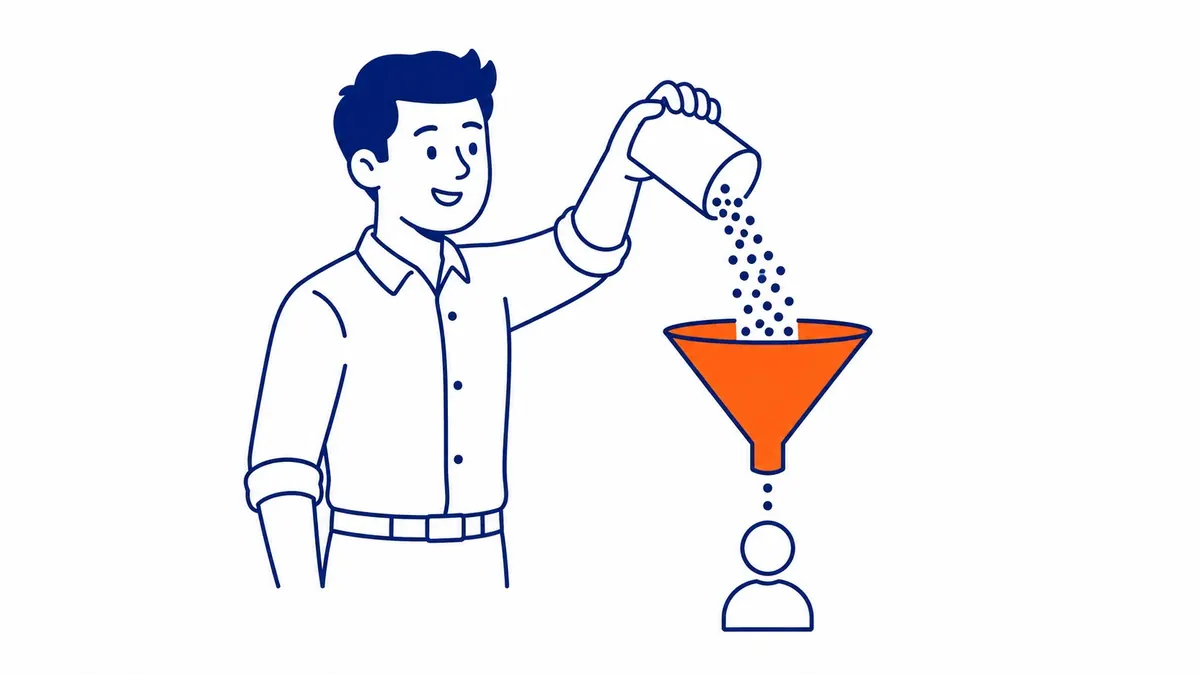
Gated content sits behind a form. That makes it invisible to a standard crawl of the live site, which means it gets forgotten constantly during a rebuild. A downloadable guide, a webinar recording, a lead magnet promoted across a dozen old blog posts. All of it depends on a specific URL and a specific form staying connected after launch.
Break that connection and the lead magnet stops converting, even while the blog post pointing at it keeps ranking fine. Nobody notices the failure in Search Console, since gated pages rarely get much organic traffic of their own. The failure shows up somewhere else. Lead volume drops. Marketing blames the ad spend. The actual cause sits three clicks deep in a broken form redirect nobody checked.

Editorial History and Author Signals Can Get Lost Too
Older CMS platforms track author bylines. They track publish dates too. Update history as well, in ways a new platform sometimes cannot import cleanly. That history feeds into how Google reads expertise and trustworthiness on a site with real editorial depth. Strip the byline during a migration. Wipe the original publish date and replace it with the migration date. Both moves look, from Google’s side, like the content just appeared out of nowhere with no track record behind it.
A three-year-old post with a visible update history reads differently. An identical post suddenly showing last week’s publish date reads like something brand new. One has a track record. The other looks freshly minted, stripped of the signal that built its authority in the first place. Small detail. Easy to lose during a rushed CMS switch, and expensive to notice only after rankings have already slipped.

How to Protect Content Marketing Through a Website Change
Pull a full content inventory before anything moves. Every post, its current URL, its backlink count, its organic traffic. Rank the list by earned links and traffic, not by publish date. Solid keyword research put most of the top earners there in the first place. That earns them first priority in the migration plan too. The oldest posts are often the strongest. They still get cut first in a rushed migration. Nobody checked the data before deciding.
Map old URLs to new ones with a real redirect plan, not a blanket rule pointing everything at the homepage. Preserve publish dates and author bylines wherever the new platform allows it. Keep the original wording on high-performing posts instead of rewriting for house style. A Google Ads campaign can cover the traffic gap while organic content settles after launch. That is a short-term patch. Not a fix for lost content equity. Content marketing built over years deserves a migration plan built with just as much care as the technical redirect checklist. Most of that carries straight over to a website redesign without ranking loss.
Frequently Asked Questions
Will changing a website always hurt content marketing SEO?
Not always. Careful planning around URLs keeps most of the damage from happening at all. Editorial history matters just as much, and so do backlinks. The risk comes from skipping that planning, not from the change itself.
How long does content marketing take to recover after a site change?
Weeks to a few months, typically, once redirects and content mapping are done correctly. Bigger archives with deeper backlink profiles tend to take longer. There is no guaranteed timeline.
Does rewriting old blog posts during a redesign hurt rankings?
It can, especially when the original wording matched a search pattern Google had already rewarded. Rewriting “for consistency” without checking ranking data first is a common, avoidable mistake.
What matters most when protecting backlinks during a migration?
Mapping every linked URL to its correct new address matters most. A generic redirect to the homepage keeps a link technically alive while draining most of its value.
Contact Calgary SEO Company To-The-TOP!
Questions about anything in this article, or about your own rankings? Talk to a Calgary SEO specialist directly.
Phone: (403) 308-5949
Address: 1509 14 Ave SW, Calgary, AB T3C 0W4
Hours:
Monday to Friday: 10:00 am – 7:00 pm
Saturday: 12:00 pm – 4:00 pm
Sunday: closed