
How to Redesign a Website Without Losing SEO
Website redesign SEO mistakes happen more often than most business owners expect. We have seen the damage firsthand. The call comes in about six weeks after the new site goes live. “Organic visits dropped 40 percent. We have no idea why.”
A site overhaul launched without preparation is almost always the cause. Keyword positions built over three or four years. Gone inside a month.
At To-The-TOP!, we have been managing site migrations since 2007. The pattern repeats. Design teams do their job well. A new site looks better on every device. Then the organic visits fall.
Proper planning before the new site launches keeps most search visibility intact. The difference between a redesign that protects search performance and one that damages it is almost entirely in the preparation.
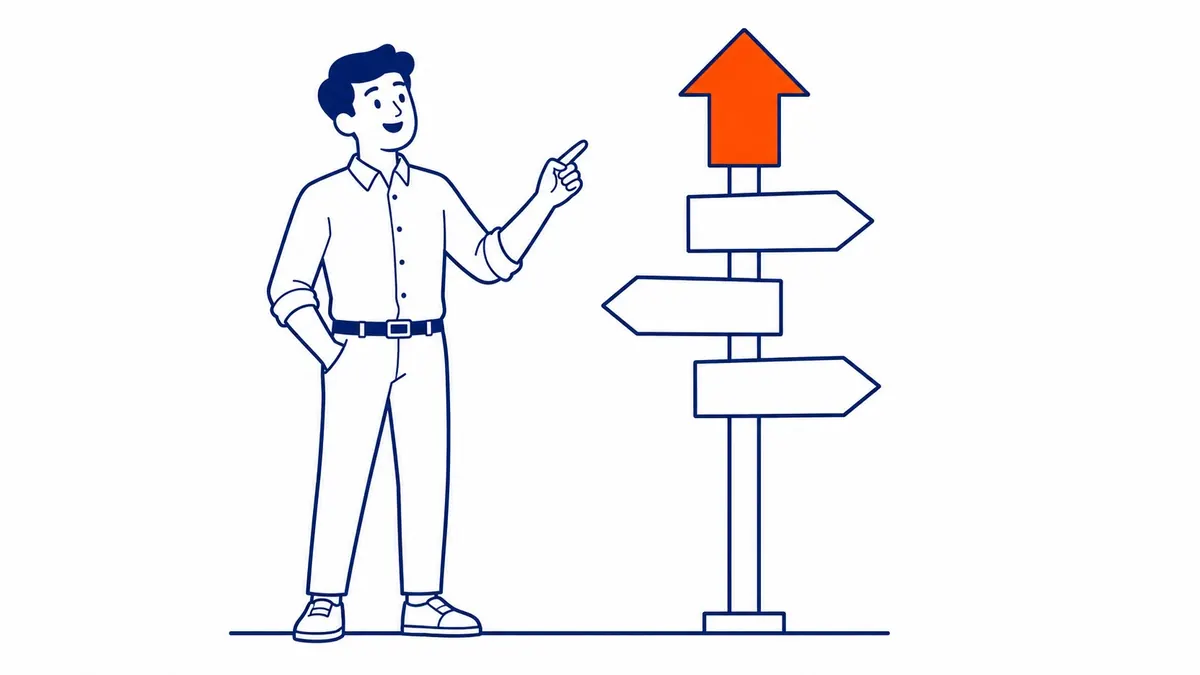
Why Website Redesigns Hurt Your Rankings
Not obvious until it happens.
Most designers are not thinking about search engines. Their job is visual. Better layouts and cleaner navigation. An updated brand. Search performance is a separate concern entirely. The two teams often work independently.
What crawlers index is structure. URLs, title tags, headings, internal links, body content. Change any of those without a plan and you sever the signals driving organic visits. Google has no memory of intent. Old URLs that disappear without forwards return 404 errors. Keyword positions attached to those URLs follow shortly after.
Damage is rarely instant. Search engines keep crawling for weeks after a redesign goes live. By the time drops appear in GA4 or Search Console, the problem has already compounded. Most business owners do not connect the site overhaul to the visit loss until they are deep into recovery.
Audit Your Site Before Anything Changes
Start here. Everything depends on this.
Before any mockup gets approved, pull your current data. Google Search Console shows which queries bring organic visits. Which pages earn keyword positions. Screaming Frog crawls your site. It maps every URL, every title tag, every heading structure, every internal link. Export everything to a spreadsheet. Mark the top-performing URLs by visit volume and keyword positions.
Around 80 percent of organic visits typically come from fewer than 20 percent of URLs. Lose those high-performing pages in the rebuild. Disconnect their signals. The visits go with them. A proper SEO site audit before any changes identifies exactly which URLs carry the most risk.
The audit also surfaces existing issues. Crawl errors. Broken links. Indexing issues. Duplicate meta tags. A site overhaul is also a chance to fix those problems, rather than carry them forward into a new build.
One more reason to audit early is the baseline. Organic visit volume, keyword positions, impressions in Search Console. Record all of it before the new site launches. Without a baseline, ongoing monitoring becomes guesswork.
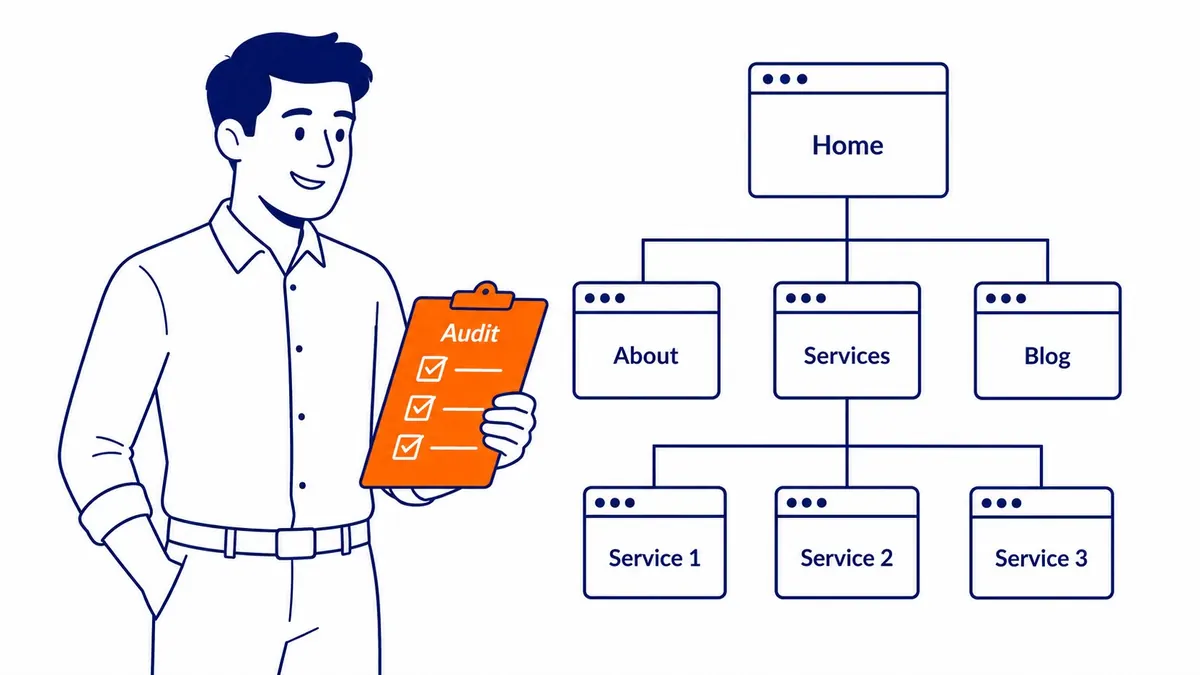
Map Every URL Before Designs Are Finalized
Every URL is an indexed address. Change it without forwarding and that address goes dead.
Build a URL map before design work starts. Old URL on the left, new URL on the right. Every page on your site needs a row. Pages moving to a new location need a redirect destination. Retired URLs need a decision too. Merge them into a stronger page, or point them to the closest equivalent.
Keep your existing URL structure wherever possible. Changing /about-our-agency/ to /company/about/ looks harmless. To search engines, the old URL vanished and a new one appeared. Links pointing to the old URL stop contributing authority immediately.
Ahrefs or SEMrush shows which URLs carry external backlinks. Those deserve special attention. One page with 40 external links pointing at it represents accumulated authority. Redirect it incorrectly, and those links become dead ends. Authority built over years, lost in a single oversight.
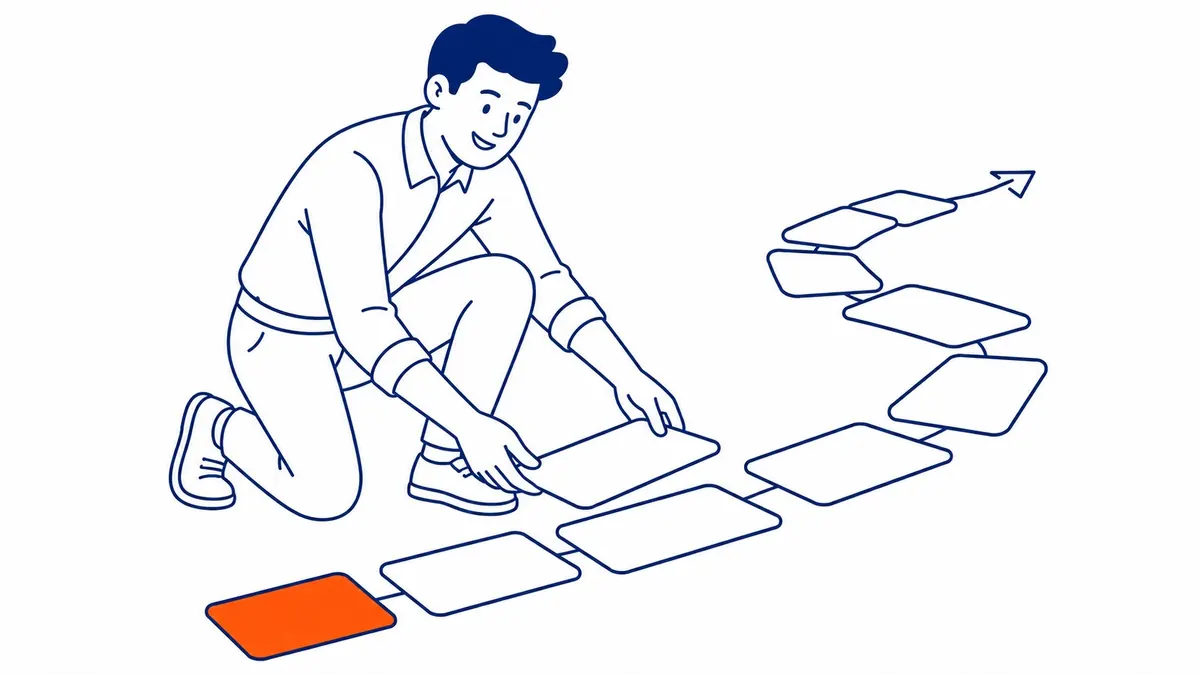
301 Redirects for Every Changed URL
No exceptions.
A 301 redirect tells search engines a URL has moved permanently to a new location. The ranking signal transfers. Without one, the old URL returns a 404 error. Keyword positions go with it. Backlinks disappear too. Indexed position, erased.
Build the redirect plan before launch, not after. Most redesign teams discover missing 301 redirects after go-live while watching organic traffic fall. That gap between go-live and finding the problem is when visibility erodes fastest. Two weeks of unresolved 404 errors. That sets keyword positions back months.
Avoid redirect chains. Old URL to an intermediate page to the final destination means crawlers follow two hops instead of one. Authority bleeds at each hop. Map old URLs directly to their final new destinations.
After go-live, crawl your site again with Screaming Frog. Verify every redirect fires correctly. Check for dead URLs that should have forwards. Search Console surfaces crawl errors within days. Monitor it daily in the first two weeks after the new site goes live.
Your Content Is What Ranks
Design does not rank. Your content does.
Designers optimize for visual clarity. Good SEO depends on content depth and keyword coverage. Those goals conflict sometimes. Design teams trim word counts. They cut sections that look cluttered. Pages get merged in the name of simplicity. Shorter copy often means fewer keyword positions.
Preserve your existing copy. If a URL currently earns positions for something useful, the text on it is why. Removing sections or rewriting that copy without checking which keywords the URL holds is risky. That is how keyword positions disappear without a clear cause.
Run a website keyword analysis for every top-performing URL before the redesign touches it. One page might hold positions for 30 different keyword variations. Rewriting it entirely for a new brand voice drops many of those positions. Refine the copy. Do not gut it.
Meta descriptions carry signals. Tag structure carries signals too. Heading hierarchy matters as well. All three change in most redesigns. A new theme that converts H2 headings to styled divs, or drops critical tags during migration, breaks those signals quietly. Easy to miss in a rushed release. Costs real keyword positions over the months that follow.
Internal links also change. Every link from a high-authority page on your site to a service page passes signal. Remove those links without understanding what they supported. Positions soften three months later with no diagnostic signal telling users or owners why. Same pattern shows up in what a rebuild does to content over the following quarter.
Technical SEO Checks in the First 48 Hours
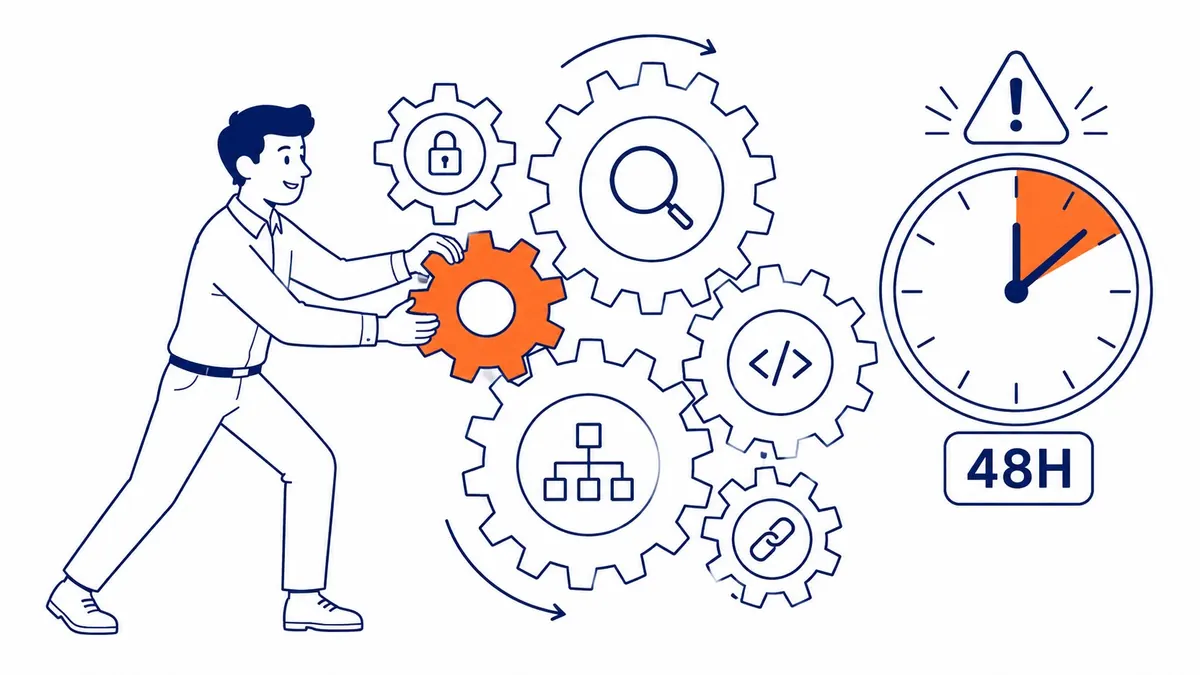
The riskiest window. Act immediately.
Robots.txt is the first thing to verify after go-live. Staging environments block search engine crawlers. That setting sometimes carries forward to the live site. Bots hit the block. Indexing stops. It takes weeks to notice. Unblocking it early avoids a months-long recovery.
Submit the updated XML sitemap to Google Search Console on launch day. New URLs and a new site structure need to be communicated directly. Do not wait for search engines to discover everything on their own.
Check Core Web Vitals in Search Console. Heavier JavaScript is often part of it. Uncompressed images slow load times further. Render-blocking scripts are a third common culprit. Together, they can fail LCP and CLS thresholds that were passing before the overhaul. Page speed is a ranking factor. A redesign that looks better but loads slower trades SEO performance for aesthetics. Not a good trade.
Test mobile responsiveness on real devices, not just automated checks. Many new designs pass standard tests but have layout problems on specific screen sizes. Users on those devices encounter broken layouts. Search engines index the mobile version of your site first. Problems on mobile affect positions everywhere. A redesign is a migration in disguise, and doing an SEO migration properly follows the same checklist. Old URLs left pointing nowhere are the other post-launch risk, so the truth about broken links matters here.
Monitor Keyword Positions in the First Few Weeks
Watch closely. Problems show up early if you are looking.
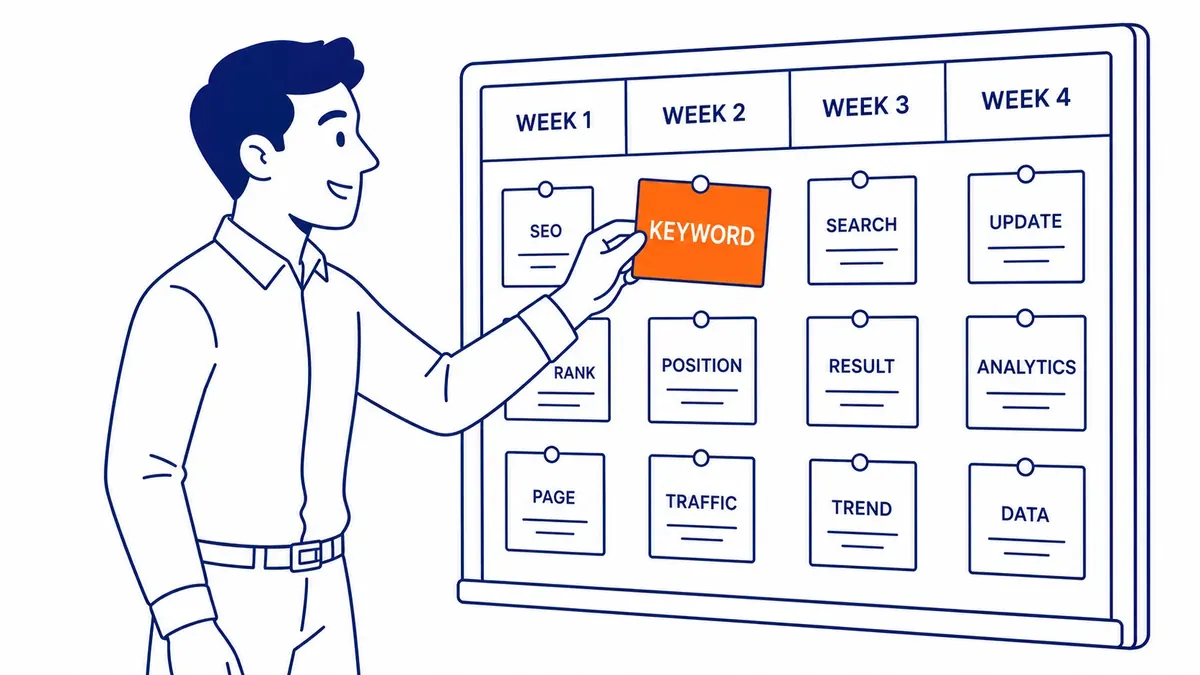
Organic traffic does not fall off a cliff immediately after a bad launch. Positions shift gradually as search engines re-crawl the redesigned site. Watch Search Console daily for the first two weeks. Crawl errors appear here first. Indexing issues too. Dead URL reports surface before analytics catches them.
A sudden drop in impressions in the first week usually points to a crawl block or robots.txt issue. Gradual drops over two to three weeks usually mean missing redirects or copy changes being re-evaluated by crawlers.
Two weeks of lost visits is manageable. After two months, it becomes a recovery project. The sooner the issue is found, the less ground you lose. Do not wait for monthly reporting to catch rebuild-related drops.
Your go-live benchmarks become critical here. Without them, a traffic dip looks identical whether it is seasonal softening or a redesign problem. Record everything before go-live day. Working with a Google Ads management agency alongside organic search? Check that all paid landing page URLs are in the redirect plan. Missed URLs cost ad spend on top of lost positions.
Common Mistakes That Cost Rankings
All avoidable. Still happen constantly.
No redirect plan. Hundreds of URLs change. Nothing forwards. Organic visits to those URLs go dark as crawlers re-crawl.
Staging crawl block left on the live site. One line in robots.txt blocks everything. The most common technical oversight. Often goes unnoticed for weeks.
Copy cut to match the design vision. URLs that had keyword rankings got trimmed or merged. Those positions dropped with the copy.
Updated sitemap never submitted. New URLs sit unindexed while old ones return 404 errors.
Platform migration without a redirect map. Moving from WordPress to another CMS changes hundreds of URLs at once. No map means hundreds of keyword rankings gone on launch day.
Website Redesign FAQs
Does a site overhaul hurt your rankings?
Significantly. URLs change. Copy gets rewritten. Heading structures shift. Technical signals get disrupted. Plan the overhaul carefully and most keyword positions survive intact. Skip the planning and drops in organic visits of 20 to 60 percent are common. The question is not whether it affects SEO. It will. The question is whether you planned for it.
How do you protect rankings during a website redesign?
Audit your current site before anything changes. Map every URL and build a complete redirect plan before launch. Preserve existing content and heading structures. Migrate all meta tags to the new theme. Test for crawl blocks before the new site goes live. Submit the updated sitemap on launch day. Monitor Search Console daily for the first two weeks. Users who depend on your site deserve a smooth transition.
What should users check within the first 48 hours after go-live?
Robots.txt first. Then confirm the updated sitemap was submitted to Google Search Console. Check for crawl errors and 404 reports in Search Console. Run Screaming Frog against the live site to verify all redirects fire correctly. Look at Core Web Vitals to confirm load performance did not degrade. Catching problems in the first 48 hours protects months of SEO effort.
What is the 80/20 rule in search?
Around 80 percent of organic traffic typically comes from 20 percent of your pages. Pull that data from Search Console before any site overhaul starts. Those top-performing pages need the most protection. Same URLs. Matching content depth. Same heading structure. Internal links preserved. Every other page carries lower risk. Knowing which 20 percent to protect shapes the entire redirect plan.

Website rebuilds are worth doing. Old sites drive users away. A new design improves user experience and conversions. The goal is updating without erasing what search engines already recognise.
SEO Company To-The-TOP! has been handling SEO-safe site migrations since 2007. No junior handoffs. The same specialist handles every engagement. Hiring SEO Company To-The-TOP! means one contact from the first audit through redirect planning, launch verification, and post-launch monitoring. Our search engine optimization work has covered dozens of platform migrations and full rebuilds over 19 years.
Your site needs updating. Protect what you have already built in organic search. Ask before the rebuild starts. Call (403) 308-5949. Worth asking before the design brief goes out. Not after the visits drop.
Contact Calgary SEO Company To-The-TOP!
Questions about anything in this article, or about your own rankings? Talk to a Calgary SEO specialist directly.
Phone: (403) 308-5949
Address: 1509 14 Ave SW, Calgary, AB T3C 0W4
Hours:
Monday to Friday: 10:00 am – 7:00 pm
Saturday: 12:00 pm – 4:00 pm
Sunday: closed