
Is the SEO Title the Same Thing as the Product Title?
No. Your store copies one into the other on setup day, which is the whole reason they look like a single field.
Two boxes. Identical words sitting in both of them. Most owners open a product and notice the match. So they assume only one title is in play. Then they go and edit the wrong one.
One Field Feeds Your Warehouse. The Other Feeds One Line in Google.

Start with where each string actually travels.
The product title is a data field. Not a headline. It prints the heading a shopper reads on the page. That same string fills the tile in your collection grid. Carts show it as the line item. Then the order confirmation email repeats it back to the buyer. So does the packing slip somebody reads at four in the afternoon. Your on-site search box indexes it. Structured data hands it to Google as the product name. And your shopping feed carries it out to comparison engines you have never logged into.
The SEO title goes to one place. A search result. Add the browser tab if you feel generous about it.
So the blast radius is lopsided. Rewrite an SEO title at nine in the morning and nothing else in the business notices. Touch the product title instead and you have just edited a receipt. A warehouse document. Plus a feed heading out to Google Shopping without anyone reviewing it.
The constraints do not match either. A title tag truncates in the search results somewhere around sixty characters. Every word past that point stays invisible to whoever decides about clicking. The visible name faces no such ceiling. It wraps onto a second line in a grid and keeps going. One string cannot be the right length for both surfaces at once.
Somebody Will Say Both Boxes Hold Identical Text

They usually do. That is a default though. Defaults are not designs.
Most ecommerce platforms fall back to the product name whenever no SEO title has been set. Almost nobody sets one on day one. So the search listing preview shows your product name straight back at you. The two fields look welded together from that moment on.
Test the weld yourself. Open any product in your store. Find the search listing preview and change the title inside it. Save. Now look at the heading on the live page. Unchanged. Two fields sharing one default. You just pulled them apart in thirty seconds.
Which turns the objection into the answer. A copy that happens automatically is still a copy. Real identity would have survived that edit.
Worth knowing what your platform does after the split, too. Some keep overriding the SEO title until you save a custom one. Others store the copy permanently. A later rename then leaves a stale search result behind. Check yours on an item nobody buys before you find out on a bestseller.
There Are Three Titles on a Product Page, Not Two
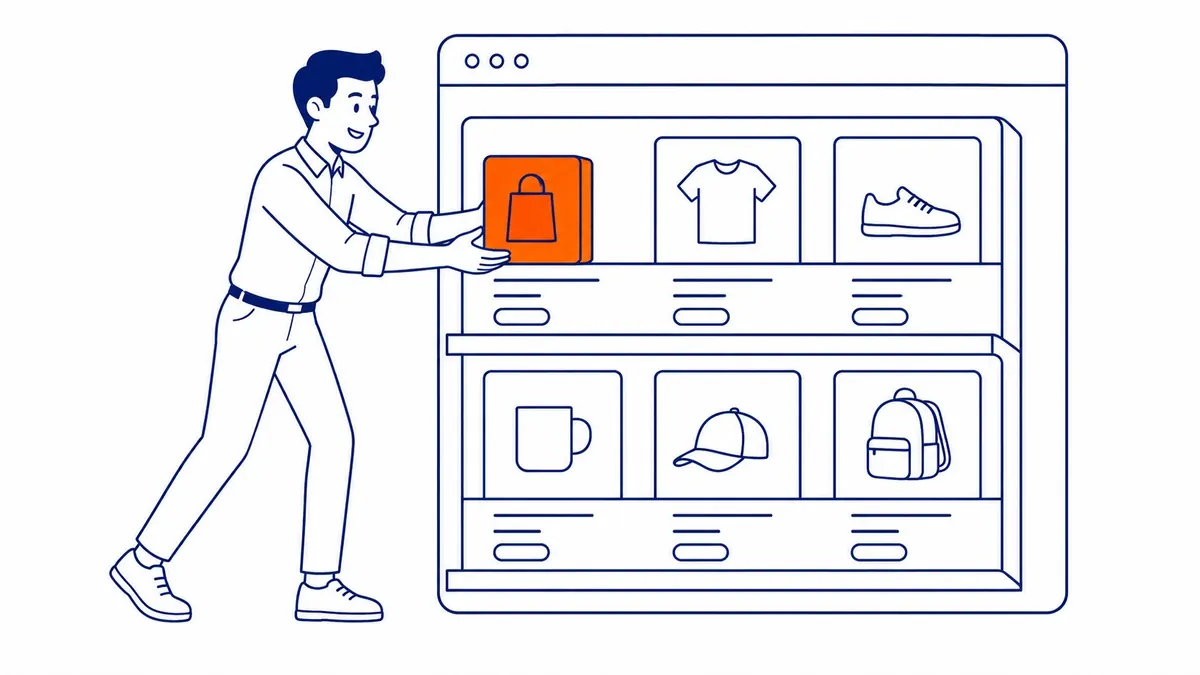
Here is where most of the real confusion lives.
Count them properly. Your product title on the site. The SEO title sitting in the head of the document. Then the title attribute inside your shopping feed, which is a third string again.
That third one follows rules of its own. Shopping listings reward a title built the way a catalogue would build it. Brand at the front. Product type after that. Size or colour or model number bringing up the rear. Nobody reads it as a sentence. It gets matched against a query and shown on a card.
Your organic SEO title wants something different. A click, from a human scanning a page of blue links. Different reader, different wording.
And the feed title can be set without touching your live page at all. Feed rules inside Merchant Center handle it. A supplemental feed handles it. Most feed apps offer a dedicated field for exactly this.
That matters more than it first sounds. Google Shopping is the usual reason somebody stuffs a product title in the first place. Take the pressure off the field and the field goes back to reading like English.
Variants add a fourth layer on bigger catalogues. Each size or colour carries its own string in the feed. Shoppers on your site only ever see the parent. Stores with deep variant trees end up managing more strings than products.
What Breaks When You Stuff the Product Title
Picture an item named “Blue Ceramic Coffee Mug 12oz Handmade Stoneware Gift Dishwasher Safe”.
It might even perform on a shopping card. Look at everywhere else it lands, though.
Your customer gets an order confirmation. The email now reads like a keyword list rather than a receipt. Warehouse staff pick from a screen where nine listings share their first four words. Your own site search returns mush, since every mug matches every query somebody types.
Then there is the phone. Somebody rings up asking about the blue mug. Nobody on your team can say the product name out loud without laughing.
Returns get worse as well. A customer who cannot tell two listings apart orders both and sends one back. You pay the shipping on that twice.
None of this shows up in a ranking tool. It shows up in support tickets and margin instead.
When the Two Should Match
Sometimes they genuinely should. Matching is a decision worth making on purpose.
Strong branded products are the obvious case. Something like “Bialetti Moka Express 6-Cup” is already the exact phrase people search for. A rewrite would only add noise to wording that already works.
Short catalogues are the other case. Fifty products, one person editing all of them. Custom overrides across the lot will drift out of date inside a season. An accurate product title doing both jobs beats a stale override that nobody remembers writing.
Still, matching on purpose differs from matching because nobody knew there were two boxes. One of those is a policy. The other is an accident, and it eventually costs you clicks you never see reported.
The split earns its keep on pages that already collect impressions. Start there rather than at the top of an alphabetical product list.
Check These Four Things on One Product Page
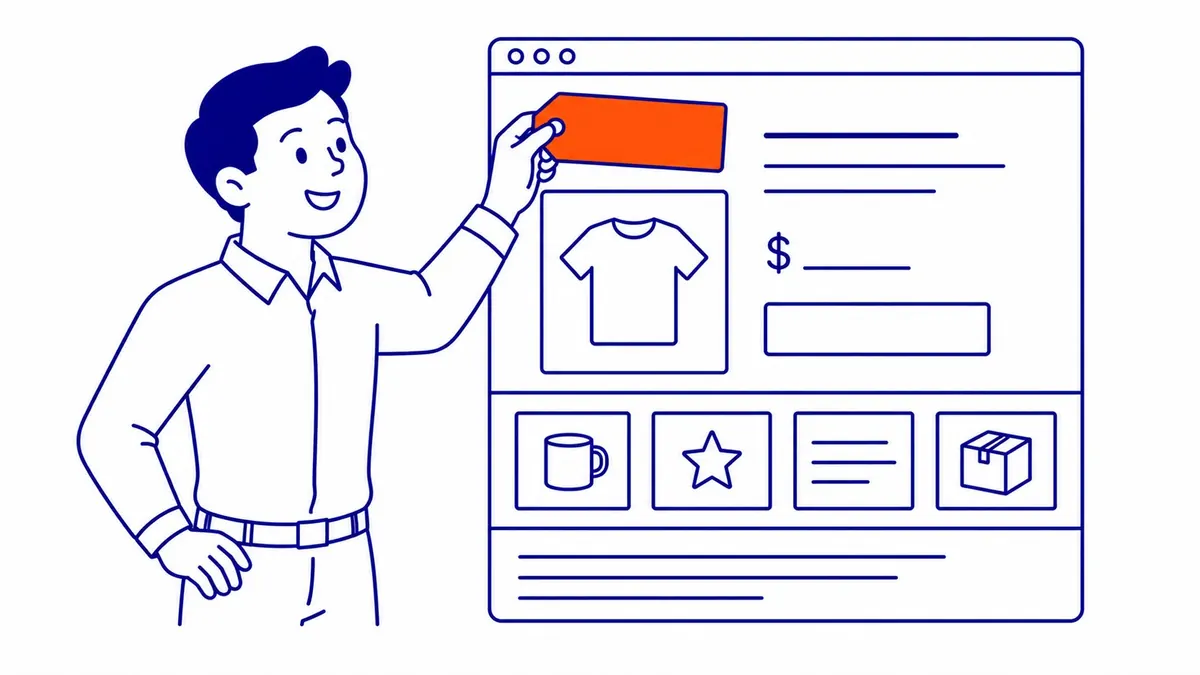
Pick your best-selling product. Leave the other three hundred alone for now.
View the page source. Find the title element up in the head. Compare it word for word against the heading rendered on the page. An exact match tells you nobody has ever written an SEO title for this product.
Second, place a test order on yourself and read the confirmation email that arrives. That text is your product title working a second job you had forgotten about.
Third, open Search Console. Filter the query report down to that single product URL. Read what people actually typed. Then read your SEO title beside it and see whether the two ever meet. A proper website audit runs that comparison across a whole catalogue, although one page will tell you plenty.
Last, open your product feed and find the title attribute for the same item. Three strings, lined up side by side. Whether they should differ is now a question you can answer with evidence instead of opinion.
Product Titles and SEO Titles in the Work at SEO Company To-The-TOP!

Store owners in Calgary usually reach this question after a feed disapproval or a flat quarter of organic traffic. The fix is rarely dramatic. Separate the fields. Then write each one for whoever actually reads it.
To-The-TOP! has handled Calgary SEO since 2007. One person runs the account from start to finish, with no junior handoffs anywhere in it. White Hat methods only. Position reports arrive monthly, so you can see which product pages moved and which sat still.
Most of the work sits upstream of that box anyway. Careful keyword research tells you which phrase a product page can realistically win. Only then does the tag have something worth carrying. Our portfolio of ranked keywords sits on the site if you want the shape of it.
Google Ads covers the wait while organic matures. Meanwhile Google Ads hands you a further set of headline fields. Those carry rules of their own, unrelated to either box on your product page. Yet the same discipline applies there. Write for the reader you actually have, not the one a tool imagines.
Common Questions About SEO Titles and Product Titles
Is the SEO title the same as the product title?
No. The product title names the item in your store database. It shows on the page. Carts use it. So does your product feed. The SEO title is the title tag in the head of the document, and Google reads it for the search result. Most platforms copy the product title into that tag by default, which is why the two look identical.
Should my SEO title and product title be different?
Often, yes. Your product title has to stay readable for customers and for warehouse staff. The SEO title can carry the phrase people search for plus a reason to click. Match them deliberately when the product name already is the search phrase.
Does the product title need my keyword in it?
Some of it, yes. Google still reads the visible heading on the page. Get the core product type in there in plain language. Everything past that belongs in the SEO title or in the feed title, where extra words cost you nothing at the till.
Where do I find the SEO title on a product page?
Look for a search listing preview inside the product editor, usually with an edit link beside it. Any decent SEO plugin adds a similar box. An empty field means your platform is still falling back to the product title.
Contact Calgary SEO Company To-The-TOP!
Questions about anything in this article, or about your own rankings? Talk to a Calgary SEO specialist directly.
Phone: (403) 308-5949
Address: 1509 14 Ave SW, Calgary, AB T3C 0W4
Hours:
Monday to Friday: 10:00 am – 7:00 pm
Saturday: 12:00 pm – 4:00 pm
Sunday: closed