
How Long Does It Take for Google Ads to Work?
Google Ads can start showing quickly, because Google says most ads are reviewed within one business day, and clicks can arrive the same day an ad is approved. Results you can judge take longer. After a new campaign or bid strategy launches, Google says Smart Bidding usually settles over one to two conversion cycles, and it recommends judging performance over a period with at least 30 conversions, such as a month or longer. For a small local business with modest conversion volume, that often works out to a planning horizon of about three months before deciding whether the campaign works, which is a practitioner’s rule of thumb rather than a Google figure.
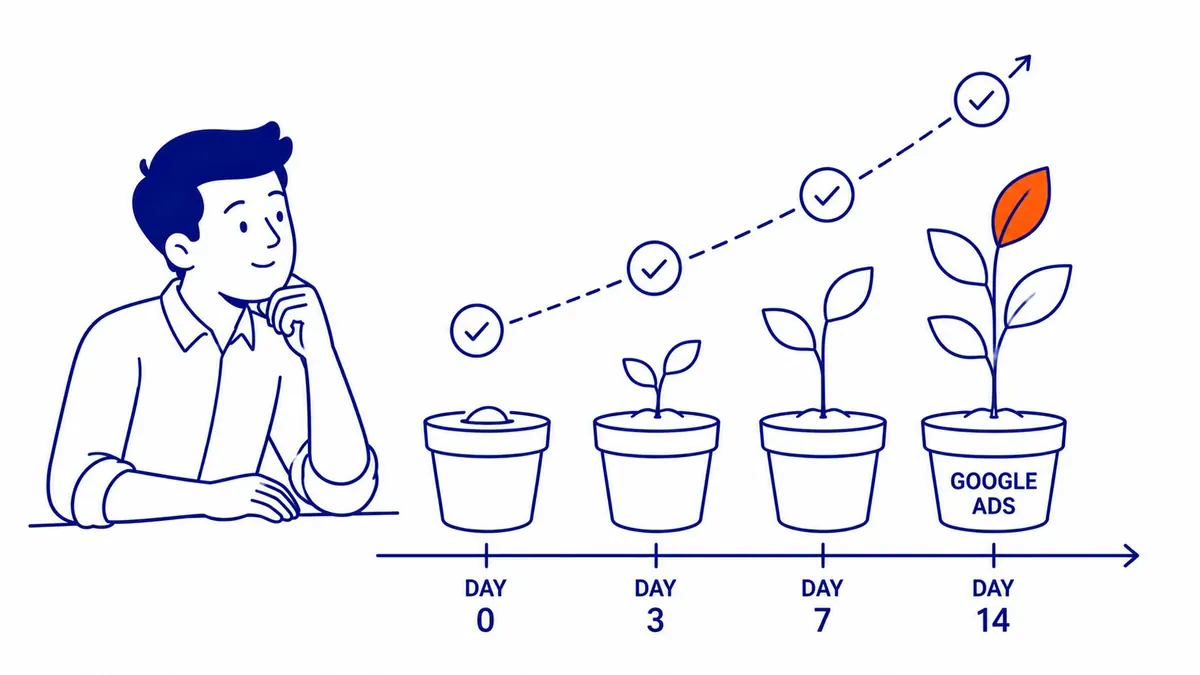
This guide is written from the point of view of SEO Company To-The-TOP!, a Calgary practice that has worked in search since 2007 and holds Google Ads certification. It walks through what happens in the first 90 days, what Google actually documents about the learning phase, why recent results often look worse than they really are, and how to tell normal early wobble from a real problem. Where a number comes from Google, the article says so, and where it is a working habit from practice, it is labelled that way.
A realistic timeline for the first 90 days
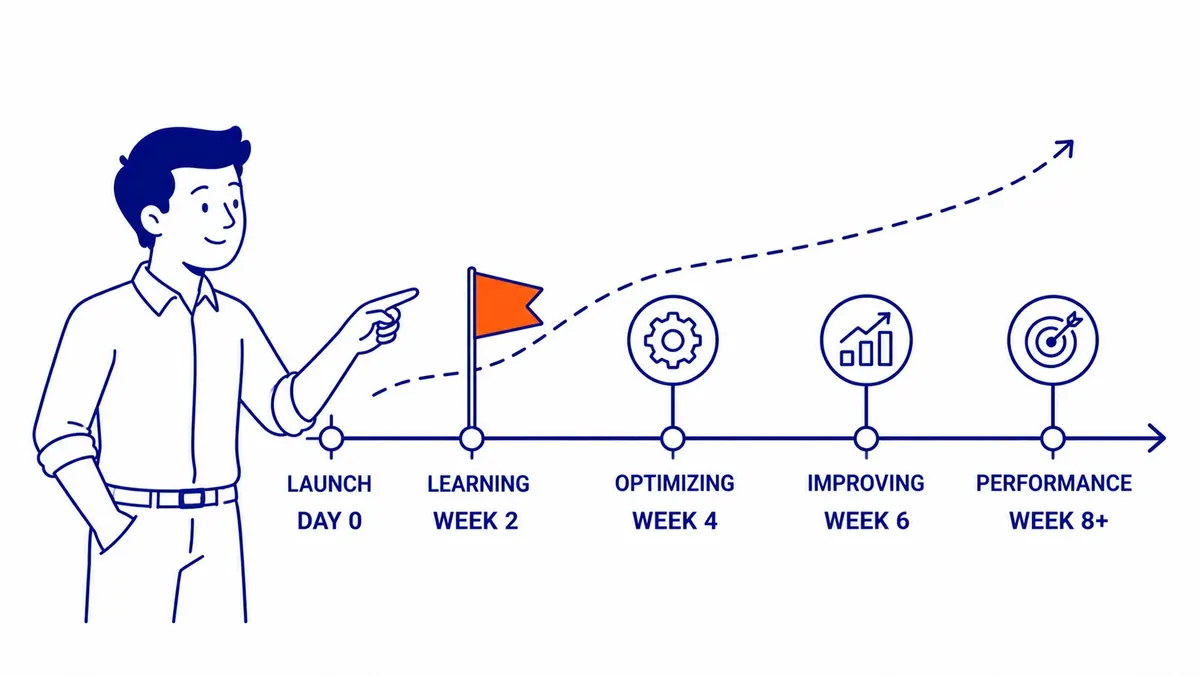
Most campaigns pass through four stages, and each one has its own clock. The table puts what Google documents next to what a Calgary service business should expect.
| Stage | Typical timing | What Google documents |
|---|---|---|
| Ad review | Hours to one business day | Most ads are reviewed within one business day; check the status if review runs past two full business days, and contact support after a week |
| “Learning” status | Up to 7 days after a structural change | Ads keep serving as normal while the status shows |
| Performance settles | One to two conversion cycles | Smart Bidding converges toward its goal over one to two conversion cycles |
| Fair evaluation | A month or longer, with at least 30 conversions | Google recommends evaluating over periods with at least 30 conversions (50 for Target ROAS) |
The first two days are about review. Google checks the headline, description, keywords, destination and any images or video, and an approved ad moves to “Eligible” and starts to run. If you are launching a new landing page at the same time, Google says the page has to be complete before the ad can be reviewed, so build it first.
The first month is about collecting data. Clicks arrive, spend is real, and conversion numbers bounce around because there are so few of them. This is the period when advertisers are most tempted to change things, and it is also when a handful of conversions tells you the least.
Months two and three are when the account starts to show patterns you can act on, such as which search terms produce enquiries, which keywords only spend, and which hours or devices convert. Here is how the clock works in practice, using an illustrative example rather than a real client. A Calgary renovation company takes about two weeks to turn a click into a booked quote, so its conversion cycle is two weeks, and one to two cycles means two to four weeks for performance to settle after launch. If the campaign produces around ten conversions a month, it needs roughly three months to reach Google’s 30-conversion evaluation window. That is where the three-month planning horizon comes from, and an account with a longer sales cycle or fewer conversions needs longer still.
What the Google Ads learning phase is, and how long it lasts
The learning phase is the part of this question with the most folklore attached to it, so it is worth reading what Google actually says. On its Smart Bidding learning page, Google describes “Learning” as a status that signals a recent structural change to a campaign or bid strategy. It never lasts more than seven days, and your ads continue to run and serve as normal while it shows. Google lists the causes as a new or reactivated bid strategy, campaigns, ad groups or keywords being added to or removed from the strategy, and a significant change to the conversion goals you optimize toward. Its bid strategy statuses page also lists a change to a bid strategy setting.
Just as important is what does not cause it. Google states that changes to budgets, targets, creatives or targeting settings such as location or audience never remove your historical data or trigger the Learning status. That contradicts two figures repeated on many agency blogs: that raising a budget by more than 20 percent “resets the learning phase”, and that a campaign needs 50 conversions in 30 days to exit it. Google publishes neither rule for Search campaigns. It does publish minimums for some strategies, such as at least 15 conversions in the past 30 days before Target ROAS can be used on Search, so the accurate statement is that the numbers depend on the strategy.
The status disappearing does not mean the work is done. Google says performance typically converges over one to two conversion cycles, driven by three factors: conversion volume, the length of the conversion cycle, and campaign settings, where tight targets, low daily budgets or narrow targeting slow the ramp-up. It also advises against making several target changes within a single conversion cycle unless there is a clear business reason, which is the useful core of the old “do not touch it” advice.
| Change | Shows “Learning”? | What to expect |
|---|---|---|
| New or reactivated bid strategy | Yes, up to 7 days | Settles over one to two conversion cycles |
| Campaigns, ad groups or keywords added to or removed from a bid strategy | Yes, up to 7 days | Same as above |
| Significant change to conversion goals or actions | Yes, up to 7 days | Allow one to two conversion cycles for performance to adjust, and account for conversion delay |
| Budget increase or decrease | No | Takes effect in the next auction |
| New target CPA or ROAS | No | Performance moves toward the new target over a conversion cycle |
| New or edited ads | No | The ad must pass policy review again before it serves |
| Location, audience or other targeting settings | No | Takes effect without the Learning status |
Conversion lag: why the last two weeks often look worse than they are
Conversion lag is the reason many campaigns get judged too harshly in their first months. Google’s page on how long it takes customers to convert says conversions can be reported up to 90 days after the click, depending on the conversion window you have chosen. Spend is reported in full straight away, but some people who clicked last week have not called or filled in the form yet, so recent periods show fewer conversions and a higher cost per conversion than they will once the late conversions arrive.
You can see this in your own account. Open the Campaigns, Ad groups or Search keywords view, pick a date range that ends at least 30 days ago, then use the segment icon and choose Conversions, then Days to conversion. The rows show how many conversions arrived on the day of the click, a day later, a week later and so on. If most of yours arrive a week or more after the click, never judge the last seven days on their own, and Google’s own advice is to evaluate over two conversion cycles or two weeks, whichever is longer, once the bid strategy has had time to converge.
All of this depends on tracking being right. If you have not yet set up conversion tracking for calls and forms, Smart Bidding cannot optimize toward calls and forms it never sees, and you cannot judge the campaign against them, so fix tracking before any of these timelines start to count.
Factors behind your Google Ads timeline
Google’s three factors, conversion volume, conversion cycle and campaign settings, explain most of the difference between an account that settles in a month and one that takes six. The practical causes sit behind those three.
Competition and cost per click decide how much data a budget buys. In legal, financial and other expensive categories, each click costs more, so the same daily budget produces fewer clicks and the account reaches 30 conversions more slowly. Keyword choice matters in a similar way. Broad match reaches more searches and gathers data quickly, but it also needs a solid negative keyword list and good conversion data to stay on track, while phrase and exact match gather data more slowly from searches that are closer to what you sell.
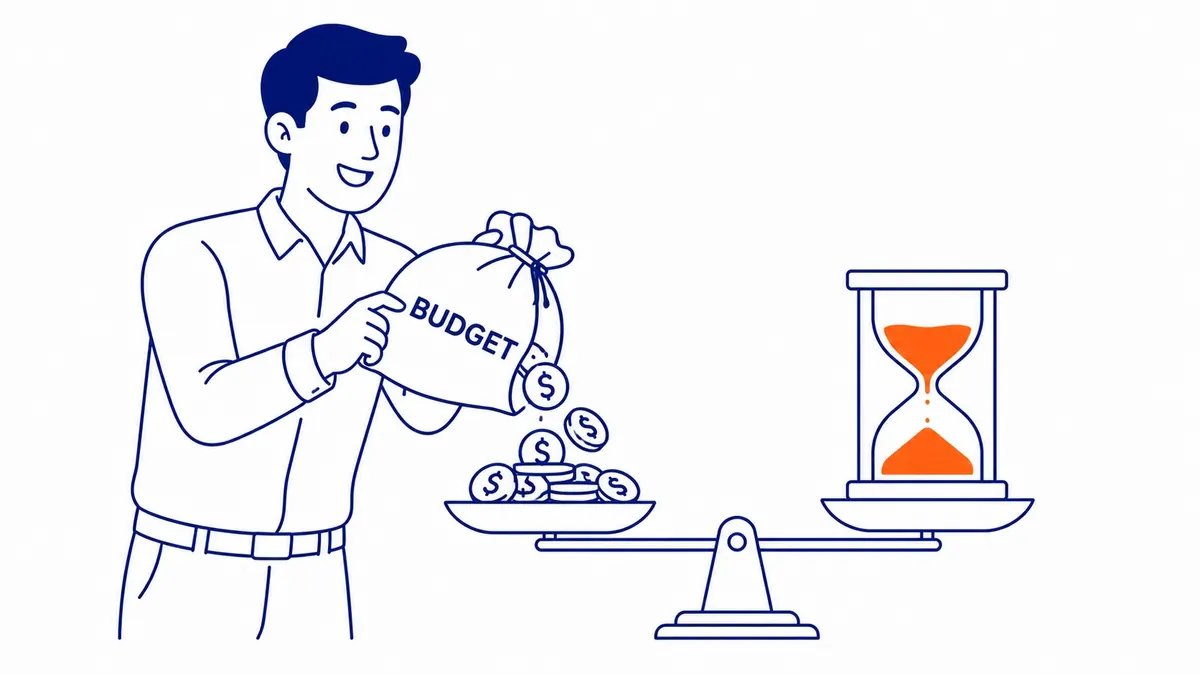
The landing page is the other half of the timeline. A slow page, a form that is hard to use on a phone, or a page that does not match what the ad promised will produce fewer conversions from the same clicks, and fewer conversions means a slower path through every stage in the table above. Fixing the page before launch is usually the cheapest way to shorten the timeline.
Budget and bid strategy
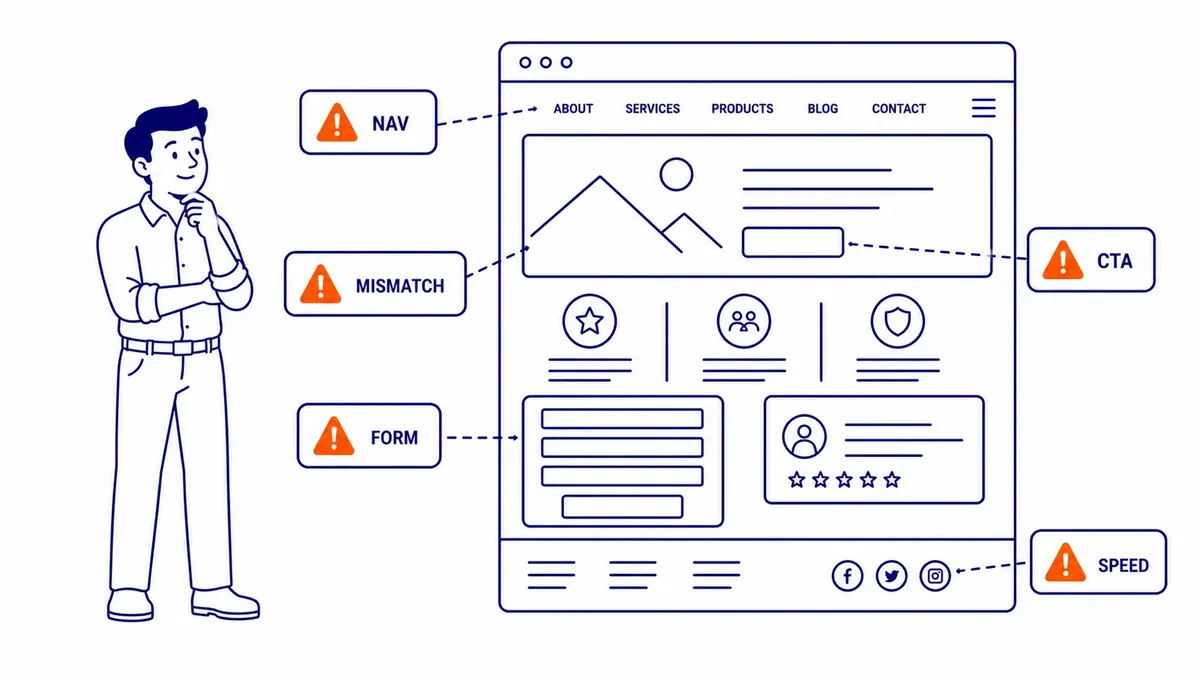
The daily budget sets the pace of learning, and simple arithmetic shows why. These figures are illustrative, not Calgary benchmarks. At $50 a day with clicks around $5, a campaign buys about ten clicks a day, or roughly 300 a month. If 5% of those clicks turn into enquiries, that is about 15 conversions a month, so reaching 30 conversions takes about two months. Halve the budget or double the cost per click and the same milestone moves out to about four months.
Bid strategy is the other choice that shapes the timeline. Enhanced CPC is no longer an option for Search: Google retired it for Search and Display campaigns in the week of March 31, 2025, and campaigns that were not moved to another strategy now run as Manual CPC. That leaves Manual CPC on one side and the Smart Bidding strategies, such as Maximize conversions, Target CPA and Target ROAS, on the other. Google’s Target CPA page recommends measuring performance over the last 30 days with at least 30 conversions, which is guidance on evaluation rather than a requirement to switch. Google also says Target CPA can be started with no conversion history and is effective for campaigns of all sizes, so the 30-conversion figure is about how long to wait before judging it, not about when to switch.
Bid adjustments also behave differently once Smart Bidding takes over. Under Target CPA, a device bid adjustment changes the CPA target for that device rather than the bid itself, and Google suggests you may want to remove manual CPC bid adjustments when you switch. Under Target ROAS, existing bid adjustments are not used at all, apart from a -100% device adjustment.
Quality Score and landing page experience
Quality Score is often blamed for slow campaigns, but it is worth being precise about what it is. Google describes it as a 1 to 10 diagnostic, reported per keyword, that compares expected clickthrough rate, ad relevance and landing page experience with other advertisers whose ads showed for the exact same search over the last 90 days, and it states that Quality Score “is not an input in the ad auction.” The auction itself uses Ad Rank, which weighs your bid against the quality of your ad and landing page measured at the moment of each search, along with Google’s minimum thresholds, the competitiveness of the auction, the context of the search and the expected impact of your assets.
For timing, that means a new keyword shows a dash in the Quality Score column until there are enough searches that exactly match it, and a low score is a pointer to the component that needs work rather than a cause on its own. A guide to how Quality Score is reported covers the three components in more detail.
When to adjust and when to wait
Knowing the difference between normal early behaviour and a real fault saves both money and months. Google itself says secondary metrics such as clicks, cost per click and clickthrough rate may fluctuate while Smart Bidding works toward your primary goal, so some movement is expected.
Normal in the first weeks:
- a “Learning” status for a few days after launch or after a bid strategy change
- cost per click and clickthrough rate moving from day to day
- the last week showing fewer conversions than earlier weeks, because of conversion lag
- individual keywords with a few clicks and no conversions
Worth investigating straight away:
- an ad still “Under review” after two full business days, or any “Disapproved” status
- no impressions at all once ads are eligible, which usually points to a paused campaign, a budget or bid problem, or targeting that is too narrow
- phone calls and form fills arriving while Google Ads records none, which means it is time to check that conversion tracking is working
- a search terms report full of searches unrelated to what you sell
- a bid strategy shown as “Limited” by budget, bid limits or inventory
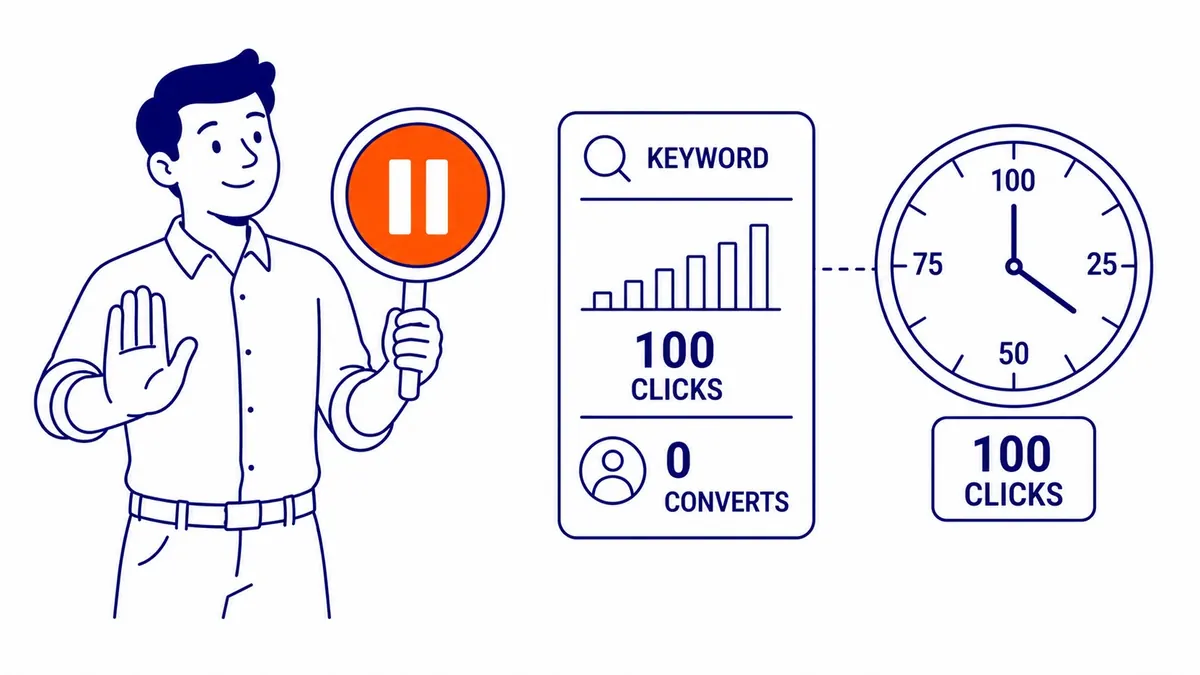
Individual keywords deserve the same patience, but the right amount depends on your conversion rate. The old rule of judging a keyword after about 100 clicks rather than 20 is a useful starting point, and the arithmetic shows when it holds. If your site converts about 5% of clicks, a keyword with 100 clicks and no conversions would happen by chance well under 1% of the time, so pausing it is a sound call. If your site converts about 1% of clicks, the same result happens by chance roughly a third of the time, and you need several hundred clicks before the silence means much.
While you wait, there is plenty of useful work that does not disturb Smart Bidding: reading the search terms report, adding negative keywords, testing new ad copy, and checking the landing page on a phone. Around the end of month three, once a fair evaluation window has passed, a structured PPC audit is a good way to decide what to keep, what to cut and where to add budget.
Paid search can bring traffic in days, while SEO usually takes months, so many businesses run both and let organic visibility take over some of the work over time. If you would like a second opinion on a new account, or help with Google Ads management from someone who reads the data before touching the settings, call (403) 308-5949.
Frequently Asked Questions
Is $20 a day enough for Google Ads?
It depends on what a click costs in your market. At $20 a day with clicks around $1 to $2, a campaign buys 10 to 20 clicks a day, which is enough to collect click and search-term data, although conversion data builds slowly. If clicks in your category cost $8 to $15, the same budget buys about one to three clicks a day, and it can take many months to reach 30 conversions. These are illustrative figures, so check the costs for your own keywords in Keyword Planner before setting a budget.
Does switching bid strategies start the account from scratch?
No. Google says that if your account has past conversion data, Smart Bidding never starts from scratch, even when you launch a new campaign or switch strategies, because it draws on query-level signals, historical conversion patterns and similar past campaigns in the account. A new strategy does show the Learning status for up to seven days, and performance still needs one to two conversion cycles to settle.
How far ahead should I submit ads for a launch date?
Google recommends submitting the ad several days in advance if you need it reviewed by a particular date. You can pause the ad, ad group or campaign to stop it from running the moment it becomes eligible, because paused ads are reviewed just like active ones. Any new landing page has to be finished before the ad can be reviewed.
Contact Calgary SEO Company To-The-TOP!
Questions about anything in this article, or about your own rankings? Talk to a Calgary SEO specialist directly.
Phone: (403) 308-5949
Address: 1509 14 Ave SW, Calgary, AB T3C 0W4
Hours:
Monday to Friday: 10:00 am – 7:00 pm
Saturday: 12:00 pm – 4:00 pm
Sunday: closed