
How the Best SEO Agency Drives Ecommerce Sales
The best SEO agency drives ecommerce sales by doing five kinds of work and then showing the result. It gets category pages ranking for the searches people make when they are ready to buy, keeps Google’s attention on those pages rather than on thousands of filtered duplicates, makes the product data accurate enough to appear in Google’s shopping results, builds guides and internal links that lead shoppers from research to those pages, and removes whatever stops a visitor from finishing the order. The evidence is in your analytics, where organic revenue should rise on the pages the agency worked on. Rankings and traffic matter only as far as they lead there, which is why a good agency reports on orders as well as positions.
None of this is fast. SEO takes months, and a store with a small catalogue or a launch date next month may be better served by paid search first, a point covered near the end. What follows is the order an experienced practitioner works in, what Google itself documents about each step, and the reports that show whether the work is paying off.

Category pages are where broad buying searches land
Someone searching “women’s winter boots” or “cast iron frying pan” wants to see a range of products, so Google usually ranks category pages for those searches rather than a single product. Searches for an exact model or product name are different, and those usually land on the product page itself. Category pages also last. Individual products sell out, get replaced by a new model or disappear from the catalogue, while the category for winter boots stays in place for years and keeps whatever links and history it has earned. That makes the category layer one of the most valuable places for an agency to work.
The work begins with keyword research mapped to the catalogue: which categories and subcategories match real searches, which searches have no page at all, and which pages compete with each other for the same phrase. A store that sells hiking gear might find, for example, that “waterproof hiking boots” deserves its own subcategory instead of being a filter on the boots page, because people search for it by name. Each category page then needs a unique title, a short introduction written for shoppers, and products that actually match the heading. A thin category page with three products and a copied supplier description rarely holds a strong position, however well the rest of the site is built.
Filters that keep Google on the pages that sell
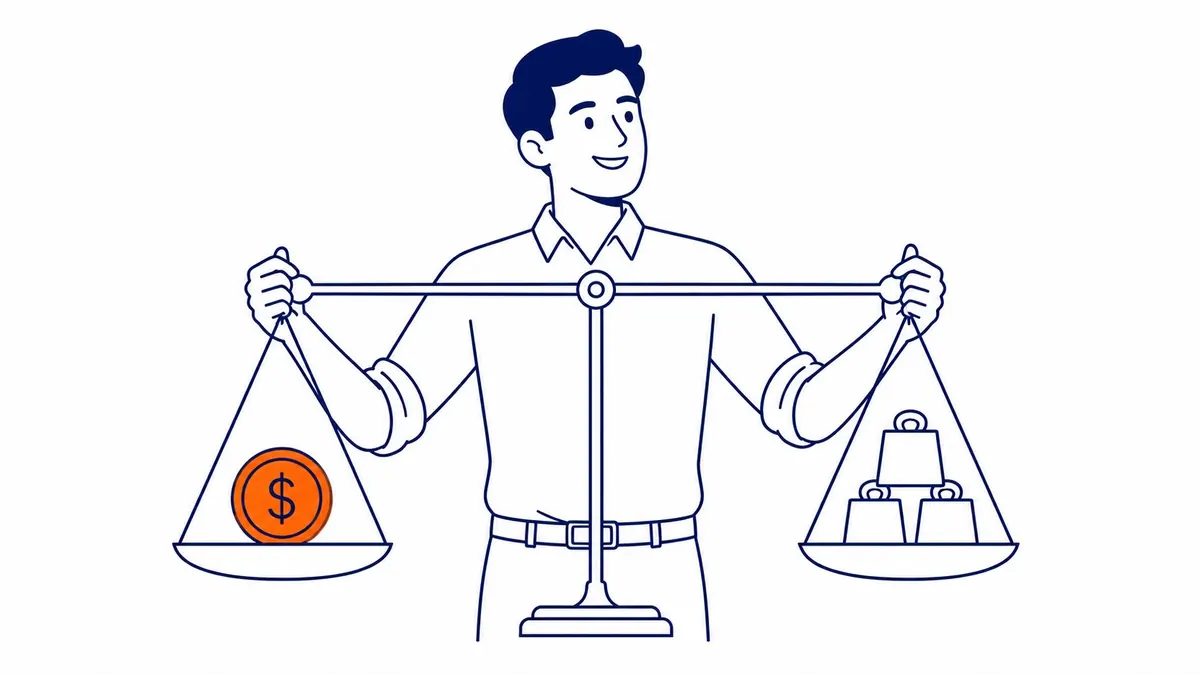
Filters for size, colour, brand and price are good for shoppers and awkward for search engines, because every combination can produce a new web address. Google’s own guide to faceted navigation describes the two problems this creates: crawlers spend time on a very large number of filtered addresses before working out that they are not useful, and that leaves less time for discovering the new pages you do want found. Many of those filtered pages are near copies of the category page, so they add little to search and can compete with the page that should rank.
A common belief is that this is mainly a crawl budget problem. Google’s crawl budget guide says it is written primarily for very large sites, those with a million or more unique pages that change about weekly, or ten thousand or more that change daily. Most Canadian stores are far smaller than that, so the practical issue for them is duplication and slow discovery of new products rather than a hard limit on crawling. The fix is a deliberate rule for which filtered pages deserve to be indexed (usually the few that match real searches, such as a brand within a category) and which should be kept out of Google’s way.
Google’s guidance is specific about how. If filtered addresses do not need to appear in search, it recommends blocking them in robots.txt or building filters with URL fragments, and it describes rel=”canonical” and rel=”nofollow” as generally less effective in the long term. You may still see advice to set up “parameter handling in Search Console”, but Google retired the URL Parameters tool in 2022, so an agency that still recommends it is working from old notes. The details vary by platform, and they are covered in more depth in this guide to technical SEO for an online store.

Product data that qualifies for Google’s shopping results
Google can show products with their price, availability, ratings, shipping and returns information directly in search results, and in its shopping experiences. Google documents two ways to provide that data: Product structured data on the store’s pages and a product feed in Google Merchant Center. Google documents that providing both “maximizes your eligibility” and helps it verify the data. It also separates two kinds of product markup: product snippets, for pages where people cannot buy (such as review pages), and merchant listings, for pages where a shopper can buy the product from you. A store’s own product pages belong in the second group.
Accuracy matters more than volume here, because Google says it may try to verify merchant listing data before showing it. A price in the markup that does not match the price on the page, or a product marked in stock that is sold out, is the kind of mismatch to avoid. For a Canadian store a few details commonly go wrong. The currency code should be CAD (Google asks for the three-letter ISO 4217 code), shipping rates and destinations should reflect where you actually ship, and the return policy in the markup or in Merchant Center should match the policy page a customer reads. An agency should check these against the live pages on a regular schedule, because prices and stock change far more often than the template that produces the markup.
The same Merchant Center feed also powers Google’s paid product ads, so a store that runs Shopping campaigns benefits twice from clean product data. That is one reason SEO and paid search work better when they are planned together for a store, even when different people handle them.
Speed and the path to checkout
Google says Core Web Vitals are used by its ranking systems, but it also says there is no single page experience signal and that it will still show the most relevant page even when the experience is poor. For a store, the stronger reason to work on speed is the sale itself. A shopper who arrives on a slow product page from search can go straight back to the results and pick a competitor, which means the ranking was earned and then lost at the last step.
Product photography is a common source of weight on store pages, so correctly sized images in modern formats, lazy loading for images below the first screen, and fewer third-party scripts (chat widgets, review apps and tracking tags tend to accumulate) are frequent fixes, although an agency should measure the page first, because server response or theme code can be the bigger problem. An agency should also walk through the path from a search result to a completed order on a phone, because problems such as a pop-up covering the add-to-cart button, a surprise shipping cost at checkout or a forced account sign-up lose orders that no ranking report will ever show.

Content that meets shoppers before they choose a product
Many searches happen before the shopper knows what to buy. Someone typing “best trail running shoes for wide feet” or “what size snowblower do I need” is still comparing, and a product page cannot answer that question well. Buying guides, comparison pages and sizing help can rank for those searches and then send the reader to the category or product that fits. For a Canadian store, the most useful guides often answer questions that American content handles badly, such as winter ratings, sizing for local brands, or shipping times to different provinces.
The test for this content is simple: each guide should lead somewhere a shopper can buy. A guide that ranks well but links to nothing, or to the home page, brings traffic without sales. A good agency plans guides from the category structure outward, so every piece has an obvious next step, and it drops ideas that would attract readers who will never buy from the store.
Internal links that carry shoppers to the sale
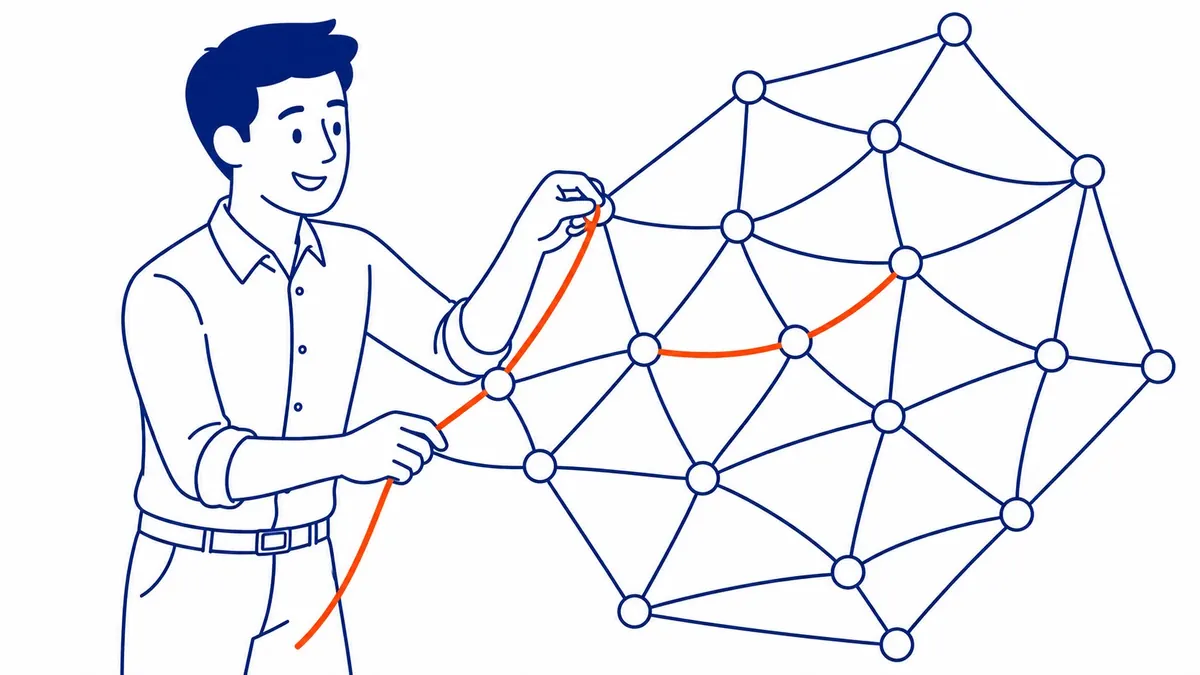
Internal links are how a store tells Google which pages matter most and how it moves shoppers from research to purchase. A buying guide should link to the categories it recommends, category pages should link to their most important subcategories and products, and product pages should link back up to their category and to any guide that helps the shopper choose. Navigation menus do part of this, but links placed inside the text of a page carry clearer meaning, because the surrounding words describe what the linked page is about.
Most stores grow their links by accident, which leaves some important pages with almost none and spreads others thin across hundreds of filtered addresses. An agency should review the links pointing at the pages that earn the most revenue and make sure those pages are easy to reach from the rest of the site. The approach is set out step by step in this guide to internal linking on a store.
How to tell whether an agency is producing sales
An agency that drives sales should be able to show them, and the evidence comes from three places. Google Analytics 4 records purchases through its ecommerce events, so the first check is that purchase tracking works and that the revenue in GA4 is close to the revenue in your store platform. Once it does, you can look at revenue from the Organic Search channel and break it down by landing page. Search Console then shows which queries brought people to those pages, which lets you separate searches for your own brand name from searches for products and categories, although the split is approximate because Search Console leaves out some rare queries.
| Report | What it shows | What it does not prove |
|---|---|---|
| GA4 revenue from Organic Search | Orders from visitors who arrived from unpaid search | That the agency caused them, since brand searches are included |
| GA4 revenue by organic landing page | Which pages produce orders from search | Whether those pages were ones the agency changed |
| Search Console queries, brand vs non-brand | Whether clicks from product and category searches are growing | Revenue, because Search Console does not record sales |
| Ranking reports | Movement for chosen keywords | Sales, on their own |
The most convincing sign of agency work is organic revenue growing on the pages that were worked on, alongside rising non-brand clicks to those pages in Search Console, compared with the same months a year earlier so that seasonal swings do not mislead you. Even then it shows contribution rather than proof, because prices, promotions and stock also move revenue. Growth in brand searches is welcome, but it often comes from advertising, word of mouth or a sale, and an agency should not claim it without evidence. If a provider reports only rankings and traffic, ask for the revenue view as well. These are among the questions worth asking before you hire an ecommerce SEO agency.
When SEO is the wrong first spend, and where To-The-TOP! fits
SEO is the slower channel, and it is not always the right place to start. A brand-new store has little history for Google to work with, a store with a dozen products has few pages to rank, and a store that needs sales before a holiday deadline will not be helped much by work that takes months to show. In those cases paid search, and Shopping ads in particular, can start bringing visitors sooner, although sales still depend on an approved feed, budget and a page that converts, while the store builds the categories, product data and content that SEO rewards later. Once organic sales are growing on non-brand searches, the balance between the two can shift.
SEO Company To-The-TOP! is a Calgary practice founded in 2007, run by one practitioner who does all of the client work, with White Hat methods only, Google Ads certification and monthly position reporting. If you would like a second opinion on your store, or on an audit quote you already have, call (403) 308-5949. The page on a full site audit describes the audit service.
Contact Calgary SEO Company To-The-TOP!
Questions about anything in this article, or about your own rankings? Talk to a Calgary SEO specialist directly.
Phone: (403) 308-5949
Address: 1509 14 Ave SW, Calgary, AB T3C 0W4
Hours:
Monday to Friday: 10:00 am – 7:00 pm
Saturday: 12:00 pm – 4:00 pm
Sunday: closed