
How to Add Someone to Your Google Ads Manager Account
Every few weeks a client calls with the same question: how do I give you access to my Google Ads account? It comes up on every account SEO Company To-The-TOP! takes over. Most business owners have never done it before. The process is not complicated, but the permission levels trip people up when nobody walks them through it first.
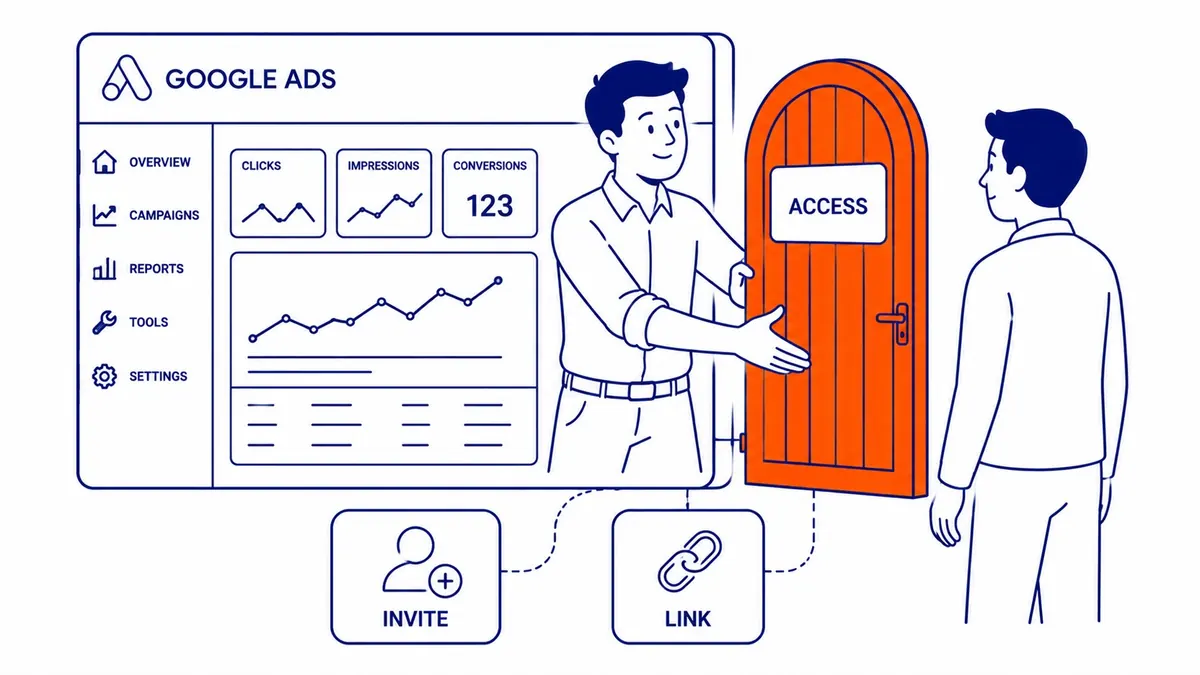
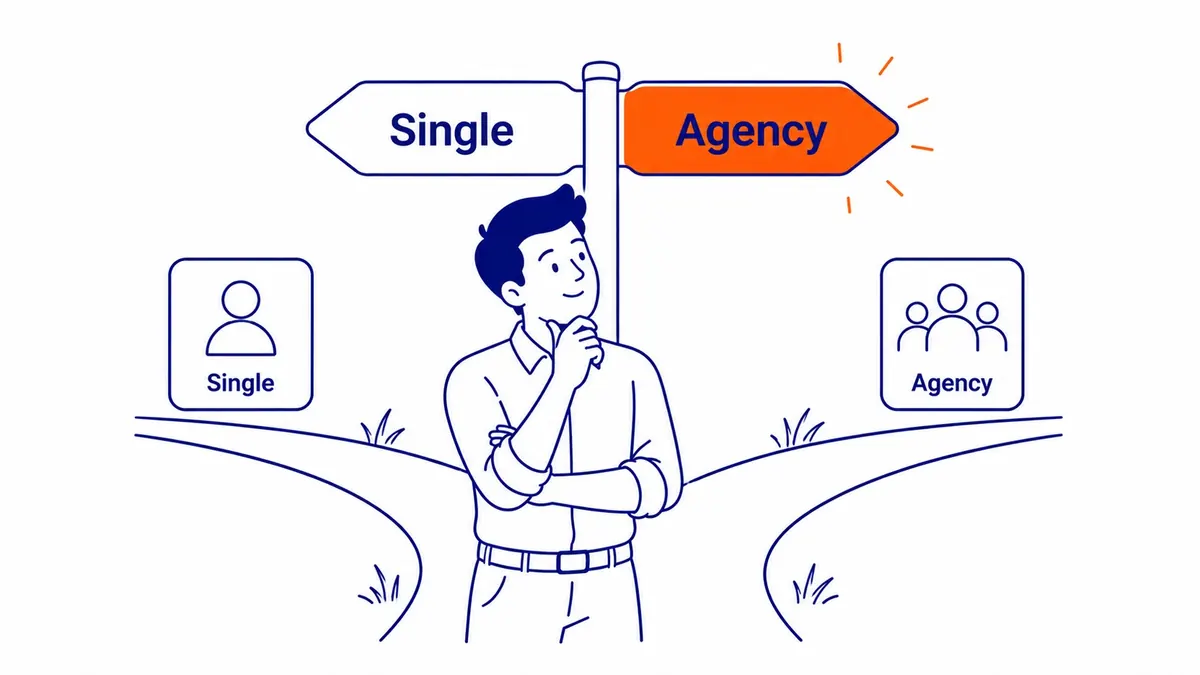
Two distinct paths exist for adding someone: direct user access to a single account, and manager account linking for agencies or consultants running campaigns across multiple clients. Both sit in different places inside the Google Ads interface. Both get confused for each other constantly.
User Access vs. Manager Account Linking
User access is for someone who needs to log in and work inside one specific account. A marketing coordinator, a freelancer, an in-house team member. Manager account linking is for an agency running campaigns across multiple clients from a single dashboard.
Get these mixed up and the wrong thing happens. We have seen clients accidentally accept a manager link request when they only meant to send a user invitation. That puts the account under the agency’s umbrella rather than opening the door for a collaborator. Worth knowing which one you need before clicking anything.
How to Add a User to Your Google Ads Account
Sign in to your Google Ads account. Click the wrench icon (Tools and Settings) in the upper right corner. Under the Setup column, select Access and security. That page shows everyone currently on the account.
Blue plus button, top left. Enter the email address of the new user you are inviting. That email needs to be tied to an active Google account. Choose the access level from the drop-down menu. Hit Send Invitation.
An invitation email goes to that address. They click the link, accept, and your invitation is complete. Access goes live immediately. Under two minutes start to finish when the email address is correct and ready.
One problem we run into regularly: the email the client provides belongs to a personal Gmail that has no Google Ads history. That is fine. The invitation still works. What does not work is inviting someone whose Google account is already an admin on a conflicting manager account. That one requires unlinking first.
Access Levels Explained
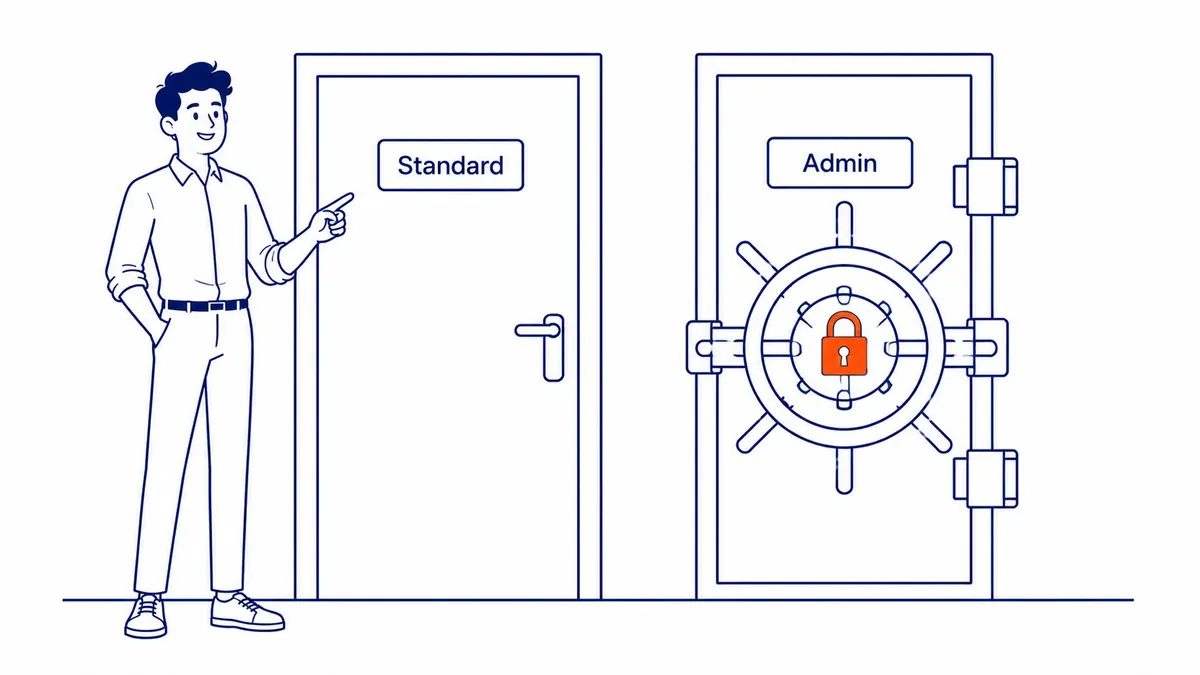
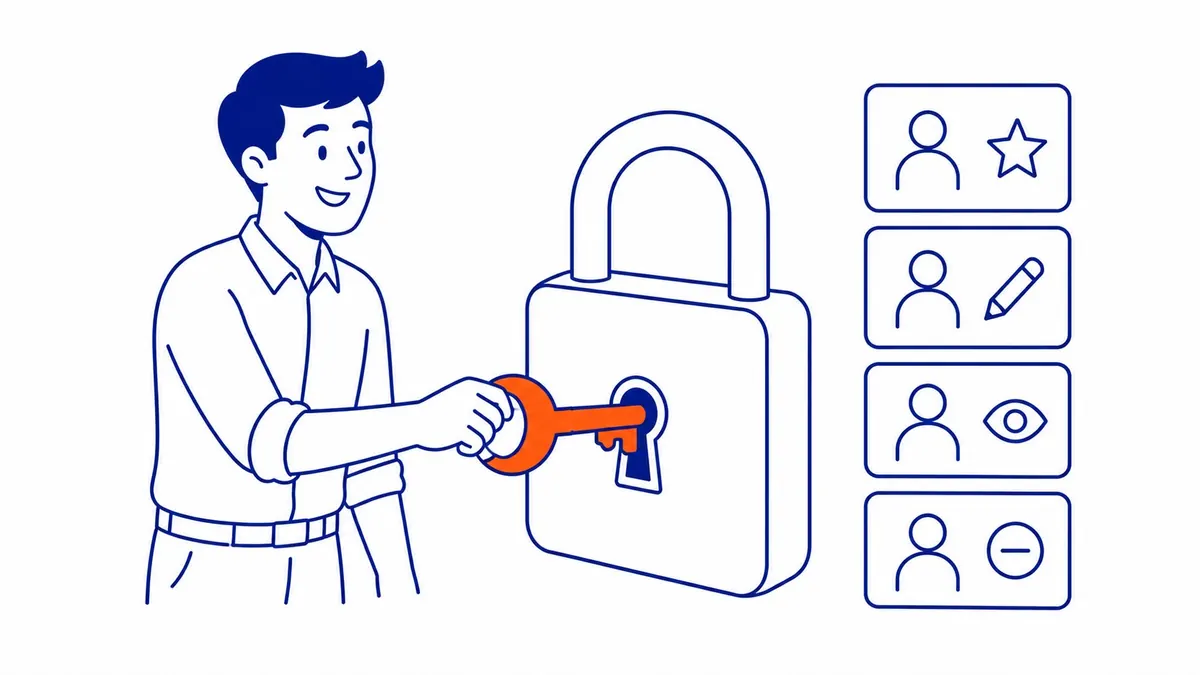
Four levels exist. Admin. Standard. Read only. Email only.
Admin is the top tier: full access to everything, including adding or removing other users and managing billing. Standard covers campaign creation, editing, and reporting, but blocks billing and user management. Read only lets the user see everything without touching anything. Email only sends automated reports to the address without granting any account access at all.
For an agency handling your Google Ads campaign management, Standard is usually the right level. Admin belongs only when the external user genuinely needs to manage billing or grant access to others. Giving Admin to a freelancer you have just met is a security risk worth thinking through before you click.
Access level changes happen through the same Access and security panel. Find the user in the list, click the three-dot menu beside their name, and select Change access level. The change takes effect immediately. To remove access entirely, follow the same steps and select Remove access instead.

How to Link a Manager Account
Manager account linking works differently. An agency using a Google Ads manager account (formerly My Client Center) sends a link request from their own dashboard. You accept it from inside your account.
Inside your Google Ads account: Tools and Settings, then Setup, then Google Account Manager. A pending link request from an agency shows up there. Check your manager account name and customer ID before accepting. Once linked, the manager can access your campaigns from their dashboard without a separate user invitation.
This is how engagements with SEO Company To-The-TOP! typically get wired up when clients bring on an external partner. The link can be removed any time from the same panel, which cuts the manager’s access immediately without any back-and-forth.
Common Problems Worth Knowing
Invitation email not arriving: spam folder first. If the email address was entered incorrectly, the invitation goes to the wrong inbox without any error shown. Resend from the Access and security panel with the corrected address.
User cannot accept the invitation: the email address is not tied to an active Google account. The recipient needs to create one with that email before the invitation link will work.
Access level reverting after it is set: the account is linked to a manager account that holds overriding permissions on that setting. The agency controls it from their end. Sort it out with them before adding user access separately.
Accounts we inherit at To-The-TOP! sometimes still have five or six former agency users listed with Admin access from engagements that ended years ago. Cleaning those up happens at the start of any new engagement, right alongside the website SEO audit. Old access sitting open is a genuine security risk, and most business owners have no idea it is there until someone points at it.
The results we produce for clients who do make those changes are documented in our SEO portfolio. Tightening account structure is usually one of the first things that moves the numbers.
Frequently Asked Questions
How do I add a person to the ads manager?
Tools and Settings, then Access and security, then the blue plus button. Enter their email address, choose the access level, send the invitation. They accept via the link in their email and access goes live. Standard access handles most collaborators. Admin only when billing or user management is part of their role.
How do I give someone access to my Google Ads?
Two paths depending on who they are. User invitation for a single-account collaborator: Access and security panel, invite by email, set the level. Manager account linking for an agency with a multi-client dashboard: they send a link request from their end, you accept it under Google Account Manager in your Setup menu. Different tools for different relationships.
How do I give access to my Google Ads manager account?
From inside the manager account itself, not from any client account. Under the Users section of the manager dashboard, send an invitation to whoever needs access. They get added as a user of the manager account. Client accounts are linked separately, not through user invitations.
How do I add someone as a Google manager?
Depends on what “manager” means. To make someone an Admin user on your individual account: Access and security, invite them, select Admin from the dropdown. To let another business’s manager account oversee your campaigns: accept their link request from the Google Account Manager panel under Setup. Both paths start at Tools and Settings, different sections from there.
Contact Calgary SEO Company To-The-TOP!
Questions about anything in this article, or about your own rankings? Talk to a Calgary SEO specialist directly.
Phone: (403) 308-5949
Address: 1509 14 Ave SW, Calgary, AB T3C 0W4
Hours:
Monday to Friday: 10:00 am – 7:00 pm
Saturday: 12:00 pm – 4:00 pm
Sunday: closed