
Do I Have a Google Ads Account? How to Check
We field this question more than you would expect. A business owner is ready to start advertising, and nobody can remember whether one was ever opened. Maybe a former marketing hire built it. Or an agency did, years back, and the login walked out the door when they left.
Here is the reassuring part. Confirming whether you already have a Google Ads account takes about two minutes, and you do not need anyone’s permission to look.
The Quickest Way to Tell
Start at the sign-in screen. Head to ads.google.com and click Sign In. If a dashboard loads with campaigns, billing, and a ten-digit number in the top corner, it is live. When Google instead nudges you toward building your first campaign, you almost certainly do not have one yet. That redirect is the tell.
One wrinkle trips up nearly everyone, though. A Google account and a Google Ads account are not the same thing. Your Gmail login opens the door to Google. It does not mean anybody ever set up the advertising side underneath it. Setting one up from scratch is covered in the rundown on learning Google Ads.
Signing In With the Right Email
Try the obvious address before anything else. The account was likely created under a company Gmail, a personal Gmail, or whatever inbox the person who built it happened to use that day. Cannot remember which one? Google runs a recovery tool right on the sign-in page that takes your email and checks it against existing accounts. Test two or three addresses before you decide nothing exists.
People give up here too soon. The account is often sitting under an email nobody thinks to try, like the bookkeeper’s or the old web designer’s.
Finding Your Customer ID
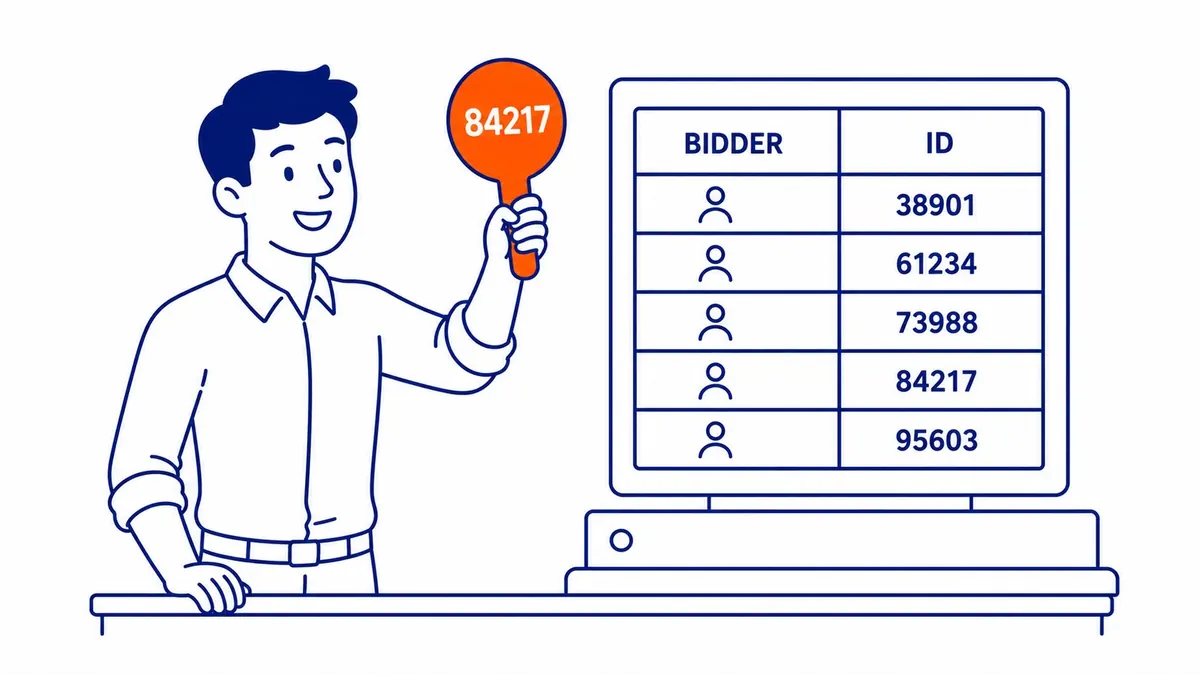
Every account carries a unique number. Google calls it the customer ID. It lives in the top right corner beside your email, formatted like 123-456-7890, and it never changes once the account is open. That number is how anyone confirms it is genuine. It is also the very first thing we ask for when a Calgary business wants us to run their paid search. To hand things off cleanly, whoever takes over your Google Ads management needs that ID before they can request access.
No customer ID showing anywhere after you sign in? Then no active account exists under that login. Straightforward as that.
Someone Else May Already Have One for You
Here is the scenario people overlook. A previous agency, a freelance developer, a marketing contractor: any of them could be holding it inside their own manager account. You were the advertiser the whole time without ever holding the keys yourself. We have onboarded Calgary businesses who swore they had no Google Ads presence at all, only to discover a former agency still listed as administrator on a live, spending one.
Ask around before you rush off and build a second one. Duplicate accounts split your history, scatter your billing, and make the data far messier than it needs to be. Recovering access to the original is usually faster than starting over, even when it means an awkward email to the agency you parted ways with.
Is a Google Ads Account Free?
Opening one costs nothing. You pay only when your ads actually run, and you set the budget yourself, down to a daily cap. There is no monthly fee to hold one and no charge to log in and look around. The money goes out on clicks, once campaigns go live. Set a daily limit of ten dollars and ten dollars is your ceiling for the day.
So an idle account with no active campaigns can sit there, free, indefinitely. Plenty of businesses have exactly that: one opened in a burst of enthusiasm, then left untouched. It still counts. You still have it. Closing it for good is a different job, and the method for canceling Google Ads takes a few clicks. If nothing turns up, opening a Google Ads account takes about ten minutes.

When the Account Actually Matters
Finding it is only step one. What happens next is where any return comes from. A live account carrying a half-built campaign from 2019 will quietly bleed budget on keywords nobody chose on purpose. Before we touch anyone’s ads, we audit what is already running inside it. Sometimes the SEO keyword analysis behind those old campaigns is salvageable. Often it is not, and a clean rebuild costs less than untangling the mess.
SEO Company To-The-TOP! has managed Google Ads for Alberta and British Columbia businesses since 2007. Found an account and have no idea what is inside it? That is a completely normal place to begin, and it is most of what onboarding looks like. The SEO Calgary businesses hire us for, along with the wider SEO services in Calgary we build around it, pairs naturally with paid search, since the two compound when they run together rather than competing for the same dollar. Worth a conversation before you spend another one.
Frequently Asked Questions
How do I know if I have a Google Ads account?
Sign in at ads.google.com with your business email. A dashboard showing campaigns and a customer ID in the corner means it exists. Being pushed to create your first campaign means it does not, at least not under that login.
How do I get to my Google Ads account?
Through ads.google.com, signed in with the email tied to the account. The Google Ads mobile app reaches the same place. If the dashboard loads with your campaign data, you are in and looking at the live dashboard.
Where can I find my ads account ID?
Top right corner of the dashboard, beside your email address. Ten digits, formatted 123-456-7890. That customer ID identifies your account to Google and to anyone you grant access, so it is the number to copy down first.
Is a Google Ads account free to set up?
Setup is free. You pay only when ads run, against a budget you control and can change anytime. One holding no active campaigns costs nothing to keep, which is why so many forgotten ones are still out there.
Contact Calgary SEO Company To-The-TOP!
Questions about anything in this article, or about your own rankings? Talk to a Calgary SEO specialist directly.
Phone: (403) 308-5949
Address: 1509 14 Ave SW, Calgary, AB T3C 0W4
Hours:
Monday to Friday: 10:00 am – 7:00 pm
Saturday: 12:00 pm – 4:00 pm
Sunday: closed