
How to Do Document Sharing in SEO
Somebody uploads the company brochure to Scribd. Two months pass. Nothing in the rankings moves an inch.
That is the usual result. So the question worth asking is narrower than the one people type. Not how you upload a file. Where the value goes once you have.
Here is the short version. Document sharing puts a copy of your document on a domain somebody else owns. Two mechanisms carry value between duplicate copies in search. One is the link. The other is the canonical. On a document sharing site you control neither of them.
That does not make the tactic worthless. It makes it a distribution channel rather than a ranking one. Everything below follows from that single distinction.
What Document Sharing Sites Do With Your File
The phrase points at a specific set of places. Scribd and SlideShare. Issuu. DocDroid. Older SEO checklists still call them PDF submission sites.
You hand over a PDF or a slide deck. The platform renders it inside its own viewer. Then it publishes that viewer as an ordinary web page on its own domain.
Read that sequence again. Your file is not what gets served to searchers. A page belonging to somebody else now carries your text.
That page can rank. Often it does. Those domains hold authority most small business sites will never accumulate. Which is where the trouble starts rather than where it ends.
The Copy Ranks and You Do Not

Picture the ordinary setup. Your PDF also sits on your own site somewhere. Now two pages carry the same argument in the same words.
One of them lives on a domain with millions of pages behind it. The other is yours.
Google shows one. Sometimes it picks yours. Nobody should plan around that.
Worse, the failure is invisible from your own dashboard. Traffic did arrive. It arrived at a page wearing somebody else’s navigation, beside somebody else’s ads. Your analytics never saw the visit.
Owners rarely check. The upload felt like publishing, so it got filed under content and forgotten. A proper site audit turns these up regularly. Old uploads, still indexed, still outranking the page they were meant to promote.
A PDF Canonical Lives in a Header You Cannot Send
Normally a duplicate is fixable. You add a canonical tag pointing at the original. Search engines usually consolidate the two. The URL you named tends to win.
A PDF has nowhere to put that tag. No head section exists in a PDF. Nowhere for the markup to sit.
Google’s answer is the HTTP response header. Your server sends a Link line alongside the file, marked as canonical. Documented for years now. It works.
Then notice what the method needs. Access to the server sending the response.
On a document sharing platform, that server belongs to the platform. So there is no configuration screen you overlooked. The mechanism is not restricted. It is absent.
Which leaves a duplicate with no consolidation route in either direction. Almost nobody accounts for that before uploading.
Somebody Will Say the Nofollow Makes It Harmless
A reasonable objection. Most of these platforms mark outbound links nofollow. Nothing passes. So nothing is risked either, runs the reasoning. Free exposure at worst.
Verify the first half yourself before trusting the second. Open your uploaded page. View the source. Find your own URL and read the rel attribute sitting on it.
Whatever you find there, follow the objection all the way down. A nofollow is the platform announcing in advance that this link transfers no SEO value to you.
Now set that beside the missing canonical. One direction closed by their choice. The other closed by the file format itself. Both automated routes are shut.
So the objection is correct and it is also the entire argument. Nothing moves through a machine here. A human being clicking is the only channel left. Build for that person or skip the upload.
Straighten Out Your Own Copy First

Handle this before anything leaves your hands.
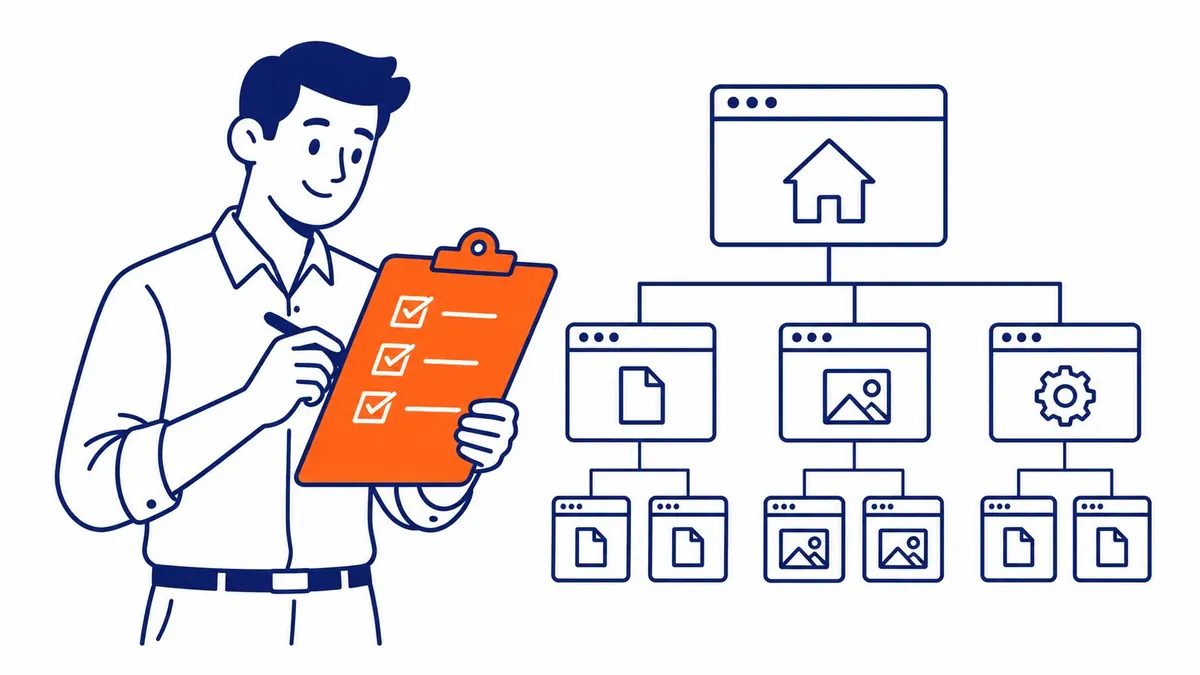
Give every document on your site a page of its own. Real HTML, with a heading and a paragraph or two. The page explains the document and points at the file. Search engines rank the page. Visitors download the file.
Then send the canonical header on the PDF, aimed at that page. Most hosts allow it through a config file. Your developer will recognize the request straight away.
Skip that step and the third-party copy competes against a bare file with no page behind it. Poor odds for you. The file loses on nearly every signal SEO cares about.
Put the Address Inside the Document

Files travel in ways you never see. Somebody emails yours onward. A stranger re-uploads it to a platform you have never heard of. It lands in an internal shared drive and sits there for years.
None of that carries your upload description along with it. The footer survives all of it.
So put your URL in the footer of every page of the document. Written out as plain text, not buried under a hyperlink. Printed copies keep text. They lose links.
Page one deserves more than a footer. Business name. A phone number. The URL again, larger. That block is the part most likely to still be attached three re-uploads later.
Name the file properly while you are in there. Not brochure-final-v3.pdf. Something a stranger seeing it in a downloads folder would still understand a fortnight later.
Upload Something That Was Always a Document

Here is the mistake nearly everyone makes. They export a blog post to PDF and upload that. Now they own a duplicate. Gained nothing. The post already ranked.
Upload the things that were only ever going to be documents. A pricing worksheet. An inspection checklist a technician fills in by hand. That one-page comparison your salespeople print before a meeting.
Those have no web page equivalent. So no duplicate exists to compete with. Also they get downloaded, which is the one behaviour on these platforms worth anything at all.
One test settles most cases. Could this thing exist as a web page without losing anything? A yes means build the page instead. Documents earn their format when somebody fills them in or prints them out. Occasionally when somebody carries one into a room.
What to Do With the Uploads Already Out There

Most businesses inherit a few of these. An intern uploaded them once. Some agency did it years ago and never mentioned it afterwards.
Find them first. Search your company name on each platform. Then search a distinctive sentence from your own documents, in quotation marks, on Google. Stray copies surface quickly that way.
Sort what turns up into two piles. Documents still accurate and still worth reading. The rest carry old pricing, a dead phone number, a logo you retired years ago.
Delete the second pile outright. Most platforms let the uploading account remove a file. Lost the login? Their support process handles it, slowly.
Leave the first pile alone unless it outranks you. Search a phrase from the document and see which copy Google puts on top. Yours sitting below theirs is the only result that demands action.
Measure It as Referral Traffic

Tag the links inside your document with campaign parameters. Then watch referrals in analytics instead of watching rankings.
Judge the channel on visits and enquiries. Never on positions. Nothing about this tactic was ever going to move a position.
Give it a quarter. Count the sessions. Most businesses discover a number small enough that the hour spent uploading would have paid better elsewhere. A few find a live audience they never knew existed. Both answers are useful, though only one of them arrives without measuring.
Where the Document Sharing Argument Stops

Some industries genuinely live on these platforms. Engineering specifications. Academic material. Tender documents in construction and procurement. Buyers there search inside the document host rather than on Google. That audience is real, and ignoring it would be its own mistake.
None of this is a penalty risk either. Uploading a brochure to one of these platforms is not what gets a site demoted. The cost here is opportunity, never punishment.
The wider point holds well beyond documents. Anywhere you publish on rented ground, ask which copy search will keep. Then ask whether you have any way of saying which one it should be.
How To-The-TOP! Handles Documents for Calgary Clients

Calgary clients arrive with folders full of these. Spec sheets. Price lists. Ten-year-old brochures a previous agency scattered across four platforms.
First job is finding where the copies live. Then deciding which ones stay. Most get pulled, since a document nobody downloads is only competing with its own source page.
SEO Company To-The-TOP! has run search engine optimization this way since 2007. Solo practitioner, no junior handoff anywhere. Whoever finds the stray upload is the person who writes the page replacing it.
Documents work as paid assets more often than organic ones. So this conversation frequently ends up over on the Google Ads management side instead. A gated worksheet behind a search ad has a measurable cost per download. The same worksheet on a sharing platform has a number nobody tracks.
Businesses weighing up SEO in Calgary usually want the shortest route to visible movement. Document uploads are almost never it. Worth saying plainly rather than billing for the upload.
Common Questions About Document Sharing in SEO
Does document sharing build real backlinks?
Rarely, no. Links from these platforms are normally marked nofollow, so they pass no SEO signal. Treat them as a route to human visitors instead.
Can a document sharing page outrank my own page?
Yes. That happens often. The platform’s domain usually holds more authority than yours, and search shows whichever copy it judges stronger.
Should I put a canonical on my PDF?
On your own server, yes. Send it as an HTTP Link header aimed at the HTML page describing the file. The same thing cannot be applied to a copy hosted elsewhere.
Which document sharing sites are worth using?
Only the ones your buyers already read. Test that by searching your topic on the platform itself first. An empty audience makes the domain authority irrelevant.
How long before document sharing shows results?
Referral visits appear within days if they appear at all. Ranking movement is not what this produces, because that was never the channel. Judge it on downloads after a quarter.
Contact Calgary SEO Company To-The-TOP!
Questions about anything in this article, or about your own rankings? Talk to a Calgary SEO specialist directly.
Phone: (403) 308-5949
Address: 1509 14 Ave SW, Calgary, AB T3C 0W4
Hours:
Monday to Friday: 10:00 am – 7:00 pm
Saturday: 12:00 pm – 4:00 pm
Sunday: closed