
How to See the Specific Keywords in Organic Search Revenue
Sixty-one thousand dollars from organic search last quarter. Whatever number sits on your own dashboard. Then comes the follow-up, and it is always the same follow-up. Which keywords earned it?
Fair thing to ask. No report answers it. Not a permissions problem either, and no setting unlocks the view.
Two systems hold the two halves of that answer. Neither one hands its half to the other. So the fix is not a menu you have not found yet. Understand the split once and your whole reporting stack starts making sense.
The Query and the Money Get Recorded by Different Machines

Start with where each number gets born.
Search Console records search events. Somebody types a phrase. Google shows your page. That entire transaction happens on Google’s own servers, before your website has been contacted at all. So Search Console knows the query. It has no idea what the visitor did afterwards.
Analytics records the opposite half. A tag inside your page fires once the page loads in a browser. It watches the session from there. Pages viewed. Items added to a cart. Purchase value at the end.
That tag never saw the search. The query got stripped at the click. It has been stripped since 2013, when Google finished encrypting organic search for everybody.
So your revenue row knows nothing about the keyword. Your keyword row knows nothing about the revenue. Neither database holds a column the other one could match on.
Somebody Will Say the Query Report Sits Right There in GA4

Reasonable objection. Worth walking through, because the walk is the proof.
Link Search Console to your GA4 property first. Admin, then the property column, then Search Console links. Publish the collection out of the Library afterwards, or those reports never turn up in the navigation. Two of them appear. Organic search queries is the one people mean.
Queries down the left side. Clicks beside them. Impressions. Click-through rate. Average position.
Now try adding revenue.
The metric is not on the list. Nothing about that is an oversight. Every row on that screen arrived from Search Console pre-aggregated by query and by day. Sessions do not sit underneath a row. So there is no purchase in there to sum, and no visitor to sum it for.
The objection settles the question rather than reopening it. That report will never carry money.
Your Query Rows Do Not Even Add Up to Your Page

Worth checking on your own property before you trust any workaround.
Open Search Console. Filter down to one page. Read the total clicks for it. Then open the queries tab under that same filter and add the click column up yourself.
The second number comes in lower. Sometimes far lower.
Google withholds queries that too few people searched. Privacy threshold. Those clicks still count toward the page total. Their phrases never appear in the table at all.
So the table you would build an allocation from is already missing rows, before revenue enters the picture. Long tail sites feel this worst. A site earning from thousands of rare phrases can find a large share of its clicks unaccounted for by name.
Anyway, that gap is the first thing to measure. It caps how much of your organic search revenue could ever get assigned to specific keywords.
The Landing Page Is the Only Join You Get

One field does appear in both systems. Just the URL.
Search Console tells you which queries brought clicks to a page. Analytics tells you what that page’s arrivals were worth. Same page in both tools. Different populations, though the same address.
So the join is page-level. It always will be. Query to page, then page to money. Nothing links a query straight to a dollar.
Two cautions before you build anything on that join. GA4 landing pages sometimes carry query strings, while Search Console reports the canonical URL. Redirects split them further. Reconcile the URL formats first, or a good share of your rows will silently fail to match.
How to Allocate Organic Search Revenue Across Keywords
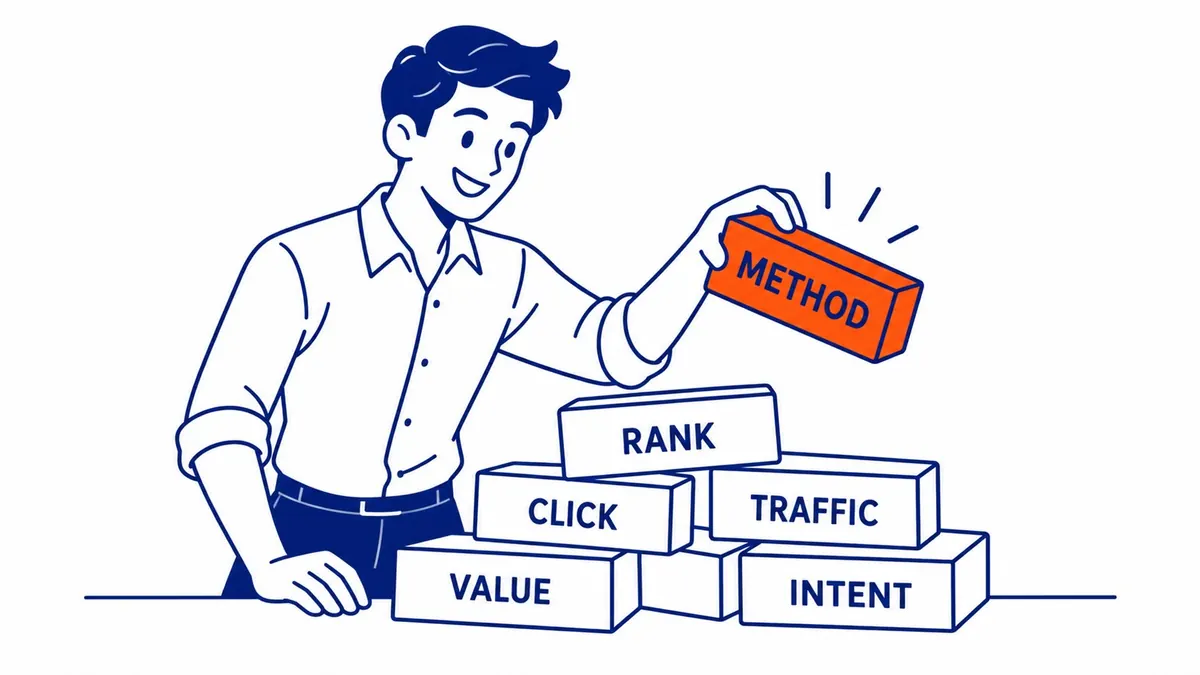
Here is the method that survives scrutiny. Call it allocation, never attribution.
Pull GA4 first. Reports, then landing page, filtered to the organic search channel. Sessions and revenue per page. Export that.
Then pull Search Console over the same date range. Open the pages report. Filter to your top revenue URLs and export the queries sitting under each one.
Take one page. Work out each query’s share of that page’s total clicks. Multiply the page revenue by the share. Every query now carries a dollar figure.
Repeat per page. Sum by query across pages afterwards. One phrase often feeds more than one URL.
You have a keyword revenue table now. Genuinely useful table. Just stay clear about what produced it.
What the Allocation Gets Wrong

Arithmetic, not measurement. The split assumes every click on a page converts at the same rate and spends the same amount.
That assumption fails in a predictable direction. A comparison query and a “near me” query can land on the identical page and behave nothing alike. One browses. The other buys. Your allocation pays them the same.
Which means the model overstates informational phrases. It understates the ones with a wallet behind them. That pattern has held on the client accounts To-The-TOP! has looked at.
So use the table to rank keywords. Never to price them. The order comes out roughly right. Amounts do not.
Query Groups Hold Up Better Than Specific Keywords

Drop the ambition one level and the numbers get sturdier.
Rather than a dollar figure per phrase, sort the queries into groups. Brand against non-brand first. Then by intent, or by service line, whatever matches how you actually sell.
Search Console does this with a regex filter on the query dimension. Build one pattern covering your brand spellings and misspellings. Invert the same filter for everything else.
Now you are allocating revenue into two buckets instead of four hundred rows. The withheld queries still hurt, though much less across a bucket. Individual noise averages out.
Most decisions only needed the bucket anyway. Whether last quarter’s growth came from your own name or from fresh demand. That answer changes what you fund next. A per-keyword figure rarely changes anything.
Paid Search Already Has the Column You Want

Worth naming the contrast, since it explains why the organic version feels broken.
Run the same question against a paid campaign and the answer flips. One system inside Google Ads runs the auction, then tags the visitor who arrives. A click identifier travels along with them. So conversion value lands beside the search term in one table, with no join required of you.
Which is why Google Ads management reporting looks so much cleaner than organic SEO reporting. Not better measurement. One company simply owns both ends of a paid click.
Even there the search terms report hides low-volume queries. Same privacy logic underneath. Anyway, ad spend buys you the row-level link that organic will not hand over.
What We Report Instead

SEO Company To-The-TOP! has been building client reports since 2007. This question arrives every year. One Calgary client has asked for the keyword revenue column three years running.
We show page-level organic search revenue first, because that number is measured rather than modelled. Then the query mix underneath each earning page, with clicks and average position. Two tables, stacked. To-The-TOP! shows the allocation math whenever a client asks to see it.
Complaints about the missing column stop once a client sees what the pages are doing. Frankly the page view drives better decisions. A page earning well from six mediocre positions is a rewrite waiting to happen. No keyword revenue table would ever say so.
Clients on our Calgary SEO work get that same split. Search Console for what the market searched. Analytics for what the arrival spent. Neither tool pretends to do the other’s job.
Where This Changes Your Keyword Research

Reading revenue by page has a knock-on effect on SEO planning.
You stop picking keywords on volume alone. Instead you start from the pages that already earn, then ask what else those pages could rank for. Fast wins live there. A proper keyword research pass works outward from earning URLs rather than from a blank tool export.
Same logic runs through any SEO website audit worth paying for. Find the URLs with money attached to them. Read their query mix. Fix the mismatches between what people asked and what the page says.
None of that needs a per-keyword dollar figure. Which is lucky, given nobody has one.
Common Questions About Keywords and Organic Search Revenue
Can Google Analytics show revenue by keyword?
No, and no configuration changes that. GA4 attaches revenue to a session recorded by the tag on your pages. The organic query was encrypted before that tag ever fired. Linking Search Console adds a query report to the interface, though those rows carry clicks and impressions only. Revenue is not an available metric there.
Why do my Search Console query clicks not match my page clicks?
Google withholds queries that were searched by too few people, for privacy reasons. Those clicks stay in the page total while the phrases stay out of the query table. Sum your query column and compare it against the page figure. The gap tells you what share of your organic search revenue can never be named.
Can a paid tool give me revenue for specific keywords?
Tools sell a “traffic value” figure per keyword. That number multiplies an estimated search volume by an estimated cost per click. It is somebody else’s price for a click, modelled from ad auctions. Useful for prioritizing work. It is not your revenue and was never measured on your site.
Is keyword-level revenue possible with a data warehouse?
Warehousing both exports does not create a join that the source data lacks. You can automate the page-level allocation and refresh it nightly. Many teams do. What comes out is still proportional allocation, so document the assumption wherever the number gets shown.
Should I report allocated keyword revenue to a client?
Report it labelled, or do not report it. Show page revenue as measured, then the allocated keyword split beside it with the method noted. Trouble starts when an allocated figure gets presented as a measurement. Somebody eventually checks the math. Every other number on the SEO report loses credibility at once.
Contact Calgary SEO Company To-The-TOP!
Questions about anything in this article, or about your own rankings? Talk to a Calgary SEO specialist directly.
Phone: (403) 308-5949
Address: 1509 14 Ave SW, Calgary, AB T3C 0W4
Hours:
Monday to Friday: 10:00 am – 7:00 pm
Saturday: 12:00 pm – 4:00 pm
Sunday: closed