
How to SEO Blogspot
Most of the answer is the same answer any blog gets. Write about things people search for. Give the post a title that matches the search. Link it from your other posts.
Then there is the Blogspot part. That one happens in the ten seconds before you press Publish. Then it is closed.
Blogger builds your post address for you. You get very little say in it. Undoing that later costs more than getting it right the first time.
Read One of Your Own Post Addresses

Open your blog. Click a post from a year or two back. Now read the browser bar instead of the page.
You will find a shape like this one. Blog name. Then a year. A month after it. Then a few words lifted from your title. And .html stuck on the end.
Four parts. You picked one of them.
The year and the month came off the calendar the day you hit Publish. Blogger supplied the .html. The words in the middle came from your title, trimmed by a rule nobody showed you.
No setting changes that shape. Blogger has no permalink structure menu anywhere in it. WordPress has one. Blogspot does not.
So the address is not a preference on this platform. It is a consequence.
Your Title Decides What Survives the Trim

Find the post with your longest title. Read its address.
Now count how much of that title actually made it through. Half, usually. Sometimes less.
Blogger takes the title. It drops some of the small words. Then it cuts whatever is left at a fixed length.
Anything past that line never appears at all. Your keyword might be sitting in the part that got cut.
Worth checking rather than assuming. Titles that lead with the topic keep it. Ones that build up to it lose it.
Picture a post called Everything We Learned About Snow Removal Pricing in Calgary. The address can easily stop at everything-we-learned-about.html. Snow removal never reached the URL.
Reorder the title and the keyword survives. Lead with Snow Removal Pricing in Calgary. Let the rest trail behind it.
The Permalink Field Opens Once
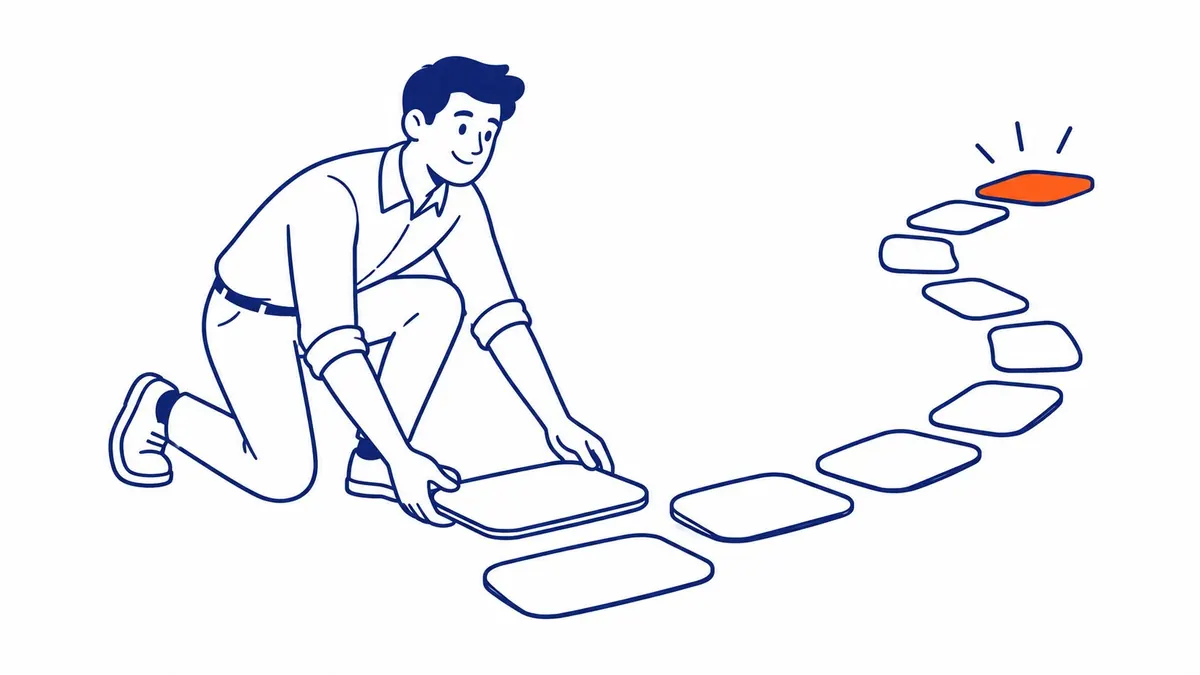
Blogger does let you write the slug yourself. That option sits in the post editor sidebar under Permalink. Switch it off automatic. Type what you want. Publish.
Do it before publishing. That is the whole trick.
Afterwards the field still opens. Editing it now does something different though. The post jumps to a new address. That leaves the old one dead.
Anybody who linked to the old address lands on nothing. Same for every visitor Google sends there until the index catches up.
Blogger Will Not Redirect You Automatically
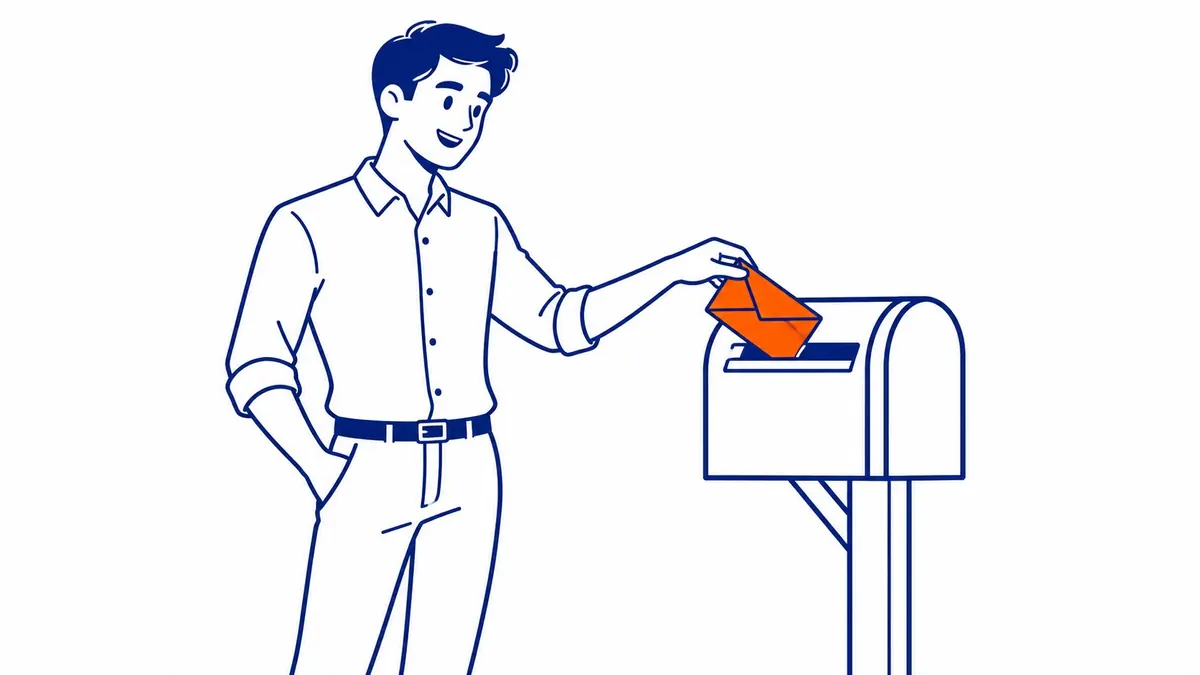
There is a fix. You build it by hand.
Go to Settings. Find the errors and redirections section. Blogger keeps a custom redirect tool in there.
Paste the old path. Then the new one. Tick the permanent option and save.
It works properly. Also one row at a time, for every address you ever change.
Which is why those ten seconds before publishing carry real weight on Blogspot. Plenty of systems let you rename a page and quietly handle the redirect behind you. Blogger hands you the tool instead.
Somebody Will Say Just Move to a Custom Domain

Fair objection. It is also the right move for a business blog. The setting lives under publishing. You point a domain you own at the blog. Everything you have written comes across with it.
Follow the objection out to its end though. It turns into the argument.
A custom domain replaces the part before the first slash. Nothing else. Your blogspot address becomes your own address. Everything after that slash arrives untouched.
The year is still in there. So is the month. That trimmed slug you never chose rides along with the rest of it.
So the escape hatch preserves the exact thing worth escaping. It solves the branding problem. The structure stays exactly as it was.
Move anyway. Just know what moves with you.
The Description Box May Not Exist Yet

A smaller one now. This catches people who followed a tutorial and found nothing where the tutorial said to look.
Open Settings. Scroll down to meta tags. Look at the search description switch.
Suppose that switch is off. Then no post on your blog has a search description box. Not one of them. The per-post field appears only once the site-wide switch is on.
So a tutorial told you to write a description. You went looking and found an empty sidebar. Nothing was broken. A toggle two menus away was holding the door shut.
Turn it on. Then write descriptions on the posts already pulling traffic, instead of starting at post one and working forward.
Stop Hunting for the Blogspot Trick

Here is the part people do not want.
Past the address and that switch, Blogspot SEO is ordinary blog SEO. Nothing is hidden. No buried panel exists.
Write about what your customers phone up and ask about. Give each post a title a real person would type into Google. Put the answer near the top, ahead of the preamble.
That advice sounds dull because it is identical on every platform. Dull is not the same thing as wrong.
Meanwhile the searches that brought you here assume the opposite. They assume Blogger holds some lever the other platforms bury. It holds one field and one switch.
The Next Post You Write
Try this order on the next one.
Write the post. Then write the title. Doing it that way stops you inventing a clever title first and discovering afterwards that it truncated badly.
Read the title back and hunt for the keyword inside it. Sitting in the first four or five words? Good. Not there? Reorder until it is.
Open the Permalink field before you publish. Set it by hand. Three or four words is plenty. Blogger will not argue with you.
Then write the search description, assuming you turned that switch on.
Publish. The address is settled from that moment, so everything remaining is work every blog needs anyway.
Thirty seconds of extra effort per post. Less work than the redirect table you would otherwise be building in a year.
Where the Address Argument Stops

Now the limit on all of this.
A tidy URL will not carry a blog nobody reads. On its own it decides very little. Plenty of ugly addresses rank perfectly well, right now, today.
The address matters here for a narrower reason. It is the one decision Blogger takes away from you and then charges you to undo. Which makes it worth thirty seconds of attention before publishing rather than a weekend of cleanup afterwards.
Spend the weekend on the writing instead.
Blog SEO Work at To-The-TOP! in Calgary

SEO Company To-The-TOP! has been sorting out Calgary blogs since 2007. One specialist handles the account start to finish. No junior handoffs. Nobody relaying your questions to an account manager either.
Platform questions land constantly on new client sites. Somebody built the blog on Blogspot years ago and it still carries most of the traffic. A website audit settles whether the address structure is actually costing anything before anybody starts migrating. Often it is not. Then keyword research decides which posts deserve the work at all.
Businesses in Calgary and Vancouver run this same conversation every year. Most of them need Calgary SEO attention on ten posts, not two hundred. Rankings still take months either way. That is the timeline. Pretending otherwise helps nobody.
Meanwhile the phone has to keep ringing. That gap is what Google Ads management covers for clients waiting out the slow half. Older write-ups on the SEO blog walk through the WordPress version of the same job. Ask about either side on (403) 308-5949.
Common Questions About Blogspot SEO
Is Blogspot good for SEO?
It indexes fine. Posts on Blogspot rank. The platform is rarely the thing holding a blog back. What usually holds it back is that nobody has published anything in three years.
Can I change a Blogspot URL after publishing?
Yes. The post moves to the new address. Whatever was there before stops resolving. Build a custom redirect in the errors and redirections settings, or every old link goes nowhere.
Does a custom domain keep my rankings?
The content moves and so do the post paths. Expect a stretch of movement while Google works the change out. Nobody can promise identical positions afterwards. A carefully handled move usually settles over the following months.
Why can’t I find the search description box in Blogger?
The site-wide switch is off. Open Settings, go to meta tags, enable search description. Your per-post field appears after that.
Does Blogspot generate a sitemap?
It publishes one. Add /sitemap.xml to your blog address and read what comes back. Then submit that address in Search Console rather than assuming Google already found it.
Should I move off Blogspot entirely?
Depends what the blog is for. A hobby blog has no reason to move. Anything carrying leads for a business belongs on a domain you control. Somebody else sets the rules on a platform you do not own.
What the Address Says About You
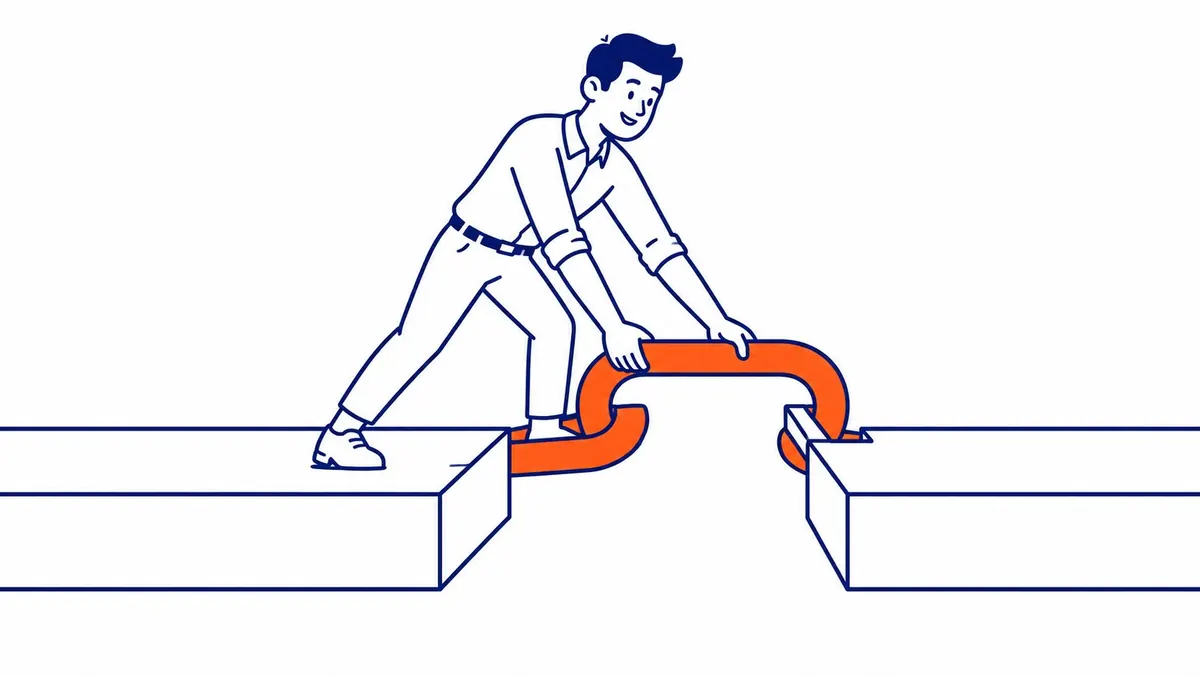
One last thing to look at. It has nothing to do with ranking.
A 2019 sitting in your URL is visible to every person who sees the link. Right there in the search result, under the title.
Refreshing the post does not move it. The address keeps the year you started.
Some readers never notice. Others decide before clicking.
Contact Calgary SEO Company To-The-TOP!
Questions about anything in this article, or about your own rankings? Talk to a Calgary SEO specialist directly.
Phone: (403) 308-5949
Address: 1509 14 Ave SW, Calgary, AB T3C 0W4
Hours:
Monday to Friday: 10:00 am – 7:00 pm
Saturday: 12:00 pm – 4:00 pm
Sunday: closed