
How to Turn Off Google Ad Tracking
The switch exists. It works. What it does not do is the thing its name promises everywhere except on Google’s own screen.
Search for how to turn off Google ad tracking and you land on a page about personalized ads. Not tracking. Personalization. Those are two different systems with two different controls, parked in two different corners of the same account. Turn off one and the other keeps running.
The Ad Tracking Switch Is Not Called Tracking
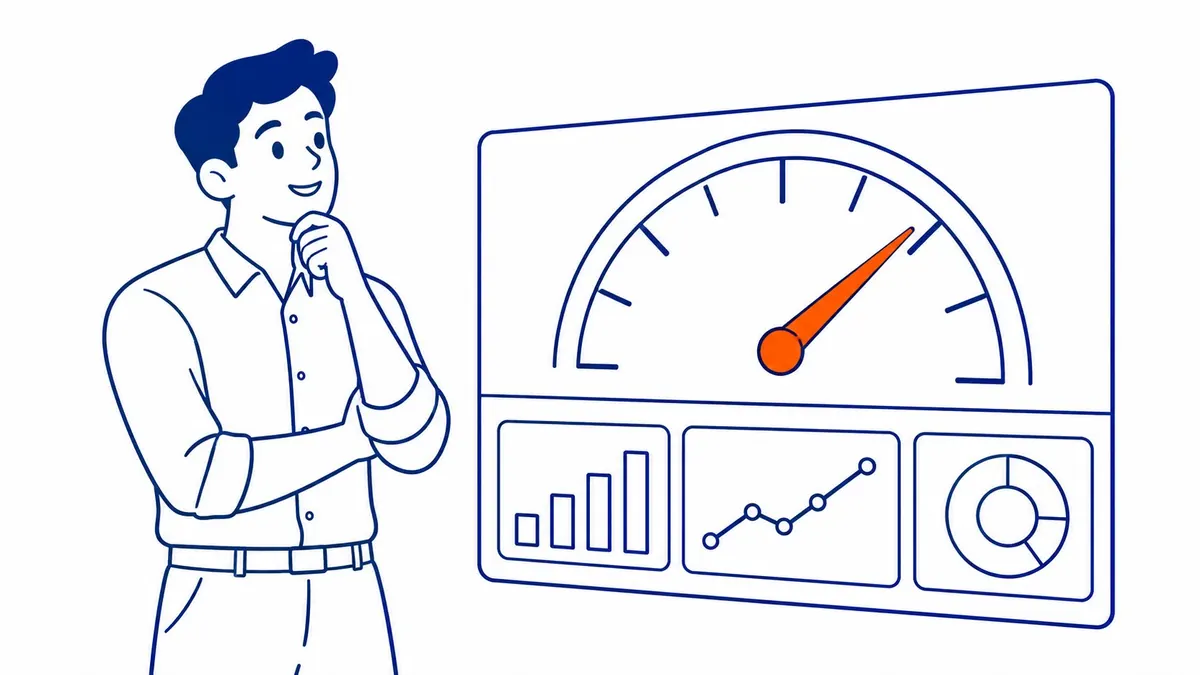
Go to myadcenter.google.com while signed in. Personalized ads has its own control on that first screen. Flip it off.
That is the whole click path. It applies to your Google Account, not to your device. So the setting follows you onto the laptop. The phone too, and anything else you sign into. Sign out and you drop back to browser-level defaults.
Signed-out browsing works differently again. The preference attaches to the browser rather than to you. Clear your cookies and it leaves with them. Switch to a second browser and you start over from scratch. So people who wipe cookies for privacy reasons keep resetting the very opt-out they set.
Google warns you on the way through that ads keep appearing. Believe that part. Ad load does not fall. What changes is the input.
Personalized Ads Govern the Use, Not the Recording
Here is the distinction the interface never spells out.
Personalization decides which ad gets chosen for you. Collection decides what data Google writes down about you in the first place. The My Ad Center toggle only reaches the first one.
Flip it and your searches still save. Watch history still saves. Location history saves too, assuming you left that switched on. Google simply stops consulting that profile when it picks an ad.
Treat it as a permission on the output side. The recording carries on either way.
That surprises people who expected the profile to go quiet. It does not go quiet. Personalization is the only thing that actually stops.
The Collection Control Sits Under a Different Name

The switch for the recording lives in your Google Account under Data and privacy. Activity controls, on that page. Web and App Activity does most of the work.
Pause it and the saving stops going forward. Nothing retroactive happens, though. Data already stored stays stored until you delete it yourself or an auto-delete window catches up with it.
Set that window while you are there. Three months is the shortest option Google offers. Eighteen and thirty-six months sit beside it. One of them is probably already selected without you ever having picked it.
Deleting the history is a separate action from pausing it. My Activity holds the delete controls. Pick a date range there, or wipe the lot. Pausing on its own leaves years of stored data exactly where it was.
YouTube History is a separate line in the same list. So is Location History. Each one pauses on its own.
Two controls, then. One stops the personalization. The other stops the recording. Most people only ever find the first.
Somebody Will Say the Toggle Really Does Stop the Tracking

Google’s own help text sounds like it agrees. Turn off personalized ads and the wording that comes back describes activity no longer being used to personalize ads.
Read that sentence again. Somebody wrote it with real care. Used. Not collected, not stored, not retained. Every word Google picked describes the output side. None of them describes the input.
Google would say collected if collected were true. Nobody writes a privacy screen casually. So the precision is deliberate, and deliberate precision argues for the distinction rather than against it.
The objection lands on its own answer. Google is telling you exactly what the toggle does. In the narrowest terms available. That narrowness is the whole point.
Your Phone Runs a Separate Layer Again

Phones carry their own identifier, independent of anything in your account settings. Android calls it the advertising ID. Apple handles the equivalent through the tracking permission every app has to ask for.
Neither one obeys My Ad Center. Pausing Web and App Activity does not reach them either. You deal with them on the device, in the device settings, one platform at a time.
So a thorough opt-out runs to three passes rather than one. The account first. Then activity. Last of all, the phone in your hand.
The Third Layer Belongs to Somebody Else’s Website
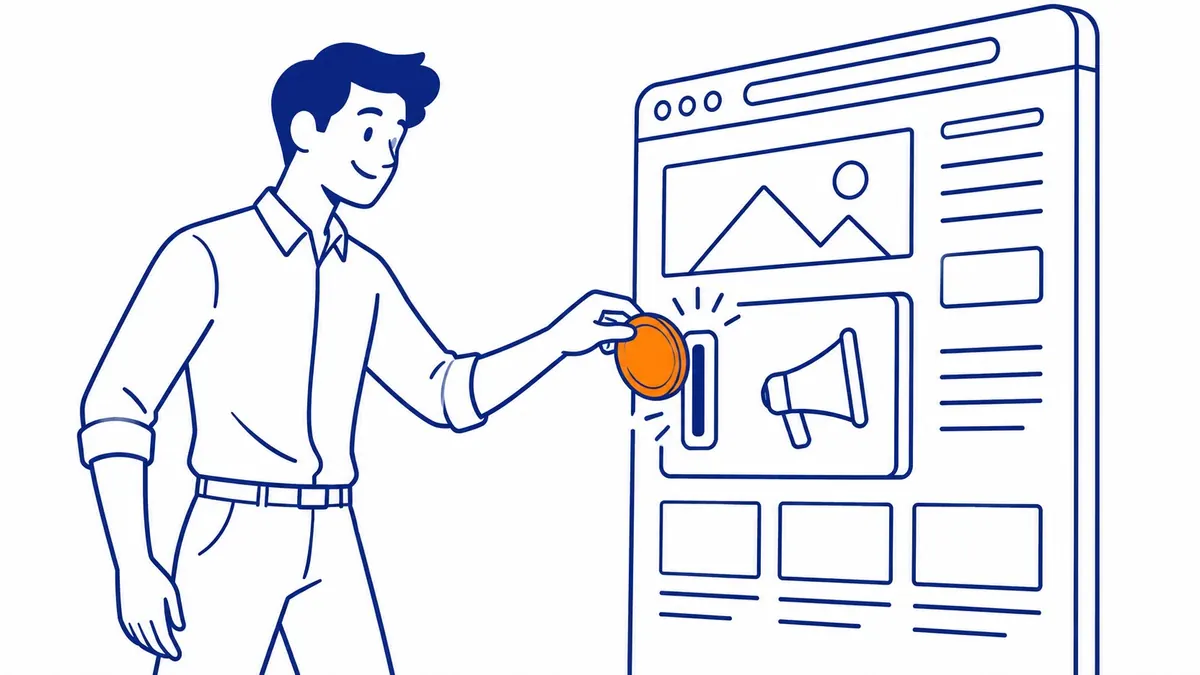
None of this reaches the tags sitting on the sites you visit.
A business running Google Ads management drops a conversion tag onto its own pages. Analytics usually sits there too. Those tags fire according to the consent that site collected from you. Not according to any preference stored in your Google Account.
That is why the cookie banner keeps asking. It is asking about a system your account settings were never wired into. Reject there and the site’s tag holds back. Accept there and it fires, whatever My Ad Center says.
Browser controls occupy the same territory. Third-party cookie blocking. Tracking protection. Maybe an extension you installed years ago and forgot about.
What Opt-Outs Do to Calgary Ad Accounts

Advertisers feel this from the other direction. Remarketing audiences fill slower than they once did, because a shrinking share of visitors is eligible to join them.
Conversion counts get modelled to cover the gap. Google says as much in its own reporting documentation. Yet modelled is not measured. Compare this quarter against one from four years ago and you are not comparing like with like.
SEO Company To-The-TOP! has watched that gap widen since the first browser started blocking cookies by default. It is one reason we keep pushing clients toward search engine optimization rather than treating paid as the whole plan. Rankings do not depend on a consent banner.
To-The-TOP! checks the consent setup before touching bids on any account we inherit. Plenty of the accounts we see are measuring less than the owner believes. A proper website audit surfaces that inside an afternoon.
Ask which of your conversions arrived from a tag and which arrived from a model. The column definitions in your reports will say, once somebody goes looking. Nobody ever goes looking.
Still worth knowing which of your own numbers are counted and which are estimated. Clients arriving at To-The-TOP! from Calgary SEO work have rarely been told there is a difference at all.
Common Questions About Turning Off Google Ad Tracking
Does turning off personalized ads stop Google from tracking me?
No. It stops Google from using your activity for personalization. The recording continues unless you also pause Web and App Activity in your account’s activity controls. Two separate switches. Different jobs entirely.
Will I see fewer ads after turning off ad tracking?
You see the same number. Google picks them from context instead. The ad then matches the page or the search rather than your history. Relevance drops for most people. Volume does not.
Where is the Google ad tracking setting?
My Ad Center, at myadcenter.google.com, holds the personalization toggle. Activity controls inside your Google Account hold the collection settings. Your phone keeps a third set in its own system settings.
Does opting out affect my Google Ads account as an advertiser?
Only as one of the many people opting out. Your personal settings never change your own campaigns. Aggregate opt-out rates do. They show up as smaller audiences. More modelled conversions too.
Contact Calgary SEO Company To-The-TOP!
Questions about anything in this article, or about your own rankings? Talk to a Calgary SEO specialist directly.
Phone: (403) 308-5949
Address: 1509 14 Ave SW, Calgary, AB T3C 0W4
Hours:
Monday to Friday: 10:00 am – 7:00 pm
Saturday: 12:00 pm – 4:00 pm
Sunday: closed