
What Are Impressions on Google Ads? A Plain Definition and How to Read Them
An impression on Google Ads is one showing of your ad. Google’s own definition is that “an impression is counted each time your ad is shown on a search result page or other site on the Google Network”, and it appears in your account as the “Impr.” column. Nobody has to click, and on a typical Search campaign an impression on its own costs you nothing. What impressions tell you is how often your ad got in front of people, which is useful only once you read it alongside clicks, click-through rate and impression share.

What counts as an impression
Each time your ad appears, the count goes up by one, whether it shows at the top of a Google search, on a site in the Display Network, on YouTube or in another place where your campaign is eligible to run. Google also counts an impression when only part of the ad is shown. Its example is Google Maps, where the ad may appear as just your business name and location, or the name and the first line of your ad text. If you want to see the full list of places your Search Ads appear, it is longer than most advertisers expect.
Impressions count showings, not people. One person who searches three times in an afternoon and sees your ad each time adds three impressions, so 1,000 impressions might be 1,000 people or a much smaller group seeing the ad repeatedly. That is why the raw number says very little about demand, because it moves with your budget, your bids, your targeting and how often your own customers search, all at once.
Google Ads impressions are not Search Console impressions
The word means something slightly different in Google Search Console, and the two are easy to confuse because both come from Google. Search Console’s search performance report describes an impression as “how often someone saw a link to your site on Google”, and depending on the type of result, the link may need to be scrolled or expanded into view before it counts. That report is about your site’s listings in Google Search, while the Impr. column in Google Ads counts your paid ads.
So if a client report shows thousands of “impressions” next to a modest number of ad clicks, the first question is which tool the number came from. Both tools calculate click-through rate the same way, as clicks divided by impressions, but the two numbers measure different things and should never be added together or compared as if they were one channel.

Impressions and clicks: where click-through rate comes in
Click-through rate (CTR) is the link between the two. Google defines it as clicks divided by impressions, and its own example is 5 clicks from 100 impressions, which is a 5% CTR. A high CTR suggests the people seeing your ad find it relevant, and Google notes that CTR also feeds your keyword’s expected CTR, which is one of the components of Ad Rank.
What counts as a good rate depends on what you sell and on which network the ad runs, and Google says as much in its definition. In practice, Display ads are seen by people who were reading something else, so they tend to draw fewer clicks per showing than a Search ad that answers a query someone typed. Comparing your numbers against a single industry average can mislead you, and a separate guide on what counts as a good CTR goes into the benchmarks and their limits. The practical reading is simpler: if a Search campaign shows plenty of impressions and very few clicks, look first at the search terms report to see what people were actually typing, and then at whether the ad text speaks to those searches.

What decides how many impressions you get
Your settings set the ceiling. Keywords and match types decide which searches your ad can enter, while location targeting, the ad schedule, device settings and audiences narrow that further, and a campaign set to show only in Calgary on weekdays simply has fewer chances than one running across Alberta every day. If the daily budget runs short, it then limits how many of those chances you can afford. Google’s help page on the “Limited by budget” status describes a campaign whose average daily budget is lower than the recommended amount to capture all available impressions and clicks for its settings.
Within those limits, each auction decides whether your ad shows at all. Ad Rank is calculated from your bid, the quality of your ad and landing page, Google’s Ad Rank thresholds, how competitive the auction is, the context of the search and the expected impact of your assets, and Google says that even with a lower bid than a competitor, a more relevant ad can win a higher position. Quality Score belongs in this conversation as a diagnostic, because it shows how your expected CTR, ad relevance and landing page experience compare with other advertisers, but Google states that it is not an input in the auction itself.

Impression share: the number that gives impressions meaning
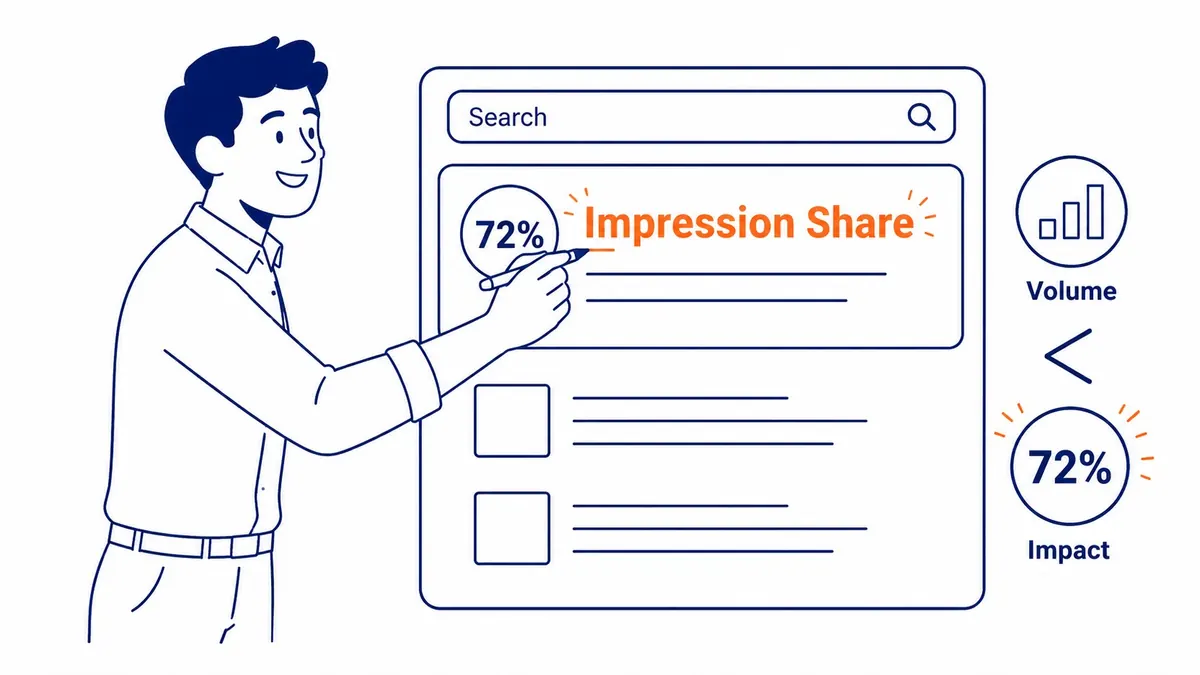
Impression share answers the question raw impressions cannot, which is how many showings you got out of the number you could have had. Google defines it as impressions divided by total eligible impressions, where eligibility is estimated from your targeting settings, approval statuses and quality. Google is open about this being an estimate. Its help page says the calculation uses ad auctions over the day and internal quality data, and that small fluctuations over time do not necessarily indicate that action is needed.
Two companion columns explain the share you missed. Search lost IS (budget) is the percentage of time your ads were not shown on the Search Network because the budget ran short, and Google reports it at campaign level only. Search lost IS (rank) is the percentage of time your ads were not shown because of poor Ad Rank, which points back to bids and ad and landing page quality rather than money alone. You add these in the Competitive metrics section of the columns menu, and Google notes that impression share can show a dash when there is too little data, as with new keywords or low traffic.
| What you see | What it usually means | What to check first |
|---|---|---|
| Many impressions, low CTR on Search | The ad is entering searches that do not match what you offer, or the ad text does not answer them | Search terms report, negative keywords, ad text |
| Low impression share, high lost IS (budget) | The campaign could show more often for the searches it already targets | Whether the campaign converts well enough to deserve more budget, or whether targeting should be narrowed |
| Low impression share, high lost IS (rank) | The ad is losing auctions on bid, quality or both | Ad relevance, landing page, bids on the keywords that matter most |
| Very few impressions overall | The targeting is very narrow, keywords have little search volume, or ads are not approved | Keyword status, approval status, location and schedule settings |
Google also reports where on the page your ads appeared, through top and absolute top impression rates and the matching impression share columns. These are useful for explaining a change in CTR, but Google advises against using them as bid targets, because they can fall as bids rise when higher bids pull you into more competitive auctions.
Do you pay for impressions?
On a Search campaign using cost-per-click bidding, no: you pay when someone clicks, and an ad that is shown and ignored costs nothing. The exception is a campaign that targets only the Display Network, where you can choose cost-per-thousand viewable impressions (vCPM) bidding and pay for every 1,000 times the ad appears and is viewable, which suits advertisers who mainly want their name in front of people. Video campaigns have their own bidding options. So the answer to “how much does Google Ads cost per 1,000 impressions” depends on the campaign type, the auction and the audience, and no single figure is reliable. If you want the billing side in full, the guide to how Google Ads bills you explains thresholds, monthly charges and GST.
Reading one campaign’s numbers: an illustrative example
The figures below are invented for illustration and do not come from any real account. Suppose a Calgary home-services Search campaign shows 2,000 impressions and 60 clicks over a month, a CTR of 3%. On their own, those numbers say little. The next columns do the work: search impression share of 40%, with 45% lost to budget and 15% lost to rank.
Read in that order, the picture is clear enough to act on. By Google’s estimate, the campaign is getting fewer than half of the impressions it was eligible for, and most of the shortfall is budget rather than ad quality, so the same keywords could produce more impressions without any change to the ads. Before raising the budget, though, it is worth checking whether the clicks it already gets turn into calls or form submissions, because more impressions on a campaign that does not convert only increase spend. If the losses had been mostly rank instead, the work would be on bids, ad relevance, the landing page and assets, and a bigger budget would not have fixed it.
Getting more from the number
Impressions are the first column in a chain, and on their own they cannot tell you whether a campaign is working. Read them with CTR to judge relevance, with impression share and the two lost IS columns to see what is holding the campaign back, and with conversions to decide whether more exposure is worth paying for. SEO Company To-The-TOP! is a Calgary-based, Google Ads certified practice that has worked in search since 2007, and the person who reviews your account is the person who does the work. If you would like a second opinion on what your impression numbers are telling you, or on Google Ads management in general, call (403) 308-5949.
Contact Calgary SEO Company To-The-TOP!
Questions about anything in this article, or about your own rankings? Talk to a Calgary SEO specialist directly.
Phone: (403) 308-5949
Address: 1509 14 Ave SW, Calgary, AB T3C 0W4
Hours:
Monday to Friday: 10:00 am – 7:00 pm
Saturday: 12:00 pm – 4:00 pm
Sunday: closed