
What Do Google Ads Look Like?
We get that question every single week. A new client types a search into Google and notices something at the very top of the page. Looks almost like an organic result. “Wait, is that a paid ad?” Most people do not spot the difference until someone walks them through it.
That unfamiliarity is exactly why they work. An ad that blends with the organic results earns more clicks than a banner anyone can recognize from across a room.
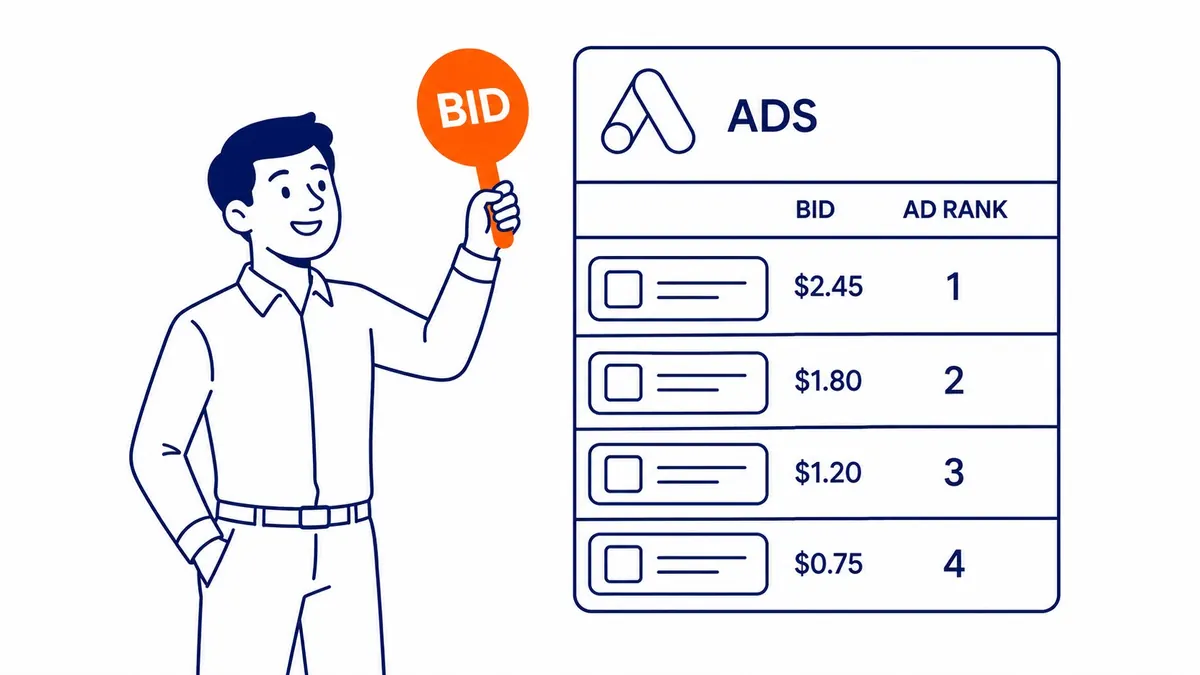
Here is what Google Ads actually look like, broken down by format.
The “Sponsored” Label Is the Only Visual Tell
One word. That is all.
Sponsored results appear at the top of the search page. Sometimes at the bottom too. A small “Sponsored” label sits above or beside the headline. That label is the only visual thing separating a paid position from an organic one. Google designed it to be subtle. The organic listing just below uses the same font. Same colour. Near-identical layout.
Search ads look nearly identical to organic results. Blue headline text. A display URL below that. Two lines of description underneath. Text only. No banner. Nothing animated in the format. Just structured text arranged to look like what users already expect to see on a results page.
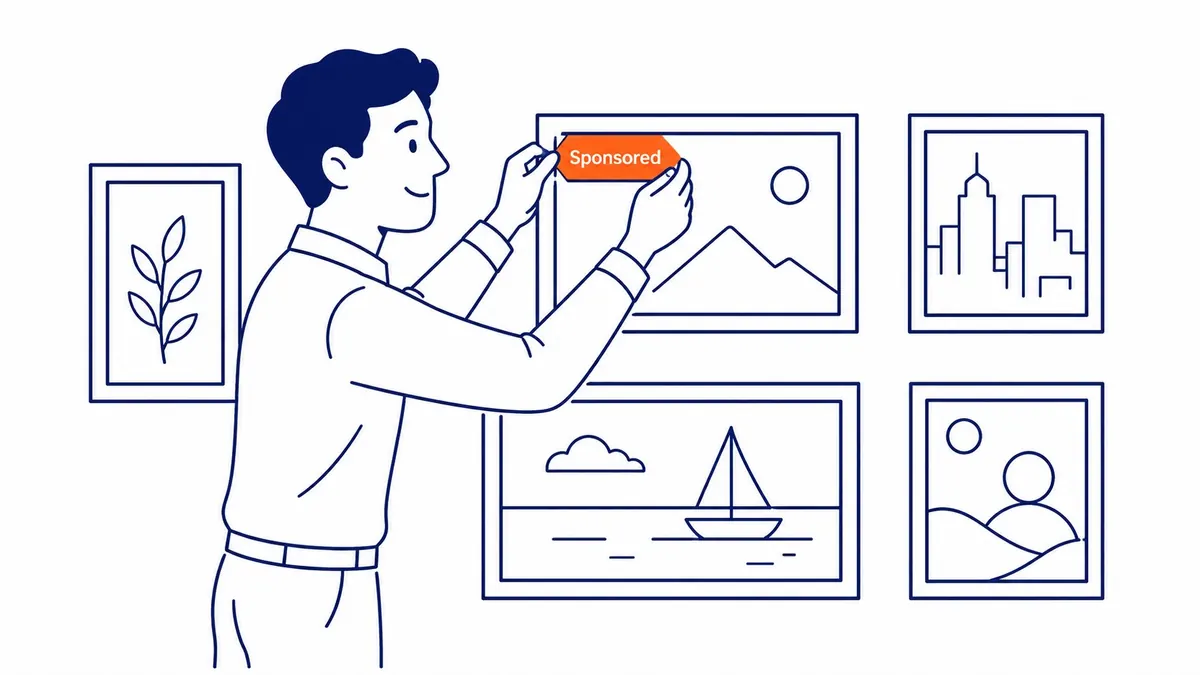
The design choice is intentional. Google wants search ads to feel native to the experience. Users who already feel interrupted by obvious ads develop banner blindness. Those who see a search ad as a relevant result still read it and click.
Search Ad Anatomy: What Each Part Does
Not all pieces carry equal weight.
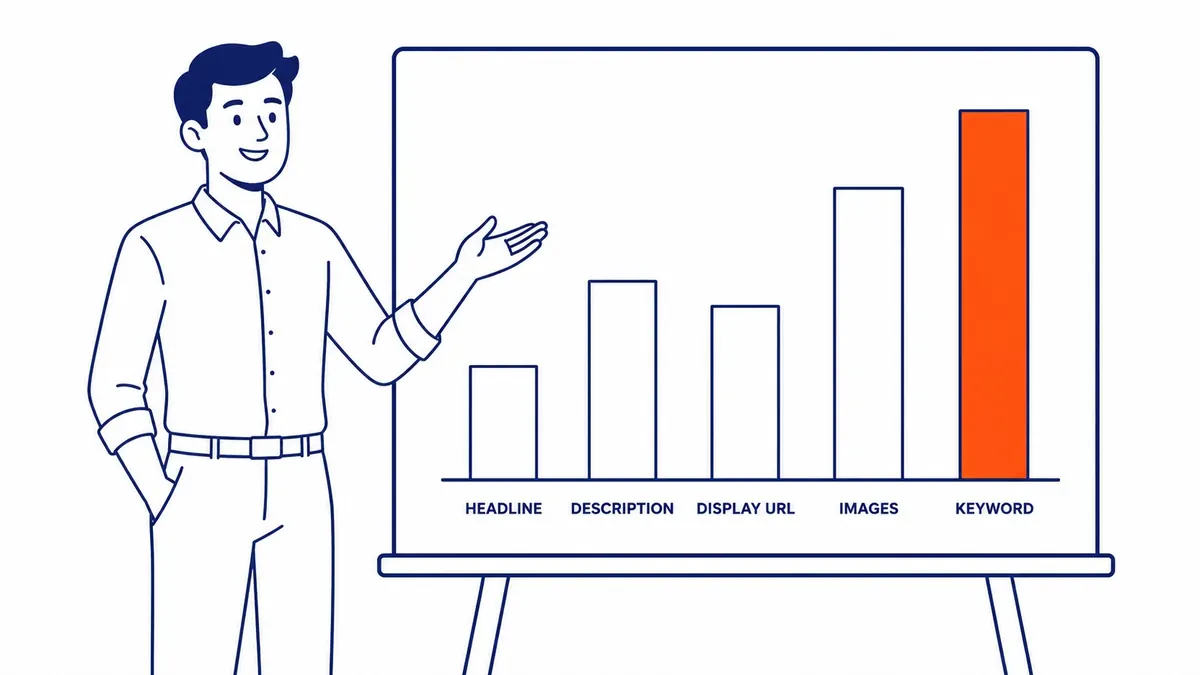
Three headline slots sit at the top of the ad. Each one caps at 30 characters. Google rotates which headlines appear together and picks the combination that performs best for each individual query. Below the headlines, a display URL shows where the click leads. Two optional path fields let the advertiser customize that URL. The display URL for a campaign might read to-the-top.ca/google-ads/search as a concrete example. That gives the user a preview before they click.
Description lines sit below the URL. Each caps at 90 characters. Two descriptions appear by default. A third may show on certain placements when Google determines it improves performance.
Google’s Ad Strength indicator inside the account grades how well the full asset mix fits together. High strength correlates with more eligible impressions. It is still a useful guide, not a hard guarantee of results.
Where Search Ads Appear on the Page
Top first. Then the bottom.
Most searches return three paid search ads above the organic results. Competitive queries sometimes push that to four. Paid listings also appear at the very bottom of the page, below the last organic result. Not every search triggers bottom placements.
Google Maps results appear in a separate Local Pack in the middle of the page. Map ads show up within that pack. They pull from the business’s Google Business Profile rather than a standard text ad setup. The format is different. Still Google Ads. Different configuration.
Top positions attract the most clicks by a wide margin. Position 1 through 3 is where most budgets compete. Winning position 1 is not purely about bid size, however. Quality Score is a multiplier in the auction. A lower bid with a high Quality Score can outperform a higher bid with a weak one. So Google Ads placement on the page is decided by two numbers, not one.
Display Ads Look Completely Different
Visual format. Not search-based.
Display ads run across millions of websites and apps that belong to the Google Display Network. A Calgary business can reach users reading a recipe blog. Sports forums. News sites. The user does not type any search query. Audience signals guide the ad instead of search intent.
These ads carry images. Ad headlines. Brand logos. Sometimes animated elements. Google assembles responsive display ads automatically from the assets an advertiser provides. Upload a logo. Several images. Short headlines. A couple of descriptions. Google mixes those assets and tests which combinations earn clicks.
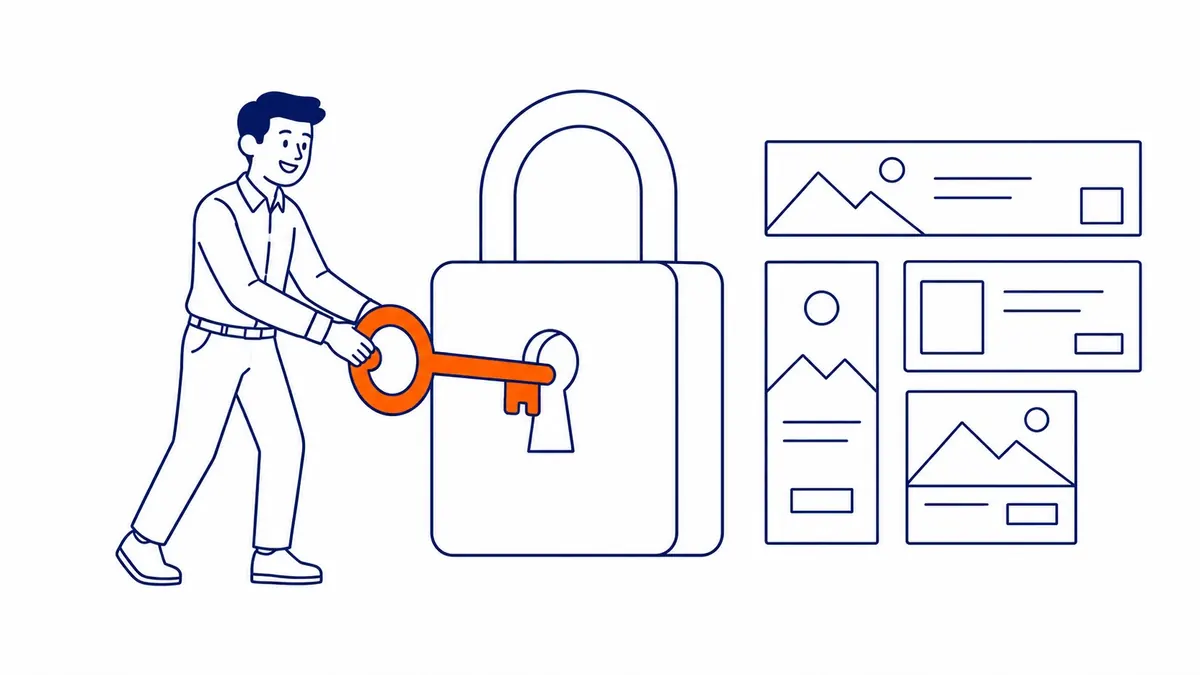
Remarketing lives on the Display Network. A user visits your website without converting. Display ads still follow them across the other sites they visit afterward. That “why is this ad following me” effect comes from a remarketing list set up through Google Ads. It is one of the most effective formats for staying in front of potential customers who already know the brand.
Display ads work better for brand visibility than for direct conversions. Not every buyer converts on the first visit. Display keeps the brand present while the user thinks it over.
Shopping Ads: Price Before the Click
Image first. Price right there.
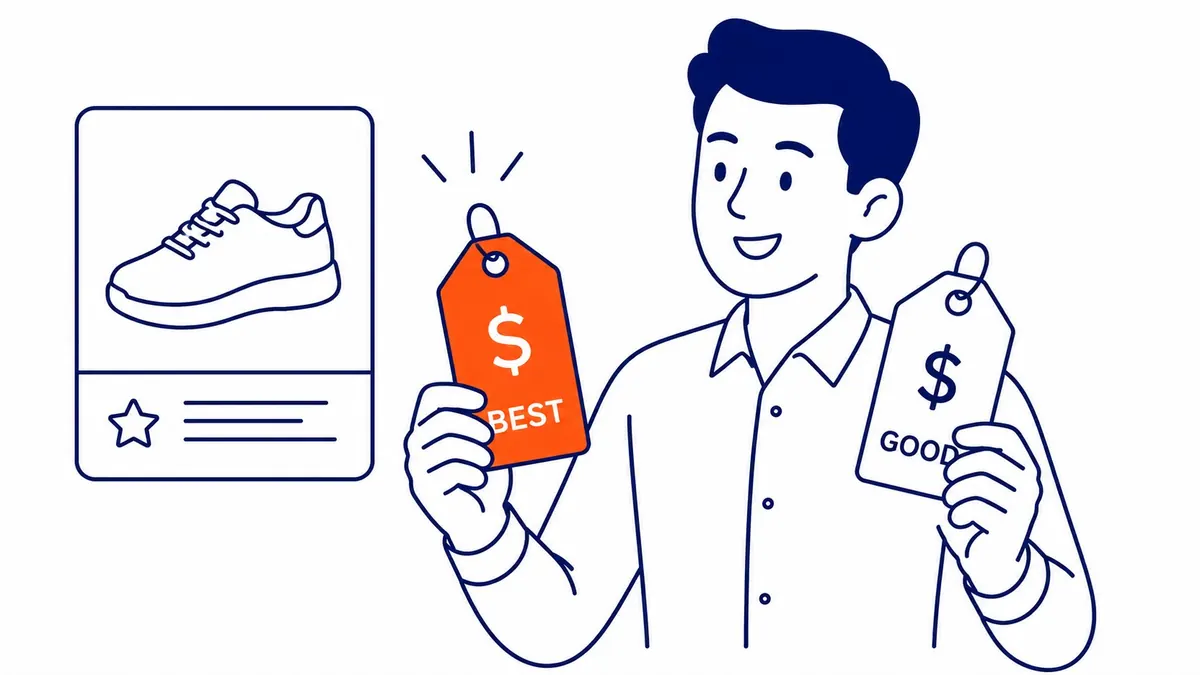
Shopping ads appear at the top or side of search results when someone searches for a product. Sometimes in a dedicated Shopping tab. Each ad shows a product image. The product name. Price listed. Store name. Star ratings from customer reviews often appear too.
The user sees the price before clicking. That filters out mismatched buyers early. Someone expecting $49 sees $299 in the ad and skips the click. The advertiser does not pay, however. Only buyers with realistic expectations click through.
Shopping ads instead connect to a product feed rather than written ad copy. There are no headlines to write from scratch. Google pulls the product title directly from the feed data. Product titles count. Feed attributes matter. Image quality too. Getting all three right is the main setup task for shopping campaigns. Solid keyword research still plays a role. Product titles need to match how people actually search. Feed quality is most of what Google shopping ads mean in practice.
Video Ads on YouTube
YouTube is Google. Same account.
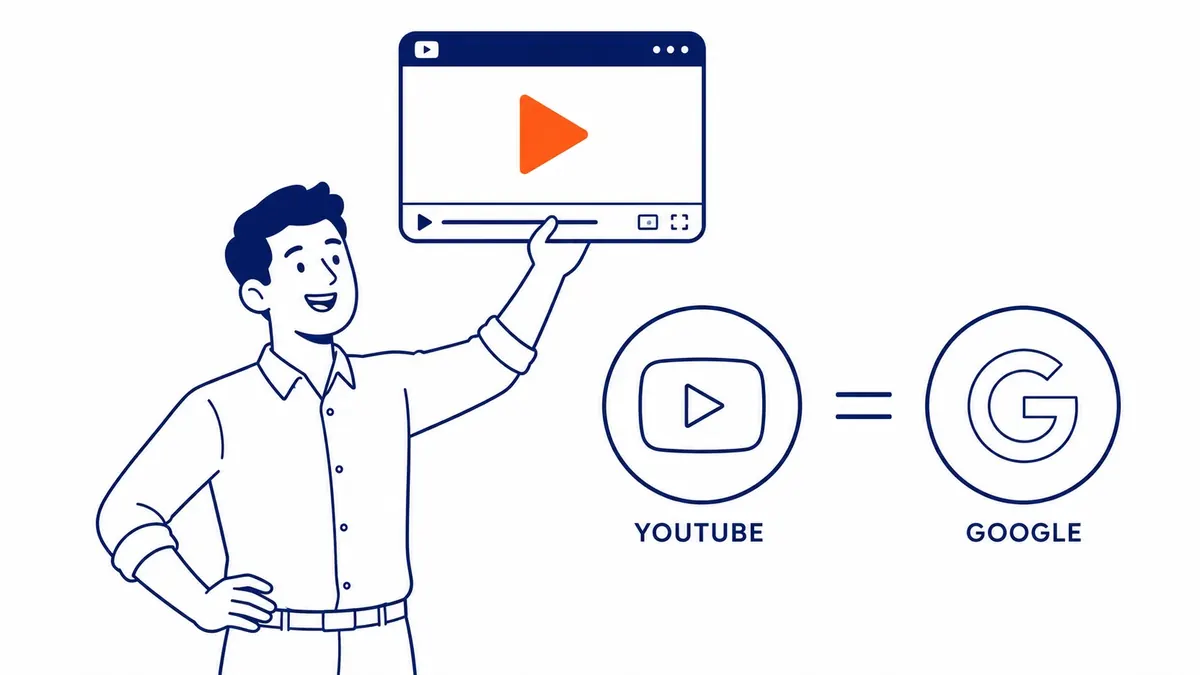
Video ads on YouTube run through the same Google Ads PPC management account. No separate platform to set up. Skippable in-stream ads play before or during a video. The user can skip after 5 seconds. Non-skippable in-stream ads are 15 seconds with no skip option. Bumper ads run for 6 seconds.
In-feed video ads appear in YouTube search results and alongside recommended videos. They look like regular YouTube thumbnails but carry a small “Ad” label. A click takes the user to the video or to the advertiser’s landing page.
To-The-TOP! has managed video campaigns alongside search campaigns for clients since 2007. The creative does most of the work in video advertising. Strong targeting with a weak video burns the budget. A specific, concrete video with clear messaging gets results worth measuring.
Ad Extensions Give the Ad More Room
More real estate. No extra cost.
Extensions attach below the main ad text. Google now calls them assets inside the interface. Several types show up in well-managed accounts.
Sitelink assets show additional links underneath the main headline. A user searching for local SEO Calgary might see a pricing page link below the headline. An about page. A contact form. That gives your ad more surface area on the page. More surface area means more opportunity for a click.
Callout assets add short descriptive phrases. “19 years in business.” “Free consultation.” “No long-term contracts.” These do not link anywhere. They reinforce trust signals without adding complexity.
Call assets place a phone number directly in the ad. A mobile user taps the number and calls without visiting the site first. Useful for service businesses where the goal is a phone call, not a web form submission.
Location assets pull the business address into the ad. Relevant for businesses where the physical location matters to the searcher.
Extensions show at Google’s discretion, though. They do not appear on every impression. Configured correctly, they still surface on higher-quality placements and add credibility at no extra cost per click.
What Good Google Ads Copy Actually Looks Like
Specific beats generic. Every time.
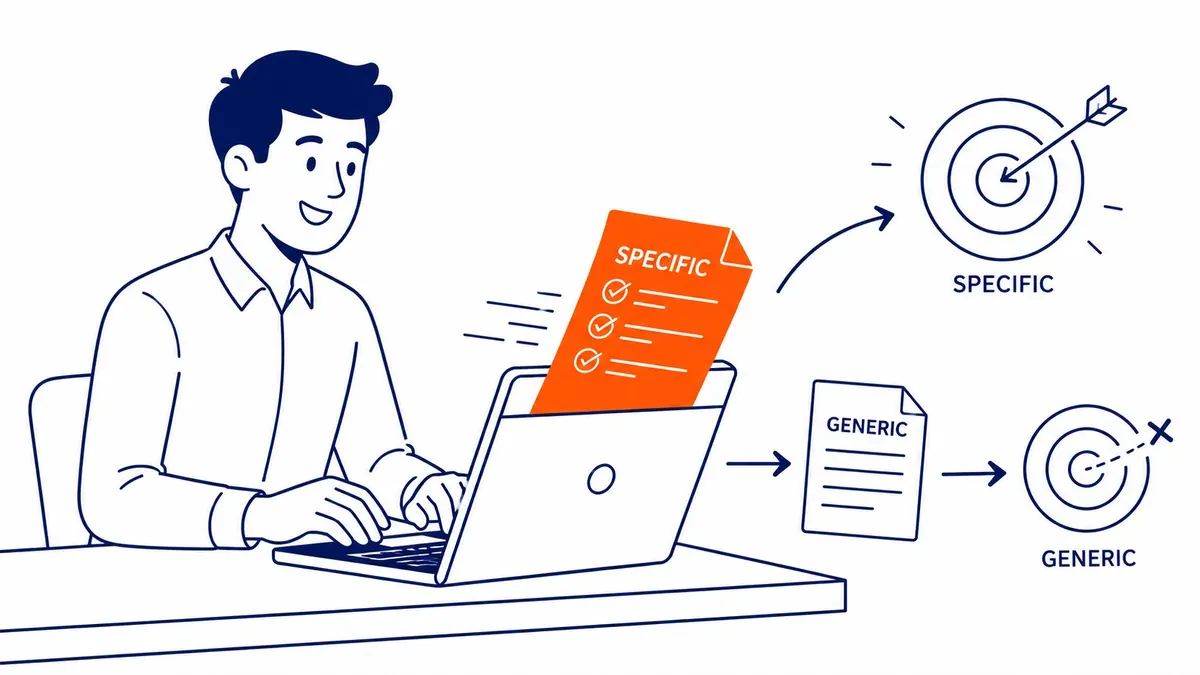
Strong ad copy does two things. It earns the right click. Also filters out the wrong one.
“SEO Services Calgary” tells a searcher what the business does. “Since 2007. Solo Expert. No Contracts.” as the next headline qualifies the audience further. Someone looking for a cheap one-time fix reads those headlines and skips. The specialist seeker reads those same words and clicks instead.
Generic headlines underperform consistently. “Professional SEO Calgary.” “Digital Marketing Services.” Nothing specific. Nothing that differentiates from the other ads on the same page. Competitors running near-identical copy split the traffic without winning it.
Description lines carry more room to explain. What happens after the initial contact. How the keyword research process works. Realistic timelines for seeing results. Specific answers in the description keep qualified readers engaged through to the click. Copy rules shift across different types of Google Ads, so check the format before writing.
Budget, Bidding, and What You Actually Pay
Spend happens on the click only.
Google Ads runs on an auction. The advertiser sets a daily budget. Google runs the auction every time a relevant query appears. Payment happens when a user clicks. Not when the ad shows. Never when someone just scrolls past.
Cost-per-click varies by keyword and competition. Legal and financial keywords in Calgary run $15 to $50 per click. Local service keywords often cost less. The auction price shifts throughout the day based on who else is bidding at that moment.
Daily budget distributes across the day. A $20/day budget does not exhaust at 9 a.m. Google spreads it.
A $20 daily budget on a high-competition keyword like “Calgary Google Ads management” produces very few clicks. The same $20/day on a niche local keyword in a lower-competition vertical stretches much further. That is the straight answer to whether $20/day is enough. It depends entirely on what the keywords actually cost in that market.
Landing Pages Are Half the Equation
The click is only the start.
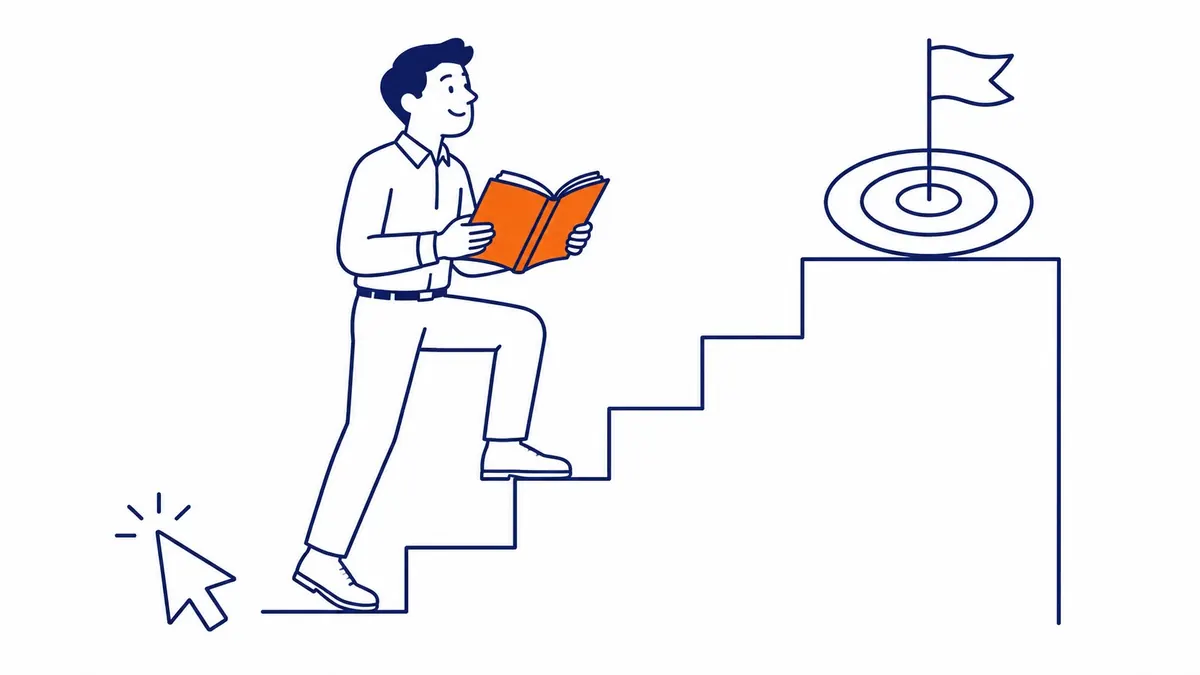
Where the ad sends the user matters as much as the ad itself. An ad pointing to the homepage usually underperforms a dedicated landing page. A page built around the specific keyword and campaign goal converts at a meaningfully higher rate.
Google’s Quality Score factors in landing page relevance. A page that matches the ad’s promise earns a better score. Fast page loads help. Directly answering the search intent matters too. A better score reduces cost per click and improves the ad’s position in the auction.
Calgary SEO work and Google Ad management share this foundation. A well-structured site with solid search engine optimization backing the page hierarchy supports paid campaigns just as much as organic rankings. The landing page is where both disciplines intersect. Poor landing page quality also costs money in both channels.
Worth asking before committing to any campaign. What landing page does the ad point to. Has it been tested.
Frequently Asked Questions
What does a Google search ad look like?
Sponsored label above the listing. Three blue headline lines across the top. A display URL with optional path fields. Two lines of description below. Text only format, structured to match organic results closely. The only consistent visual cue between a paid and organic listing is the “Sponsored” label.
Is $20 a day good for Google Ads?
Depends on the keyword. For competitive Calgary searches, $20/day produces a small number of clicks. Lower-competition terms in less contested verticals still stretch the same budget much further. Knowing what the keywords actually cost in that market before launching is the only way to set realistic expectations.
How do Google Ads appear?
Search ads appear at the top and sometimes the bottom of Google search results. Display ads appear across websites and apps that belong to the Google Display Network. Shopping ads appear alongside product search results with images and prices visible before the click. Video ads run on YouTube. Skippable in-stream. Non-skippable in-stream. Bumper ads. In-feed video.
Are Google Ads the same as Google AdWords?
Same platform. Name changed in 2018. Google AdWords launched in 2000 as a text ad auction and nothing more. Gmail came first. Then YouTube. Shopping followed. The Display Network was added after that. Once the platform covered far more than search, the name was updated to Google Ads. The pay-per-click auction mechanics never changed.
Contact Calgary SEO Company To-The-TOP!
Questions about anything in this article, or about your own rankings? Talk to a Calgary SEO specialist directly.
Phone: (403) 308-5949
Address: 1509 14 Ave SW, Calgary, AB T3C 0W4
Hours:
Monday to Friday: 10:00 am – 7:00 pm
Saturday: 12:00 pm – 4:00 pm
Sunday: closed