
What Is an SEO Checker and How to Use One Effectively
An SEO checker is a software tool that scans the pages of a website and reports on the technical and on-page factors that affect how search engines crawl, understand and display them, such as titles, meta descriptions, headings, broken links, page speed and mobile layout. Most checkers turn those findings into a list of errors and warnings and a score out of 100. The most useful thing to know before you run one is that the score is the tool’s own opinion of your site, not a number from Google, so it tells you where to look rather than how well you will rank.
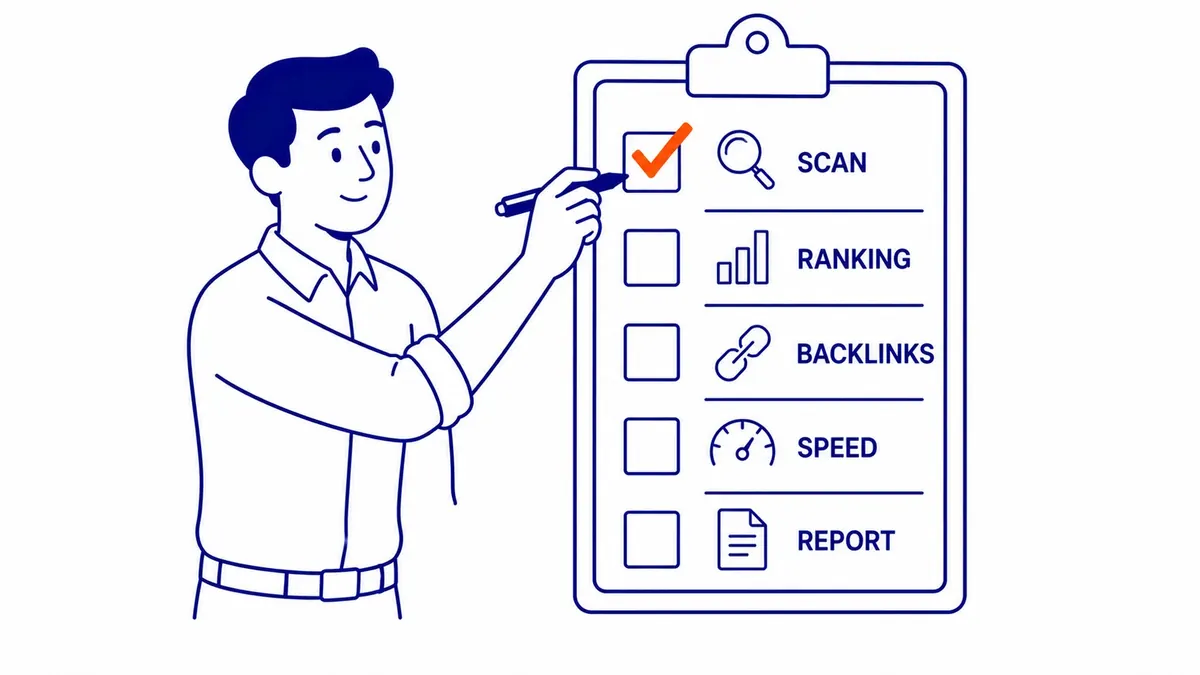
If you searched for “what is a seo checker” because a tool just gave your site a disappointing grade, this guide explains what the tool looked at, which of its warnings deserve your time and which ones you can safely ignore. It also covers the free tools Google itself provides, because they answer some questions no third-party checker can.
What an SEO checker scans
Free single-page checkers and full site crawlers look at broadly the same set of signals. A single-page checker fetches one URL and grades it, while a crawler follows every internal link it can find and reports on the whole site, which is where problems like broken links and duplicate titles show up. The table below covers the checks almost every tool runs and what each one is really telling you.
| Check | What the tool looks for | What it means for you |
|---|---|---|
| Indexability | Noindex tags, robots.txt blocks, canonical tags pointing elsewhere | The most important check: a page Google is told not to index cannot rank at all |
| Status codes | 404 errors, server errors, redirect chains | Broken internal links waste visits and crawling; long redirect chains slow everything down |
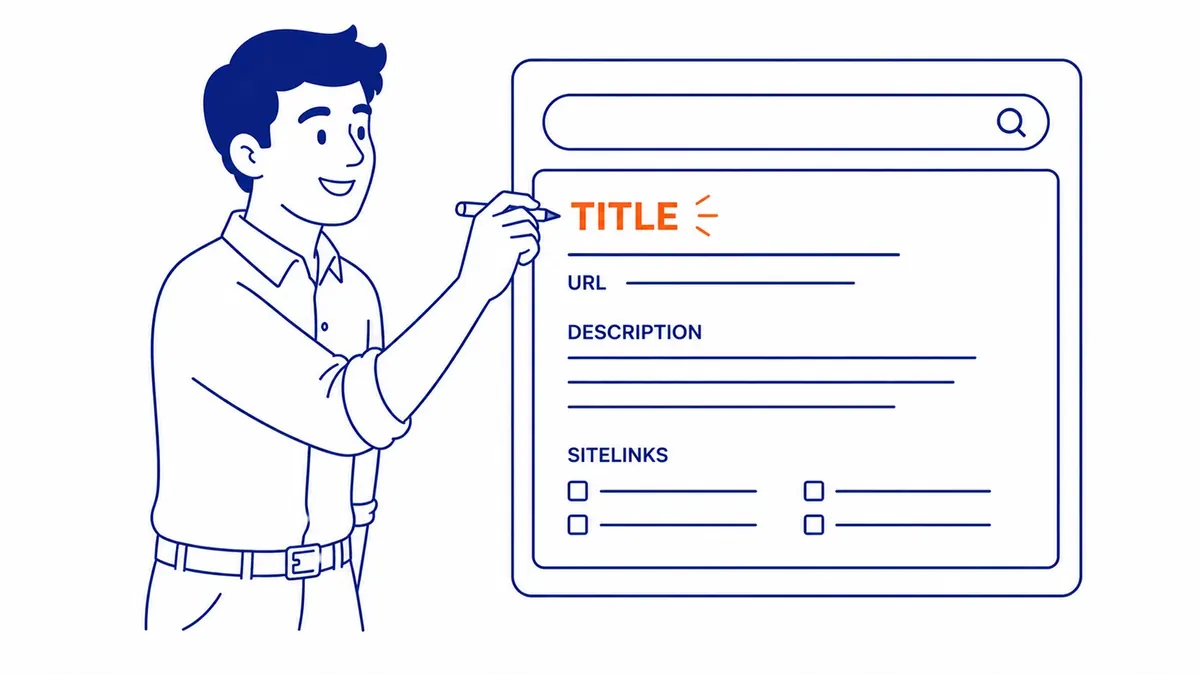
| Title element | Missing, duplicated or very long titles | Every page needs a unique, descriptive title; length warnings are a display question, not a rule |
| Meta description | Missing or duplicated descriptions | Affects the snippet people see, not the ranking itself |
| Headings | A missing H1, several H1s, skipped levels | Useful for readability and accessibility; Google is relaxed about it |
| Images | Missing alt text, oversized files | Alt text helps accessibility and image search; large files slow pages |
| Speed and Core Web Vitals | Load time, LCP, INP and CLS | Matters most on slow, image-heavy pages; check whether the figure is a lab test or real-user data |
| Mobile layout | Viewport tag, text size, tap targets | Google indexes the mobile version of a site, so the phone layout is the one that counts |
| Structured data | Whether schema is present and valid | Can make a page eligible for rich results; it does not guarantee them |
| HTTPS | Whether the site and its resources load securely | Part of page experience; most sites already pass |

Paid platforms usually add backlink data, keyword rank tracking and competitor comparisons on top of this. Those extras are useful for research, but they are estimates built from the vendor’s own crawling and data, which is worth remembering when two tools disagree about the same site.
What the SEO score means, and what it does not
Each tool builds its score its own way, by deciding which checks to run and how much each one counts. Lighthouse, for example, weights each of its automated SEO audits equally, and its documentation for the meta description audit notes that “Lighthouse doesn’t evaluate the quality of your description”, only whether one exists. A page can therefore score 100 with a description nobody would click and a title that misses what people search for.
Google addressed this directly in its guidance on using third-party SEO tools, last updated in June 2026. It says third-party tools “don’t have access to our internal ranking data”, that they “can’t guarantee performance”, and that any predictions they make “are their own”. The same page notes that Google doesn’t evaluate third-party services, so a tool’s claim to be approved by Google deserves suspicion, and it recommends using Search Console alongside any other tool because its data comes from Google Search itself. In practice, the right way to read a checker’s score is as a rough count of housekeeping issues, useful for tracking whether a clean-up is progressing and of no value as a forecast of rankings.
Common checker warnings that Google’s own documentation contradicts
Many checker warnings are sensible conventions that the tools present as rules. Fixing them rarely hurts, but chasing them before the problems that matter is how site owners spend a month on cosmetic changes. These are the ones where Google’s documentation says something different from the warning.
| Typical warning | What Google documents | Source |
|---|---|---|
| “Title too long” (often over 60 characters) | “While there’s no limit on how long a <title> element can be, the title link is truncated in Google Search results as needed, typically to fit the device width.” | Title links |
| “Meta description too long or too short” | “There’s no limit on how long a meta description can be”; snippets are “primarily created from the page content itself” | Snippets |
| “Low word count” or “thin content” by word total | “The length of the content alone doesn’t matter for ranking purposes (there’s no magical word count target, minimum or maximum” | SEO Starter Guide |
| “Headings out of order” or “too many headings” | Semantic order helps screen readers, but “from Google Search perspective, it doesn’t matter if you’re using them out of order”, and there is “no magical, ideal amount of headings” | SEO Starter Guide |
| “Missing meta keywords” | “Google Search doesn’t use the keywords meta tag” | SEO Starter Guide |
| “Duplicate content” across your own URLs | Content available under several URLs is “inefficient, but it’s not something that will cause a manual action” | SEO Starter Guide |
None of this makes the warnings worthless. A very long title will be cut off in results and a missing description hands the snippet entirely to Google, so both are worth tidying once the serious issues are dealt with. Heading structure still matters for people using screen readers, and duplicate pages are still worth consolidating with a canonical tag or a redirect so that one version collects the links and visits. The point is the order of work: these belong at the bottom of the list, not the top.
Free SEO checkers and paid platforms
The most useful free SEO checker is not usually called one. Google Search Console shows which of your pages Google has indexed and why others were left out, which searches your pages appeared for, and how real visitors experienced your pages’ speed. To use it you verify that you own the site, and Google offers several ways to do that, including uploading an HTML file, adding an HTML tag, using an existing Google Analytics or Google Tag Manager setup, or adding a DNS record at your domain provider. The DNS method is the only one that verifies a Domain property, which covers every version of the site (http and https, with and without www) in one place.

PageSpeed Insights is the second free Google tool, and it is where many site owners misread their results. Its page has two parts. The field data at the top comes from the Chrome User Experience Report (CrUX), which records how real Chrome users experienced the page, and that is what Google’s Core Web Vitals assessment uses, judged at the 75th percentile against thresholds of 2.5 seconds for Largest Contentful Paint, 200 milliseconds for Interaction to Next Paint and 0.1 for Cumulative Layout Shift. The performance score underneath comes from a Lighthouse lab test, a simulated page load, which is useful for diagnosing causes but is not the assessment itself.
The catch for small businesses is that CrUX only includes pages and sites that are “sufficiently popular”, and Google does not disclose the exact threshold. A new page, or a modest local site with a few hundred visits a month, may show no field data at all, in which case PageSpeed Insights falls back to data for the whole site or shows none. If that is your situation, the lab score is the only speed figure you have, so use it to find heavy images and slow scripts, but do not treat a poor lab number as proof that Google sees your site as slow. Google’s page experience documentation also makes clear that good Core Web Vitals help, but relevant content still comes first.

For a whole-site crawl, the free version of Screaming Frog’s SEO Spider crawls up to 500 URLs, which covers most small business sites, and a paid annual licence removes the limit and adds advanced features. It runs on your own computer and exports every page’s titles, descriptions, status codes, canonicals and headings into a spreadsheet, which makes duplicate titles and broken links easy to spot. Online checkers from vendors such as Semrush, Seobility and SEOptimer offer free scans, and paid platforms such as Semrush and Ahrefs add backlink and ranking data. A practical small business setup is Search Console, PageSpeed Insights and one crawler, with a paid platform added only when you need competitor or link research. There is also a wider list of free SEO tools if you want to compare options.
How to use an SEO checker effectively

Most checker reports list every issue with the same visual weight, so a broken link on a forgotten archive page looks as urgent as a noindex tag on your main service page. The tool cannot know which pages earn your business money, so the sorting has to come from you. A sensible order of work looks like this:
- Indexability first. Check that your important pages are not blocked by robots.txt, tagged noindex or canonicalised to another URL, then confirm in Search Console’s Page indexing report that Google has actually indexed them. Keep in mind that Google says “Crawled – currently not indexed” is “a common message for many sites and doesn’t necessarily indicate an issue that needs attention”, and that duplicate or alternate pages are meant to be left out.
- Broken links and server errors on pages people visit. Fix internal links that point to 404 pages and redirect chains on your main navigation before anything cosmetic.
- Titles and descriptions on the pages that matter. Start with the pages that already get impressions in Search Console, make each title unique and descriptive of what the page offers, and write a description a searcher would want to click.
- Mobile layout and real speed problems. Fix anything that makes the phone version hard to use, and address speed where field data shows a poor result or the lab test points to an obvious cause such as an oversized image.
- Housekeeping last. Alt text on decorative images, heading order, description length and similar warnings are worth clearing up in a quiet week, not ahead of the items above.
If the report is long, the same logic is set out in more detail in this guide on how to rank the fixes from a technical audit. As for frequency, a reasonable rule of thumb is to run a crawl after any significant change, such as a redesign, a new theme or plugin, a migration or a large batch of new pages, and otherwise to look at Search Console about once a month, since its reports update as Google recrawls the site. A checker score that barely moves after important fixes is common, because the score counts every warning, and removing a noindex tag from a key page may count for no more than adding a missing alt attribute; what matters is whether the important pages are indexed and whether their impressions and clicks in Search Console grow over the following months.
What an SEO checker cannot tell you
A site checker only sees the website, and for many Calgary service businesses a large share of search visibility comes from somewhere else. The Google Business Profile, which decides whether a business appears in the map results, is not part of any site crawl, and Google’s own help page says local results are “mainly based on relevance, distance, and popularity”, and the part of that page headed “Prominence” adds that this also draws on information such as how many websites link to the business and how many reviews it has. A site that scores 98 in a checker can still be invisible in the map pack because its profile is incomplete or its category is wrong.
A checker also cannot judge whether a page answers what people searching for it want. It will happily approve a perfectly tagged service page competing for a query where Google shows only guides, or a blog post targeting a phrase nobody searches for. It does not know who your competitors are, how strong their links are, or whether your page offers anything theirs do not. Those questions decide rankings far more often than a missing alt attribute, and they need a person looking at the search results.
SEO checker vs SEO audit
The difference is interpretation. An SEO checker produces an automated list of what it found, while an SEO audit uses that list as one input and adds the judgement a tool cannot make: which issues actually affect your rankings, which pages matter most to the business, how the site compares with the pages that outrank it, and what order the work should be done in. To take an illustrative case, a checker might report 140 warnings, and an audit might conclude that five of them matter and that the real problem is a missing service page. If you want to go that far yourself, there is a step-by-step guide to a full SEO audit.
Run a checker yourself whenever you change the site, and use it to keep the basics clean. When the basics are clean and the rankings still have not moved, the reason is usually outside what the tool can measure, and SEO results take months to show either way. SEO Company To-The-TOP! has worked as a White Hat SEO practice in Calgary since 2007, and its website audit looks at the competition, the search intent and the Google Business Profile alongside the technical report. You can call (403) 308-5949 to talk it through.
Contact Calgary SEO Company To-The-TOP!
Questions about anything in this article, or about your own rankings? Talk to a Calgary SEO specialist directly.
Phone: (403) 308-5949
Address: 1509 14 Ave SW, Calgary, AB T3C 0W4
Hours:
Monday to Friday: 10:00 am – 7:00 pm
Saturday: 12:00 pm – 4:00 pm
Sunday: closed