
What Is Cloaking in SEO? How It Works, What Counts and the Risks
Cloaking in SEO is the practice of showing search engines one version of a page and human visitors a different one, so that a page can rank for content people never actually see. Google’s spam policies define it as “presenting different content to users and search engines with the intent to manipulate search rankings and mislead users.” Its two examples are plain: showing search engines a page about travel destinations while showing users a page about discount drugs, and inserting text or keywords into a page only when the visitor requesting it is a search engine. Cloaking breaks those policies, and Google Ads bans it under a separate, stricter rule.
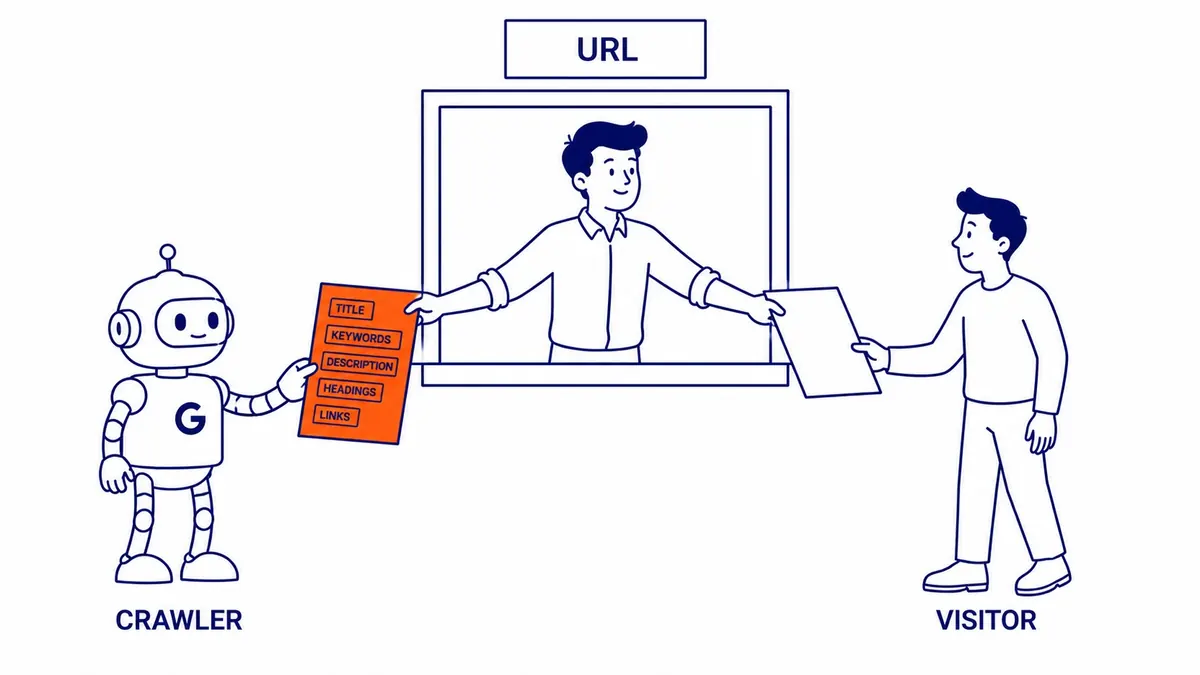
How cloaking works
Every request for a web page tells the server something about who is asking, and cloaking uses that information to decide which version to send. The most common check is the user agent, the short text string a browser or crawler sends with each request. Googlebot identifies itself in that string, so a cloaking script can send it a keyword-heavy page while every browser gets something else. A second method checks the IP address of the request against the addresses search engine crawlers use, which Google publishes so that site owners can verify real Googlebot traffic. A third relies on JavaScript or on conditional redirects, for example sending visitors who arrive from a Google results page somewhere other than the page that ranked, while anyone typing the address directly sees nothing unusual.
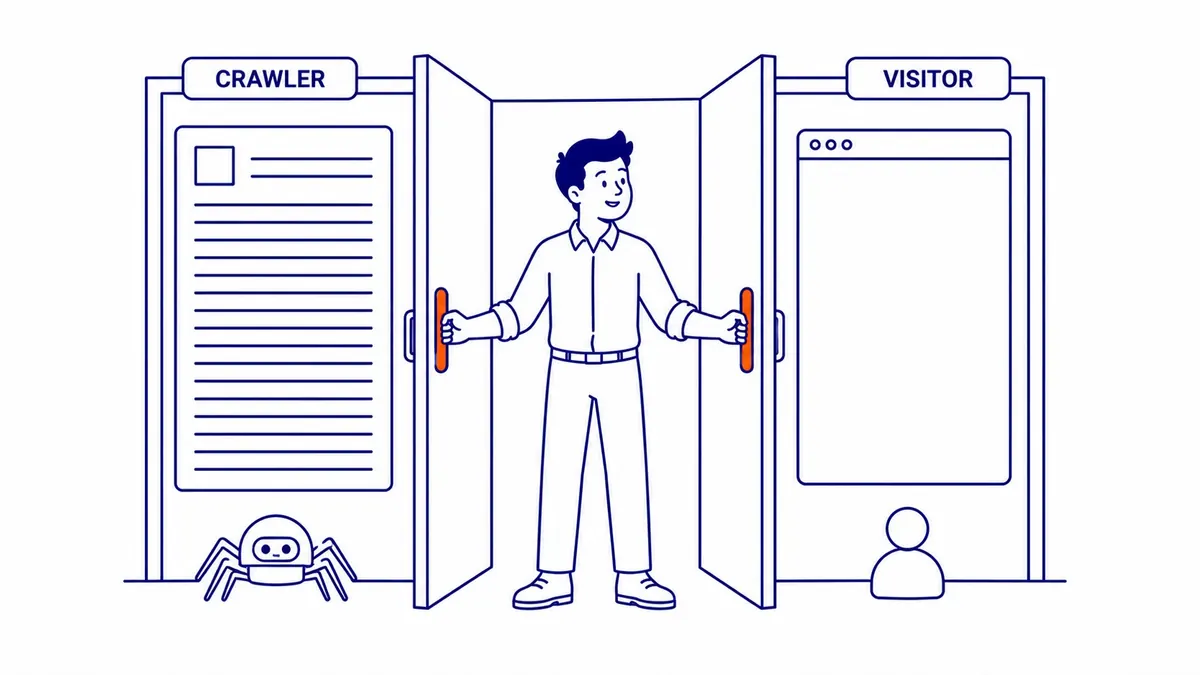
The redirect version overlaps with what Google calls sneaky redirects, which its policies describe as sending users somewhere other than the requested URL in order to show users and search engines different content, or to show users something that does not meet their needs. The Manual Actions report in Search Console treats the two together under the heading “Cloaking and/or sneaky redirects”. Google also lists cloaked images as their own problem, where an image shown in Google’s results differs from the one a visitor sees on the site.

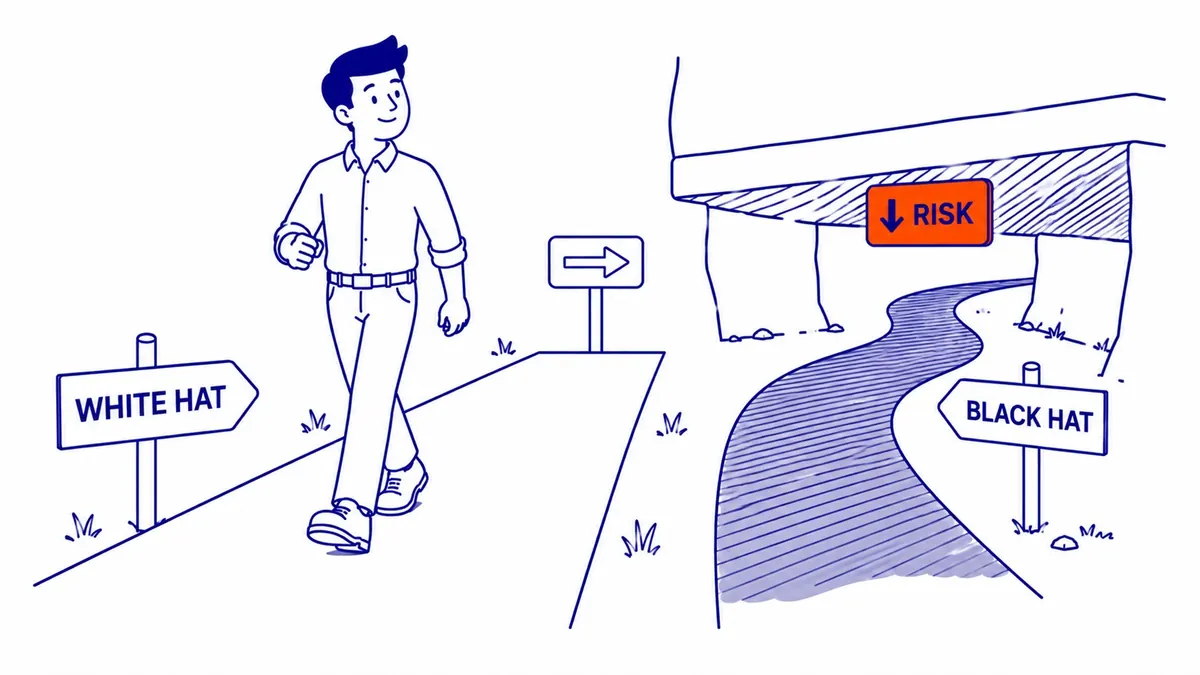
Whatever the method, the logic is the same. The page that earns the ranking is not the page people get, which is why cloaking sits firmly on the black hat side of SEO alongside hidden text, doorway pages and link schemes.
What Google does not treat as cloaking
Plenty of ordinary websites show different people different things, and Google’s documentation is clear that this is not automatically cloaking. The test running through every example is whether search engines and users get the same substance, and whether any difference exists to mislead. The table summarizes what Google’s own pages say about the setups businesses use most often.
| Setup | Cloaking? | What Google’s documentation says |
|---|---|---|
| Paywall or other gated content | No, if done properly | Not cloaking if Google can see the full content behind the paywall, as any person with access can, and you follow its Flexible Sampling guidance. Paywalled content should be marked with structured data so Google can tell it apart from cloaking. |
| A pre-rendered HTML version of a JavaScript page served only to crawlers | No, if the content is similar | Googlebot will not view it as cloaking as long as it produces similar content. Google now calls this a workaround rather than a recommended solution. |
| Content that changes by country, language or currency | No, if Googlebot is treated like any visitor from the same place | Google says to treat Googlebot like any other user from the country its IP address suggests, and recommends separate locale URLs with hreflang annotations. |
| A/B tests | No, if Googlebot is not singled out | Showing one set of URLs to Googlebot and another to people is cloaking even during a test, and Google says this applies whether it is done through server logic, robots.txt or any other method. Googlebot generally does not support cookies, so it sees the version shown to browsers that refuse them. |
| Sending signed-in users to an account page | No | Redirecting users to an internal page once they are logged in is one of Google’s examples of a legitimate redirect. |
| A keyword-rich page for Googlebot and a sales page for people | Yes | This is the core example in the spam policies. |
The locale row matters for Canadian businesses. Google says Googlebot crawls from US-based IP addresses and also from addresses in other countries, so a site that switches between Canadian and US pricing, or between Alberta and British Columbia service pages, purely by IP address can leave Google seeing only one version. That is not cloaking if Googlebot is treated like any visitor from the same place, but it can still hide the version a Calgary customer would see. Separate pages for each version, linked with hreflang where language or country differs, avoid the problem.
What happens when Google finds it
Google detects spam policy violations through automated systems and, where needed, through human review that can end in a manual action. Its spam policies say that sites that break them “may rank lower in results or not appear in results at all”, which is the practical meaning of a cloaking penalty. When a reviewer applies a manual action, it appears in the Manual Actions report in Search Console, either as “Cloaking and/or sneaky redirects” or, for sites that combine cloaking with other aggressive tactics, as “Major spam problems”.

Google’s recommended fix is concrete. Use the URL Inspection tool to fetch affected pages as Google sees them, compare that with what a person sees in a browser, and remove whatever code on the server serves different content or redirects conditionally, for instance only for visitors from Google Search or from certain IP ranges. Google’s tip is to look in JavaScript, in the .htaccess file, and in the content management system and its plugins. Once the site is clean, you select Request Review in the report. Google says most reconsideration reviews take several days or weeks, and that fixing the problem on only some pages “will not earn you a partial return to search results”, so the clean-up has to cover every affected page.
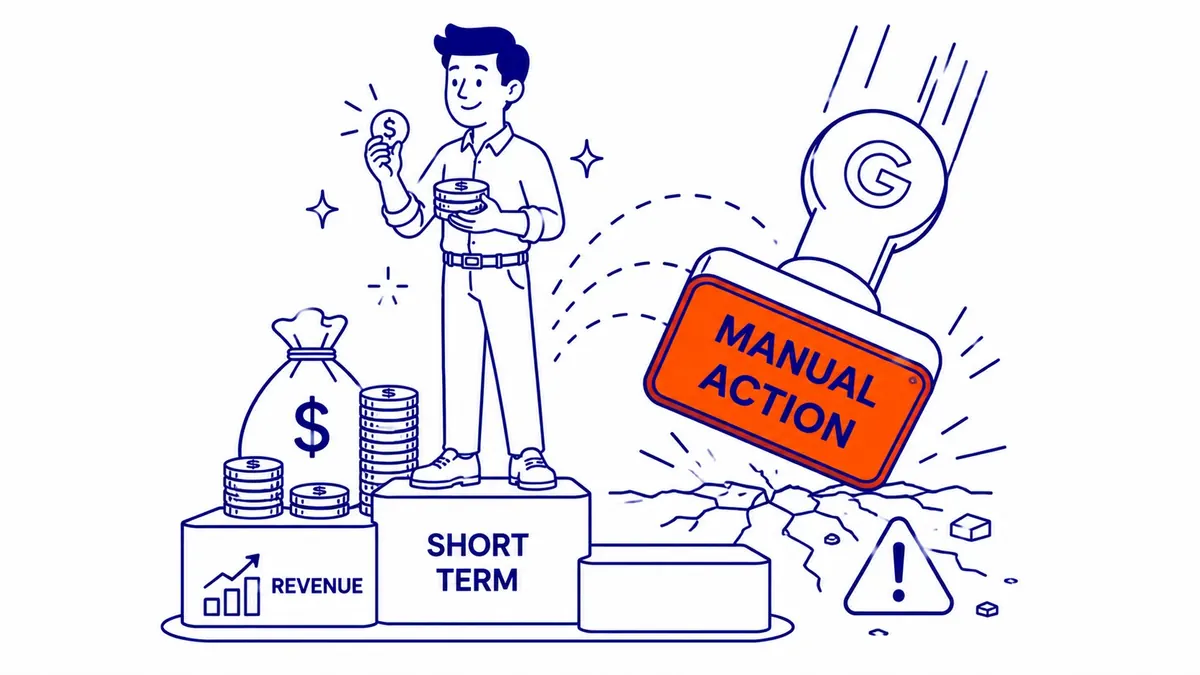
Google makes no promise about how long rankings take to return after a manual action is revoked, and nobody else can promise it either. The cost of cloaking is therefore open-ended, which is the real answer to the question of what the risks are.
Cloaking in Google Ads is treated even more harshly
Google Ads has its own definition, under the Circumventing systems policy: showing different content on your website to different people, or to Google, “to try to hide things that might break Google Ads’ rules.” Its examples include showing Google a compliant landing page while showing people something else, a pop-up that blocks most of the site so Google cannot assess the destination, and click trackers used to send people to prohibited content. Google says it is fine to show slightly different content to different people, such as a landing page in another language, different special offers or adjustments for location or slower connections, “but the promoted product or service needs to be the same for everyone.”
The consequence is far heavier than a ranking drop. Google classes circumventing systems violations as egregious, says accounts are suspended “upon detection and without prior warning”, and states that the advertiser will not be allowed to advertise with Google Ads again, with reinstatement only through an appeal in compelling circumstances. For anyone running Google Ads campaigns, that makes landing-page redirects, tracking templates and third-party click trackers worth checking before launch, and Google recommends using a click tracker that it has certified.
When a hacker cloaks your site
Business owners can also run into cloaking they never chose, when a hacked site serves hidden spam or conditional redirects. Google’s spam policies note that hackers often use cloaking to make a hack harder for the site owner to detect, and Google’s guide to fixing the Japanese keyword hack describes the pattern: spam pages appear in Google’s results, but clicking through can lead to a redirect, a page of gibberish or even a 404 message that suggests the page is gone. Google explains that the hack uses cloaking to fool the owner into thinking the page is fixed, and that the URL Inspection tool shows the hidden content. The Google Ads policy makes the same point, saying cloaking content can be added to a website without the owner knowing.
A short routine can reveal the common signs, although no single check rules out cloaking that depends on location, device or referrer. Run a few important URLs through the URL Inspection tool in Search Console and compare the rendered page with what you see in your own browser. Search Google for site: followed by your domain and look through the results for pages or titles you do not recognize. Check the Security Issues and Manual Actions reports, and click through to your own pages from a Google results page on a phone, since Google notes that hacked redirects can depend on the referrer, the user agent or the device. A difference you cannot explain by your own setup, such as a test, a paywall or locale content, is worth investigating as a possible hack. The clean-up then covers server files, the .htaccess file, the CMS, its themes and plugins, and any Search Console owners you did not add, not only the visible content, and the steps for cleaning up a Japanese keyword hack show what that involves.
The alternative is the same substance for everyone
Cloaking promises a shortcut past the slow part of SEO, and the shortcut does not hold, because it depends on deceiving Google, and Google says it finds violations through automated systems as well as human review. The approach that lasts is the boring one: one version of each page’s substance, written for the person searching, with the same content available to Googlebot. Where a site needs to vary content by location, membership or experiment, Google documents a legitimate way to do each of them.
SEO Company To-The-TOP! has worked White Hat only since 2007, and every engagement is handled by one Calgary-based expert from start to finish. If you suspect a page on your site is showing Google something you did not put there, or you have inherited a site with redirects nobody can explain, a technical site audit is the place to start, and To-The-TOP! can be reached at (403) 308-5949.
Contact Calgary SEO Company To-The-TOP!
Questions about anything in this article, or about your own rankings? Talk to a Calgary SEO specialist directly.
Phone: (403) 308-5949
Address: 1509 14 Ave SW, Calgary, AB T3C 0W4
Hours:
Monday to Friday: 10:00 am – 7:00 pm
Saturday: 12:00 pm – 4:00 pm
Sunday: closed