
What Is Disavow in SEO? What the Disavow File Does and When to Use It
In SEO, to disavow a link means asking Google not to take certain backlinks into account when it assesses your site. You do it with Google’s disavow links tool in Search Console by uploading a plain text file that lists the pages or whole domains you want ignored. The tool exists mainly for sites that have bought links, or inherited them, and cannot get them taken down. Google’s own help page calls it “an advanced feature” that “should only be used with caution”, and it says that most sites will not need to use it at all, because Google can usually work out which links to trust on its own.
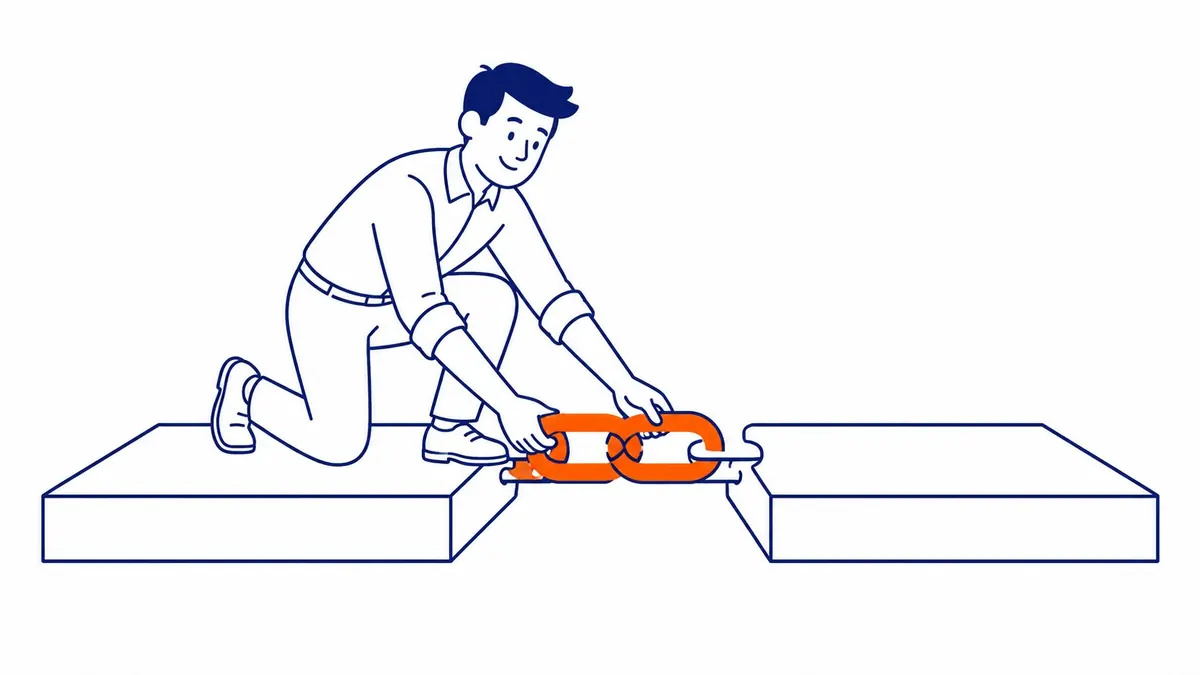
What disavowing does and does not do
A disavow file is a request about how Google should treat links, and it changes nothing anywhere else on the web. The page that links to you stays online, the link stays on it, and Google’s help page notes that disavowed links “will continue to be shown” in the Links report in Search Console. That can look like a failure, because the same domains still appear in the report a month after the upload. What changes is that Google is asked to stop counting those links when it weighs your site, which it says can take a few weeks while it recrawls the pages involved.

Disavowing also cannot add anything. It removes the effect of links you choose, so if those links were doing nothing to begin with, the file changes nothing, and if any of them were genuine links that helped you, the file throws that help away. Google has devalued many spammy links automatically since 2016, when it announced that its Penguin system had become part of the core algorithm and now “devalues spam by adjusting ranking based on spam signals, rather than affecting ranking of the whole site.” Together with its current statement that it can usually assess which links to trust, that is why most sites never need a disavow file.
When Google says you should disavow
Google’s help page gives a two-part test, and both parts have to be true. You should disavow backlinks only if you have “a considerable number of spammy, artificial, or low-quality links” pointing to your site, and those links “have caused a manual action, or likely will cause a manual action”. The example it gives is paid links or other link schemes that you, or an SEO you hired, built in the past. Google’s spam policies list what counts as link spam, including buying links, excessive link exchanges, automated link-building programs, low-quality directory or bookmark links and paid articles whose links pass ranking credit.

A manual action for unnatural links
The clearest case is a manual action, which you will find in the Manual Actions report in Search Console. If the report shows “Unnatural links to your site”, Google’s guidance is to remove as many of the links as you can first, disavow the ones you could not get removed, and then select Request Review to file a reconsideration request. Google is explicit that the disavow file alone is not enough: “Blindly adding all backlinks to the disavow file is not considered a good-faith effort”, and disavowing everything without trying to remove anything “might lead to rejection” of the request. It also asks you to include documentation of the links you had removed and an explanation of the ones you could not.

In practice, that documentation is a record of your outreach: which sites you contacted, when, and what came back. A business that has bought an existing company along with its website has a specific route here. Google’s Manual Actions help says that if you recently bought a site that broke its spam policies before you owned it, you should fix the issues and say in your reconsideration request that you recently acquired the site. Notice, too, that a different manual action, “Unnatural links from your site”, is about links on your own pages pointing elsewhere, so a disavow file does nothing for it and the fix has to happen on your own site.
Links you built or bought that will not come down
The second case has no manual action yet. If you know the site carries paid links or other link-scheme links, perhaps from a previous agency or a past owner, and the sites hosting them ignore removal requests, Google’s wording (“likely will cause a manual action”) covers disavowing them pre-emptively, as long as both parts of its test hold: there are a considerable number of them and they put the site at real risk of a manual action. Removal is still the better outcome, because a link that no longer exists cannot cause trouble later, so the disavow file is for whatever is left after a genuine attempt to clean up.
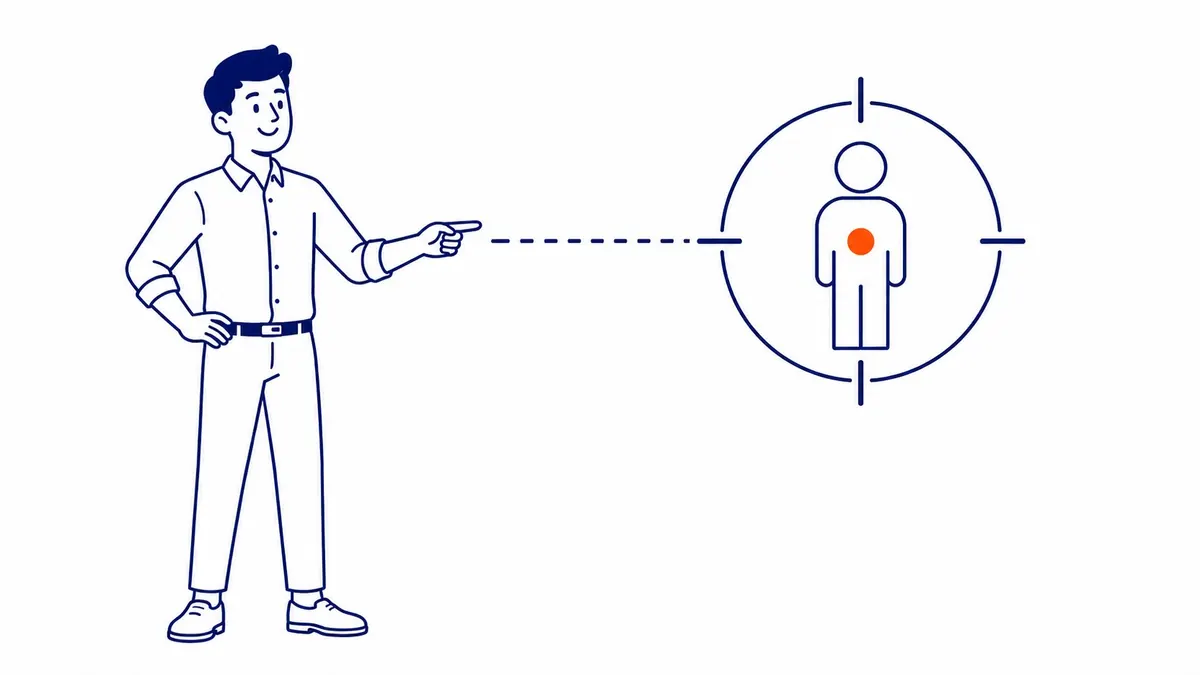
The key word in both cases is “artificial”. Disavowing is for links that someone created to manipulate rankings, and Google warns in the Manual Actions report: “Make sure that you don’t disavow organic links to your site.”
When to leave the tool alone
Every site that has been online for a while collects odd links: scraper sites that copy pages, old directory listings, foreign-language forums and spam comments nobody ever cleaned up. Some of these fit Google’s definition of link spam, but their presence alone does not meet its two-part test for disavowing. If you did not build them and have no manual action, Google’s documentation points toward doing nothing, since it says it can assess which links to trust in most cases. If you are trying to work out whether bad backlinks are hurting a site, the Manual Actions report is the place to start, because it is the one place where Google tells you directly that links are a problem.

Third-party “toxic link” scores deserve particular care. They come from the tool vendor’s own model, not from Google, and Google’s disavow page does not mention them. A high score can be a useful prompt to look at a domain, but it is not evidence that Google holds the link against you, and disavowing every link a tool flags risks throwing away genuine ones along with the junk.

The same applies to worries about negative SEO, where a competitor supposedly points spam links at your site. Google says it “works very hard to make sure that actions on third-party sites do not negatively affect a website.” If a sudden ranking drop coincides with a burst of spam links, check the Manual Actions report and the more ordinary causes (site changes, technical errors, a Google core update, a competitor improving its pages) before you assume the links are to blame.
| Situation | What Google’s documentation supports |
|---|---|
| Manual action: “Unnatural links to your site” | Remove what you can, disavow the rest, document it, then request a review |
| You or a past provider bought links, no manual action yet | If there are many of them, try to get them removed and disavow the ones that stay |
| You bought a business and its site came with paid links | Same cleanup; mention the acquisition in any reconsideration request |
| Manual action: “Unnatural links from your site” | Fix the outbound links on your own pages; disavowing does not apply |
| Scraper, directory or spam links you never built | Usually nothing; Google says most sites do not need the tool |
| A third-party tool shows a high toxicity score | Review the links by hand; a vendor score alone is not a reason to disavow |

How to build and upload a disavow file
Start with a list of the links you intend to disavow and the reason for each, which is normally the output of a link audit of your backlinks. The Links report in Search Console can be exported as a starting point, although Google reminds you to remove any URLs you do not want to disavow from the downloaded file before you use it. Then write the file itself, following Google’s rules:
- One URL or one domain per line. To disavow a whole domain or subdomain, write
domain:in front of it, such asdomain:example.com. - You cannot disavow a subpath such as
example.com/en/; it has to be individual URLs or the whole domain. - The file must be plain text encoded in UTF-8 or 7-bit ASCII, and its name must end in
.txt, so a spreadsheet or word processor file will not work. - Lines that start with
#are comments, which Google ignores. They are a good place to record the date and why each entry is there. - The limits are 100,000 lines (blank and comment lines included), 2 MB in size and 2,048 characters per URL.
A short file in the format Google shows looks like this:
# Two pages to disavow
http://spam.example.com/stuff/comments.html
http://spam.example.com/stuff/paid-links.html
# One domain to disavow
domain:shadyseo.com
When you upload, a few rules catch people out. Google’s help page says the tool “does not support Domain properties”, so if your site is verified in Search Console only as a Domain property (often the case when it was set up through a DNS record), you will need a URL-prefix property for it, such as https://www.example.ca/, before the tool applies. You must be a property owner to upload, and each list applies only to the property you upload it to, plus any child properties, so if you have separate http and https properties, Google says to upload a list for each.

Each property holds one list, and uploading a new file replaces the existing one entirely. If you want to add a few domains to an older list, download or rebuild the full list first and upload everything together, or the older entries will no longer apply. If the new file has errors, the tool lists them straight away and your old list stays in place. There is also a Cancel Disavowals option that removes the whole list for a property, which is useful when an old file disavowed links that should never have been on it. Keep a dated master copy of the file outside Search Console, so that the next person who works on the site can see what was disavowed and why.
How long disavowing takes, and how you know it worked
Google says that after a successful upload “it can take a few weeks” for the list to be incorporated into its index, because it has to recrawl the web and reprocess the pages involved. You will not get a confirmation that a particular link has been discounted, and the links will still show in the Links report, so there is nothing to check off.
With a manual action, you do get an answer. Google sends an email when it receives your reconsideration request and another when the review is complete, and if the site no longer violates its policies, the manual action is revoked. Google’s help says most reconsideration reviews take “several days or weeks”, while link-related requests “may take longer than usual”, and it asks you not to resubmit while a request is still under review. Without a manual action, the only signals are your rankings and traffic over the following months, which other changes will affect too.
What disavowing cannot fix
A disavow file only changes how Google treats links that point to you. It does nothing for thin or unhelpful content, slow pages, crawling and indexing errors, or competitors who simply have better pages for the same searches, and those are the more common reasons a site underperforms. If rankings have fallen and you are not sure why, a full website audit that looks at content and technical health alongside links will tell you more than a backlink tool on its own.

Google gives no timeline for rankings to recover after a link problem, only the few weeks for a disavow list and the review times above, so a business that depends on enquiries from search may want another source of leads in the meantime. Paid search through Google Ads does not depend on organic rankings, although it is a separate budget with its own costs.
SEO Company To-The-TOP! has worked in Calgary since 2007 and uses White Hat methods only, so it does not build the kind of links a disavow file exists to undo. If you are unsure whether your site needs a disavow file at all, or you inherited one and want to know what is in it, To-The-TOP! can go through it with you. If you would like a second opinion on your site, or on an audit quote you already have, call (403) 308-5949.
Contact Calgary SEO Company To-The-TOP!
Questions about anything in this article, or about your own rankings? Talk to a Calgary SEO specialist directly.
Phone: (403) 308-5949
Address: 1509 14 Ave SW, Calgary, AB T3C 0W4
Hours:
Monday to Friday: 10:00 am – 7:00 pm
Saturday: 12:00 pm – 4:00 pm
Sunday: closed