
What Is Keyword Bidding? How It Works in Google Ads
Keyword bidding is setting the most you are willing to pay when someone clicks an ad that showed because of one of your keywords. In Google Ads that number is the maximum cost per click, or max CPC, and you can set it for a single keyword or as a default for a whole ad group. The bid does not buy a position on its own, though, because Google ranks ads by Ad Rank, which weighs your bid against the quality of your ad and landing page and several other factors. When you win a click, you usually pay less than your bid, since Google charges only what is needed to beat the advertiser ranked below you.
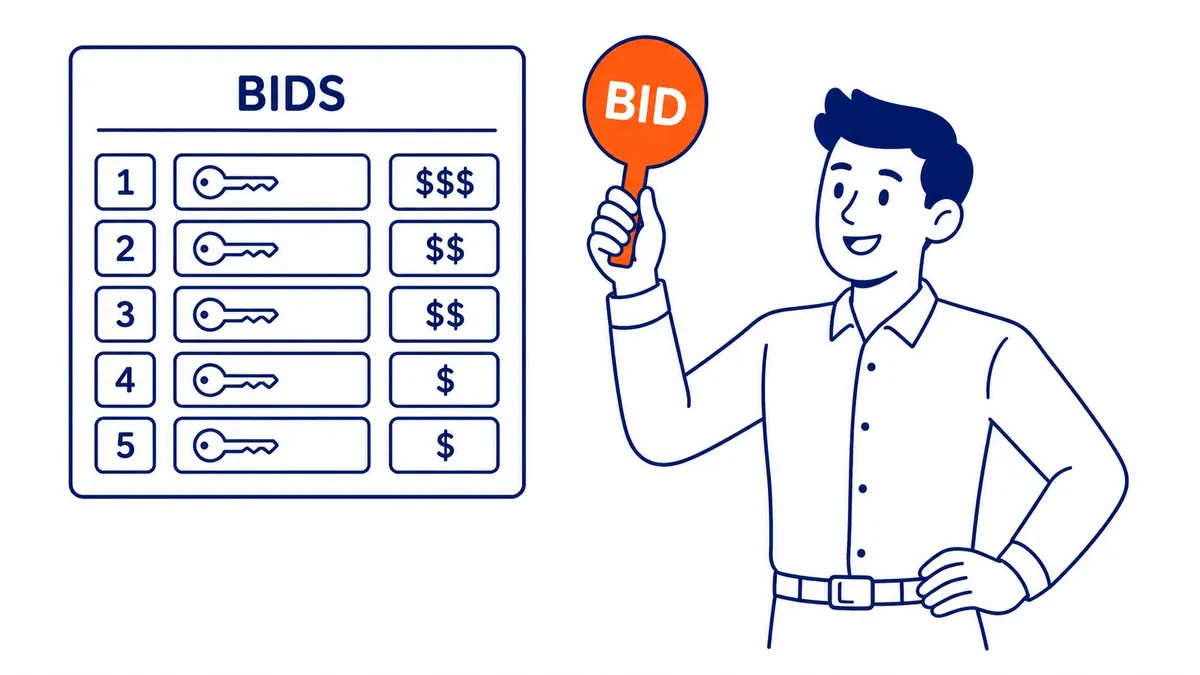
What you are actually bidding on
You bid on keywords, but people type search terms, and the two are rarely identical. Your match type decides which searches count as a match for a keyword and therefore which auctions it can enter. Google Ads offers three match types: broad match, which can show your ad on related searches even when they do not contain your words; phrase match, which needs the search to include the meaning of the keyword; and exact match, which needs the same meaning or intent. Negative keywords are not a fourth match type but exclusions, telling Google which searches you never want to appear on.
This matters for bidding because the same bid behaves very differently depending on the match type behind it. A $3 bid on an exact match keyword competes only in a narrow set of auctions, while the same $3 on a broad match keyword can enter auctions for searches you never thought of, some of them far less likely to turn into a customer. Google also notes that when several of your similar keywords could match one search, only one of them is used and you have a single bid in that auction. Bidding twice against yourself is not something you need to worry about, though it helps to know that Google, not you, decides which of them enters, usually the one with the higher Ad Rank.
How a bid becomes a position and a price
Every search runs its own auction. Google’s About Ad Rank page says Ad Rank is calculated twice in each auction, first to decide whether your ad can show at all and then to decide where it ranks, and that it rests on six factors: your bid, the quality of your ad and landing page, the Ad Rank thresholds, how competitive the auction is, the context of the person’s search, and the expected impact of your assets and other ad formats. Ad quality here is measured at auction time and includes expected clickthrough rate, ad relevance and landing page experience.
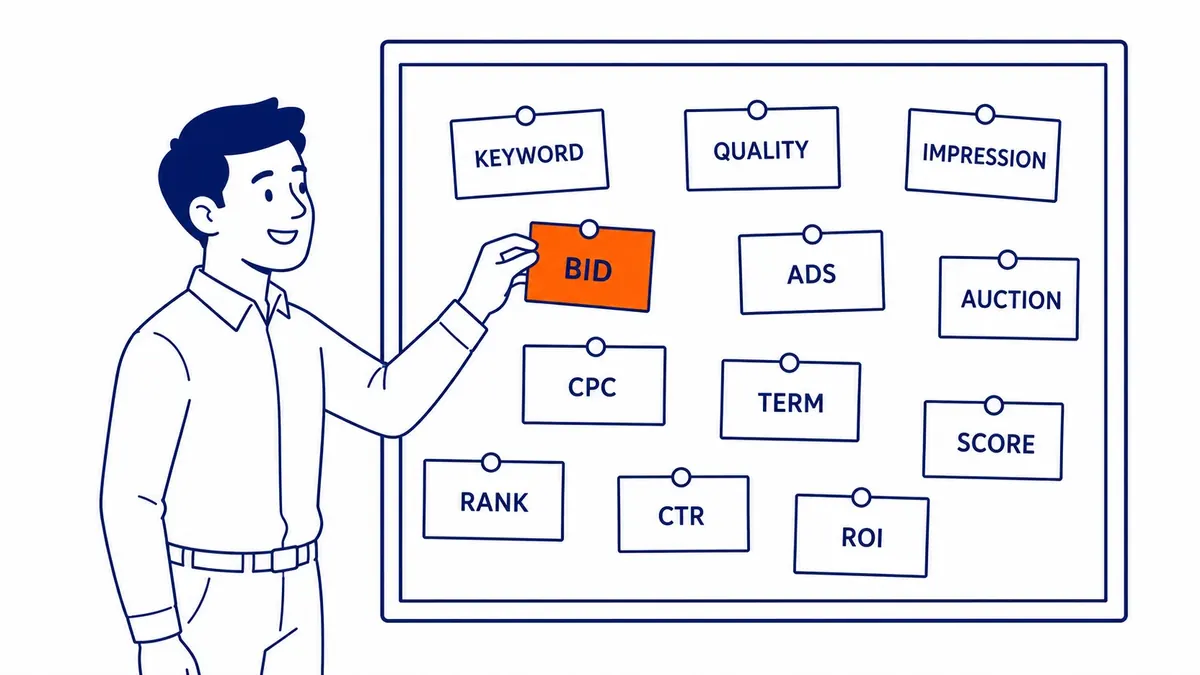
The Quality Score you see in the account is related but different. Google describes it as a 1 to 10 diagnostic that compares your ads with other advertisers’ ads for the exact same search over the last 90 days, and states plainly that Quality Score is not an input in the ad auction. A low score is a useful warning that the ad or landing page compares poorly with competitors’ for that search, but you cannot calculate your position by multiplying your bid by it, despite how often that formula still gets repeated.
What you pay follows from the same auction. Google’s Actual CPC page says you pay only what is minimally required to clear the Ad Rank thresholds and beat the Ad Rank of the competitor immediately below you, or the reserve price when nobody below you clears their thresholds. Thresholds are typically higher for ads above the search results, so a top spot usually costs more per click even with little competition, and a wide gap over the next advertiser can also raise your price. For a closer look at how the auction weighs bids against each other, that topic has its own guide.
Manual or automated: when the keyword bid is really yours
How much control you have over each keyword’s bid depends on the bid strategy the campaign uses. Under manual CPC, the max CPC you type is the number Google uses, and you can raise it for the few keywords that make money and lower it for the ones that only make noise. Under automated strategies, Google takes over most of that decision, which saves time but changes what “keyword bidding” means in practice.
| Bid strategy | Who sets the bid | What you control |
|---|---|---|
| Manual CPC | You, per keyword or per ad group default | Each max CPC, plus bid adjustments |
| Maximize Clicks | Google, within your daily budget | One optional maximum CPC bid limit for the whole campaign; no individual keyword bids |
| Maximize conversions or Target CPA | Google, in each auction | The budget and, for Target CPA, the average cost per conversion you want |
| Maximize conversion value or Target ROAS | Google, in each auction | The budget and, for Target ROAS, the return you want on ad spend |

Google describes Smart Bidding (Target CPA, Target ROAS, Maximize conversions and Maximize conversion value) as auction-time bidding that uses signals such as device, location, time of day, language and operating system to set a bid for each auction. Since June 2026, Google has been relabelling “Maximize conversions with a Target CPA” as “Target CPA” and “Maximize conversion value with a Target ROAS” as “Target ROAS” for Search campaigns, with the same bidding behaviour underneath. Older guides also describe Enhanced CPC as a middle ground between manual and automated bidding, but Google retired it for Search and Display campaigns the week of March 31, 2025, and campaigns still set to it now run as manual CPC.
The practical rule is that manual CPC suits a small account with a clear idea of what each keyword is worth, while Smart Bidding needs reliable conversion tracking before it has anything sensible to optimize toward. If conversions are not being measured correctly, an automated strategy simply optimizes toward the wrong thing faster.
Choosing a starting bid
Google offers three kinds of keyword bid estimates: a first page bid estimate, a top of page bid estimate and a first position bid estimate, all based on exact match. Keyword Planner shows similar top of page bid ranges when you research terms, and the Bid Simulator in the account estimates how clicks, cost and impressions would have changed in a typical week at a higher or lower bid. These are useful reference points for what keywords typically cost, but none of them tells you what a click is worth to your business.

That number comes from your own margins. Here is an illustrative example, not real client data, for a Calgary home service business. Suppose a booked job earns $600 in gross profit after materials and labour, one in four enquiries becomes a booked job, and one in ten clicks from the ad turns into an enquiry. Each enquiry is then worth about $150 ($600 divided by 4), and each click is worth about $15 ($150 divided by 10). A $15 max CPC would only break even, so a starting bid of $8 to $10, which keeps roughly a third to a half of each click’s value as margin, leaves room for profit while you collect real data. If the bid estimates for that keyword sit well above $15, the keyword is probably not profitable at your current conversion rate, and improving the landing page will do more than raising the bid.
Once real numbers arrive, replace each assumption with your own close rate and conversion rate and recalculate. When you do need to change a keyword’s max CPC, the steps in the account are short, and the harder part is deciding the new number from the data rather than from the bid estimate.
How much you can actually be charged
The max CPC is the most you will typically pay for a click, but Google’s Actual CPC page notes two exceptions: the charge can exceed it when you have set a bid adjustment, and the cap does not apply in the same way when an automated strategy sets the bid. Budgets work on a monthly average as well. Google’s average daily budget page says spend can vary from day to day, and that a campaign will not pay more than twice its average daily budget on any one day, or more than 30.4 times the average daily budget in a month, for most campaigns.

Canadian advertisers have one more line on the bill. Google’s Taxes in your country page says GST/HST applies to Google Ads customers with a billing address in Canada who have not added a GST/HST registration number, but the same page also says accounts served by Google Canada are always charged sales tax based on the billing address, so do not count on a registration number removing it. Your bids and budgets are set before tax, which means the break-even maths should run on the after-tax cost unless you can recover the GST/HST as an input tax credit. How you treat the tax on your own books is a question for your accountant.
Where keyword bidding goes wrong
One of the most expensive mistakes is bidding on broad match keywords without a negative keyword list and without Smart Bidding to set a bid for each search. Google itself says it is critical to use Smart Bidding with broad match, because broad match reaches so many different searches that a single manual bid cannot be right for all of them. On manual CPC, the safer path is phrase or exact match for the keywords that matter and a negative list that grows every time the search terms report shows something irrelevant.
The second mistake is raising bids to fix a quality problem. If an ad sits low because its landing page is slow or does not match the search, a higher bid pays more for the same weak page, while a better ad and page can lift Ad Rank at the same bid. Google’s own Ad Rank page notes that higher quality ads can often lead to lower costs per click. Mixing brand searches with generic ones in the same campaign causes a quieter version of the same problem, because brand clicks are usually cheaper and convert better, so they flatter the average and hide generic keywords that are losing money.
The last is judging a strategy too early. Google suggests giving Maximize Clicks a few days or weeks before evaluating it, and for Target CPA it recommends measuring performance over the last 30 days with at least 30 conversions. That is guidance on how to read the results, not a rule for when you are allowed to switch, but it is a fair warning that a week of data on a small Alberta or BC account says very little either way.
Getting keyword bids right
Keyword bidding is less about finding the right number once and more about keeping each bid tied to what a click is worth, with the match type, the bid strategy and the landing page all pulling in the same direction. SEO Company To-The-TOP! is a Calgary-based, Google Ads certified practice, run since 2007 by one expert who does all of the client work. If you would like a second opinion on how your campaigns bid, the Google Ads management page explains how the work is done and how to start a conversation.
Contact Calgary SEO Company To-The-TOP!
Questions about anything in this article, or about your own rankings? Talk to a Calgary SEO specialist directly.
Phone: (403) 308-5949
Address: 1509 14 Ave SW, Calgary, AB T3C 0W4
Hours:
Monday to Friday: 10:00 am – 7:00 pm
Saturday: 12:00 pm – 4:00 pm
Sunday: closed