
What Is Metadata in SEO? (And Why It Still Matters in 2026)
Businesses that book a website audit nearly always see the same pattern surface. Blank meta descriptions on pages that have ranked for years. Title tags copied verbatim from the H1. Noindex tags from a staging build, still live months after launch.
Nobody flags it. Traffic drifts. Rankings slip a position or two. The owner doesn’t connect the decline to the metadata. Why would they? It’s invisible.
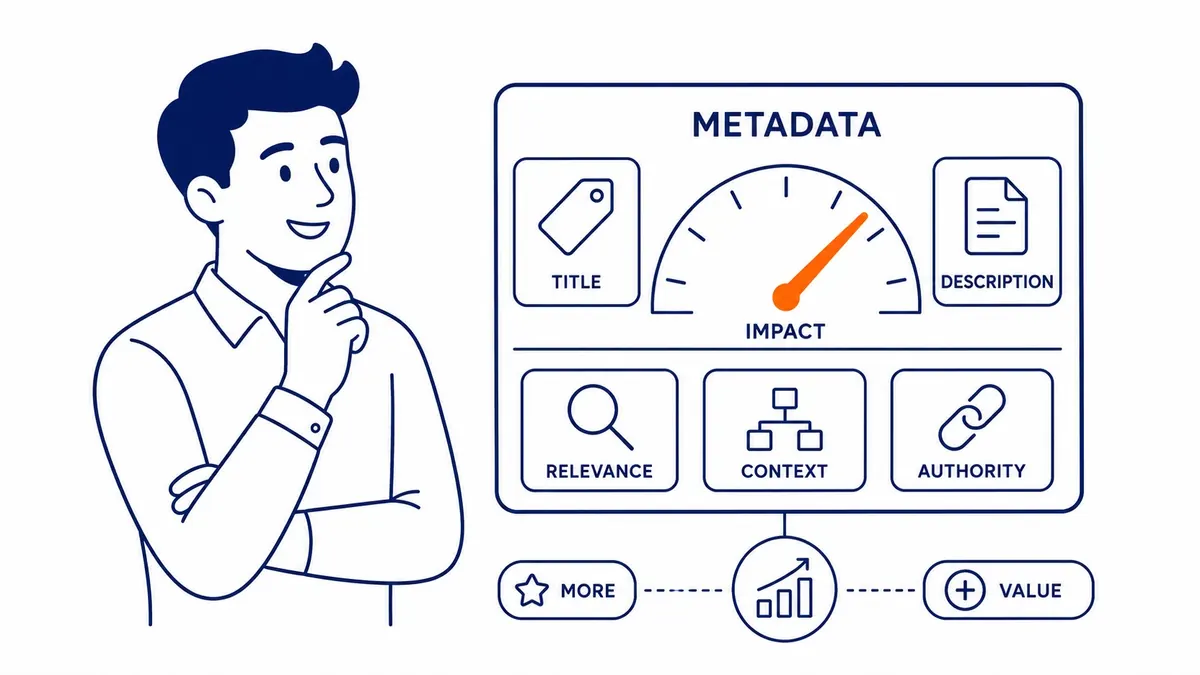
Metadata tells search engines what your pages are about. Not through visible content. Through structured instructions written into HTML that crawlers read before anything else. Users see parts of it in search results. The rest shapes how Google indexes and interprets every page on your site.
To-The-TOP! SEO Company has been working on client websites since 2007. Metadata problems come up on sites of every age and size. Caught early, they cost almost nothing to fix.
Metadata in SEO: What It Actually Is
More than just page labels.
Metadata lives inside the head section of a webpage’s HTML code. Visitors never see it in the body of the page; search engines read it before they read anything else.
Two types matter most for SEO. On-page metadata: the structured tags that tell Google what a page covers and whether to index it. Social metadata: tags that control how a page looks when shared across platforms.
The ones users encounter directly: title tags and meta descriptions. Title tags appear as the clickable headline in search results. The meta description shows as the grey summary text beneath it.
Other meta tags handle different jobs. Robots tags control indexation. Canonical tags signal the preferred URL. Open Graph tags determine social sharing appearance. None of those are visible to the reader. All of them affect how your website performs in search.
Title Tags
First thing a crawler reads.
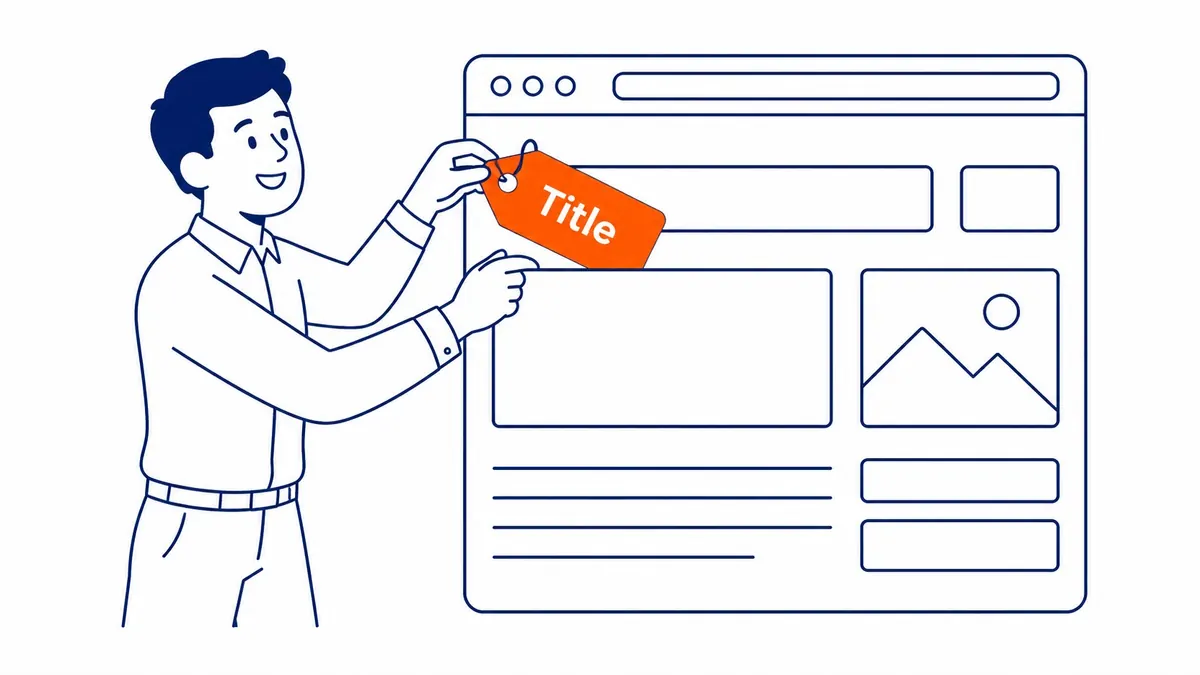
Title tags carry more SEO weight than any other piece of on-page metadata. Google reads them to understand what a page covers and to match it against search queries.
60 characters. That’s the cutoff before Google truncates. Most practitioners write to 50–58.
Primary keyword near the front. Brand name at the end. Keep it readable; a person will see it, not just a crawler.
Duplicate title tags cause a specific kind of damage. Fifty product pages sharing the same tag: Google has no clear signal about which page to rank for a given query. Traffic fragments across all of them rather than concentrating on the strongest result.
Pulling a duplicate title tag report is part of every website audit we run. It’s among the fastest-return fixes available on a larger site.

Writing for Search Intent
Ranking position three with a 0.8% click-through rate usually points back to a title that doesn’t match what the searcher expected. Position three is there. The click isn’t.
Rewriting to reflect actual search intent often moves more traffic than building a single new backlink. Running competitor keyword research before drafting titles matters. Not a guess, actual data on what the target audience is searching for. Data first, then the wording, because the job of an SEO title is to match intent.

Meta Descriptions
Doesn’t rank. Drives clicks.
Meta descriptions don’t directly influence Google’s ranking. That was confirmed in 2009. Nothing has changed since.
What they affect: click-through rate. A searcher scans ten listings in a couple of seconds. Your meta description has one job during that window.
160 characters is the desktop cutoff before truncation. Mobile runs shorter, around 120.
Write it as a pitch, not a summary. “Calgary SEO services for small business owners, no long-term contracts” does more work than “We offer comprehensive SEO solutions.” One speaks to the person’s actual situation.
Google rewrites meta descriptions roughly 60% of the time. It pulls text from the body when the written description doesn’t match the query well. A description targeted to the intended query reduces how often that happens.

Duplicate Meta Descriptions
Duplicate meta descriptions across a site are flagged explicitly in Google’s own documentation. If your CMS auto-generates descriptions from page content, or leaves them blank by default, each page needs individual attention. The CMS default is rarely the right answer for any specific URL. The meta keywords field is a different story, ignored by Google for well over a decade. That leaves the writing itself, and how to write meta descriptions for SEO is a shorter list than expected.
Other Meta Tags in SEO
Beyond title and description.
Meta robots tags tell search engines whether to index a page and whether to follow its links. The default is index, follow. Most pages should stay there.
Noindex is useful for admin pages and thank-you pages. It’s also where one of the most persistent problems originates: a developer sets noindex during a staging build, the site launches, and the tag stays. The entire domain goes dark. Sometimes weeks pass before anyone notices.
Canonical tags point Google toward the preferred URL when duplicates exist. E-commerce sites often have the same product accessible from several category paths. A canonical tag resolves that conflict. It concentrates link equity on one URL instead of spreading it across several.

Open Graph and Twitter Card tags control how your pages look when shared socially. Not a ranking factor. However, a shared link that pulls a broken thumbnail or a default page title is a missed opportunity; no ranking is at stake, but the impression still counts.
One meta tag worth understanding even though it’s effectively obsolete: the meta keywords tag. Google stopped using it in 2009. Bing still reads it, though the weight is negligible. Unless you’re specifically targeting Bing or Yahoo, the time is better spent elsewhere.

Metadata and Your Broader SEO Strategy
Not a standalone fix.
Metadata doesn’t rescue a weak site. Links matter. Content depth matters. Technical performance matters. Well-written title tags on thin pages with no backlinks won’t produce meaningful ranking movement on their own.
Still, metadata is one of the fastest layers to improve. A title rewrite doesn’t require new content or an outreach campaign. Google recrawls quickly. Pages sitting at positions six through eight sometimes move noticeably within a few weeks.
Search engine optimization builds cumulatively. Solid metadata combined with intentional keyword research and strong on-page content compounds over time. Weak metadata against solid everything else bleeds traffic slowly. No obvious diagnostic signal, just a gradual drift toward page two.
Sites with established domain authority and decent content but underperforming organic traffic often have a metadata gap. It is frequently the bottleneck. Fixing it is faster than almost any other SEO lever.
The local SEO Calgary work To-The-TOP! has done since 2007 shows a consistent pattern: sites whose SEO services agency in Calgary treats metadata precision as a core deliverable, not an afterthought, hold positions longer and recover faster after algorithm updates.
Common Metadata Mistakes We See in Audits
Same patterns, different sites.
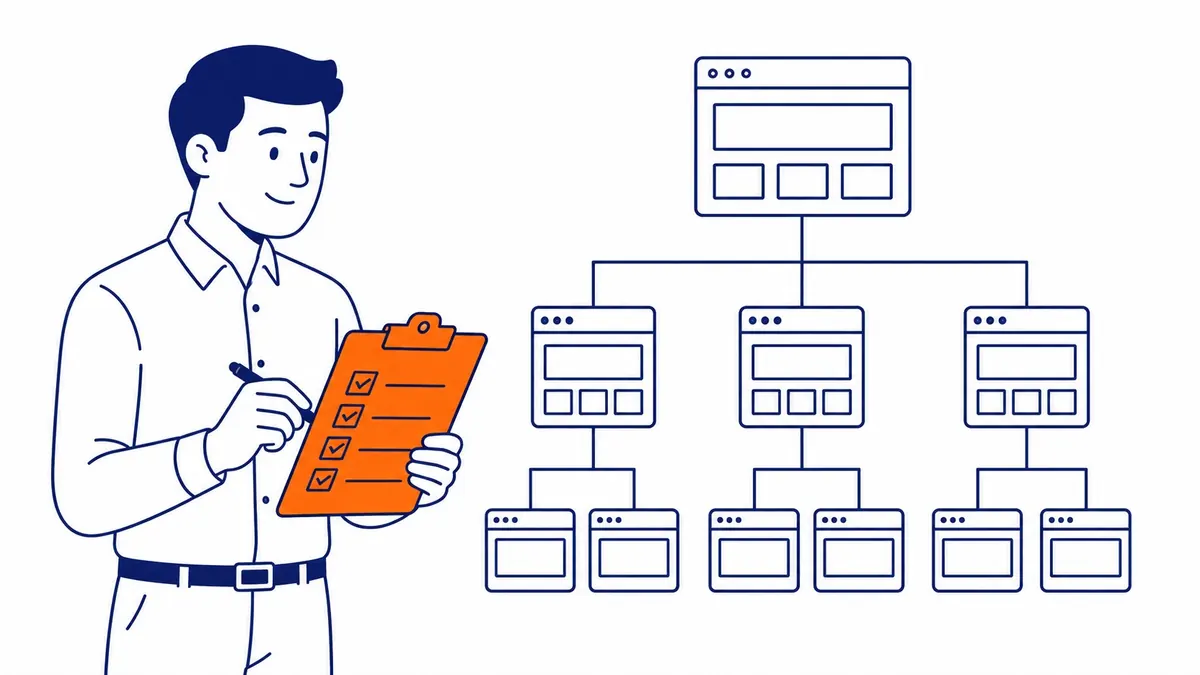
Blank meta descriptions. Duplicate title tags pulled from page templates. Noindex tags from dev environments still active in production. These three appear on sites of every size.
Keyword-stuffed title tags are another consistent find. “Calgary SEO Services | Best SEO Calgary | SEO Company Calgary” tells Google nothing useful. It tells users even less. A title that reads like a keyword list is not the same as a title that earns a click.
Title tags that run long get truncated. The cut usually falls in the middle of the most relevant phrase.
Getting these right is part of any thorough SEO audit. So is checking them after a redesign. Site migrations regularly reset metadata to CMS defaults. Nobody notices until the rankings report looks different.
Good metadata won’t win a ranking on its own. Flawed metadata actively costs one.

Frequently Asked Questions About Metadata in SEO
How is metadata used in SEO?
Metadata signals to search engines what each page covers. Title tags feed into ranking signals for specific queries. Meta descriptions influence click-through rates in search results. Robots tags control which pages get indexed. Canonical tags resolve duplicate URL conflicts. Skip any of them and your website hands search engines less information to work with on pages that might otherwise rank.
What are 5 examples of metadata in SEO?
Title tags. Meta descriptions. Robots tags. Canonical tags. Open Graph tags. Those five cover the main functions. Title and description are visible to users in search results. Robots and canonical are read only by crawlers. Open Graph affects social sharing appearance. All five serve different purposes and all five are worth reviewing on any site.
Is SEO dead or evolving in 2026?
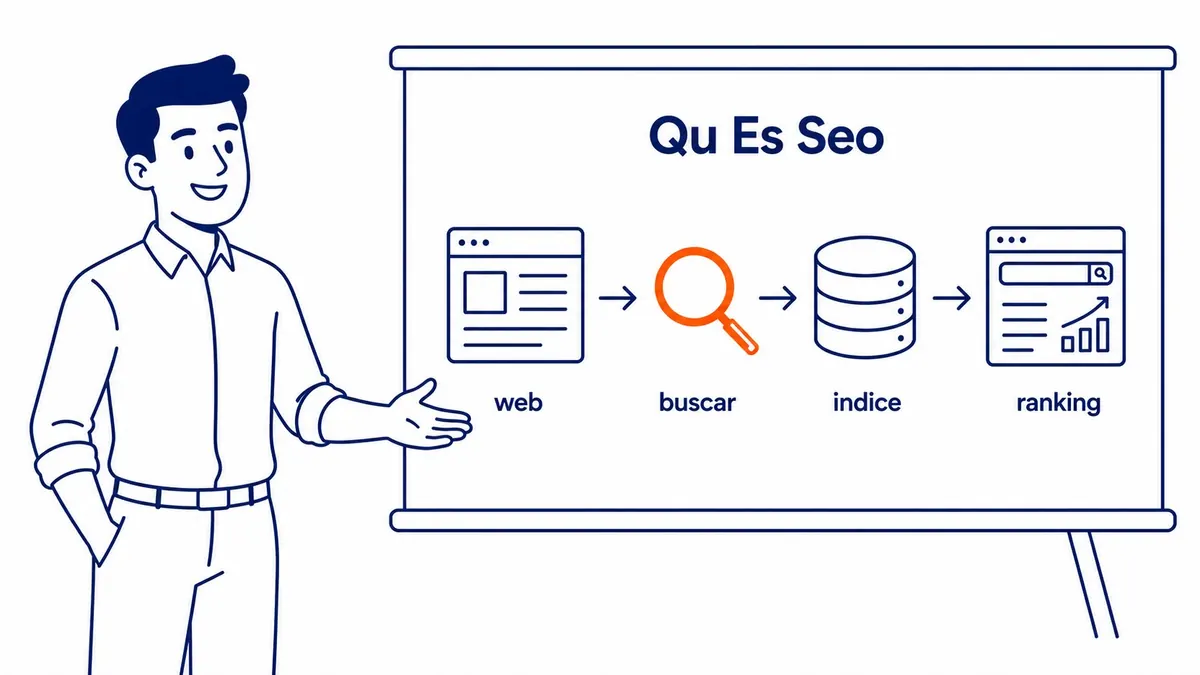
Still very much active. AI overviews and changes to Google’s results layout have shifted how some queries surface content. However, ranking signals still drive which pages get cited. Title tags, metadata quality, and content depth haven’t lost relevance. Well-structured metadata matters more now. AI systems pull citations from pages that already rank, so reaching those positions still matters as much as it did.
Where should metadata be written?
Inside the head section of each page’s HTML code. Most content management systems, including WordPress, Squarespace, and Webflow, have built-in fields for title tags and meta descriptions. Yoast SEO and similar plugins expose those fields directly in the WordPress editor without requiring manual HTML. Custom-built sites need a developer to add the tags directly. For To-The-TOP!, reviewing metadata is part of every client site review from day one, and part of what separates a site that holds Google Ads landing page quality scores from one that loses them.
Contact Calgary SEO Company To-The-TOP!
Questions about anything in this article, or about your own rankings? Talk to a Calgary SEO specialist directly.
Phone: (403) 308-5949
Address: 1509 14 Ave SW, Calgary, AB T3C 0W4
Hours:
Monday to Friday: 10:00 am – 7:00 pm
Saturday: 12:00 pm – 4:00 pm
Sunday: closed