
How to Write Meta Descriptions for SEO (With Examples)
To write a meta description for SEO, summarize what one specific page offers in one or two plain sentences, match what the searcher wants, use the main search phrase once near the start, add a concrete fact or two, give a reason to click, and keep it true to the page and unique across the site. Google sets no character limit, but it trims longer snippets to fit the screen, so a common working range, taken from tools such as Yoast, is about 120 to 155 characters with the essential point first. This guide explains how Google uses the tag, each part of the method, and worked examples you can adapt.
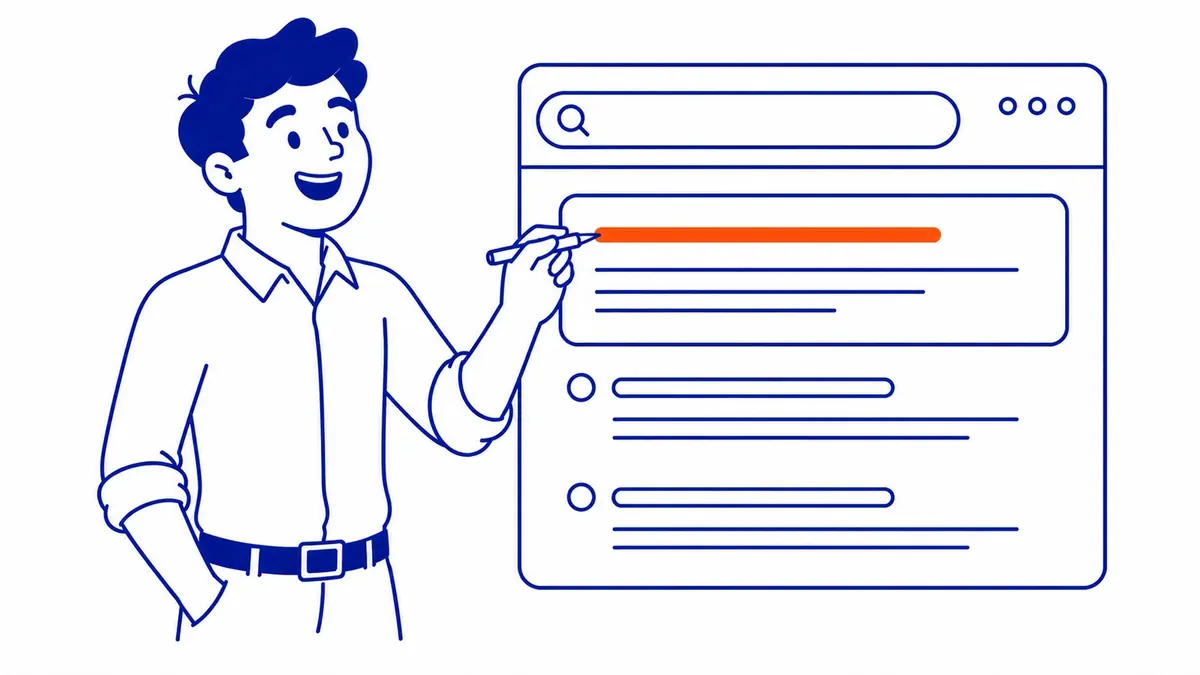
What a meta description is and how Google uses it
A meta description is an HTML element in the head of a page that summarizes the page for search engines. Visitors never see it on the page itself, so it is easy to forget, but it can appear as the grey text under your title in the search results. In the code it looks like this:
<meta name="description" content="Your one or two sentence summary of this page.">Most site owners never touch the code, because a CMS or an SEO plugin such as Yoast or Rank Math adds a field for it under each page or post. The part people misunderstand is what Google does with that field. Google’s snippet documentation says snippets are “primarily created from the page content itself”, and that Google “sometimes uses the meta description HTML element if it might give users a more accurate description of the page than content taken directly from the page.” The same page explains that Google may show different snippets for different searches, so the text under your result can change with the query.
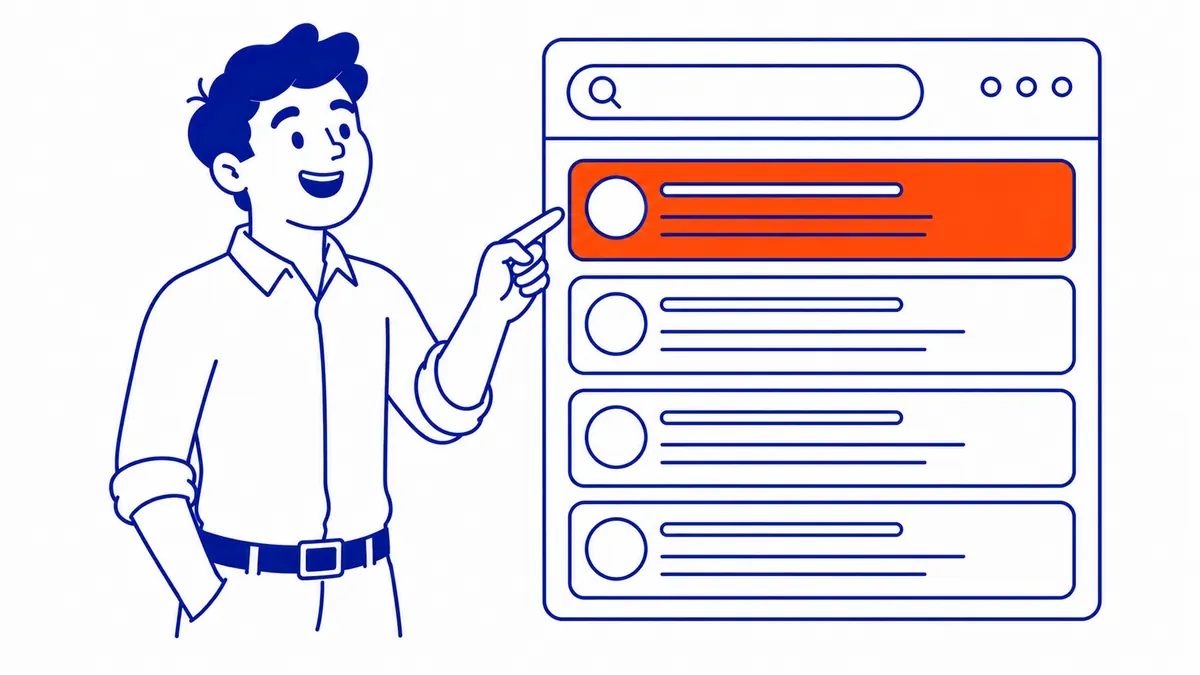
That means a meta description is a strong suggestion, not a guarantee. Because Google builds snippets mainly from the page content, the visible text needs to describe the page clearly as well, since that is what Google draws on when it does not use your description. It also means the tag will not make a page rank higher on its own. Google said so directly in 2009, writing that even though it sometimes uses the description meta tag for snippets, it does not use it in ranking. The value is in the click: a clear, specific description gives a searcher a reason to choose your result over the one next to it, which is why it is one of the first places to look when you want to improve click-through rate on pages that already rank.
How long should a meta description be?
Google’s documentation is plain on this point: “There’s no limit on how long a meta description can be, but the snippet is truncated in Google Search results as needed, typically to fit the device width.” The cut-off is measured in screen space rather than characters, so a line full of wide letters gets trimmed sooner than one full of narrow ones, and a narrow phone screen generally fits less than a wide desktop one.

The character counts you see quoted everywhere are conventions from SEO tools, not Google rules. Yoast, for example, advises keeping descriptions up to 155 characters and notes that mobile results are often cut around 120, while its WordPress length check flags anything under 120 or over 156 characters. That makes 120 to 155 characters a practical editing convention rather than a proven threshold, and it is worth putting the main benefit and the search phrase near the start so the message survives if the end is clipped. Google’s own “too short” example is a two-word description, which shows how little a bare label gives a searcher to go on. Writing longer is not an error, but anything past the cut-off is invisible to the searcher, so it should never carry the important part.
| Guidance | What it says | How to use it |
|---|---|---|
| Google Search Central | No length limit; snippets truncated to fit the device | Do not treat any character count as a rule from Google |
| Yoast SEO | Up to 155 characters; mobile cut-off around 120 | A useful ceiling for the WordPress length indicator |
| Editing convention | About 120 to 155 characters, key point first | Front-load the benefit so a mobile cut-off loses nothing important |
How to write a meta description in six parts
Think of each description as a short ad for one page, aimed at one searcher. Google’s documentation describes good descriptions as “like a pitch that convince the user that the page is exactly what they’re looking for”, which is a useful test to hold every draft against.
- Summarize this page, not the business. Say what the reader gets on this particular URL. “Learn how long a furnace should last and the signs it needs replacing” tells a searcher far more than a line about how long the company has been around.
- Match the intent behind the search. Someone searching how to do something wants a guide, while someone searching for an emergency repair wants to know you serve their area and how to reach you. Write the line the searcher needs, and keep it consistent with the title tag above it, so the two read as one message rather than repeating each other.
- Use the search phrase once, early. Search results often highlight words that match the query, and a reader scanning the page looks for their own words. One natural mention near the start is enough. Google warns that descriptions made of “long strings of keywords” are less likely to be shown at all.
- Add concrete facts. Google’s documentation suggests bringing together details that are scattered across the page, and its improved example for a shop adds opening hours and the neighbourhood. For a local business that might be the area served, the hours, a licence or the type of quote you give. For a product it might be the price, size or brand, and for an article the year or what the guide covers.
- Give a reason to click. A soft prompt such as “see the steps”, “compare the options” or “book online” helps the reader picture the next move. Keep it light, because a pushy line reads like an ad in the wrong place.
- Keep it true and unique. The description has to match what the page delivers, or the visitor leaves as fast as they arrived. Google also asks for unique descriptions for each page, because identical or near-identical lines across a site do not help anyone choose between your pages.
Meta description examples: before and after
The examples below are illustrative and use fictional businesses, some in Calgary and some not, across the page types most sites have. Replace every detail with facts that are true for your own business, because an invented “same-day” or “licensed” claim is worse than no claim at all.
| Page type | Weak description | Stronger description |
|---|---|---|
| Service page (plumber) | Welcome to Bowridge Plumbing. We are a leading provider of plumbing services. | Calgary plumber for leaks, water heaters and drain clogs in the NW and NE. Licensed technicians and upfront quotes before any work starts. Book online. |
| Home page (accountant) | Ridgeview Accounting: Home | Personal and small business tax returns in Calgary, with bookkeeping and GST filing for sole proprietors and corporations. Evening appointments available. |
| Blog post (this kind of guide) | In this post we talk about meta descriptions and why they matter for your website. | How to write meta descriptions for SEO: what Google uses, how long to make them, a six-part method and before-and-after examples you can adapt. |
| Product page (outdoor store) | Winter boots, boots, snow boots, Calgary boots, waterproof boots | Waterproof winter boots rated to minus 40, in women’s sizes 6 to 11. Free pickup at the Calgary store, or ship anywhere in Alberta. |
| Category page (online store) | Shop our products. Great prices on all items. | Women’s waterproof hiking boots from six brands in sizes 5 to 12, with filters for width and insulation. Free returns within 30 days. |
| Service page (law firm) | Smith Legal. Contact us today. | Wills and powers of attorney for individuals and couples, drafted by a lawyer and signed in one meeting. See what each fixed-fee package includes. |
| Pricing page (software) | Pricing | Compare the Starter, Team and Business plans side by side, with user limits and features for each. Every plan starts with a 14-day free trial. |
Each stronger version answers the question a searcher would ask before clicking, names the place or the specifics, and runs between about 130 and 155 characters. The product example also shows why Google discourages keyword lists: the weak version says nothing a shopper can use, while the stronger one gives three reasons to choose that result.
If you want a starting formula, this one works for most page types: say what the page offers and who it is for, add one or two facts a searcher would use to decide, then close with a soft next step. Treat it as scaffolding rather than a script, because a description that reads like a filled-in form is easy to skip. Written out, the pattern looks like this:
[What this page offers] for [who or where], with [one or two concrete facts]. [Soft call to action].Mistakes that get a description ignored or rewritten
Duplicate descriptions are a common problem on small business sites, because a theme or plugin can fill every page with the same site-wide line, and Google’s documentation says that identical or similar descriptions “aren’t helpful when individual pages appear in search results.” Blank fields are another frequent gap, and they leave Google to build the snippet from whatever text on the page best matches the query, which may be a fragment that was never meant to sell the visit.
A description that does not match the page is a quieter failure. If the line promises a price list and the page has none, Google has more reason to pick its own text, and anyone who does click arrives disappointed. Keyword stuffing has the same effect for a different reason, since a list of phrases tells the searcher nothing about the page.
Two technical points are worth checking as well. If you hand-code HTML, an unescaped double quotation mark inside the content attribute ends the attribute early and cuts the description off, whereas SEO plugins normally handle the escaping for you. And if you use AI to draft descriptions in bulk, Google’s generative AI guidance says the manual fact-check it expects for AI content also applies to meta descriptions, title elements and image alt text, because they can appear in search results.
Which pages to write first
On a site with more than a handful of pages, writing every description at once is rarely the best use of time. Google’s own advice is to prioritize, and at the very least to write descriptions for critical URLs like the home page and popular pages. Its documentation also says that for large database-driven sites, generating descriptions programmatically from page-specific data is appropriate, as long as the results are human-readable and varied.
Search Console helps you choose. In the Performance report, open the Pages tab, sort by impressions and look for pages that are seen often but clicked rarely, then compare them with pages sitting at similar average positions. A page with plenty of impressions and a click-through rate well below its neighbours is a good candidate for a new description. Keep in mind that a low rate can also come from a low position, a weak title or SERP features such as maps and ads pushing results down, so a new description will not fix every case.
To find gaps across the whole site, a crawl with a site crawler such as Screaming Frog lists the pages with missing, duplicate, very short or very long descriptions in one report. That gives you a work list you can sort by the pages that matter most to the business.
Borrowing wording ideas from Google Ads
If you run a Google Ads campaign, you already have data that most SEO guides ignore. Responsive search ad descriptions are limited to 90 characters each, according to Google Ads Help, so an ad description can give you a concise starting point for the opening of a meta description. Google Ads also reports on how your ads and their assets perform, which can suggest messages worth trying. Keep in mind that a responsive search ad mixes several headlines and descriptions in different combinations, so a click total on its own does not tell you which description line earned the click.
Treat ad data as a hint rather than proof. Before borrowing wording, compare ads that ran in similar conditions, or a proper experiment, and look at impression volume and the quality of the leads rather than clicks alone. Paid and organic results also draw clicks for different reasons, and an ad can promise an offer that the organic page does not carry. Still, if one value proposition keeps turning up in your strongest ads for “water heater replacement Calgary”, it is worth testing in the description on your water heater page.
Tools for previewing and controlling the snippet
Yoast SEO and Rank Math both show a snippet preview under each page in WordPress, with a length indicator, so you can see roughly where a line will be cut before you publish. A crawler covers the site-wide view, and searching your main phrases on a phone and a desktop shows what Google is actually displaying, which may not be your description at all.
Google also documents three snippet controls. The nosnippet meta tag stops a snippet from showing, the max-snippet tag sets a maximum length, and the data-nosnippet attribute keeps a specific part of the page out of the snippet. Most business sites should leave these alone, because a result with no snippet gives a searcher far less to go on, but data-nosnippet can be handy for keeping a cookie notice or a disclaimer from being quoted.
For pages that already earn impressions, a clearer description is a quick, low-effort test of how your result reads in search, although it will not make an otherwise weak page rank. SEO Company To-The-TOP! is a Calgary SEO practice founded in 2007, and if you would like a second opinion on your site’s titles and descriptions, call (403) 308-5949.
Contact Calgary SEO Company To-The-TOP!
Questions about anything in this article, or about your own rankings? Talk to a Calgary SEO specialist directly.
Phone: (403) 308-5949
Address: 1509 14 Ave SW, Calgary, AB T3C 0W4
Hours:
Monday to Friday: 10:00 am – 7:00 pm
Saturday: 12:00 pm – 4:00 pm
Sunday: closed