
Why Is Having Duplicate Content an Issue for SEO?
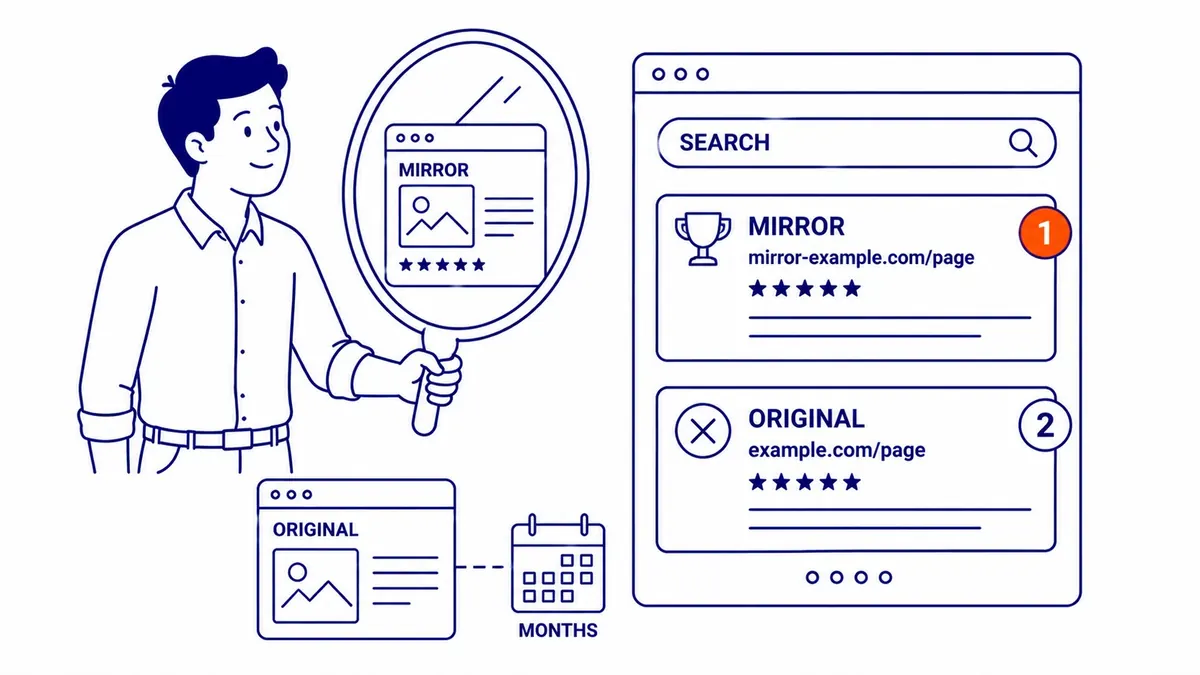
Having duplicate content is an issue for SEO because when the same or very similar content is reachable at more than one URL, Google has to choose one version to index and show, and the one it chooses may not be the one you want. If Google cannot tie all the copies together, links and other ranking signals can end up split between them, and on large sites the crawler spends time on copies instead of new pages. What duplicate content usually does not cause is a penalty. Google has said for years that ordinary, accidental duplication is handled by filtering, and that action is reserved for copying meant to deceive or manipulate results.
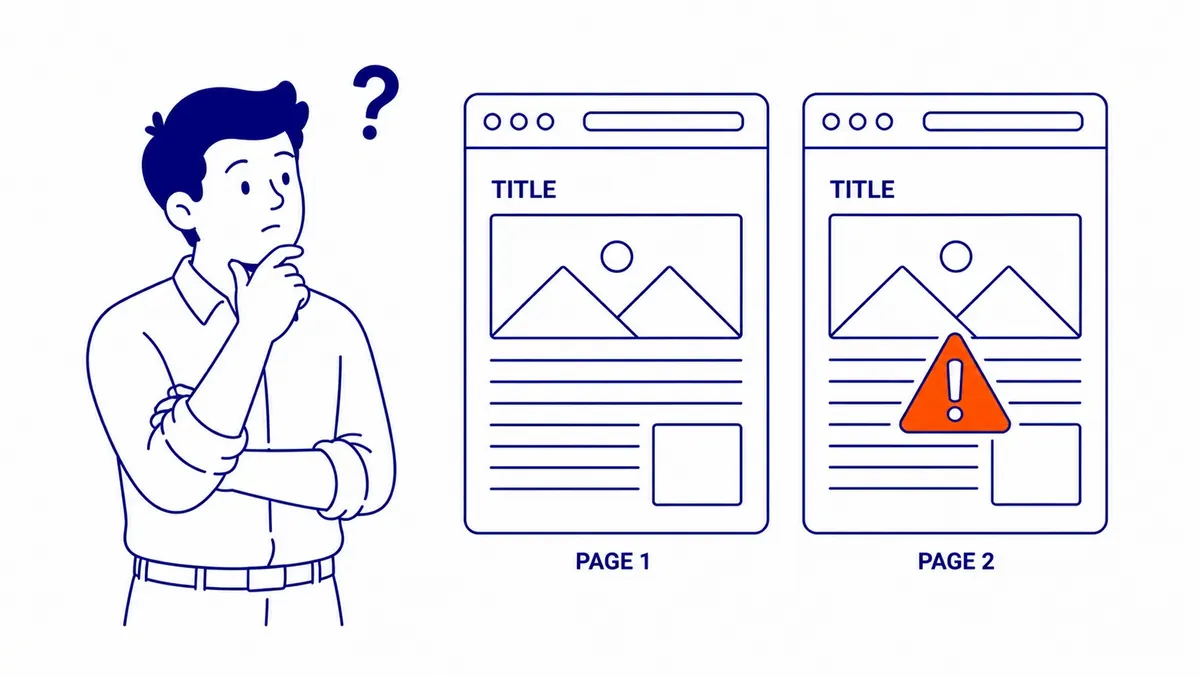
What counts as duplicate content
Duplicate content is the same main content, or nearly the same, appearing at more than one address. It does not have to be word for word, and it is rarely deliberate. Google’s canonicalization page lists the usual reasons: regional variants, mobile and desktop versions, HTTP and HTTPS versions, the results of sorting and filtering on a category page, and accidental copies such as a demo site left open to crawlers. The same page states that “some duplicate content on a site is normal and it’s not a violation of Google’s spam policies.”
Language matters here, and it matters in Canada more than in most markets. Google treats different language versions of a page as duplicates only when the main content is in the same language, so a properly translated English and French pair are two pages, not one page twice. A Canadian business that runs a near-identical English page for Canada and another for the United States is in a different position, because those are same-language copies, and Google’s advice is to use hreflang annotations together with a canonical so the right regional URL appears in each country.
Duplicate content is also not the same thing as repeated page elements. Headers, footers and sidebars repeat on every page and are expected. Repeated title tags and meta descriptions are a related but separate problem, covered in the article on whether duplicate titles affect SEO.
What actually goes wrong
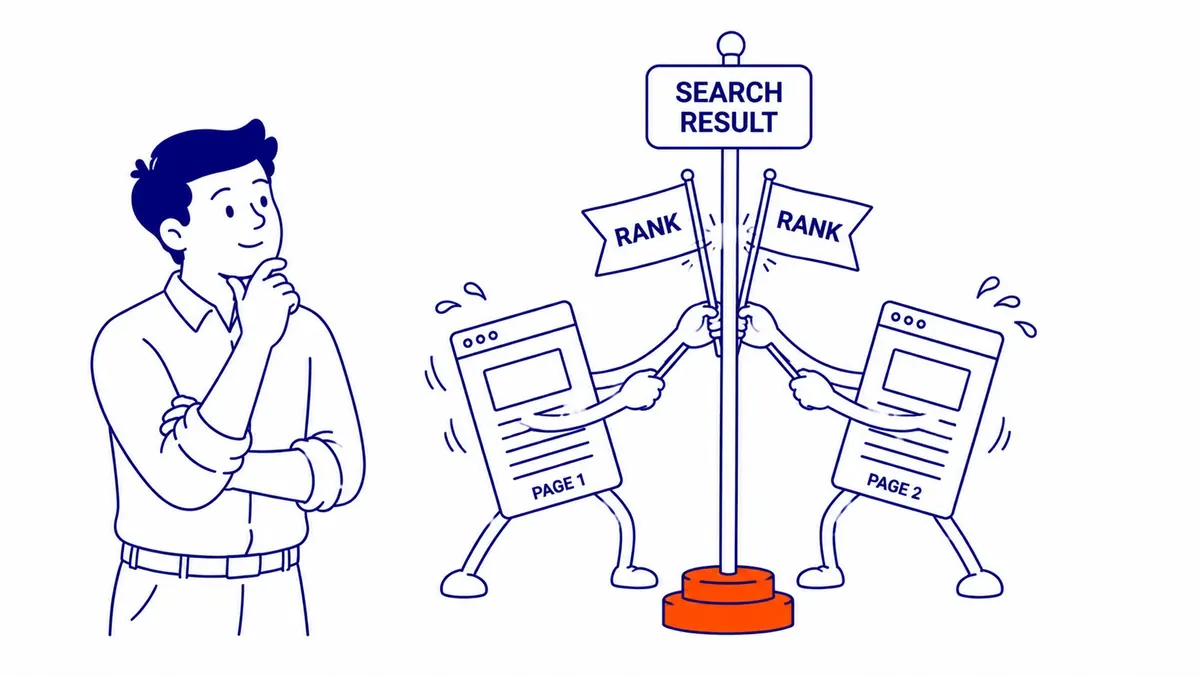
When Google finds pages that look the same, it groups them into a cluster and chooses one as the canonical, the version it treats as the main source for evaluating the content and the one that usually appears in results. Google describes your own canonical settings as “a hint, not a rule”, so it can choose differently from you. When it does, the URL in search results may be a filtered page, a version with a tracking code, or an old HTTP address instead of the clean page you link to everywhere else. Google’s 2008 post on the “duplicate content penalty” put it plainly: its idea of the best URL “might not be the same as your idea.”
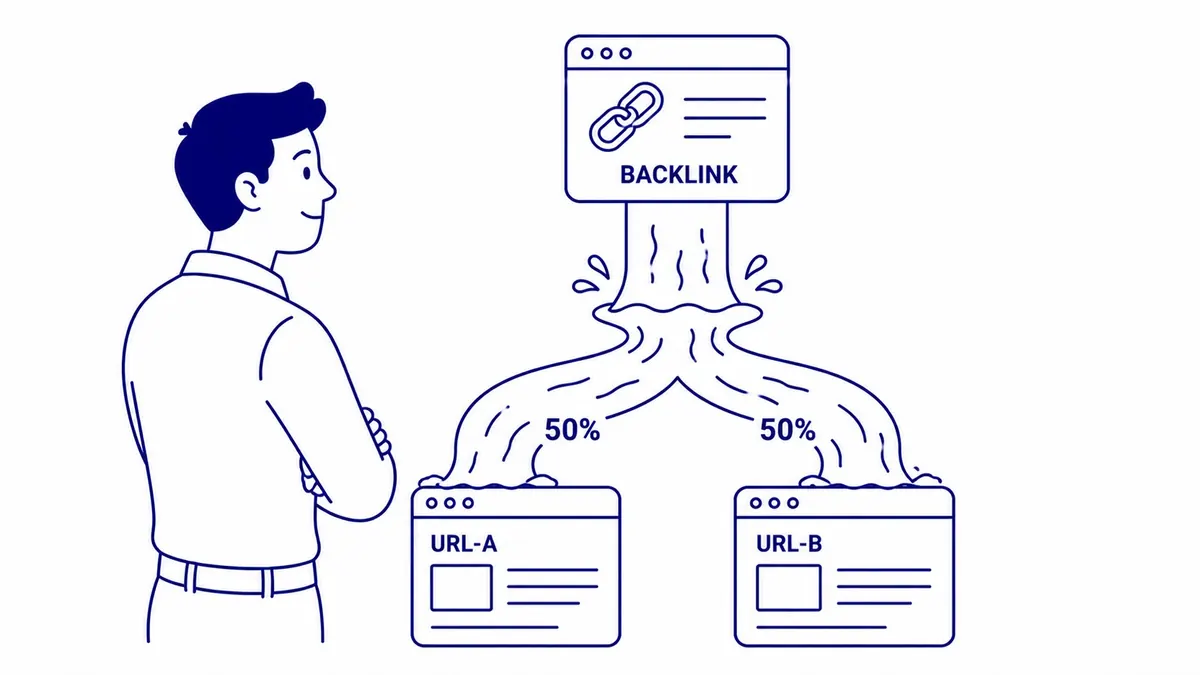
The second problem is split signals. Google consolidates properties such as links onto the canonical it picks, which is why many sites with some duplication do fine. The same 2008 post explains the catch: if Google does not detect every duplicate of a page, it cannot consolidate all of their properties, and the strength of that content’s ranking signals can be diluted across several URLs. This is most likely when other sites link to different versions of the same page, for example a www and a non-www address, or a URL with a parameter that someone copied from their browser bar.
The third problem is crawling, and it is the one most often overstated. Googlebot has to fetch a URL before it can tell it is a copy, and Google’s crawl budget guide says that when many known URLs are duplicates, this “wastes a lot of Google crawling time on your site.” The same guide is written for large sites, roughly a million or more unique pages that change weekly, or ten thousand or more whose content changes daily, and Google calls even those numbers rough estimates. A Calgary contractor with sixty pages does not have a crawl budget problem, although a store whose filters generate thousands of URL combinations can. There is also a plainer cost on any site: traffic and conversions for one piece of content are scattered across several URLs, which makes your own reporting harder to read.

Is there a duplicate content penalty?
For ordinary duplication, no. Google’s Search Central blog wrote in 2008 that there is “no such thing as a ‘duplicate content penalty'” in the sense most people mean, and that cleaning up innocently duplicated content typically does not call for a reconsideration request. Its current canonicalization documentation says the same thing in different words. Duplicate content becomes a policy problem when the copying is the point. Google’s spam policies name scraping (republishing other sites’ content without adding value or even citing the source), thin affiliation (merchant descriptions copied onto affiliate pages with nothing added) and doorway abuse, which includes “multiple domain names or pages targeted at specific regions or cities that funnel users to one page.”
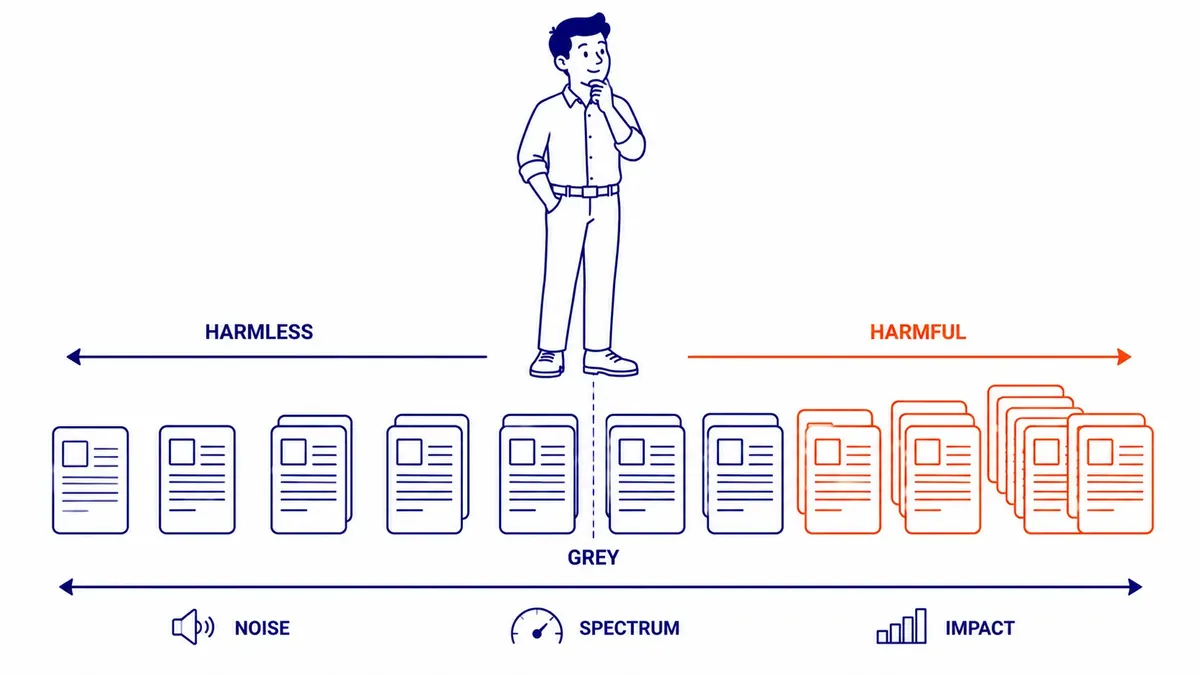
That doorway example is worth a second look for any business that serves several cities. A set of service pages for Calgary, Airdrie, Okotoks and Cochrane that differ only in the city name is close to what Google describes, and even where no action is taken, pages that say the same thing give Google little reason to show more than one of them. Location pages earn their place when each one carries information that is true only for that location.
Where duplicates come from
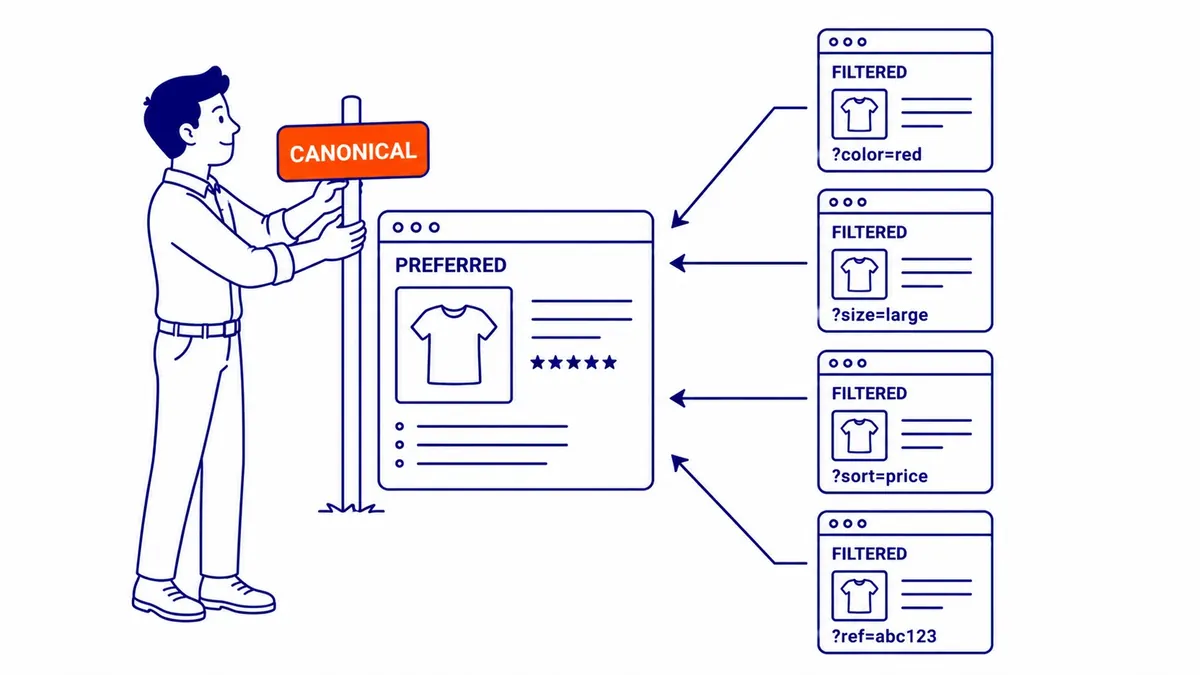
Most duplicate content on a small business site is generated by the platform or by marketing tools rather than written by anyone. URL parameters are a common source. Sorting and filtering options add strings such as ?color=red or ?sort=price to a category URL, and campaign tracking adds UTM tags to links in emails and social posts. Google Ads auto-tagging adds a gclid parameter to every ad click, and Google uses exactly that case in its canonical documentation, as the example of a tagged URL a site owner would rather not see in search results instead of the clean product page. If you run Google Ads to your own landing pages, a self-referencing canonical on those pages helps keep the tagged versions from competing with the clean one.
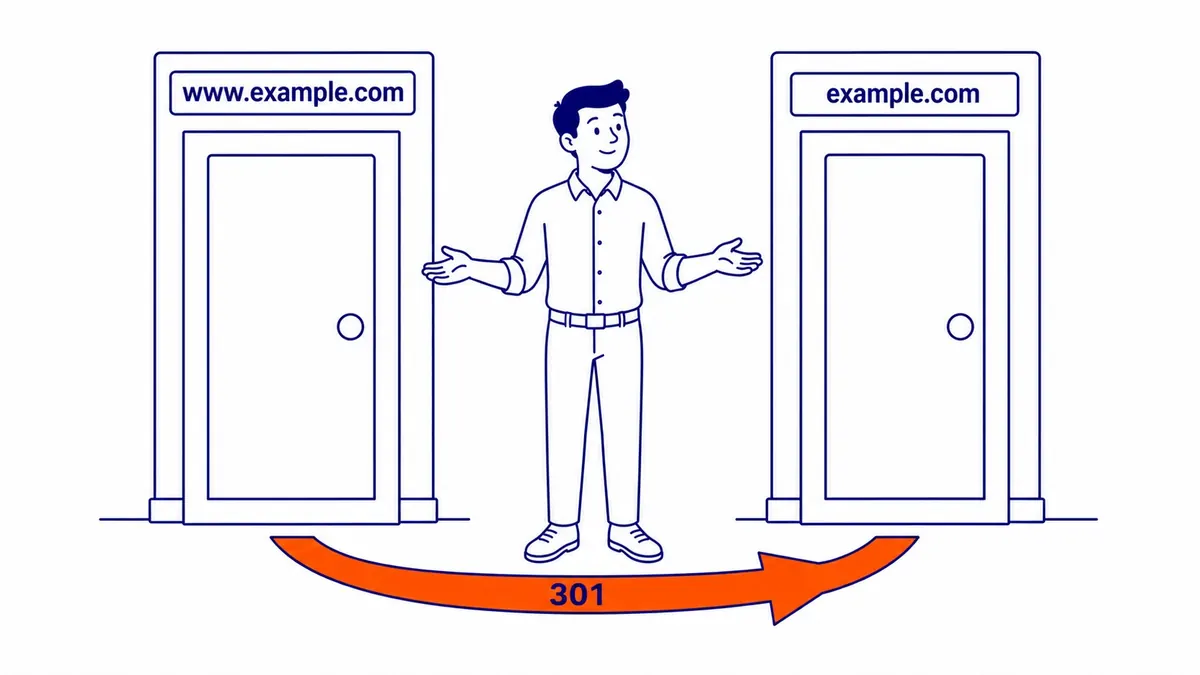
Host and protocol variants are another. If example.com, www.example.com, and the HTTP versions of both all load the same page without redirecting, you have up to four copies of every page on the site. This often happens after a redesign or when moving a site to HTTPS without redirecting every old variant. Google prefers HTTPS as the canonical by default, but an invalid certificate or a redirect from HTTPS back to HTTP can reverse that preference.
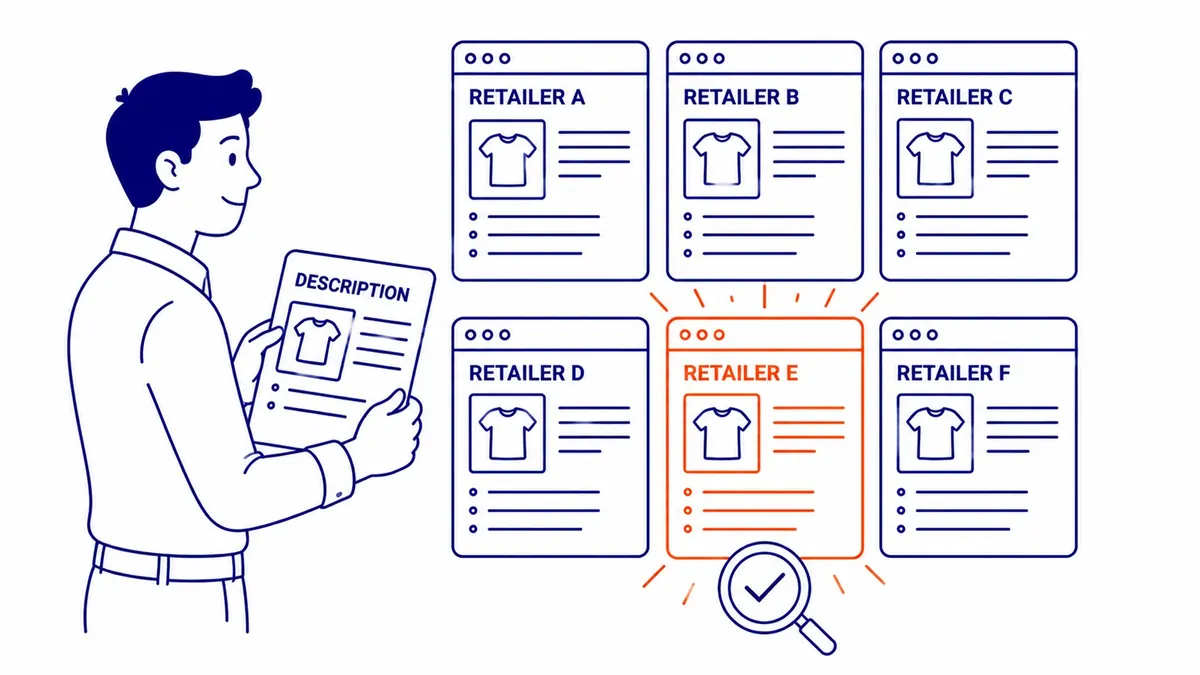
Copied product descriptions are the classic external case. When every retailer that carries a product uses the manufacturer’s paragraph, Google has dozens of near-identical pages to choose from, and a small store repeating the same paragraph gives Google little reason to choose its page over the manufacturer’s or a large retailer’s. Google’s 2008 post made the same point about affiliates who republish Amazon listings and wonder why they cannot outrank Amazon. A description rewritten with the details a local buyer needs, such as sizing, delivery times or what fits Canadian standards, gives Google a reason to show your page.
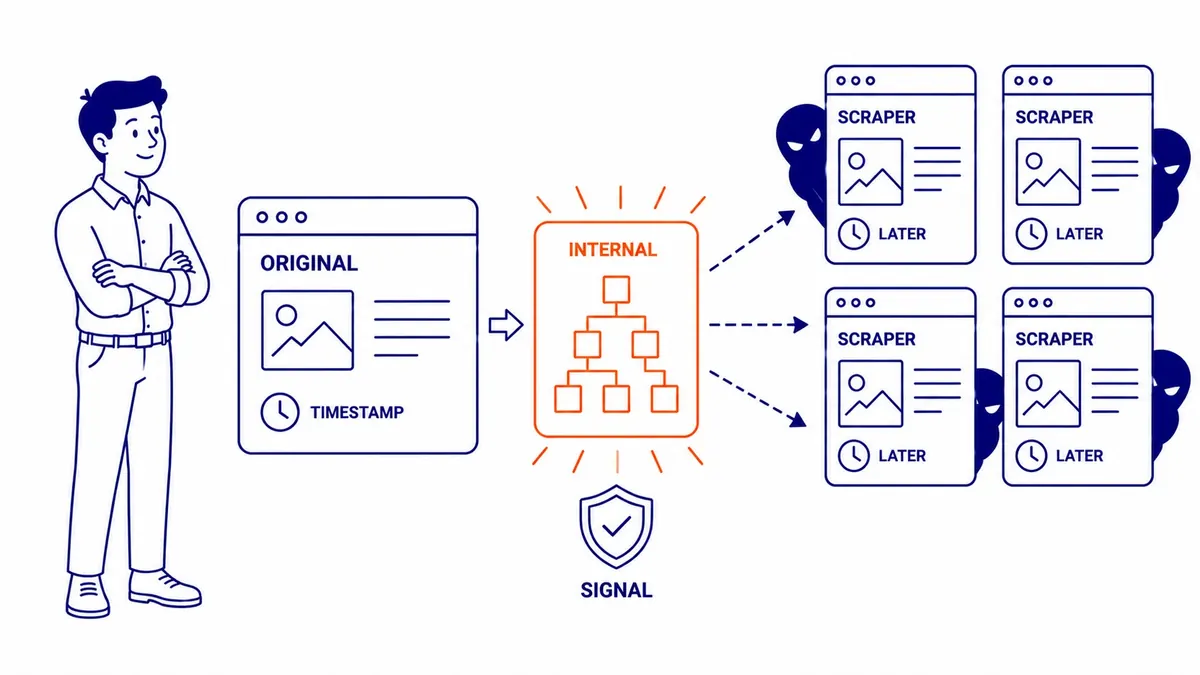
Syndication and scraping put your content on other people’s sites. If you allow a partner to republish an article, its copy may outrank yours. Scrapers copy pages without asking, and Google’s troubleshooting page notes that in rare cases it may select a copy on an external site as the canonical. For a site that copies you in violation of copyright, Google’s advice is to contact the site’s host and, if needed, file a removal request under the Digital Millennium Copyright Act.
How to fix duplicate content
The right fix depends on whether the duplicate URL needs to exist at all. Google ranks the ways of stating your preference by strength: redirects are a strong signal, rel=”canonical” annotations are a strong signal, and listing a URL in your sitemap is a weak one. The methods stack, so using two or more that agree makes your preferred URL more likely to be chosen. Google also asks you to link internally to the canonical URL rather than to a duplicate, which costs nothing and is often overlooked.
| Situation | Fix | Why |
|---|---|---|
| Old URL, HTTP or non-preferred host version that nobody needs | 301 redirect to the preferred URL | Strong signal, and Google says to use redirects when deprecating a duplicate |
| Parameter, tracking or filtered URL that must keep working | rel=”canonical” pointing at the clean URL | Strong signal that leaves the URL usable |
| Every indexable page | Self-referencing canonical, preferred URL in the sitemap, internal links to the preferred URL | Signals that agree reinforce each other |
| Two pages that overlap but serve different people | Rewrite one or both so each has its own purpose | Google needs the pages to be “sufficiently different” to split them |
| Same-language regional versions | hreflang plus canonical | Lets Google show the right country version |
| Your article republished by a partner | Ask the partner to block indexing of its copy | Google does not recommend rel=”canonical” for syndication |
| Filter or sort pages you never want in search | noindex, with the URLs left crawlable | Removes them from Search entirely, which is the intent here. Blocking them in robots.txt saves crawling but can leave them indexed without content, and hides the noindex from Google |
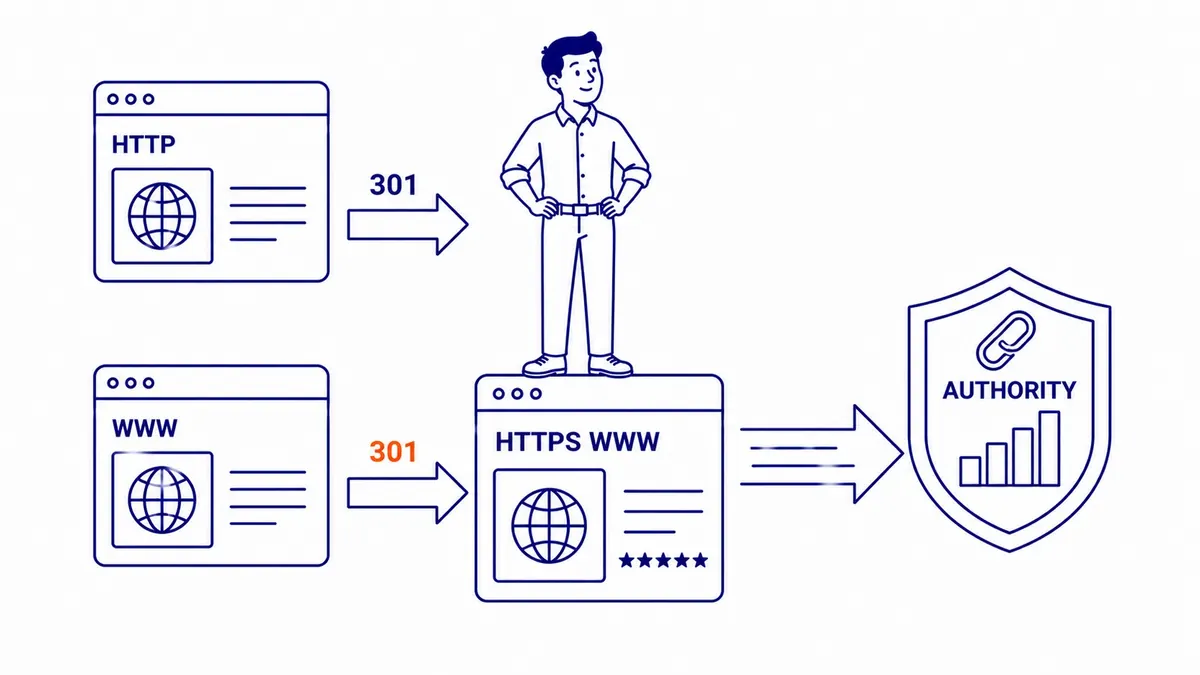
Redirects are the cleanest answer when a duplicate has no reason to exist, which covers protocol and host variants and the old addresses left behind by a redesign. A redirect sends visitors and signals to the right page, and it is worth understanding how 301 redirects affect rankings before a large migration, since long redirect chains and redirects to irrelevant pages cause their own problems. A canonical tag is the right answer when the duplicate has to keep working for visitors, as filtered category views and tagged landing pages do. Google asks for absolute URLs in the canonical element, a self-referencing canonical on the preferred page, and no conflicting signals, such as a sitemap that lists one URL while the canonical names another.
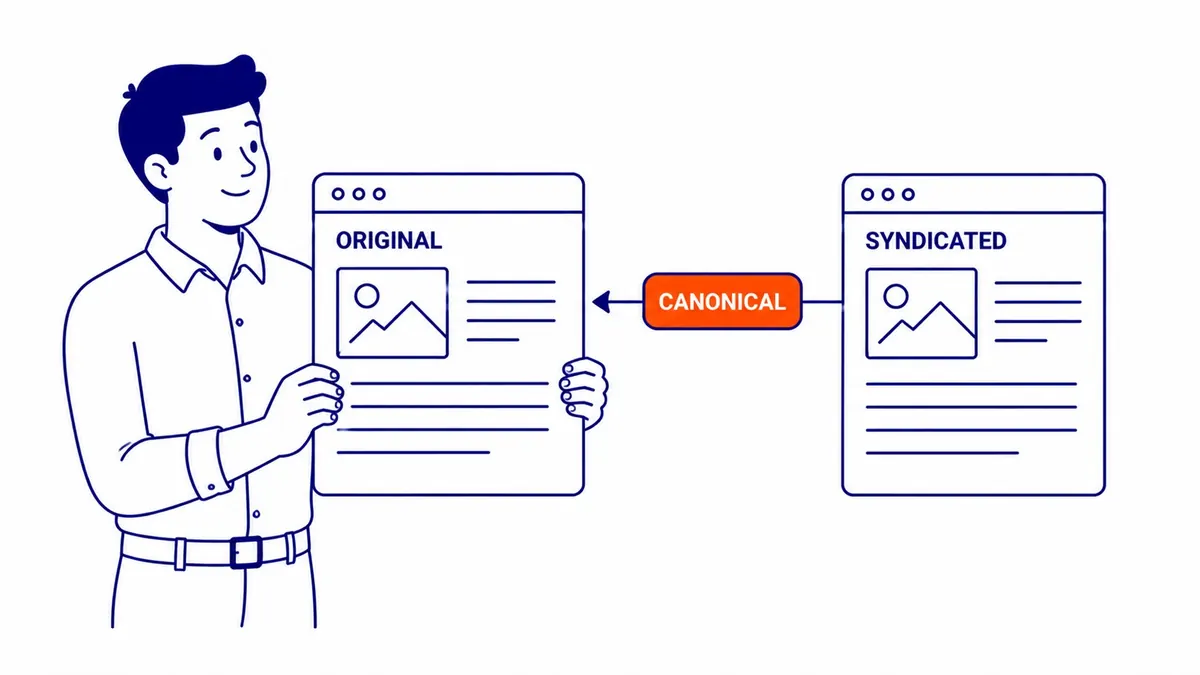
Some popular fixes are the wrong tool. Google’s canonical guide says not to use robots.txt for canonicalization, because a blocked URL can still be indexed without its content, and not to use the URL removal tool, because it hides every version of the URL. It also says it does not recommend noindex to steer canonical selection within a site, because noindex removes the page from Search completely. Noindex is still fine for pages you never want found, such as internal search results, but that is a different goal. Paginated pages are not duplicates either: Google’s pagination guide says each page in a sequence should have its own canonical rather than pointing to page one. For syndication, the older advice to ask partners for a canonical back to you has been replaced; Google’s troubleshooting page says the canonical element is not recommended there and that the most effective solution is for partners to block indexing of your content.

How to check your own site
Google Search Console tells you more than most people expect. The Page indexing report lists pages under named statuses, and three of them concern duplicates. “Duplicate without user-selected canonical” means Google found a copy with no canonical declared and chose another URL instead, which Google describes as working as intended unless it chose the wrong page. “Duplicate, Google chose different canonical than user” means Google disagreed with the canonical you set, and is the status to investigate first. “Alternate page with proper canonical tag” means a variant correctly points to its canonical, and nothing needs doing. For any single URL, the URL Inspection tool shows both the canonical you declared and the one Google selected.
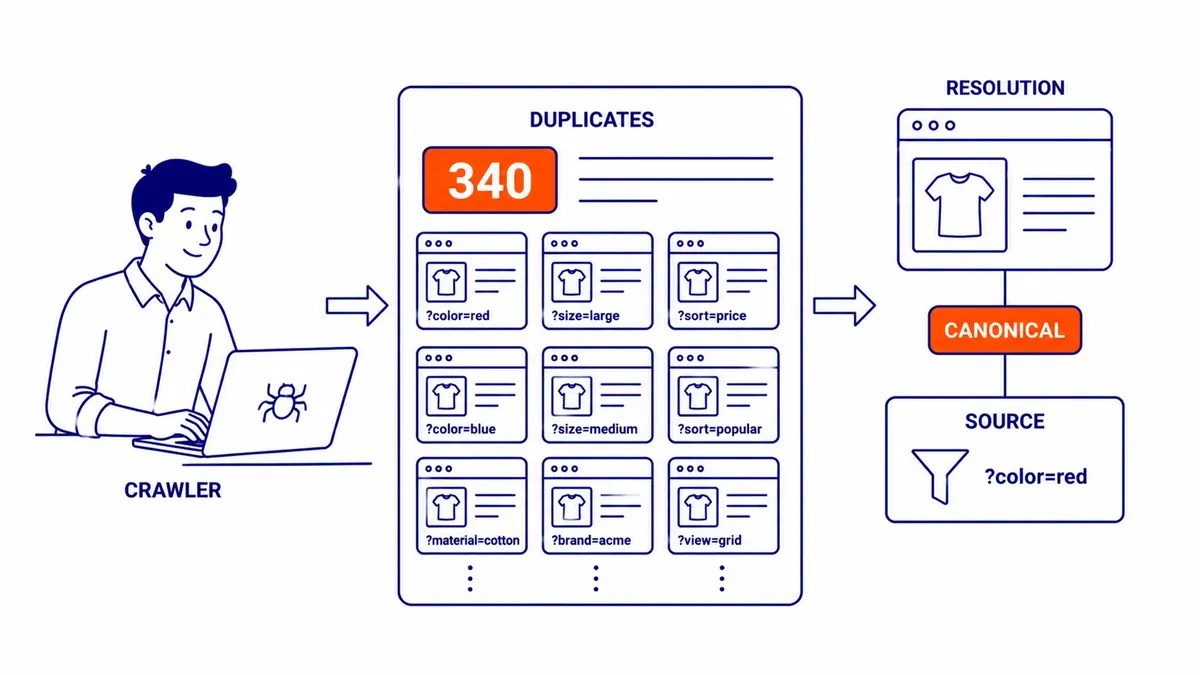
Outside Search Console, a site crawler such as Screaming Frog will flag exact and near-duplicate pages along with canonical and redirect problems, and a Google search for a distinctive sentence in quotation marks can turn up other indexed pages where that text appears. Once you have fixed a cluster, give it time. Google’s troubleshooting page says it may hold pages in a duplicate cluster for up to two weeks after the content changes, and that pages split out faster when the difference between them is larger. If you want a second pair of eyes, duplicate URLs, canonicals and redirects are standard items in a technical SEO audit.
SEO Company To-The-TOP! has worked on Calgary websites since 2007, with one expert doing the work from start to finish and White Hat methods only. If you are not sure which version of your pages Google is showing, or whether your site has a duplicate problem worth fixing, To-The-TOP! can look at it with you. If you would like a second opinion on your site, or on an audit quote you already have, call (403) 308-5949.
Contact Calgary SEO Company To-The-TOP!
Questions about anything in this article, or about your own rankings? Talk to a Calgary SEO specialist directly.
Phone: (403) 308-5949
Address: 1509 14 Ave SW, Calgary, AB T3C 0W4
Hours:
Monday to Friday: 10:00 am – 7:00 pm
Saturday: 12:00 pm – 4:00 pm
Sunday: closed