When Google Analytics and Google Ads Are Linked: What Actually Unlocks
First client account I audited without this connection had been running paid search for eight months. Spend was reasonable. Click-through rates looked fine. Nobody had checked what users did after clicking. Analytics was not set up, no conversion data flowing back. The campaigns were optimising toward clicks, with no signal about what happened after.
Linking Google Analytics to your Google Ads account is not a housekeeping task you schedule for later. It is the connection that makes the data useful. Conversions, audiences, session behaviour: these travel between accounts once the link is in place. At To-The-TOP! SEO Company, the link goes in at the start of every engagement, whether you run your own search campaigns or have us manage your Google Ads. Running campaigns without it means optimising toward the wrong signals.
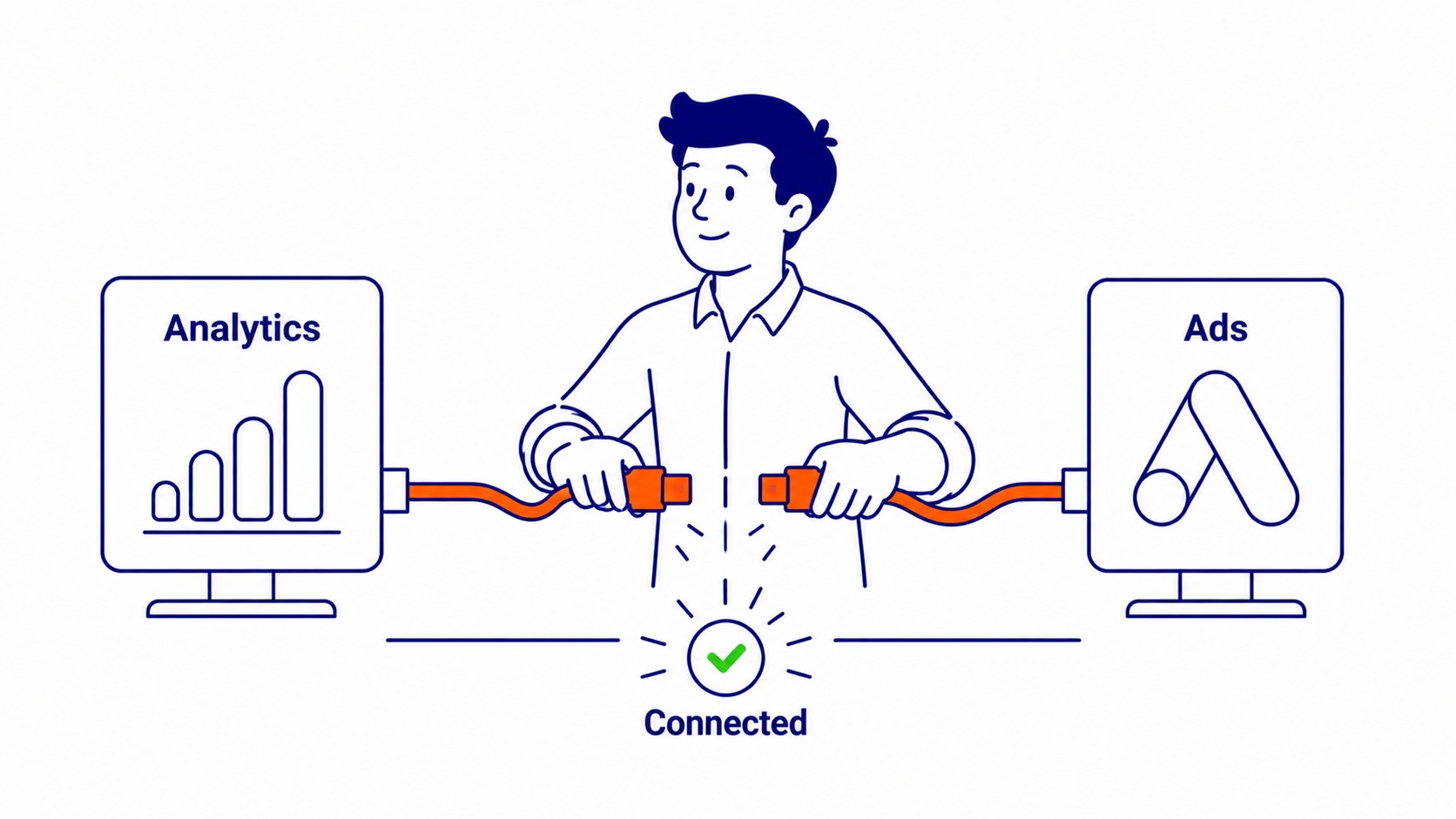
What the Link Actually Enables
Three things flow between linked accounts once the connection is active.
Conversion data first. Paid campaigns can pull conversions from your Analytics property once the accounts are connected. These conversions: form fills, call completions, purchases, any key event configured inside GA4. The bidding algorithms feed on this data. Smart bidding with incomplete conversion data optimises toward the wrong outcome.
Analytics audiences next. Users who visited a specific page, users who abandoned a form, users who spent several minutes on a pricing page: segments built in GA4 apply directly inside your campaigns. Raw click data cannot produce these audience segments. The link makes them available.
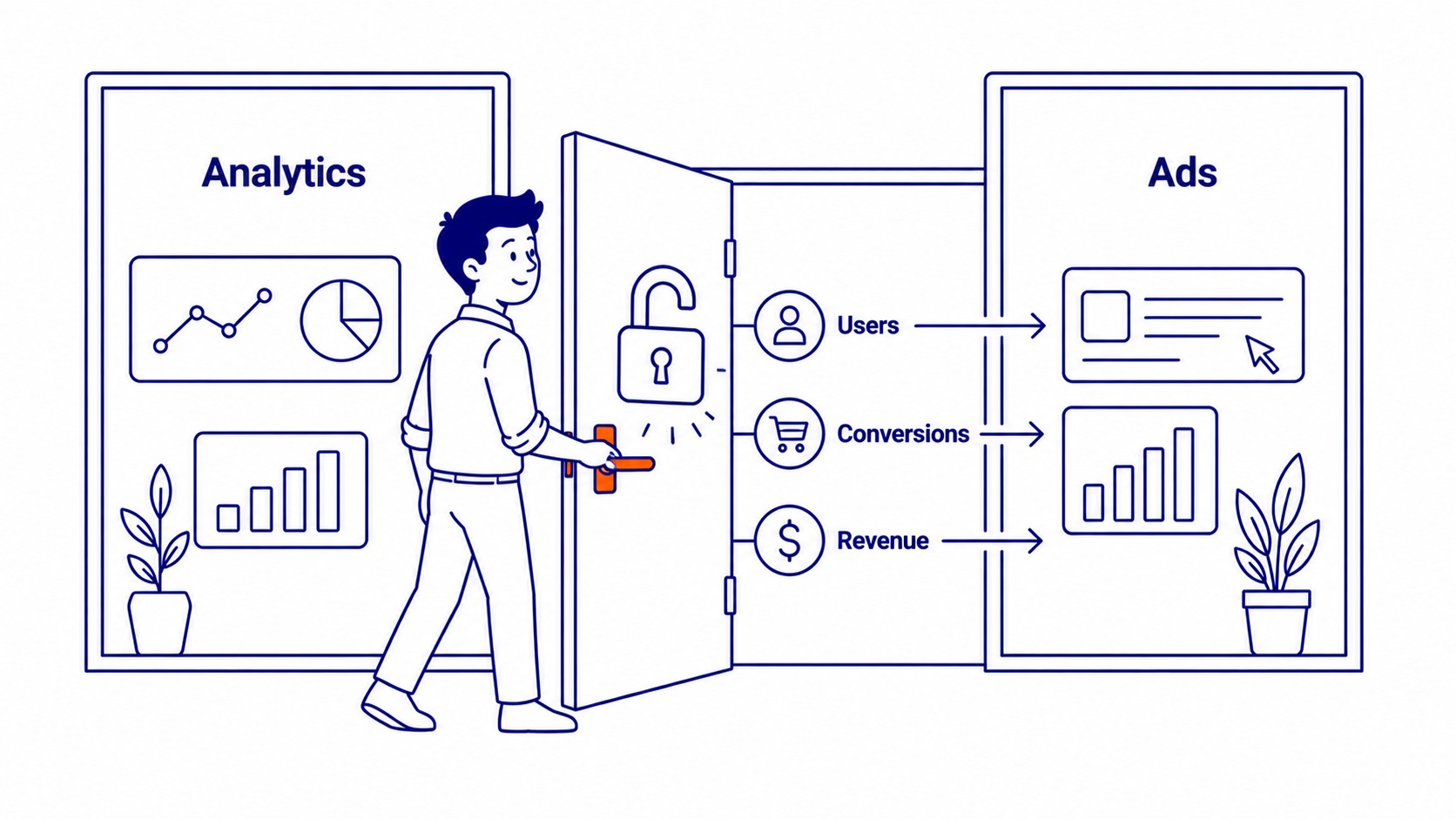
Session behaviour also flows. Cost data from paid campaigns appears in GA4 analytics reports. Bounce rates, session duration, pages per session: visible in one place once linked.
Auto-Tagging: The Piece That Gets Switched Off
Auto-tagging needs to be enabled for GA4 data to populate correctly in your Analytics property.
The guide on SEO and Google Analytics covers how Analytics data feeds into organic SEO decisions as well as paid campaign analysis.
It works by appending a GCLID parameter to destination URLs when users click an ad. That code is what Analytics reads to attribute sessions to the correct campaign, ad group, and keyword. Without auto-tagging, GA4 shows sessions from google / cpc and nothing more. No campaign name, no keyword, no ad group.
Check this before troubleshooting anything else. In Google Ads: admin settings, Account Settings, Auto-tagging. On by default. Migrated accounts, older manager account setups, and some MCC configurations sometimes have it switched off. Default settings do not survive every account transfer.

Importing Conversions from GA4 Into Google Ads
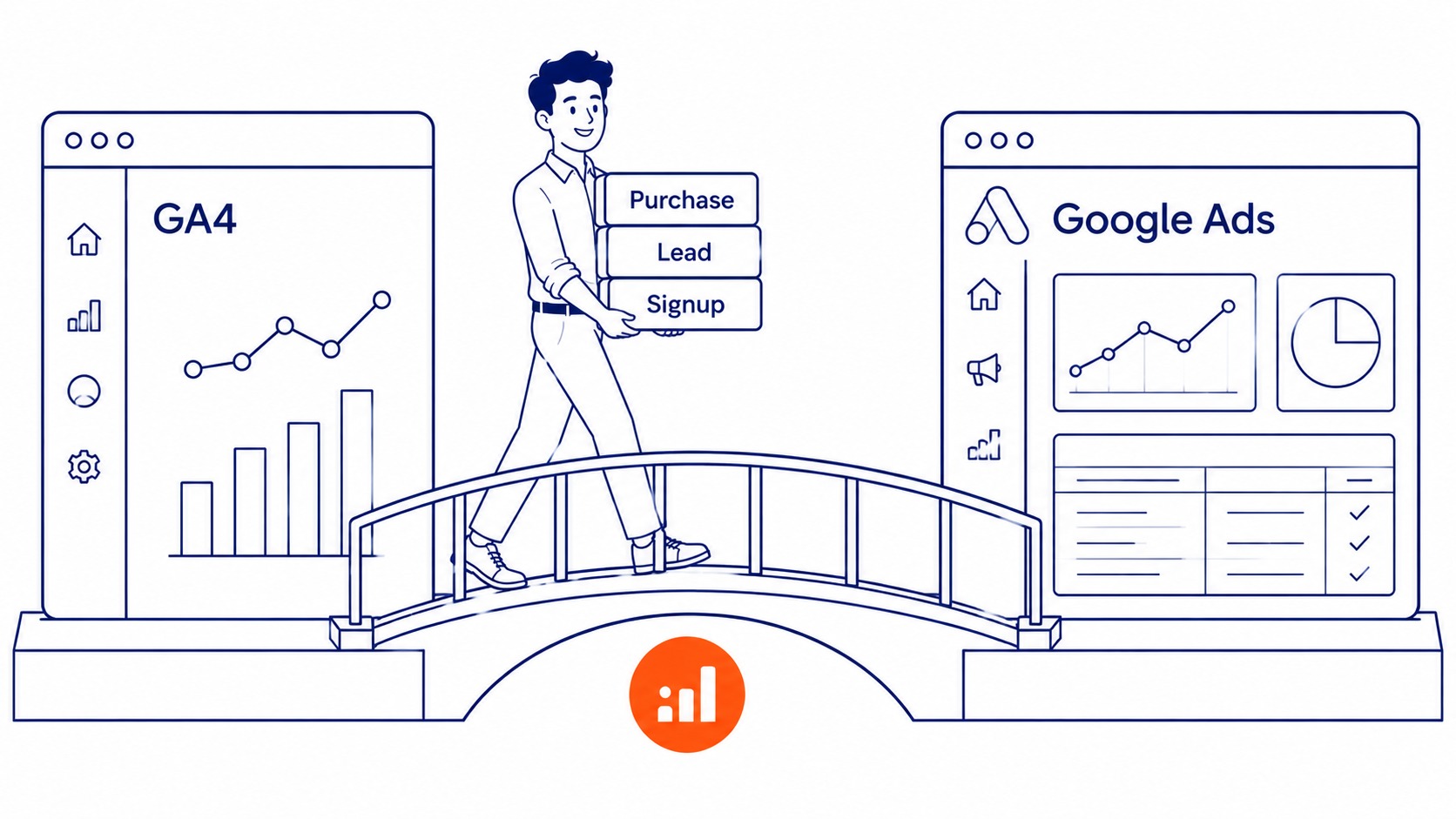
GA4 key events sit inside your Google Analytics property. Form submissions, call completions, purchases: these conversions exist in Analytics first. Linked accounts make them importable directly into your campaigns.
Once the accounts are linked, the framework in how to measure SEO helps connect traffic and conversion data to the specific keywords driving results.
The path: go into your account, Conversions, New Conversion Action, Import. Select your GA4 property. Choose the key events to treat as conversion actions. Submit. These conversions appear in your campaign data and feed bidding strategies like Target CPA.
Worth knowing before you import: these conversions inherit the attribution model set inside GA4. Last-click is the default option. Running automated bidding on last-click attribution against a long sales cycle means the algorithm undervalues every non-final touchpoint. Set the GA4 attribution model correctly first, then import. These conversions will reflect the correct model.
Analytics Audiences and What Your Campaigns Can Do With Them
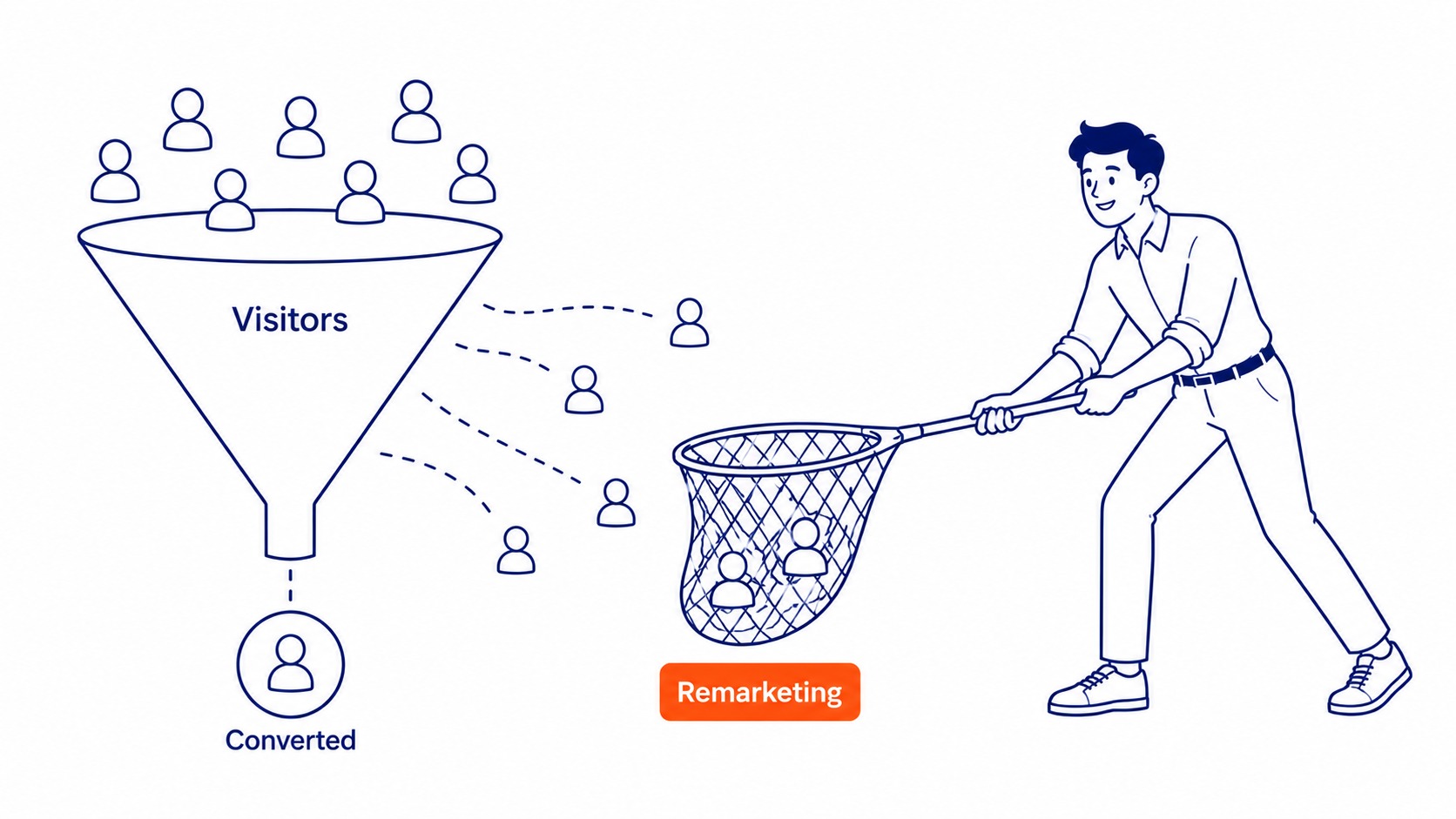
Analytics audiences built in GA4 become available for targeting in your campaigns once the accounts are linked. Not simple remarketing lists. Behavioural segments: users who completed a specific event sequence, users who match a demographic filter combined with a conversion path condition.
Display, Video, and Shopping campaigns benefit most. Search campaigns use analytics audiences as observation layers or bid modifier groups: raise bids for users already showing high intent, exclude users who have already converted.
The practical use is reconnecting with users who left. Someone visited your website, read a service page, did not convert. That user goes into a GA4 audience segment. Your campaigns can reach them again with a different message. Running our website audit often surfaces how much re-engagement traffic already exists and is going unreached, because the audiences were never built. Setting up Google Analytics for an SEO company starts with the industry category, oddly enough.
How to Link Google Analytics to Google Ads
Administrative access is required on both sides. Admin rights on the Google Analytics property and admin rights inside your account: both needed before the link is possible.
In the Google Ads interface: Tools, Data manager, Linked accounts. Find Analytics. Click Link. Your GA4 property should appear in the list. Select it and confirm.
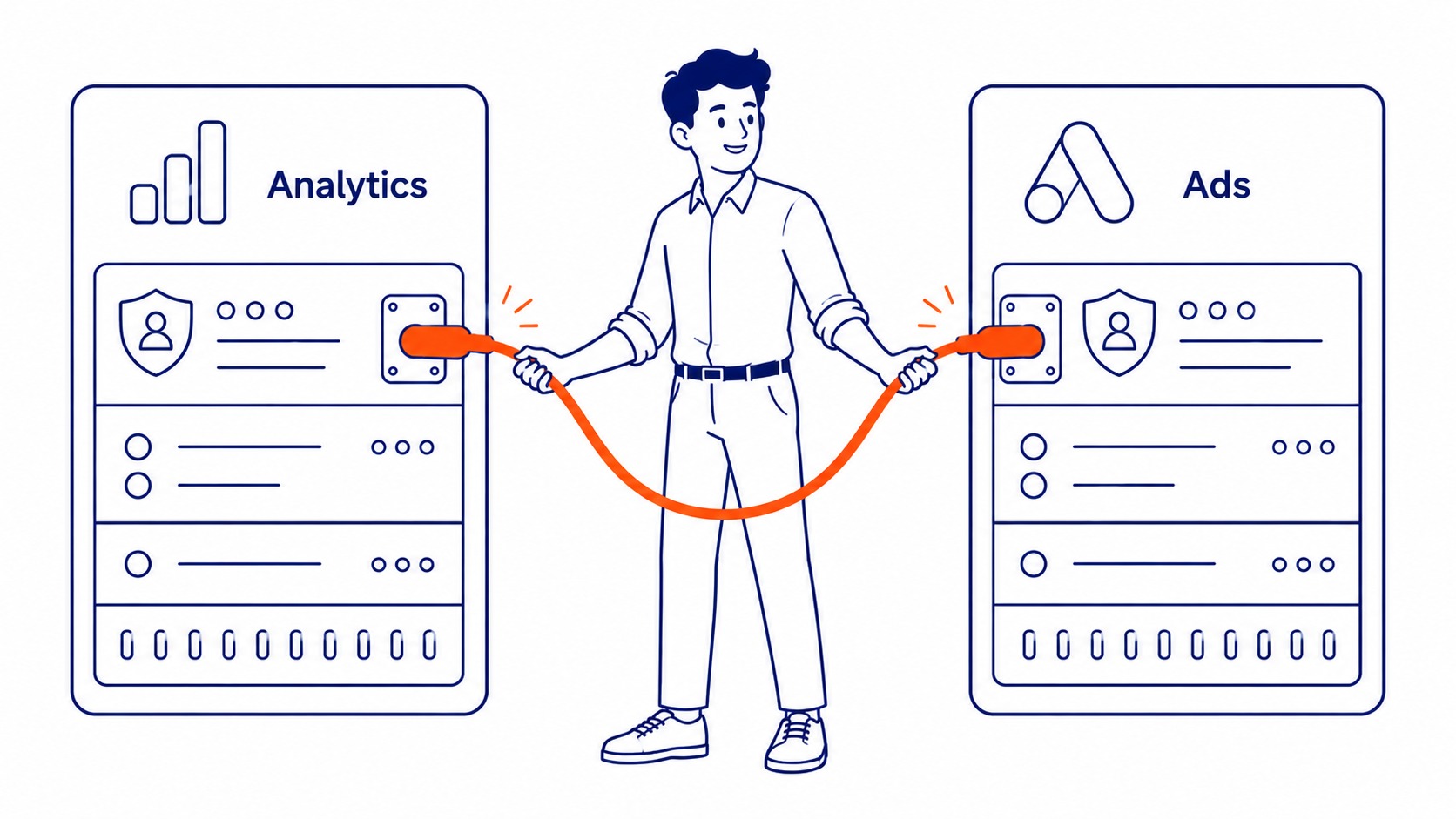
If the property does not appear in the list, check that the email on your account has administrative access on the Analytics property. Email mismatch is the most common reason the property list comes back empty. Once linked, the imported goals still need conversion tracking in Google Ads set up cleanly. Linked data is only useful once you know what conversion on Google Ads means for your account.
Confirming the Link Is Working
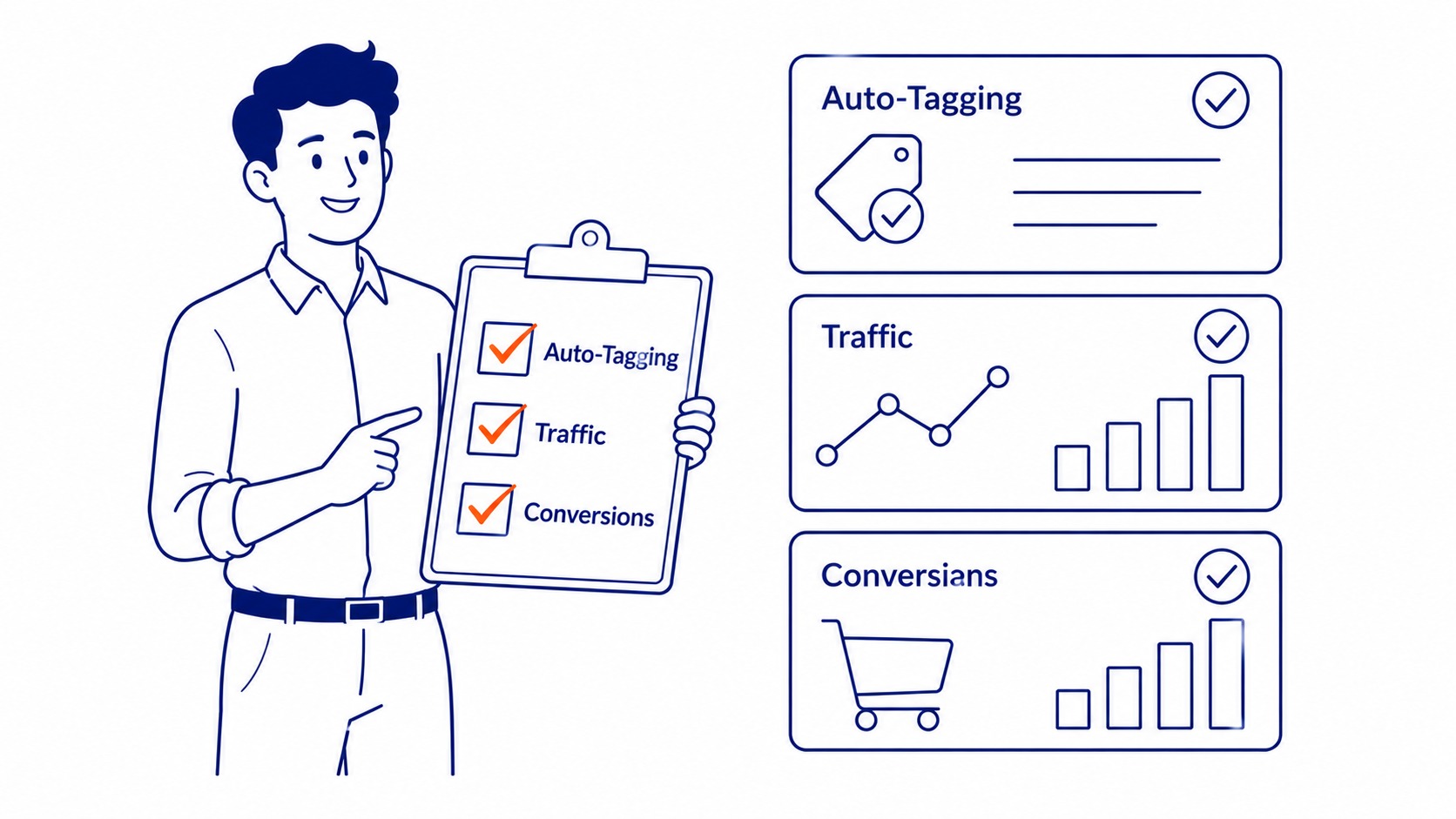
Auto-tagging confirmed on? Traffic from paid campaigns showing in GA4 under Session source/medium as google / cpc? These conversions flowing into the conversion column in your account?
All three should populate within 24 to 48 hours of setup. If any are missing after two days: start with auto-tagging, then admin permissions, then confirm the correct GA4 property was selected.
Alberta businesses running paid search alongside our SEO services should confirm the accounts are linked before they scale spend, and any Calgary SEO agency worth hiring will check it first. That is standard practice at To-The-TOP!. Scale spend before confirming conversion data and the problem only surfaces after the budget is gone.
Marketing teams in Smithers SEO, Spruce Grove SEO, and St. Albert SEO link their analytics and ads accounts to track conversion data accurately.
Frequently Asked Questions

Is Google Ads part of Google Analytics?
Separate products, both from Google. Google Ads: advertising platform. Analytics: the measurement counterpart. The Google Marketing Platform is where both sit. Linking creates a data bridge, not a merged account. Neither platform gains editing access to the other’s settings.
Can you access Google Ads through Google Analytics?
Cost data from your paid campaigns lands in GA4’s analytics reports under Advertising. That read access is what the link provides. Campaign editing still happens in the platform’s own interface. Analytics receives paid search data; it does not send instructions back.
When Google Analytics and Google Ads are linked, how can Google Ads use conversion events from Google Analytics?
Import them directly. Inside your account: Conversions, New Conversion Action, Import, then select your GA4 property. Choose the key events to track as conversion actions. These conversions then appear as available metrics in your account, ready for bidding strategies and performance reporting.
Contact Calgary SEO Company To-The-TOP!
Questions about anything in this article, or about your own rankings? Talk to a Calgary SEO specialist directly.
Phone: (403) 308-5949
Address: 1509 14 Ave SW, Calgary, AB T3C 0W4
Hours:
Monday to Friday: 10:00 am – 7:00 pm
Saturday: 12:00 pm – 4:00 pm
Sunday: closed
