How to Link Your Google Business Profile to Google Ads
Most accounts that come under our Google Ads management arrive with the GBP never connected to Google Ads. The setup takes under five minutes. Left unlinked, your ads run without the location asset attached.
Linking your GBP turns your business address into a location asset Google can attach directly to the ad. Customers see your address beneath the headline. Directions clicks count as conversions. That data feeds back into campaign optimization.
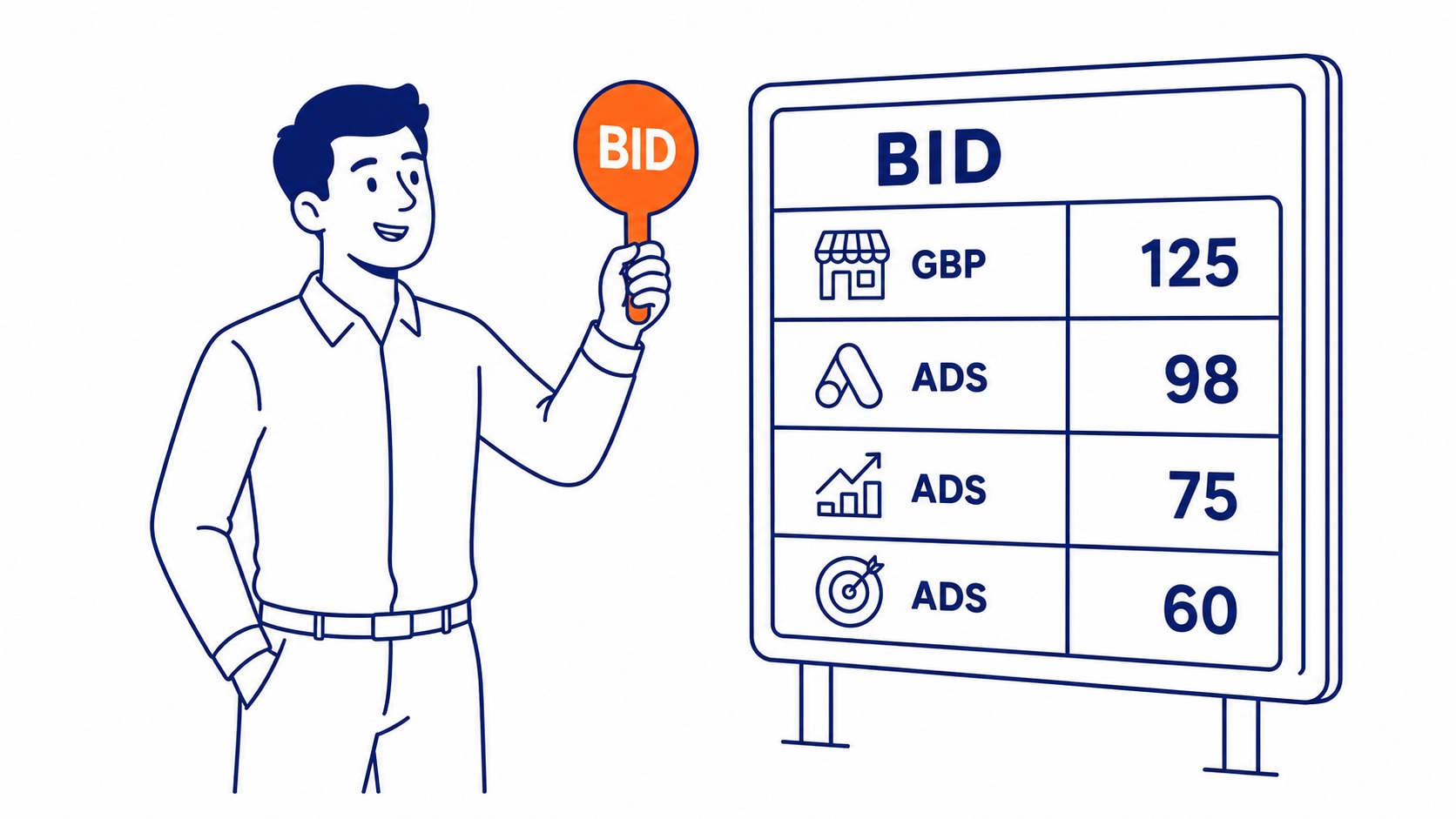
SEO Company To-The-TOP! has managed Google Ads management for Calgary businesses since 2007. GBP linkage is one of the first things we check on every new account. More accounts than you would expect have it missing. This guide covers the exact steps and what to verify once the link is active.
Why the Link Between GBP and Google Ads Matters
Not just an admin task.
What Location Assets Do for Your Campaigns
Location assets attach your business address to the ad. A map pin appears alongside it. Customers nearby see your physical location without visiting your website first. Directions clicks register as conversions in your campaign data.
Unlinked accounts leave that conversion type off entirely. Ads run. Clicks happen. No location signal attaches to your campaigns. Proximity intent never reaches the data you can act on.
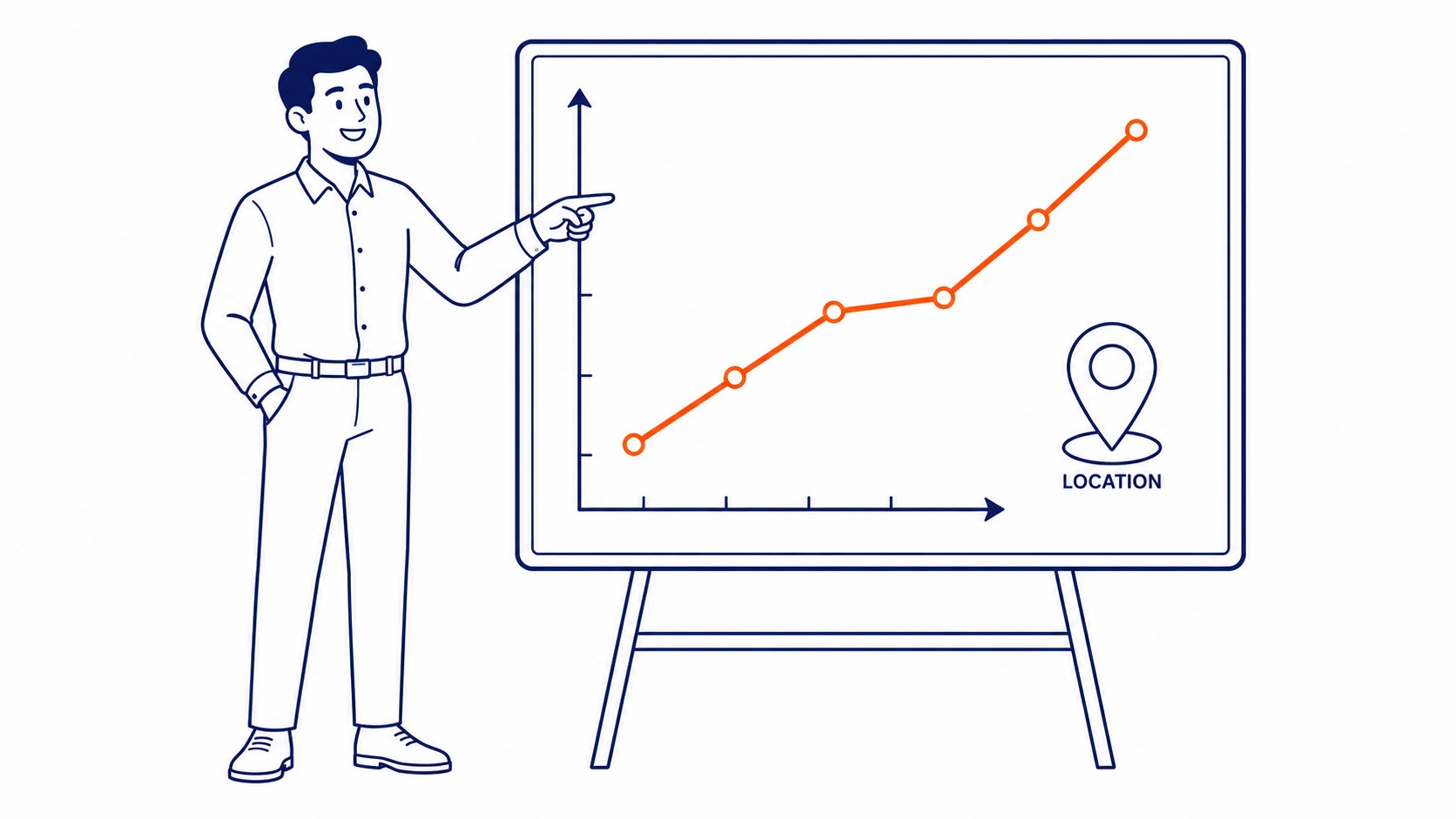
Foot traffic matters to most local businesses. The location asset is how paid search connects to that. A Calgary contractor running ads without a linked GBP is missing how local searchers actually behave. Google Maps placement follows the same logic; your GBP data feeds both the map asset and the search ad. The problem is not the campaign. It is the missing connection.
The Gap Between Linked and Unlinked Accounts
Linked accounts show a map pin and address beneath the ad headline. Unlinked accounts show text only.
For businesses competing on proximity, that visual difference matters. A competitor with their GBP linked and a location asset active presents differently in results. Same budget, equal bids. Different information to the searcher.
Worth fixing before the next billing cycle. None of it works without a linked Google Ads account in the first place.
How to Link Your Google Business Profile to Google Ads
Straightforward once you know the path.
Access the Data Manager
Sign into your Google Ads account. Click the tools icon in the upper right. Under “Setup,” find “Data Manager.” That is where all linked profiles and data connections live.
Older accounts may still show “Linked accounts” rather than Data Manager. Both paths reach the same place. Accounts created before 2023 should check both.
Manager account structures work the same way. Navigate from within the client account. Not from the manager level.
Find the Business Profile Option
Inside Data Manager, look for the Google Business Profile card. Click “Details,” then “Link.” If both accounts share the same Google email, your profile appears immediately.
Different email addresses require a link request. The GBP manager receives an email and confirms from inside Google Business Profile. Allow up to 24 hours.
Confirm the Link Status
After linking, the status should read “Active.” Pending means the request is still waiting. Declined means it was not accepted or expired without action.
If status stays pending beyond 24 hours, check the email connected to your Business Profile. Requests expire if not acted on promptly. Re-send from Data Manager.
For businesses with multiple locations, each location links separately. That step is the same regardless of how many profiles are under the account. Location groups then let you assign specific profiles to specific campaigns.
Apply Location Assets to Your Campaigns
Go to “Assets” under the Campaigns tab. Location assets should appear in the list. Apply at the account level to cover all campaigns at once.
If the asset shows as active but is not serving, check that campaign targeting overlaps geographically with your business. National targeting still serves the asset. It appears when the query carries local intent. Smart bidding also factors in location data once the asset is live.
Review monthly that location assets stay active. Business Profile updates and ownership transfers can trigger deactivation without any notification in your Google Ads account. Video assets follow a similar path, and a YouTube channel link starts on the same Data Manager screen. Location assets are one piece of extension setup in Google Ads; the rest follow the same pattern.
Frequently Asked Questions
How do I add GBP to Google Ads?
Through Data Manager in your Google Ads account. Navigate to Tools, then Setup, then Data Manager. Find the Google Business Profile card and request a link. Accounts sharing the same email connect immediately. Different emails require the GBP manager to confirm from inside Business Profile.
How do I link GMB with Google Ads?
Google My Business rebranded as Google Business Profile in 2021. The process is the same. Data Manager is the connection point in your Google Ads account. Once confirmed, your GBP becomes a location asset available across campaigns.
Is $20 a day good for Google Ads?
Depends on the market and what you are bidding on. In Calgary, $20 per day covers lower-competition service terms. Clicks on those terms typically run $1.50 to $3. High-competition categories like legal and roofing exhaust that before noon. Keyword research determines whether a given budget is realistic. The daily cap matters less than what the budget is chasing.
To-The-TOP! has been handling Google Ads management since 2007. Our SEO service in Calgary also covers the organic side of local search. If your Google Business Profile is not linked or your location assets are not serving, that shows up fast on any account review. Organic and paid search work better together when the foundation is right, which is where a Calgary SEO agency comes in. Questions about your current setup or account structure are welcome. Call (403) 308-5949.
Contact Calgary SEO Company To-The-TOP!
Questions about anything in this article, or about your own rankings? Talk to a Calgary SEO specialist directly.
Phone: (403) 308-5949
Address: 1509 14 Ave SW, Calgary, AB T3C 0W4
Hours:
Monday to Friday: 10:00 am – 7:00 pm
Saturday: 12:00 pm – 4:00 pm
Sunday: closed
