How to Remove Duplicate Keywords in Google Ads
Duplicate keywords show up in almost every account that comes through our Google Ads management work at SEO Company To-The-TOP!. Nothing flags them from the main dashboard. No warning. Just two versions of the same keyword quietly splitting impressions between groups that should never have competed.
Happens gradually. An old campaign gets cloned. Someone builds a new ad group without checking what already exists. Twelve months later, two groups are bidding on the same term in the same match setting. Neither knows the other is there. Budget divides. Learning slows. Costs creep up.
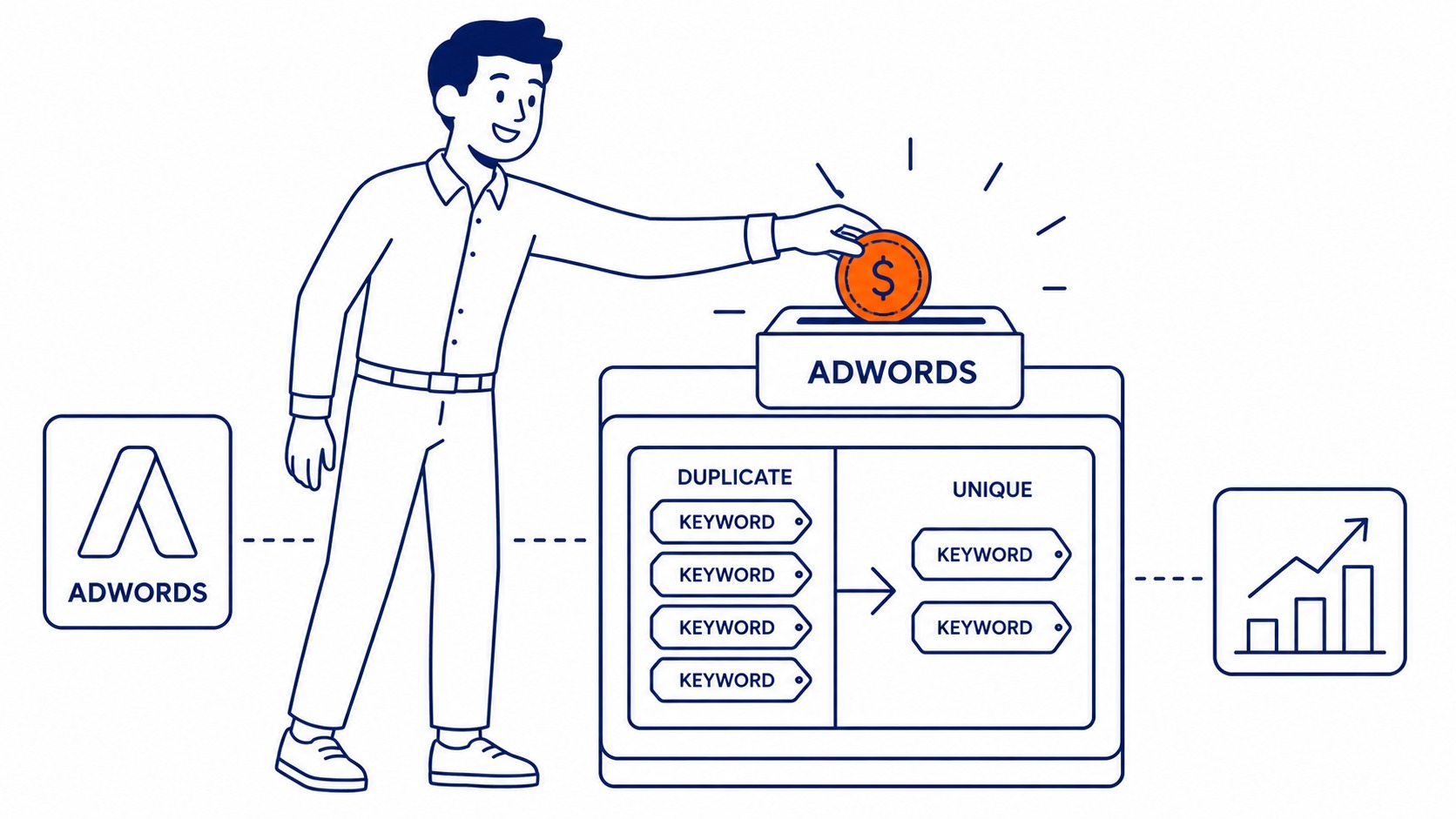
Why Conflicting Keywords Cost You Money
Quiet damage, not obvious damage.
Two identical keywords in separate ad groups enter the same search auction. Google decides which to show. Neither ad group receives full impression volume. Click history builds too slowly to inform Quality Score properly.
For example, one duplicate sits in an ad group with weaker ad copy and a mismatched landing page. Quality Score of 4. The other sits in a tighter group and holds a 7. They split auctions unpredictably. The low-scoring version wins sometimes, inflating CPC on those impressions.
Remove them and the stronger ad group absorbs all the traffic. Quality Score consolidates. Costs per click also drop over the following weeks.

Using Google Ads Editor to Find Duplicates
Built into the tool. Most advertisers miss it.
Google Ads Editor, previously called AdWords Editor, has a built-in duplicate keyword finder under the Tools menu. Manual scrolling misses cross-ad-group conflicts almost every time. The two lists are never shown side by side by default.
Open Google Ads Editor. Download your account. Navigate to Tools, then Find Duplicate Keywords. Set the criteria to same keyword and same match type. Run it.
Results appear in seconds. Each row shows a duplicate pair along with which campaigns hold them. Sort by campaign or by duplicate count. Accounts with dozens of campaigns benefit most from this view; cross-campaign pairs are still the ones manual audits miss.
Pay attention to match type. A broad match and an exact match version of the same words do not count as a true duplicate. They still serve different search queries and do not compete in the same auction. Only keywords with the same match type in two separate groups actually split budget. Cleanup like this counts as one of the safer keyword changes in a live campaign. Duplicates are a fixable problem, no reason to cancel Google Ads over them.

How to Remove Duplicate Keywords Step by Step
Review performance before removing anything.
Export the list from the Editor. For each pair, pull Quality Score, historical clicks, and conversion volume. The stronger performer stays. Pause the weaker version.
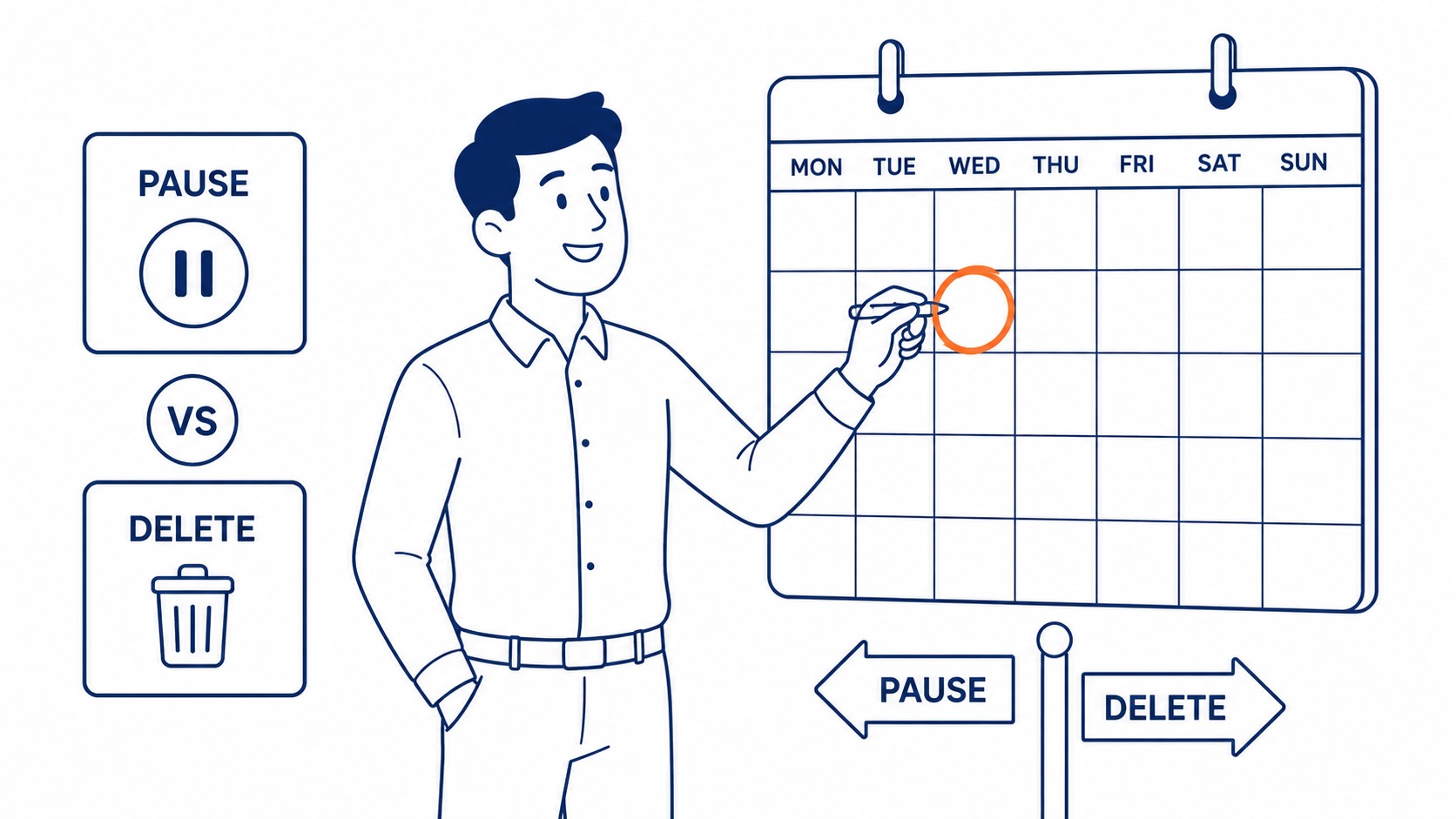
Do not delete immediately. Pausing preserves click history and conversion data tied to that keyword. For example, a duplicate with eight conversions from the last quarter carries data that still informs campaign bids and landing page decisions. Delete it and that record is gone.
Leave the paused keyword in place for seven days. Check that your remaining keyword absorbs the impressions. If performance holds steady or climbs, delete the paused version. Seven days is usually enough. Safer still, campaign duplication in Google Ads lets you test the cleanup without touching the original.
When to Pause and When to Delete
Not always the same decision.
Pause first when the duplicate carries meaningful conversion history. Delete outright when the keyword is under two months old, shows zero impressions, and sits in an ad group you are already restructuring.
Accounts inherited from a previous agency often contain duplicates with uneven histories. One version might have 300 clicks and a Quality Score of 7. The other has six clicks and a 3. Pause the low-data version. Keep the one with campaign history.
Deleting a keyword with six months of Quality Score data costs more than the extra cleanup step. That historical signal compounds over time. Starting fresh on a term that was building authority takes months to recover.
Scripts and Third-Party Options for Larger Accounts
Scripts handle this at scale.
The Editor handles most accounts well. Larger accounts, with dozens of campaigns and hundreds of keyword groups, benefit from an automated script on a schedule. The Pemavor duplicate keyword script is widely used. It scans across all your campaigns, checks keyword text and match type, and logs every duplicate pair to a Google Sheet automatically.
Third-party platforms like WordStream and Optmyzr also flag keyword conflicts inside their account audit dashboards. Useful for agencies running multiple client accounts from one place.
Solid keyword competitive analysis before account setup also prevents most of this. Our Google Ads management work in Calgary includes cross-ad-group conflict checks before any keyword goes live. Removing duplicates after two years of organic account growth takes longer than building your keyword list clean from the start.

For Calgary SEO clients running paid and organic together, knowing which keywords overlap between your ads and your organic rankings is still worth pulling quarterly. That overlap shapes budget allocation on both channels. Our SEO services Calgary engagements address both sides of that question.
Frequently Asked Questions
How do I remove duplicate keywords in Google Ads?
Open the Editor and download your account. Go to Tools, then Find Duplicate Keywords, and filter by same match type. Review the results, pause the lower-performing version of each pair, wait seven days, then delete once the surviving keyword has absorbed the traffic.
Should I pause or delete duplicate keywords first?
Pause first. Deleting removes historical Quality Score data and conversion records from your account. Pausing keeps that data intact while you confirm the surviving keyword is performing as expected.
What counts as a true duplicate keyword in Google Ads?
Same keyword text and same match type in two different locations within the account. A broad match and an exact match version of the same phrase do not compete against each other. They also target different search queries and enter separate auctions.
Can an AdWords script find duplicates across campaigns automatically?
Automated scripts scan across all campaigns on a set schedule. For accounts with more than 20 campaigns, an AdWords script catches keyword conflicts faster than a manual audit each quarter.
Contact Calgary SEO Company To-The-TOP!
Questions about anything in this article, or about your own rankings? Talk to a Calgary SEO specialist directly.
Phone: (403) 308-5949
Address: 1509 14 Ave SW, Calgary, AB T3C 0W4
Hours:
Monday to Friday: 10:00 am – 7:00 pm
Saturday: 12:00 pm – 4:00 pm
Sunday: closed
