
How to Use Screaming Frog to Improve On-Page SEO Fast
The way Google’s own crawler does, Screaming Frog crawls a site. Weeks of manual review get replaced by fast, surfaced on-page SEO problems. Missing title tags. Duplicate meta descriptions. Broken internal links. All of it in one report.
Free for up to 500 URLs. Larger crawls and more advanced features come with paid licenses.
Setting Up the First Crawl
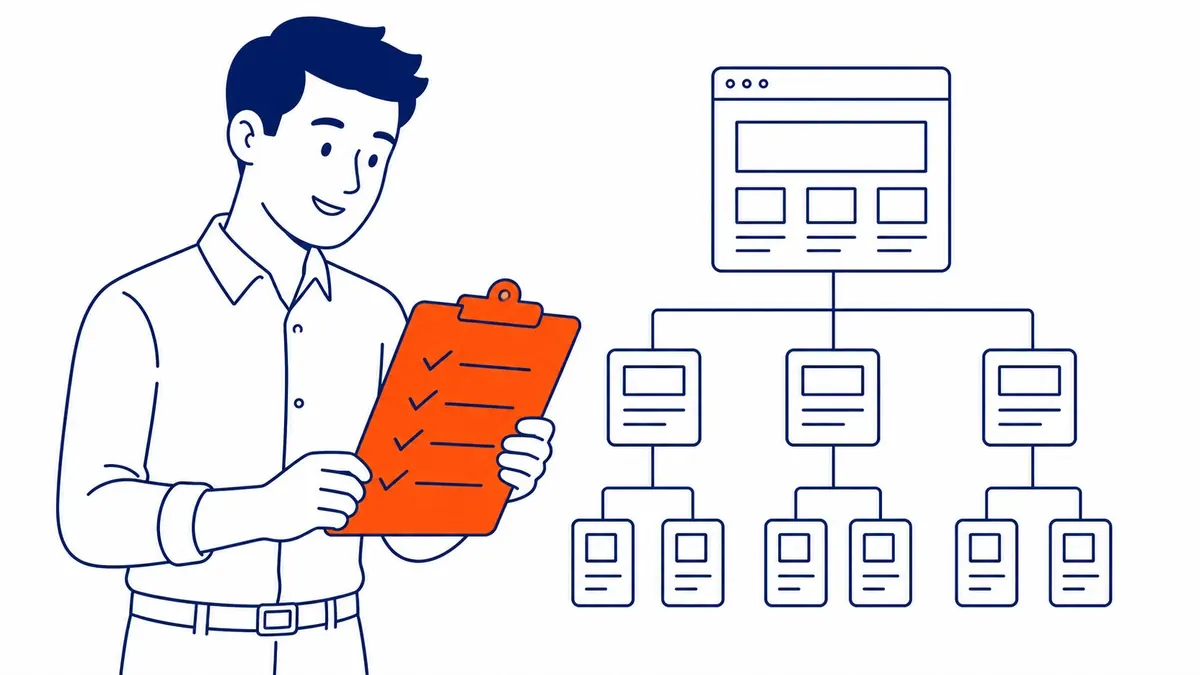
The target domain gets entered into Screaming Frog first, followed by hitting start. Internal links get followed automatically from there, a full site map building itself as the crawl progresses.
Before running anything large, crawl settings need adjusting. Filtered ecommerce parameters and similar URL patterns get excluded, keeping the crawl focused on pages that actually matter for on-page SEO improvements.
Complete the crawl fully before drawing any conclusions. Entire sections can go missing from a partial crawl on a large site. False confidence about the actual state of on-page SEO elements follows from that gap. A crawl is only the starting point of the practical route to improving SEO.
Finding Title Tag and Meta Description Problems
Missing title tags surface immediately in the Page Titles tab. Duplicate and oversized ones too. Sort by length to catch titles Google might truncate in search results.
A real problem worth fixing individually gets signaled by duplicate title tags across multiple pages. Generic, unedited titles on templated pages rank worse than unique, keyword-relevant ones.
The Meta Description tab works the same way. Directly flagged are missing descriptions. Duplicate descriptions across product or service pages become obvious at a glance too. Findings like these are what the verdict on SEO audit usually rests on.
Auditing Header Tags and Content Structure
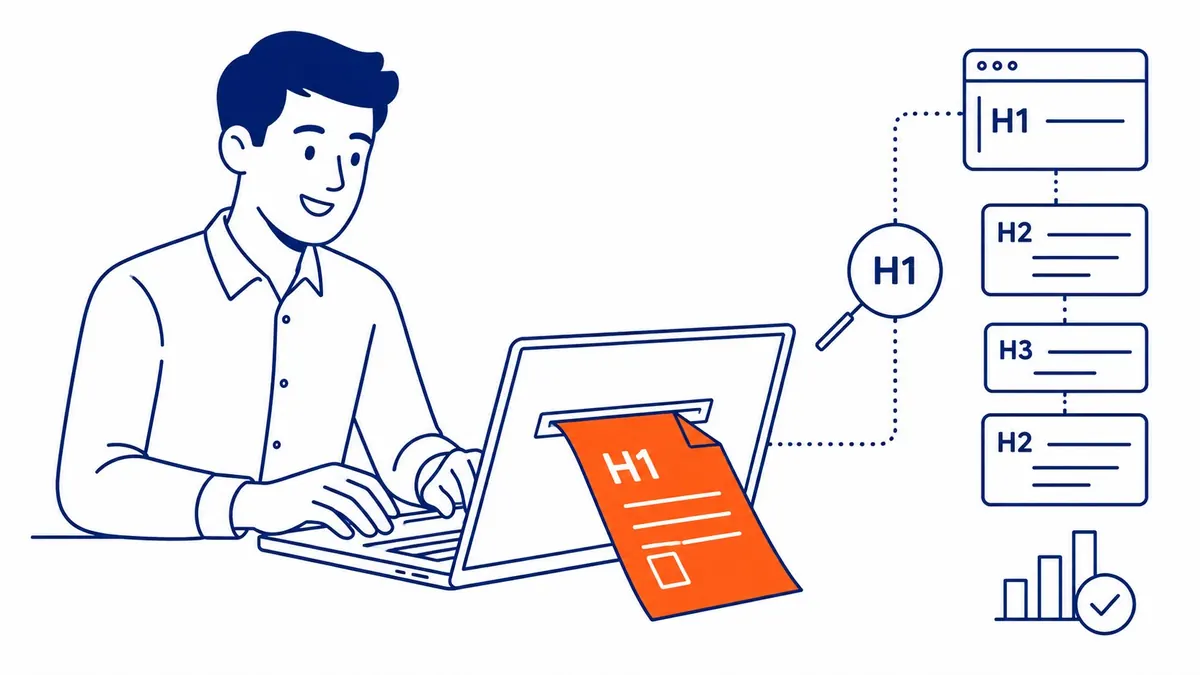
The H1 tab reveals missing or duplicate H1 tags across the site quickly. A structural problem gets signaled either way, whether multiple H1s crowd one page or none exist at all.
Thin content pages get revealed fast by word count data. Pages sitting far below the site’s typical word count for that content type often need expansion. Consolidation with a stronger page works too.
Near-duplicate pages show up in the Content tab too. Search engines get confused when similar or identical content spreads across multiple URLs. Unclear, then, about which page should actually rank for a given term.
Tracking Down Broken Links and Redirect Issues
Every single broken internal and external link found during the crawl gets listed in the Response Codes tab, link by link. Internal ones need fixing immediately, since they waste crawl budget and frustrate real visitors.
Clearly visible too are redirect chains. Crawl efficiency suffers, and the actual user experience slows noticeably, when a page redirects through three or four hops before finally landing.
Fast, measurable improvement often follows cleaning up these issues in a Calgary SEO audit. No content rewriting required at all.
Using Screaming Frog for Deeper Technical Checks
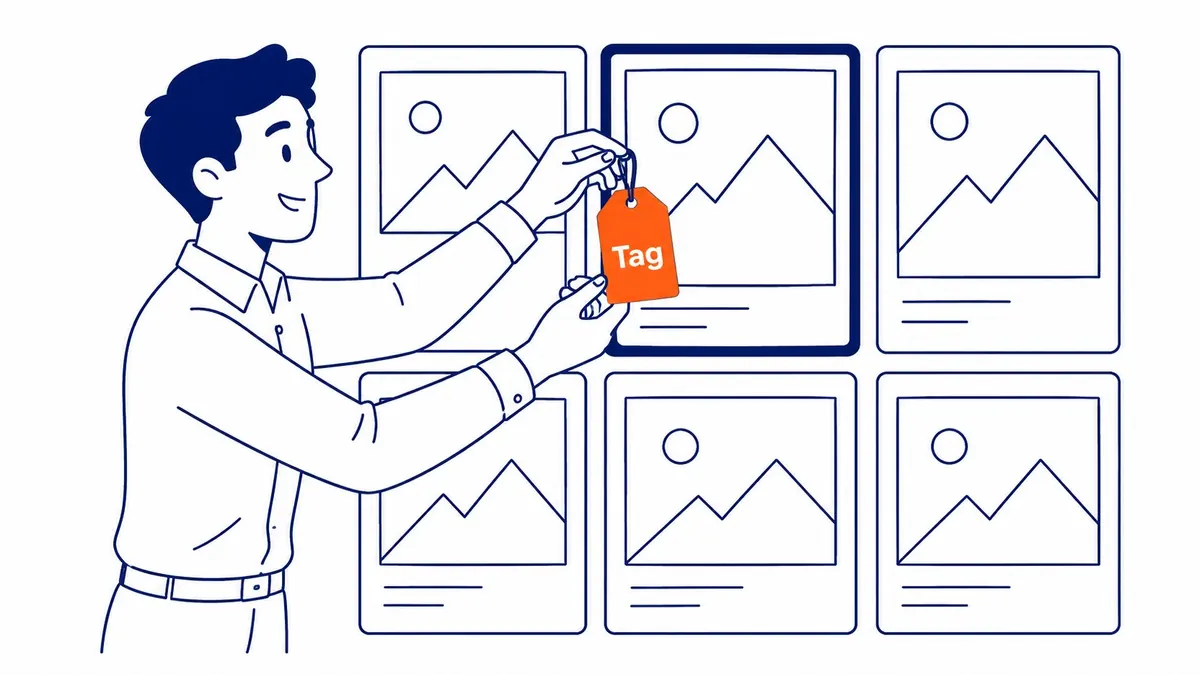
Missing or conflicting canonical signals get flagged in the canonical tags report. Google sometimes gets confused about which version should get indexed, when a page lacks a self-referencing canonical.
Missing alt text across the site shows up in the Images tab. Accessibility and image search visibility both depend on alt text, something frequently overlooked entirely on older sites.
Prioritization gets easier once findings export into a spreadsheet. The sort order should follow page importance and traffic potential. Highest-impact fixes first, not a random walk through the list.
Building an Ongoing Screaming Frog Workflow
Save Screaming Frog crawl configurations once the settings feel right for a specific site. A saved profile gets reused across future crawls in Screaming Frog. Real setup time gets saved on every repeat audit that way.
The built-in scheduler on paid Screaming Frog licenses handles recurring crawls automatically. New issues get caught before they compound across a growing site, through automated on-page SEO checks running weekly or monthly.
Real progress shows up when crawl exports get compared over time in a spreadsheet. Decreasing title tag issues. Fewer broken links and redirect chains. Less duplicate content. Genuine payoff for the on-page SEO work, confirmed by that trend.
Frequently Asked Questions
Is Screaming Frog free to use?
Free for crawls up to 500 URLs, yes, on Screaming Frog. A paid license becomes necessary for larger sites, unlocking additional features like JavaScript rendering and scheduled crawls.
How often should a site get crawled with Screaming Frog?
Monthly suits most active sites well. More regular crawls benefit frequent content publishers on larger sites specifically, catching new issues before they compound.
Can Screaming Frog replace a full technical SEO audit?
Not entirely, though it covers most on-page and technical elements thoroughly. Additional tools become necessary for some factors, like actual page speed under real user conditions. See a full website audit for a more comprehensive technical review.
Contact Calgary SEO Company To-The-TOP!
Questions about anything in this article, or about your own rankings? Talk to a Calgary SEO specialist directly.
Phone: (403) 308-5949
Address: 1509 14 Ave SW, Calgary, AB T3C 0W4
Hours:
Monday to Friday: 10:00 am – 7:00 pm
Saturday: 12:00 pm – 4:00 pm
Sunday: closed